
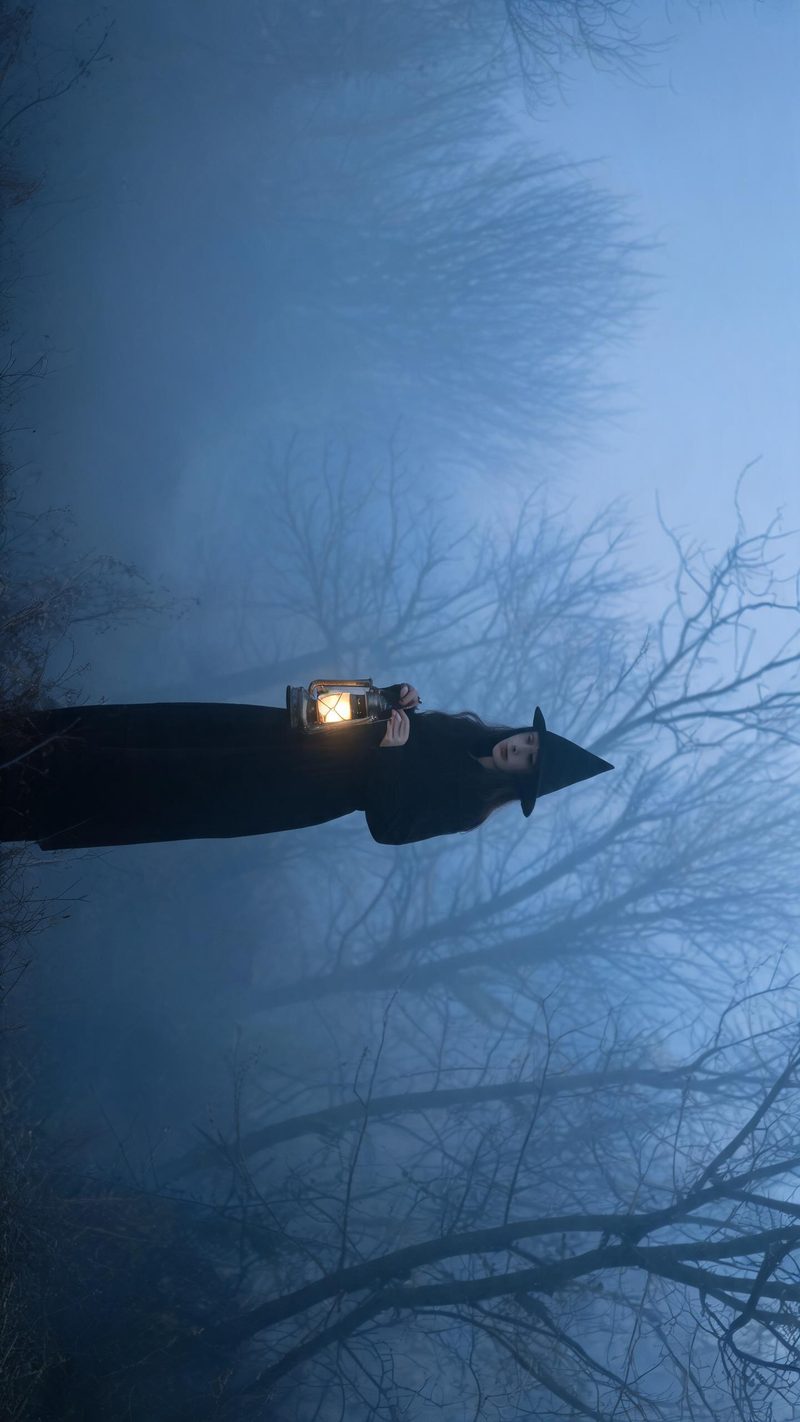
Lantern in fog
A cold blue haze with one warm light source — the most atmospheric of the three, and the one that needs the least from the original photo because the fog swallows the background.
Halloween content starts climbing well before the 31st and peaks in the last fortnight. Upload a portrait, pick a direction, and have a clip ready for the window.
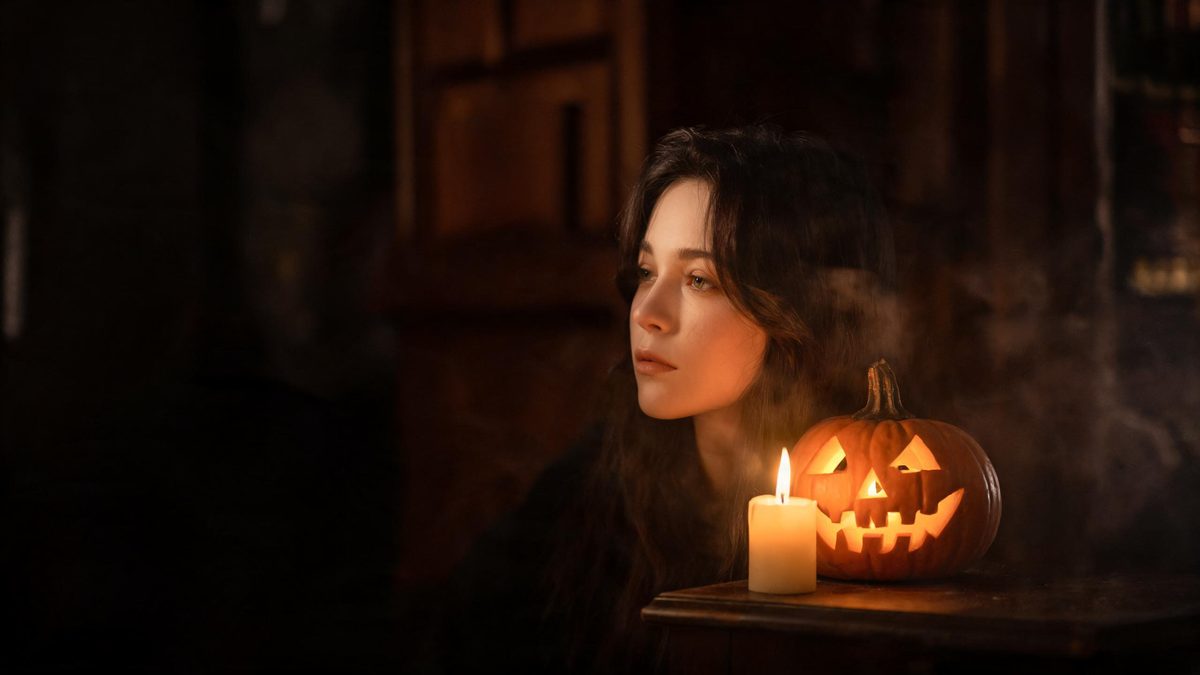
Halloween is a lighting effect more than a costume effect. Candlelight, lantern glow and fog do the work, and they need a dark frame to sit against — which is why almost every clip in this category is low-key rather than bright.
The practical constraint is timing rather than technique. Searches for Halloween video start building weeks out and collapse the day after, so the clip has to exist before the window opens rather than during it.
Three steps, and warm light against a dark frame is the setting that reads best.
Any clear front-facing photo works, since the Halloween lighting replaces the original. A neutral expression gives the direction more room to work.
Candlelit room, lantern in fog, or a street with porch lights and pumpkins. Each carries its own palette and haze level.
The clip renders in seconds. Export vertical for Reels, TikTok and Shorts and publish ahead of the peak rather than on the day.
Three darkness levels, from a costumed portrait to a full atmospheric scene.
A cold blue haze with one warm light source — the most atmospheric of the three, and the one that needs the least from the original photo because the fog swallows the background.
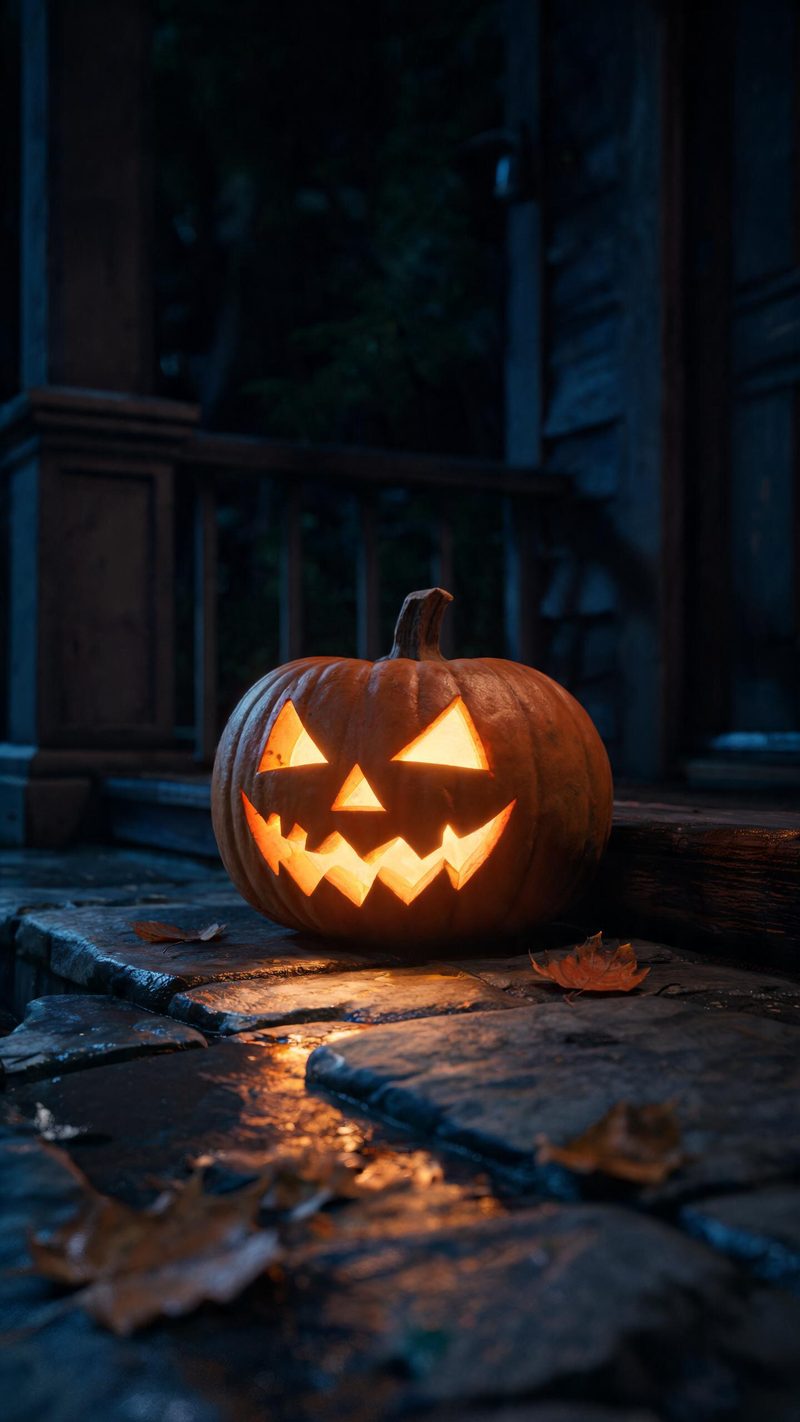
A prop-led shot with no face in frame. Useful when nobody wants to be on camera, and it doubles as a background clip for text-led posts.
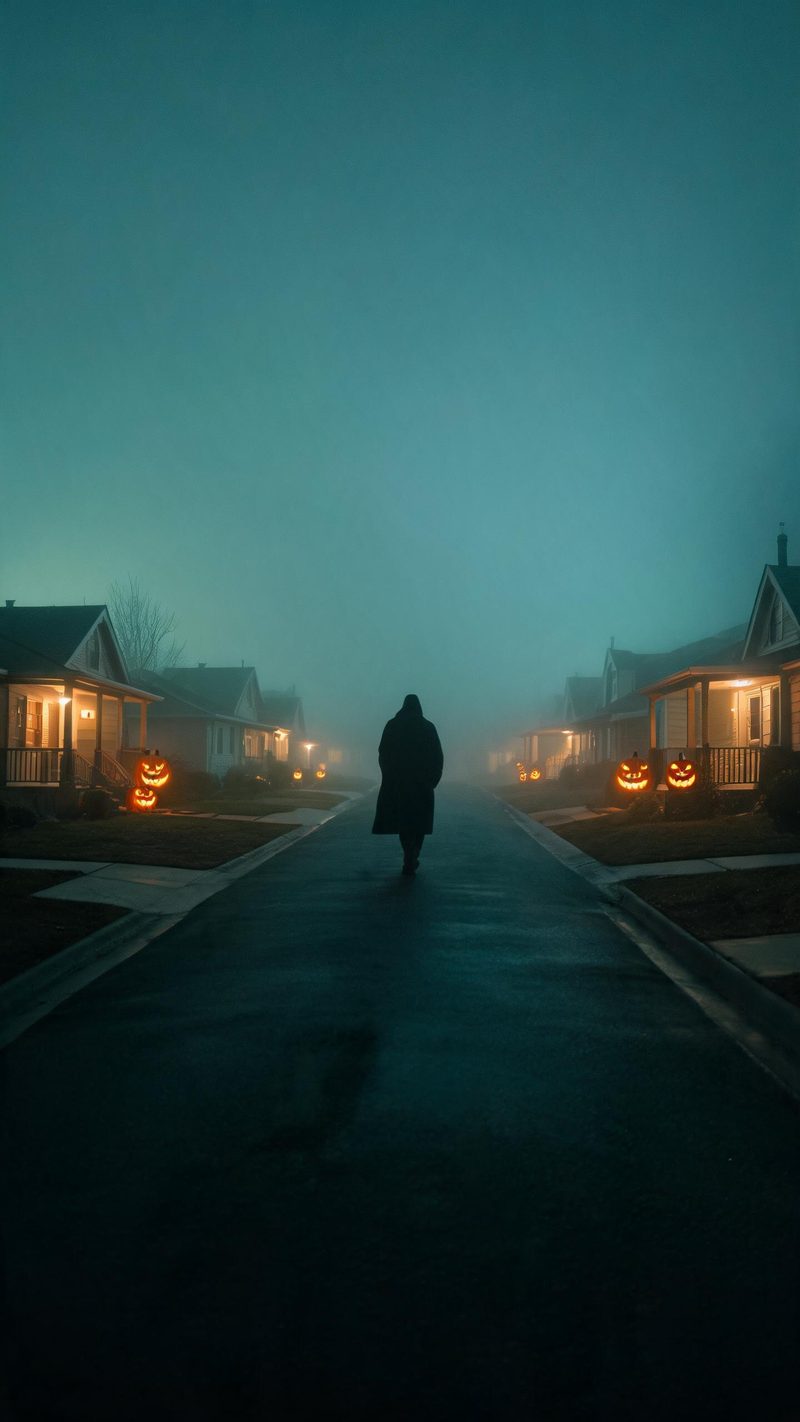
A wider scene with teal and amber grading. The figure reads as part of the environment rather than as the subject, which suits longer, calmer clips.
A seasonal clip is only useful if it exists before the season peaks.
The costume, light and atmosphere are rebuilt around your features and expression, so the clip still reads as you rather than as a stock character.
9:16 for TikTok, Reels and Shorts, 1:1 for feed, 16:9 for YouTube — exported from one project without re-cropping.
Subtitles are generated, styled and burned in with a Halloween-appropriate treatment, and narration is voiced in your audience's language.
Render all three directions from the same photo in one sitting, then schedule them across the two weeks before the 31st.
One photo in, a candlelit clip out. Free to try — no card required.
Ready-made halloween templates in OpenFilmo — open one and drop your photo in.
Scene ideas, prompt libraries and a step-by-step walkthrough for the Halloween effect.