
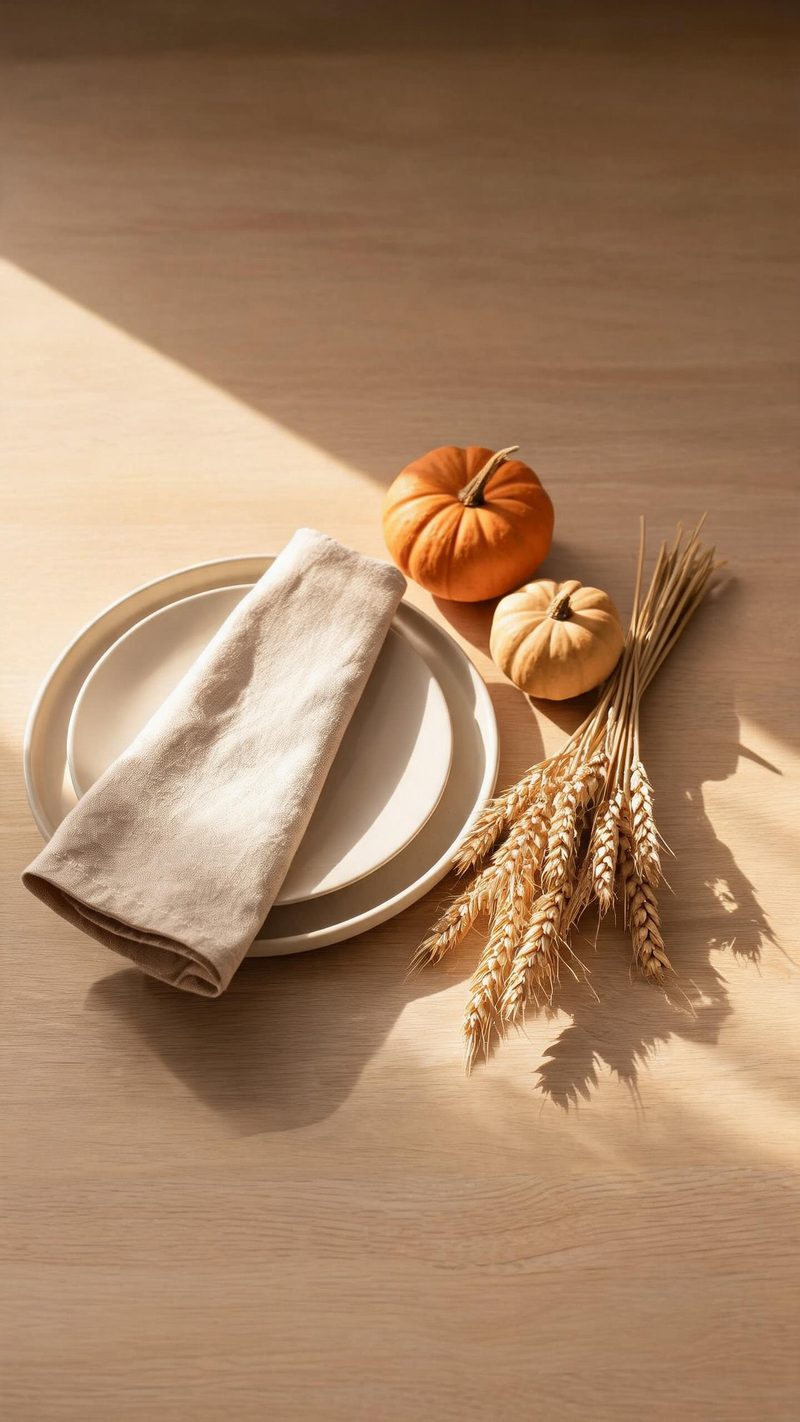
The table setting
Linen, ceramic and autumn produce in raking side light with a long soft shadow. Use this when the table is the subject and you want it to look deliberate.
Thanksgiving photos are usually one good frame in a badly lit room. Upload it and OpenFilmo rebuilds the autumn light — low, warm and raking — into a clip worth keeping.
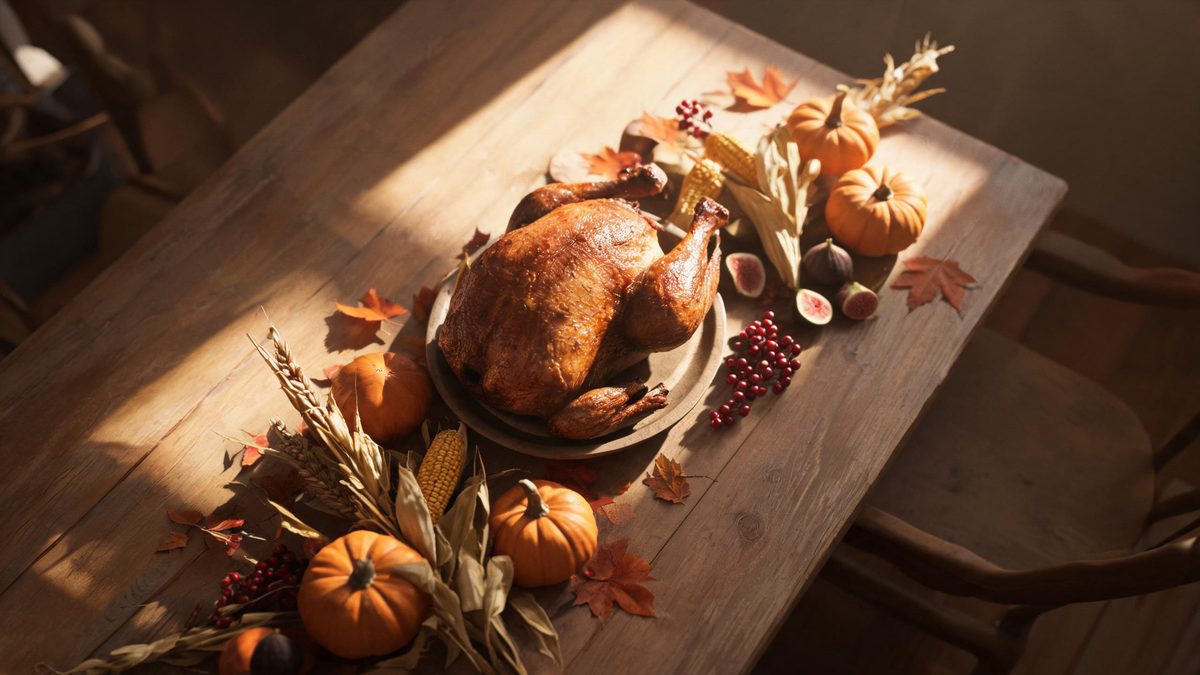
Thanksgiving is shot in the worst light of the year: late afternoon in November, mixed window and ceiling sources, and a table full of people who are not going to hold the pose while you fix it.
This effect works with that. It reads the photo, replaces the mixed lighting with a single low warm source and lets the rest fall into shadow — which is what the room actually looked like to everyone sitting in it.
Three steps, no timeline and no render queue. Most people go from upload to a finished clip in under a minute.
A table shot, a family portrait or a close-up of the food all work. Portrait and overhead angles respond best because they give the light somewhere to fall.
Pick a raking window light, a warm candlelit table, or a quiet harvest still life. Each preset sets its own source height and colour temperature.
The clip renders in seconds at 9:16 for Reels, TikTok and Shorts, with square and 16:9 from the same project.
Three ways to light the same gathering. Pick based on whether your photo is about the table or the people.
Linen, ceramic and autumn produce in raking side light with a long soft shadow. Use this when the table is the subject and you want it to look deliberate.
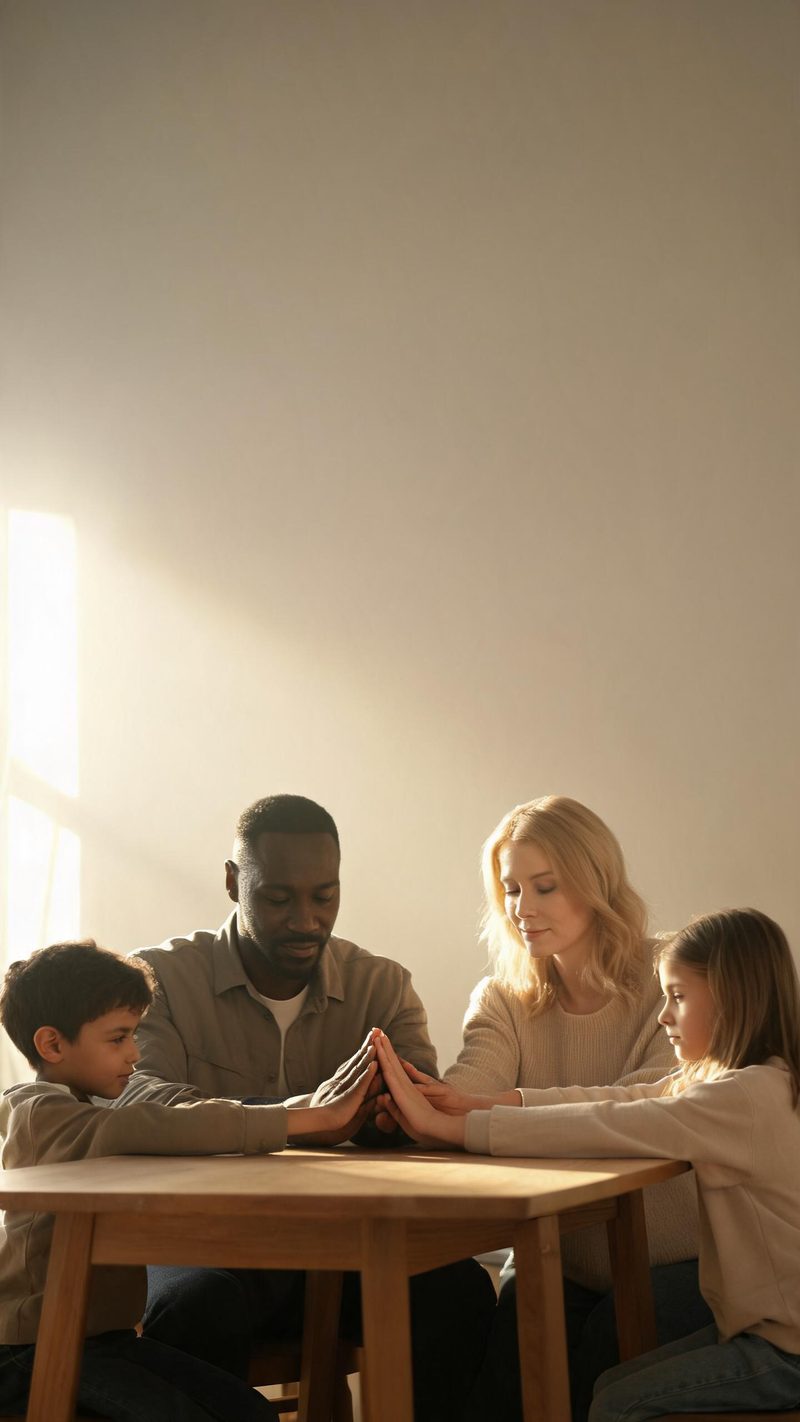
Several people held in warm window light with the background going quiet. This is the pick for family photos where the faces matter most.
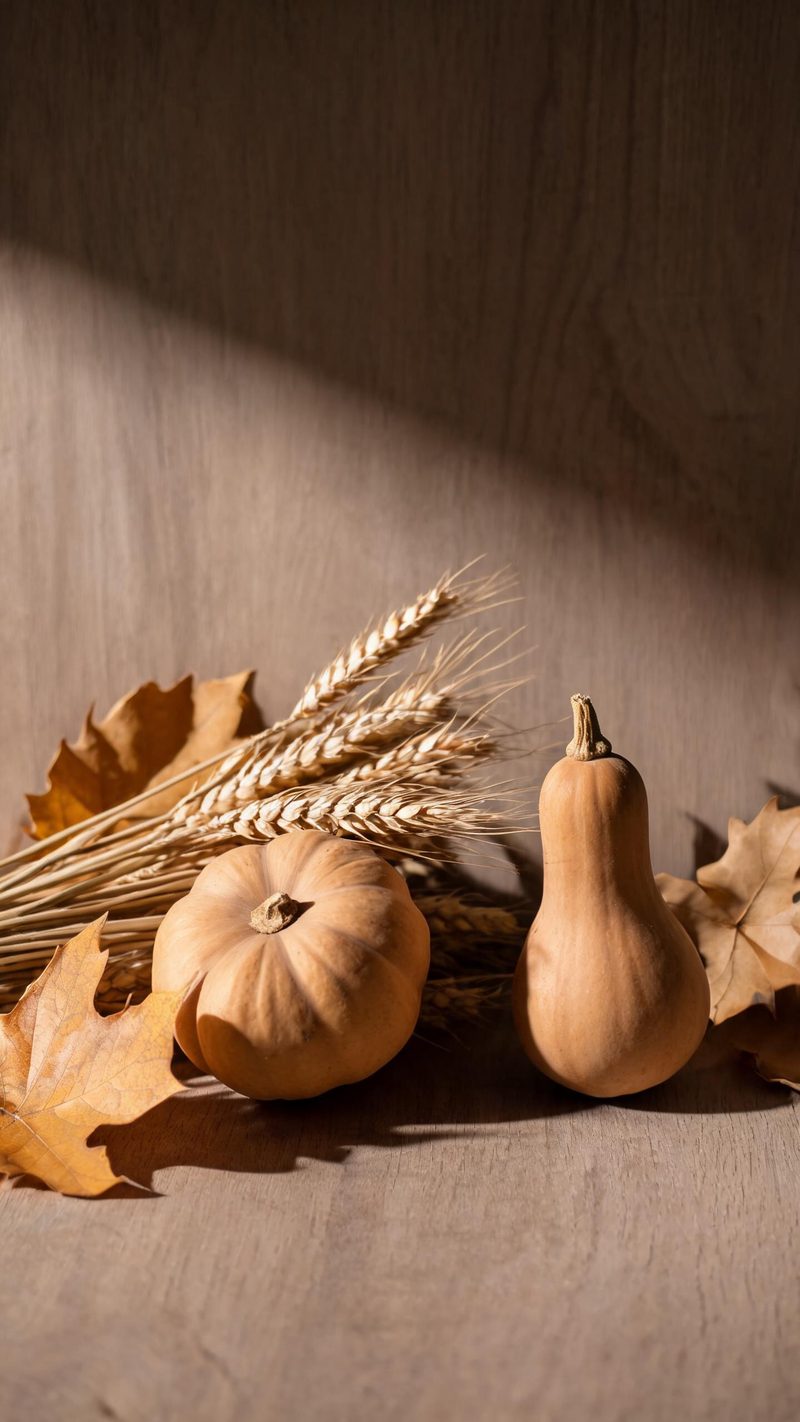
Gourds, wheat and dried leaves in muted earth tones, closely cropped. Best as a cutaway or an opening frame before the people appear.
Mixed indoor light is the hard case for any style tool. The test is whether the result still looks like the room.
Warm autumn light is where most presets push too far. Here the warmth sits in the source and the falloff, not across the whole frame.
9:16 for TikTok, Reels and Shorts, 1:1 for feed, 16:9 for YouTube — exported from one project without re-cropping.
Subtitles are generated, styled and burned in, and the narration is voiced in the language your audience scrolls in. No second tool needed.
Generate alternate hooks and looks from the same photo, then let performance pick the winner instead of gambling on a single render.
One photo in, a warm autumn clip out. Free to try — no card required.
Scene ideas, prompt libraries and a step-by-step walkthrough for the Halloween effect.