
A Halloween Party Invitation You Can Send Tonight
A text invitation gets read, acknowledged and forgotten. A short clip sets a tone instead, and with the two faceless directions the frame stays clear enough for the details to be legible.
A text invitation gets read, acknowledged and forgotten. Twelve people reply that it sounds fun and six turn up, because a block of text about the address and the start time creates no intention. A short clip does a different job: it sets a tone, and it makes the date feel like an event rather than a calendar entry someone has to be reminded about.
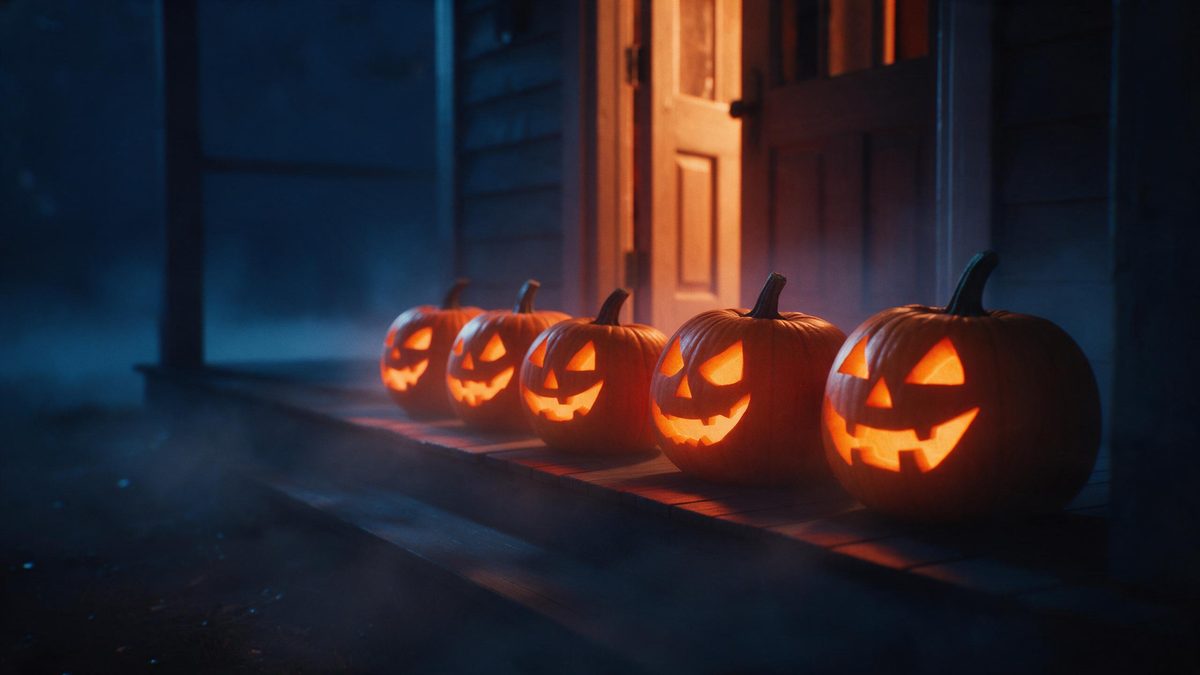
Two of the three directions suit this precisely. Carved pumpkin and night street contain no face at all, so the footage is pure setting: you lay the time, the address and the dress note over the top and nothing competes with the words. You supply one clear portrait as the input, and the result can carry the scene without putting anyone on camera.
What it does
Built for this specific job, not a generic editor.
Directions made for text
Carved pumpkin and night street contain no face at all, so nothing behind your words pulls the eye. That makes them well suited to invitations where the address and time need to be the readable part of the frame.
From a single still
One clear, front-facing, well-lit photo is the input, and the costume, the setting and the light are generated from it. Where an invitation needs no presenter at all, the faceless directions keep faces out of the finished result, leaving the words to carry the frame.
Sized for the channel
Export 9:16 for Stories and messaging apps, where a vertical frame fills a phone screen. 1:1 suits a feed post that sits next to your other images, and 16:9 is the shape to use for an email header or a player embedded in a page.
No editing step
Upload, choose a direction, download. There is no timeline to assemble, no music licence to arrange, and no editing experience required between the render finishing and the moment you press send on the invitation. The whole thing fits into one sitting.

How it works
Four steps, no timeline to learn.
Fix the details first
Write the date, the time, the address and any dress note before you render anything. Having the wording settled means the clip only has to carry it, and you are not rewriting copy after the file has already been exported.
Upload one photo
Open the Halloween effect and add a clear, front-facing, evenly lit portrait. The render handles costume, scene and lighting, so nothing else needs preparing beforehand and nothing needs to be bought for the shot.
Choose a background direction
For an invitation, carved pumpkin and night street are the safer picks: they contain no face, leaving the frame free for your text. Lantern in fog suits a more personal message than a general notice.
Export and send
Pick 9:16 for chats and Stories, 1:1 for a feed post, or 16:9 if the invitation is going into an email. Download the finished file and send it the same evening, while the date is still recent enough to act on.
What people use it for
The jobs this actually gets used for.
House party
A short clip with the address over it reads as an event rather than a reminder. Send it a week ahead and again the day before, so the date stays visible in the thread instead of scrolling out of sight.
Neighbourhood and school groups
Group chats bury plain text within the hour. A vertical clip survives the scroll, and the faceless directions keep it appropriate for a mixed audience you do not know especially well.
Workplace socials
A setting-led clip circulates more easily than one with a colleague rendered into a costume, especially in a workplace where the invitation gets forwarded. Put the practical details in the caption underneath and keep the footage neutral.
Save-the-date
Post it in the first half of October rather than on the 30th. Interest builds through the month and falls away immediately after the 31st, so an early clip gets read more than once and answered properly.
Why the faceless directions suit an invitation
Legibility before atmosphere.
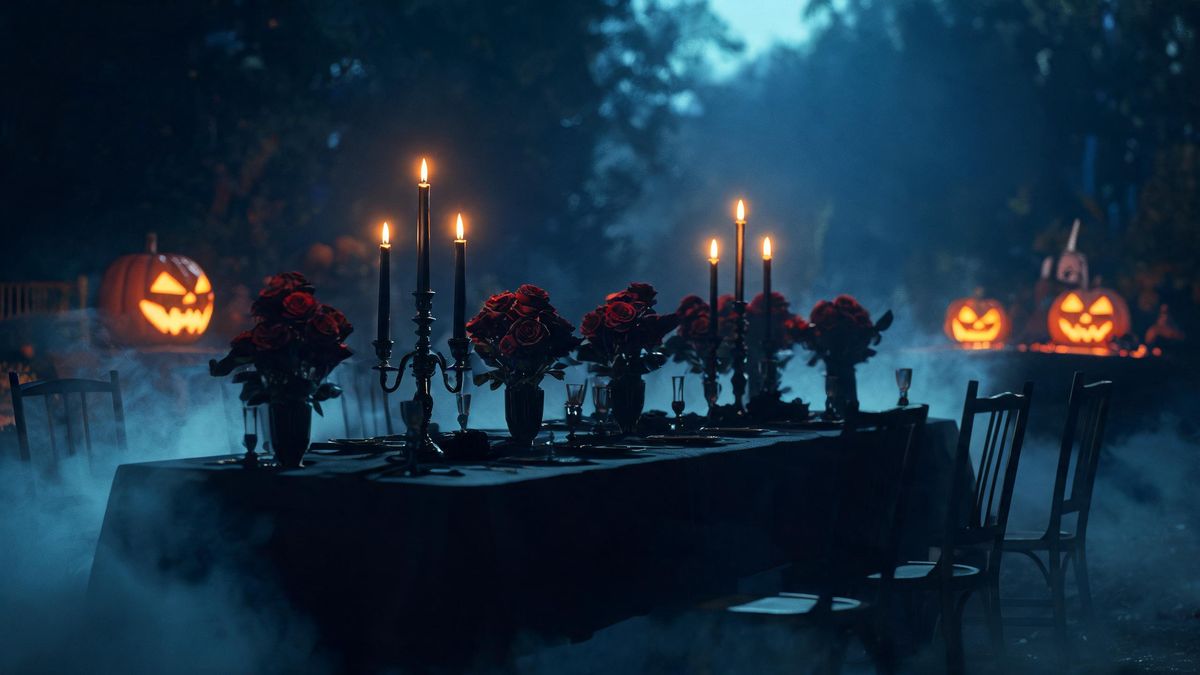
Most seasonal footage fails as an invitation for an unglamorous reason: too much is happening where the words need to go. A face in the frame pulls attention to the centre, and text placed over it becomes hard to read on a phone held at arm's length. Carved pumpkin and night street avoid that completely. They contain no face, so the frame is setting only, and your address and time sit on a stable background.
The second reason is audience. An invitation circulates: it gets forwarded to partners, dropped into a school group and reposted by someone you did not invite in the first place. Footage without an identifiable person travels further and raises fewer awkward questions than a clip with someone's face rendered into a costume. Choosing a setting-led direction is the safer default when you do not control where the message ends up. It also ages better if the event changes.
Timing decides whether any of this matters. Attention accumulates across October and disappears the moment the 31st passes, which means an invitation sent in the first half of the month has room to be forwarded, answered and remembered. One sent on the morning of the party competes with everything else arriving that day, and the usual result is a reply of maybe, followed by nothing. Early is the only real advantage available to you here.
Credits and plans
Every tool draws on one shared credit balance.
Rendering an invitation clip uses the same credits as any other Halloween render. Free accounts get 30 credits per month with no credit card; Starter is $9 for 400 credits, Pro is $19 for 1,000 and Studio is $59 for 4,000. The credit cost is shown before you confirm, so you see the exact figure on the render step rather than discovering it afterwards.
Related guides
Longer reads on the same workflow, from the OpenFilmo blog.
Text in AI Video: Why It Breaks and What to Do Instead
Why AI video models garble text and logos, what actually works instead, and a production workflow for adding typography to generat…
AI Video Prompt Formulas That Hold Up in Production
Prompt structures that work for AI video: subject, motion, camera, time and style — with tested formulas, failure patterns and a m…
Image to Video AI: Animate Any Photo in Seconds
A complete guide to image to video AI: what makes a good source image, how to write motion prompts, top use cases, and how to fix …
Related tools
Closely related pages on the same problem.
Frequently asked questions
Which direction should an invitation use?
Carved pumpkin and night street. Both contain no face at all, which leaves the frame free for the time, the date and the address. Lantern in fog puts a person in shot, which suits a personal message from you better than a general notice.
Do I need to appear in the clip?
You supply one clear, front-facing, well-lit portrait as the input, but the setting-led directions keep faces out of the finished result. That means an invitation can carry only the scene and your own text, which is often what a wide audience prefers.
What size should I send?
9:16 for chats, Stories and Reels, where a vertical frame fills the screen and the text stays large. 1:1 suits a feed post. 16:9 is the one to use for an email header or for a player embedded in a page or an event listing.
When should I send it?
Earlier in the month rather than on the day itself. Interest in Halloween builds steadily through October and falls away immediately after the 31st, so a clip sent in the first half has time to be forwarded, answered and actually acted on.
What does a render cost in credits?
The credit cost is shown before you confirm, so the number is visible on the render step before anything at all is spent. Free plans include 30 credits a month without a card, and paid plans raise the monthly allowance from there.
Halloween effect templates
Ready-made halloween templates in OpenFilmo — open one and drop your photo in.