
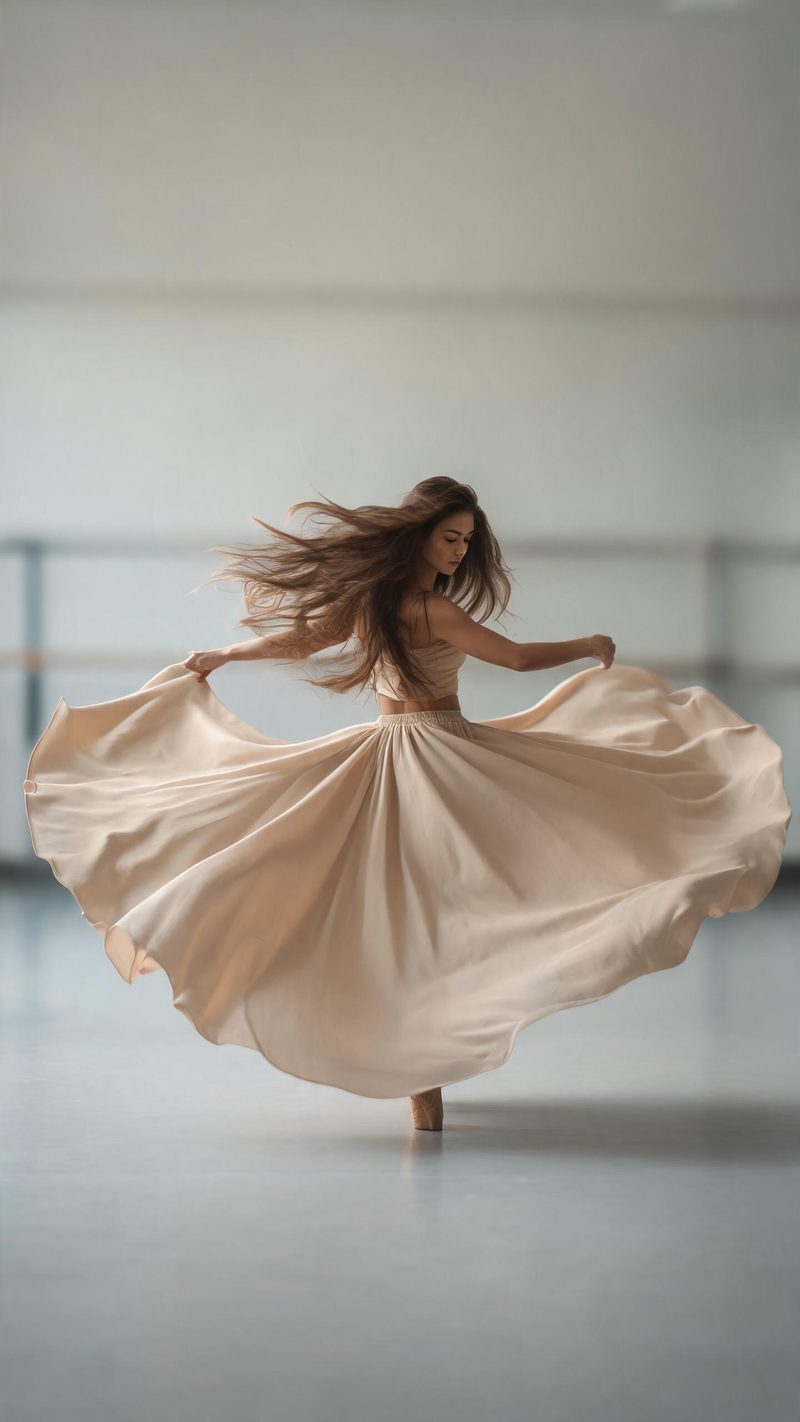
The spin
A full rotation with the fabric flaring into a circle. Best on a photo with a skirt or loose clothing, because the movement needs something to carry.
Dance clips are the highest-reach format on short video and the hardest to shoot well. Upload a still and OpenFilmo generates the movement — limbs, fabric and timing — as a vertical clip you can post.
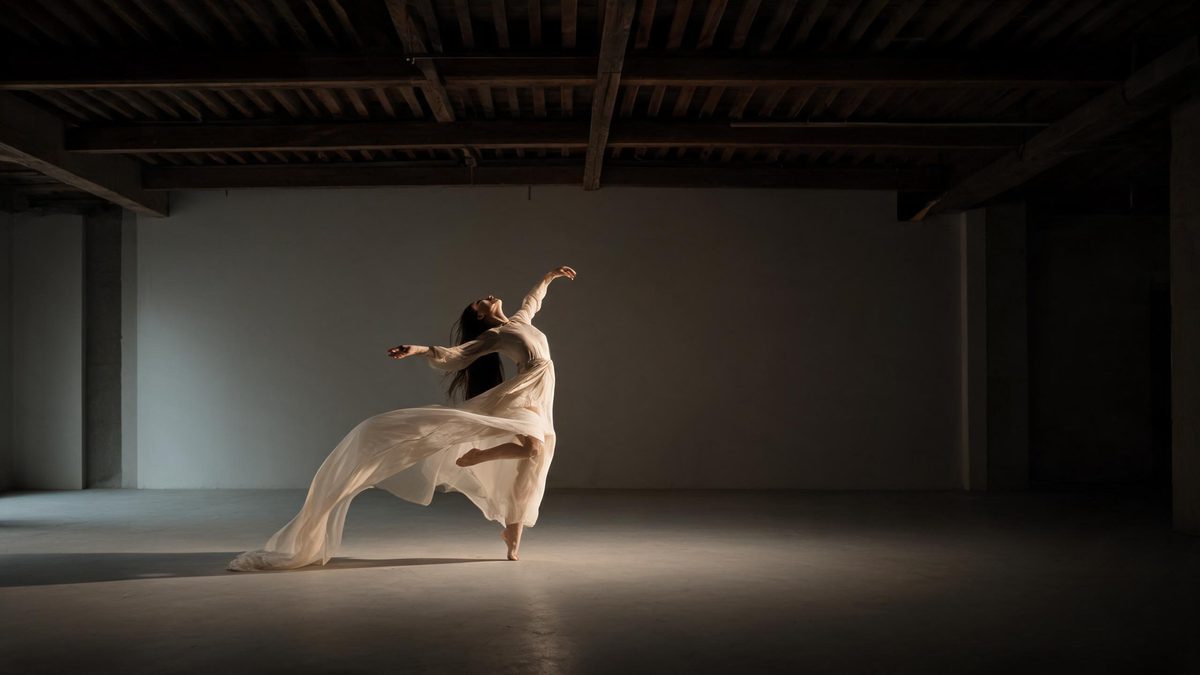
Dance trends spread because they are watchable on a loop, but shooting one requires a dancer, a space and a take you are willing to post. Generating one from a still removes all three.
The hard part of dance is that the movement has to be coherent — the limbs have to agree with each other and the fabric has to follow the motion rather than clip through it. That is what the model is doing with your photo.
Three steps, no timeline and no render queue. Most people go from upload to a finished clip in under a minute.
A full-body or three-quarter shot works best, with the limbs visible and not cropped at the frame edge. Tight head-and-shoulder crops give the model too little to animate.
Choose a spin, a grounded street-style groove, or a soft continuous flow. Each preset sets its own tempo and how far the motion carries.
The clip renders in seconds at 9:16 for Reels, TikTok and Shorts, with square and 16:9 from the same project.
Three movement types. Pick based on what the photo is already doing.
A full rotation with the fabric flaring into a circle. Best on a photo with a skirt or loose clothing, because the movement needs something to carry.
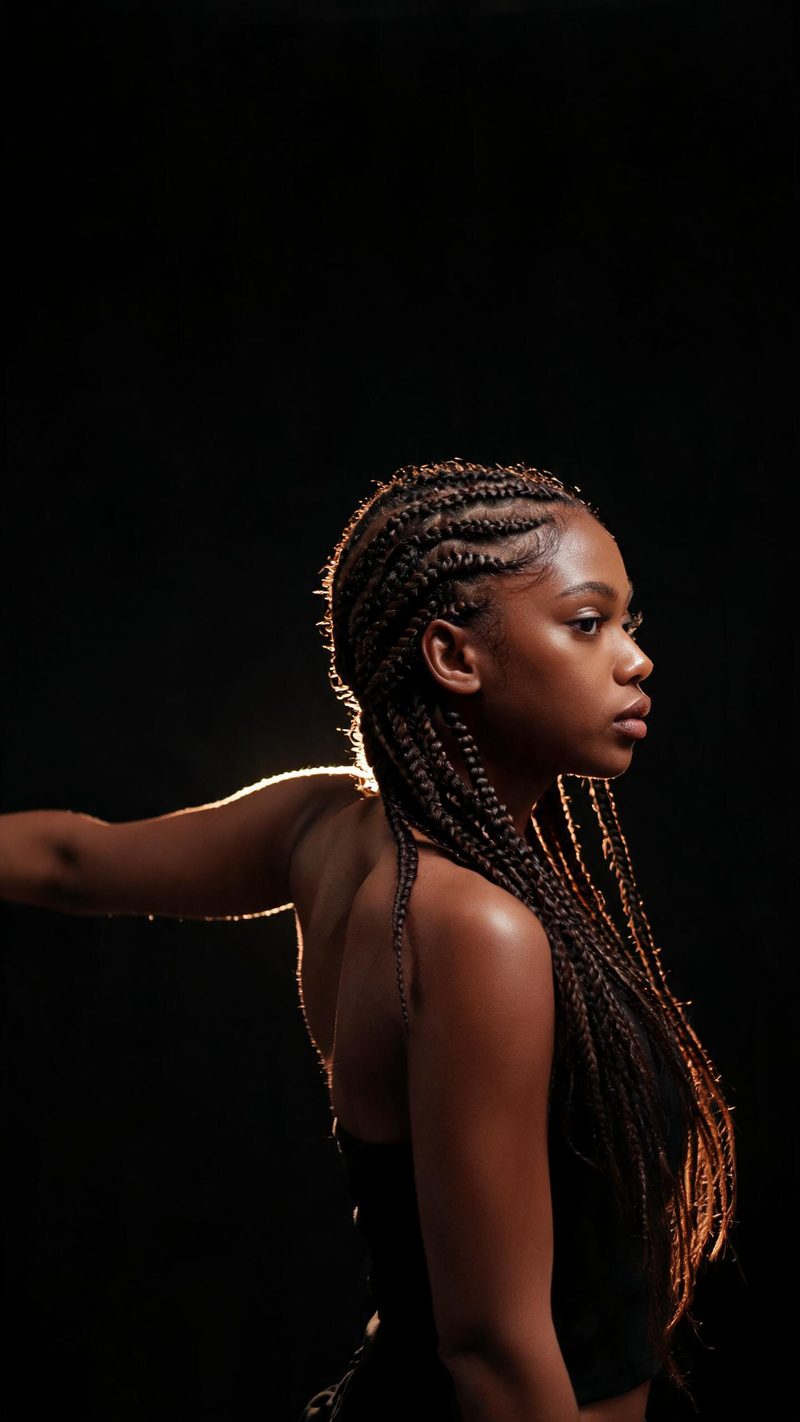
Arms and shoulders leading, warm rim light catching the edge. The pick when your photo is framed closer than full body.
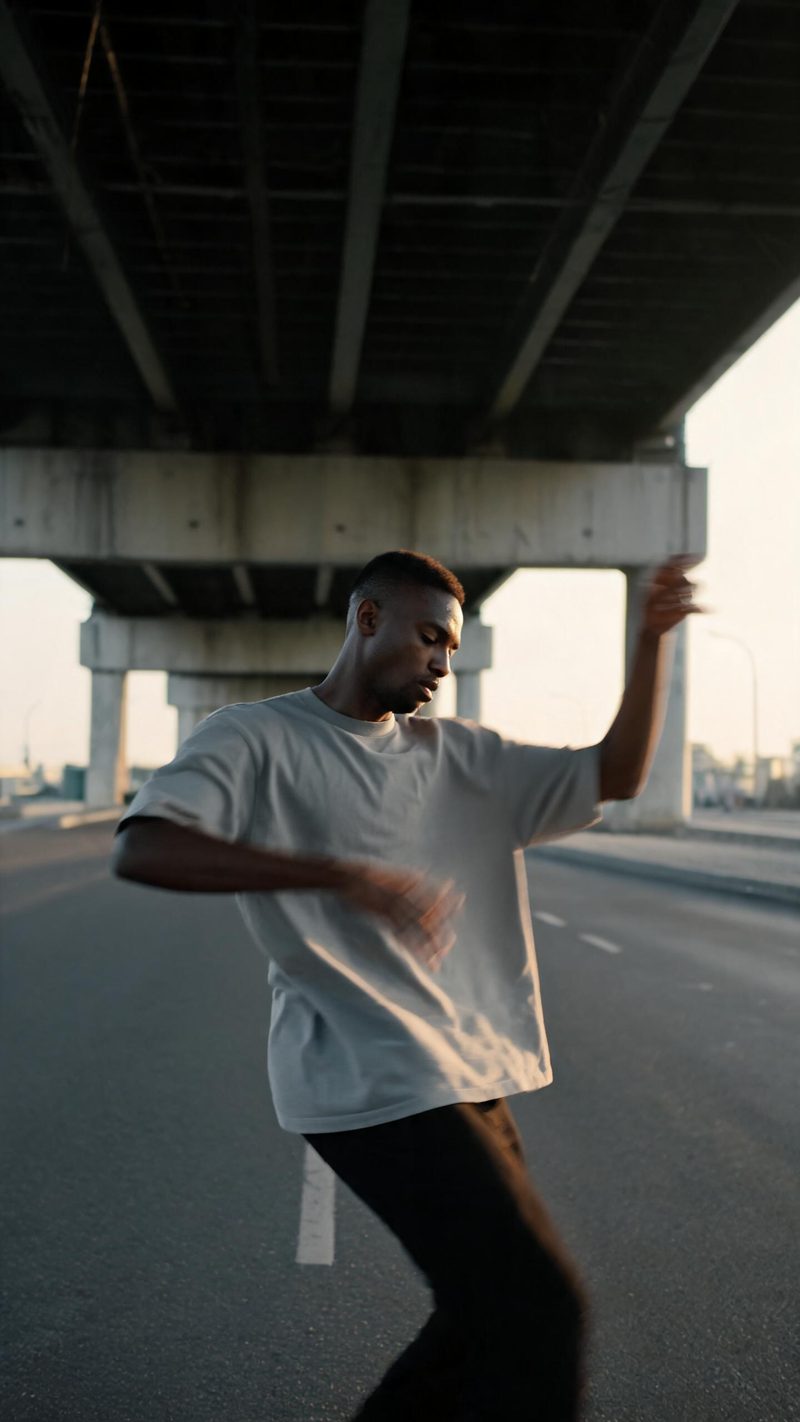
Grounded, weight-down movement in an urban space with real motion blur. Use this when you want the result to look shot rather than rendered.
Generated movement is judged on whether it holds up on a loop. These are the parts that decide it.
Identity, features and expression carry through the movement. The motion is generated, the person is not replaced.
9:16 for TikTok, Reels and Shorts, 1:1 for feed, 16:9 for YouTube — exported from one project without re-cropping.
Subtitles are generated, styled and burned in, and the narration is voiced in the language your audience scrolls in. No second tool needed.
Generate several movement types from the same photo, then post the one that loops best instead of gambling on a single render.
One photo in, a looping clip out. Free to try — no card required.