
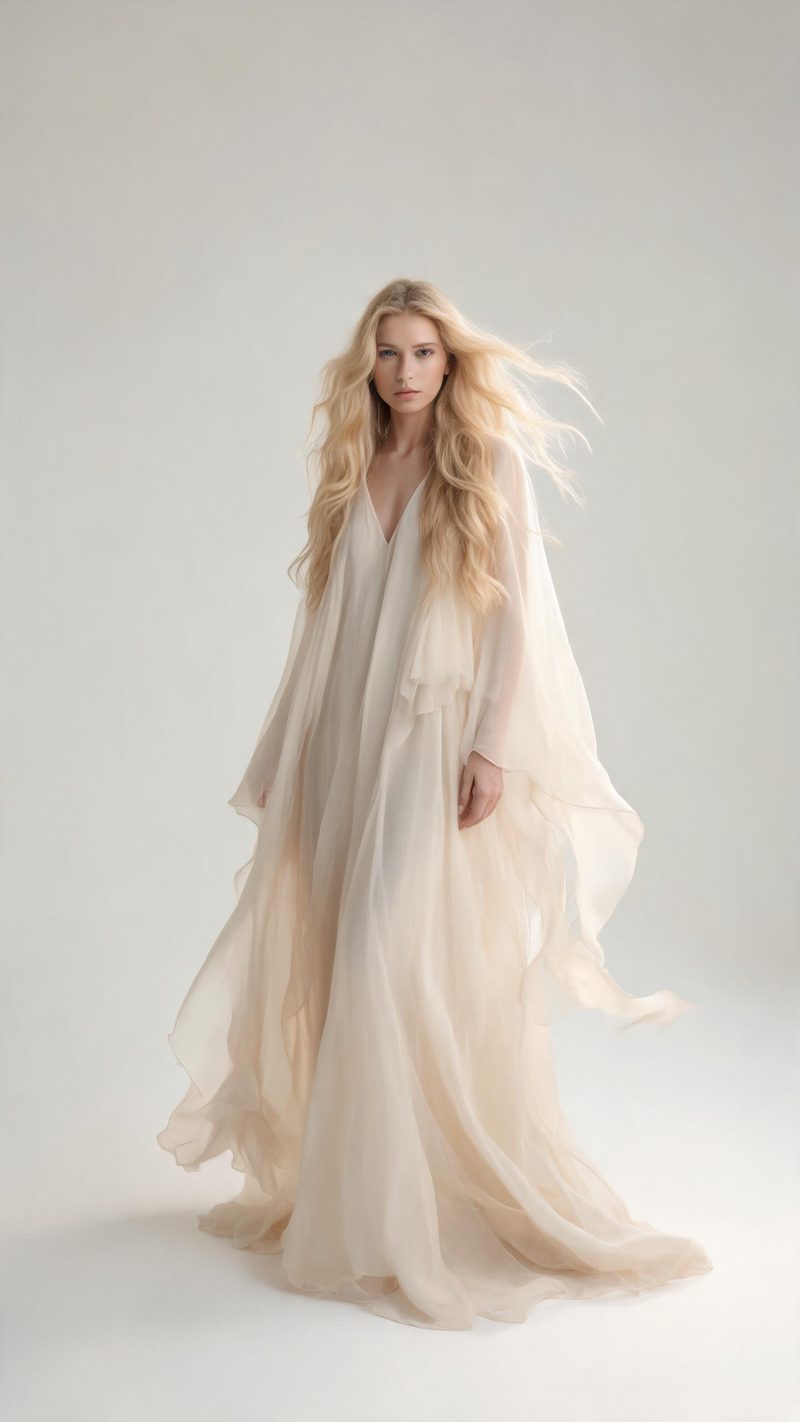
Apparel
A garment draped and animated on the body. Best for fashion, dresses and outerwear where the movement sells the fit.
Try-on video is the closest a catalogue gets to a fitting room. Upload a product and a person, and OpenFilmo drapes the item on the body and animates a slow turn so shoppers see it move.

Try-on video closes the gap between a flat product shot and a shopper trusting the item. A garment moving on a body answers the questions a still cannot: does it drape, does it fit, does it move.
The hard part is keeping the product correct. The item has to sit where it belongs and stay the right shape. This effect drapes apparel, eyewear and accessories on a real person and animates the turn.
Three steps, no timeline and no render queue. Most people go from a product shot to a finished clip in under a minute.
Add a clear product image and a front-facing photo of the person who will wear it. Plain backgrounds on both keep the item and the fit readable.
Apparel for garments, eyewear for frames, or accessories for bags and jewellery. Each category controls how the item is placed and animated.
The clip renders in seconds. Export 9:16 for TikTok, Reels and Shorts, square for feed and marketplaces, or 16:9 for product pages.
Three categories, each built around a different kind of product.
A garment draped and animated on the body. Best for fashion, dresses and outerwear where the movement sells the fit.

Frames placed on the face with a slow turn. Best for glasses and sunglasses where the shape matters.
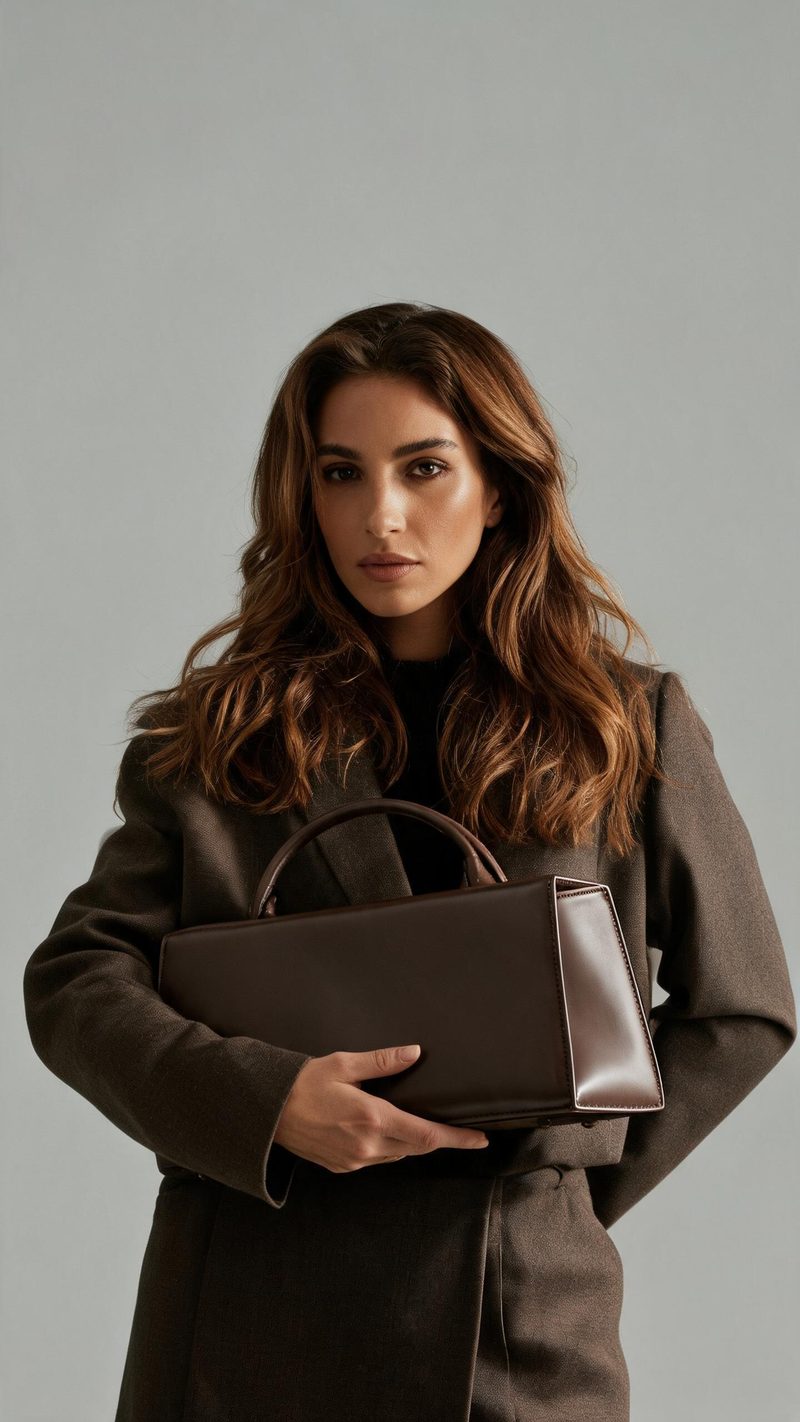
Bags and jewellery shown on a person in context. Best for pieces where the styling does the selling.
Try-on only works if the product stays correct and the file fits where you sell it.
Apparel, eyewear and accessories are placed on the body and kept the right shape, so the item shoppers see is the item they receive.
9:16 for TikTok, Reels and Shorts, 1:1 for feed and marketplaces, 16:9 for product pages — no re-shooting per channel.
Subtitles are generated, styled and burned in, and the narration is voiced in the language your audience shops in. No second tool needed.
Run the same setup across every SKU, so a full catalogue refresh takes one pass instead of a studio day.
One product in, a fitting-room clip out. Free to try — no card required.