
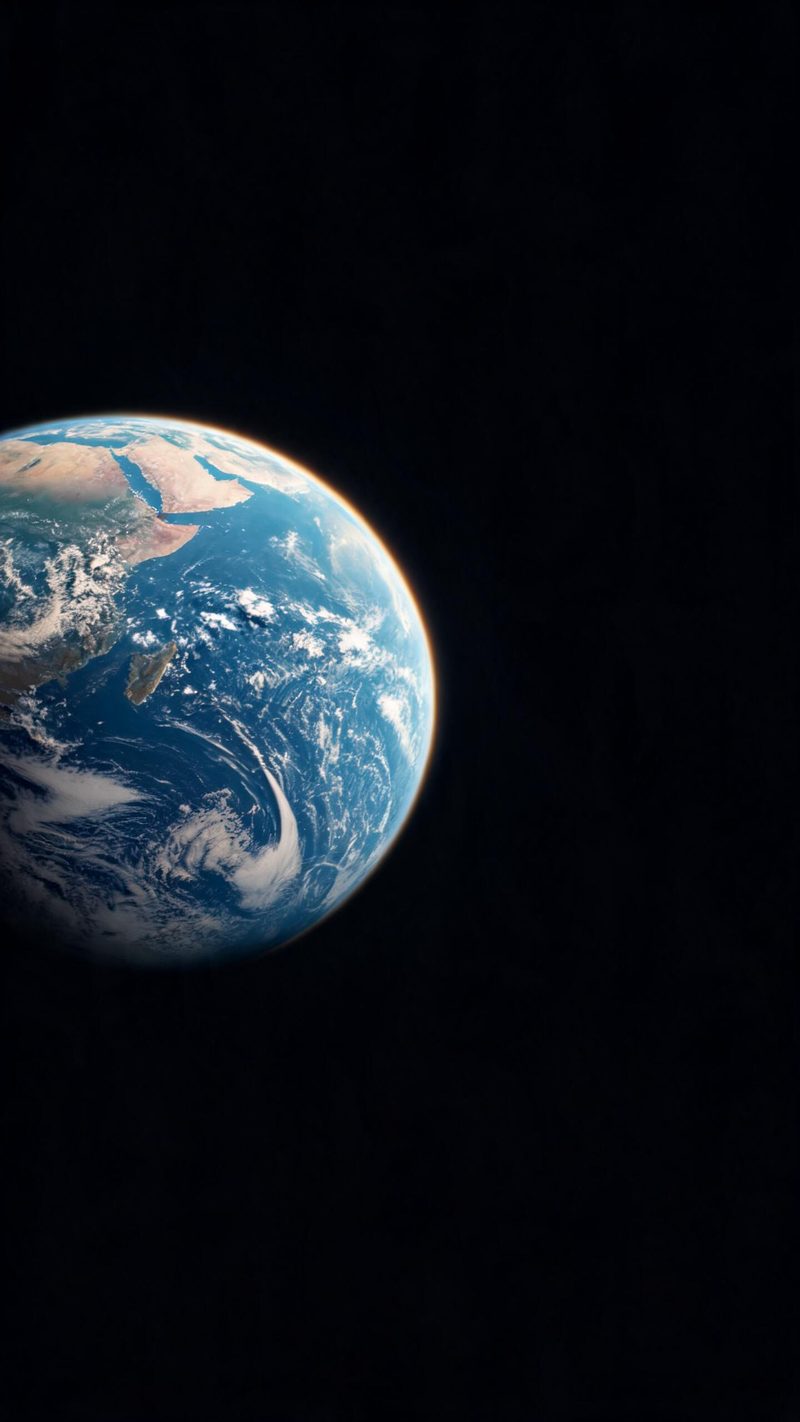
From orbit
The clean blue marble with the sun catching the terminator. The opening frame that reads as space before the dive begins.
The earth zoom is the universal cinematic opener. Start as a blue marble, fall through the clouds and land on a street, a venue or a product. Upload a location and OpenFilmo builds the descent.

An earth zoom works because it signals scale and arrival in one move. It is the opener that tells the viewer we are going somewhere specific before a word is spoken.
Shooting it for real means a satellite plate, a cloud pass and a ground shot stitched together. Generating it keeps the move smooth and lets you land on any place you name.
Three steps, no timeline and no render queue. Most people go from a location to a finished opener in under a minute.
Name a city, a venue or a coordinate. The opening orbit and the cloud descent are generated around that destination so the move has a clear ending.
A street-level arrival, a venue reveal or a product drop. Each style controls where the camera settles and what the final frame shows.
The clip renders in seconds. Export 9:16 for TikTok, Reels and Shorts, square for feed, or 16:9 for YouTube — all from the same project.
Three descents, each built around a different final frame.
The clean blue marble with the sun catching the terminator. The opening frame that reads as space before the dive begins.

The moment the camera punches through the cloud layer toward the ground. The transition that sells the speed of the move.

The camera settles on a quiet street at golden hour. The arrival frame for location-led stories and travel content.
An opener only works if the move stays smooth and the file fits where you post it.
Name the destination and the orbit, cloud pass and ground shot are built around it, so the zoom ends exactly where your story starts.
9:16 for TikTok, Reels and Shorts, 1:1 for feed, 16:9 for YouTube — exported from one project without re-cropping.
Subtitles are generated, styled and burned in, and the narration is voiced in the language your audience scrolls in. No second tool needed.
Generate the same opener for every location in a series, then let performance pick the winner instead of gambling on a single render.
One place in, a cinematic opener out. Free to try — no card required.