
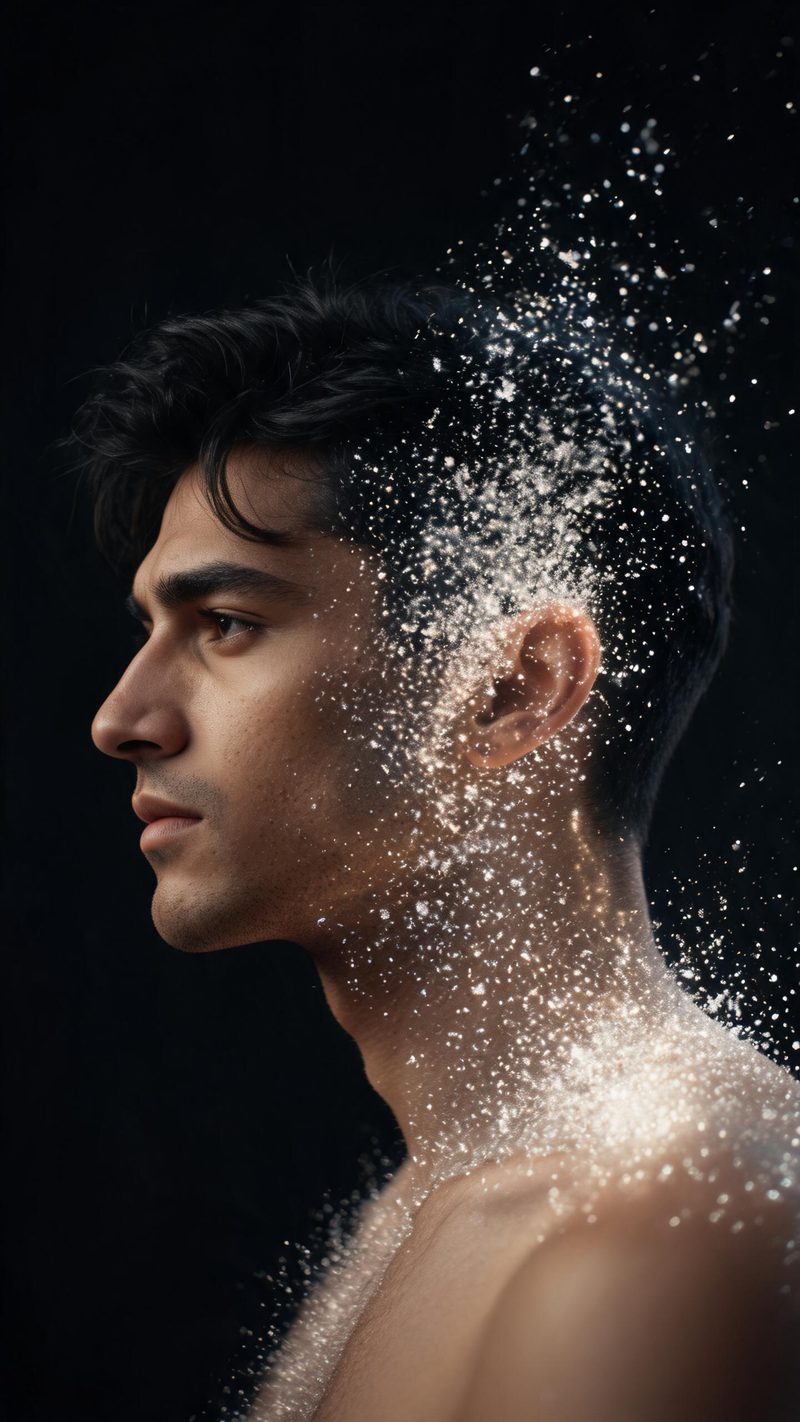
Half a portrait
Half the face and shoulder dissolving while the rest stays solid. The most controlled of the three, and the best fit for a profile-style portrait where the face is large in frame.
Dispersion is the effect that reads as expensive — a solid subject breaking apart into fine particles and drifting out of frame. Upload a photo and OpenFilmo builds the dissolve.
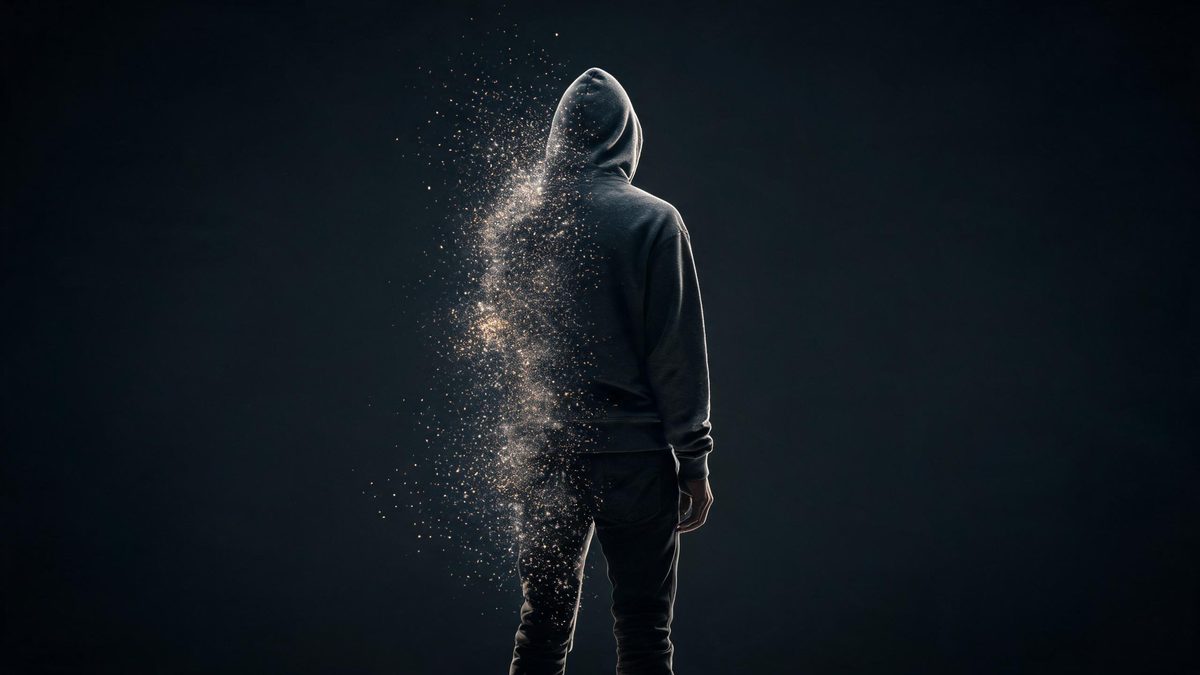
Dispersion works because the eye keeps tracking the part of the subject that has not dissolved yet. As long as a readable amount of the original stays solid, the frame keeps its subject even while it is falling apart.
That is also why the effect needs a clean silhouette and strong directional light. Busy backgrounds and flat lighting flatten the particles into noise, and the dissolve stops reading as a physical event.
One photo, one direction, one export. The whole thing takes under a minute.
A subject separated from its background and lit from one side works best. High contrast and a simple backdrop keep the particles legible as they drift.
Part of the body, a hand or fingertip, or the full figure from the feet upward. Less is usually more — a partial dissolve keeps the subject recognisable through the whole clip.
The dissolve renders in seconds. Export vertical for Reels, TikTok and Shorts, or other ratios from the same project.
Three amounts of dissolve, each built around a different subject and lighting setup.
Half the face and shoulder dissolving while the rest stays solid. The most controlled of the three, and the best fit for a profile-style portrait where the face is large in frame.
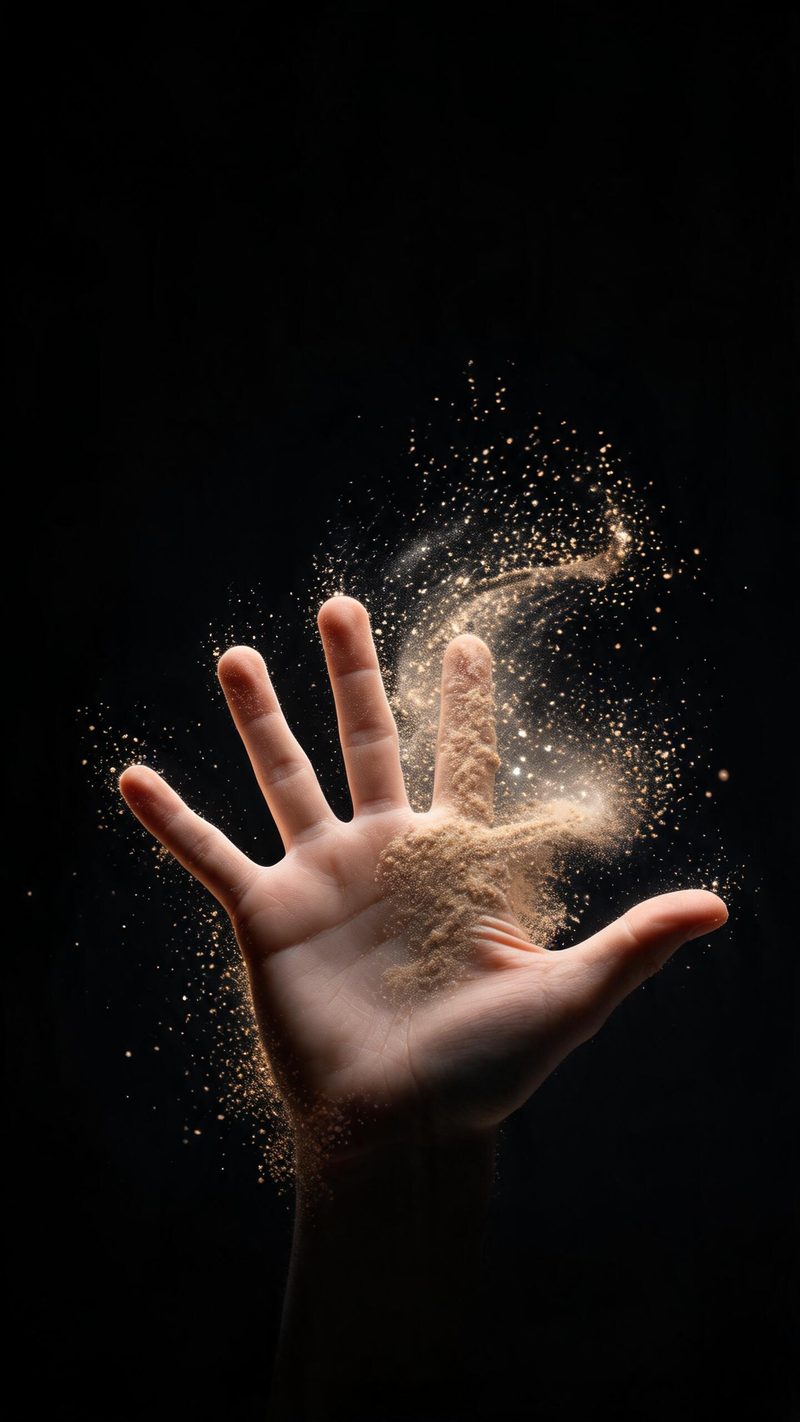
Fingertips dissolving first, one of the oldest tricks in visual effects. Reads as deliberate rather than accidental, which is why it makes a clean hook frame.
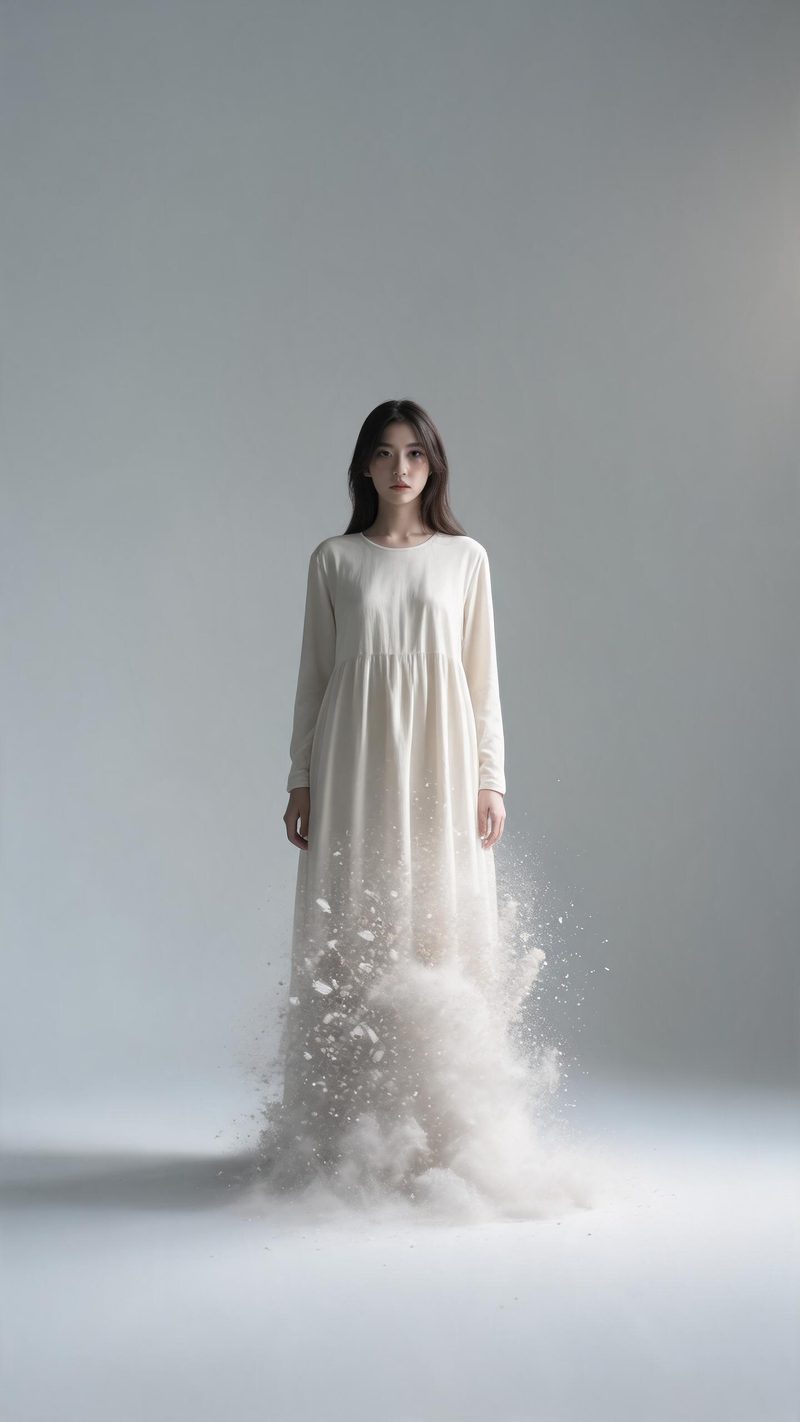
The whole body dissolving from the hem upward in an empty studio. The most cinematic option, and the one that needs the most empty space around the subject.
A dissolve only looks expensive if the subject stays readable and the export fits the platform.
The people, clothing and features in your photo are kept through the dissolve instead of being replaced, so the clip still looks like the person who uploaded it.
9:16 for TikTok, Reels and Shorts, 1:1 for feed, 16:9 for YouTube — exported from one project without re-cropping.
A dissolve carries no information on its own. Add a burned-in line and a voiceover in your audience's language to give it a reason to stop the scroll.
Render several dissolve amounts from the same photo and post the strongest, instead of committing to one setting blind.
One photo in, a cinematic dissolve out. Free to try — no card required.