
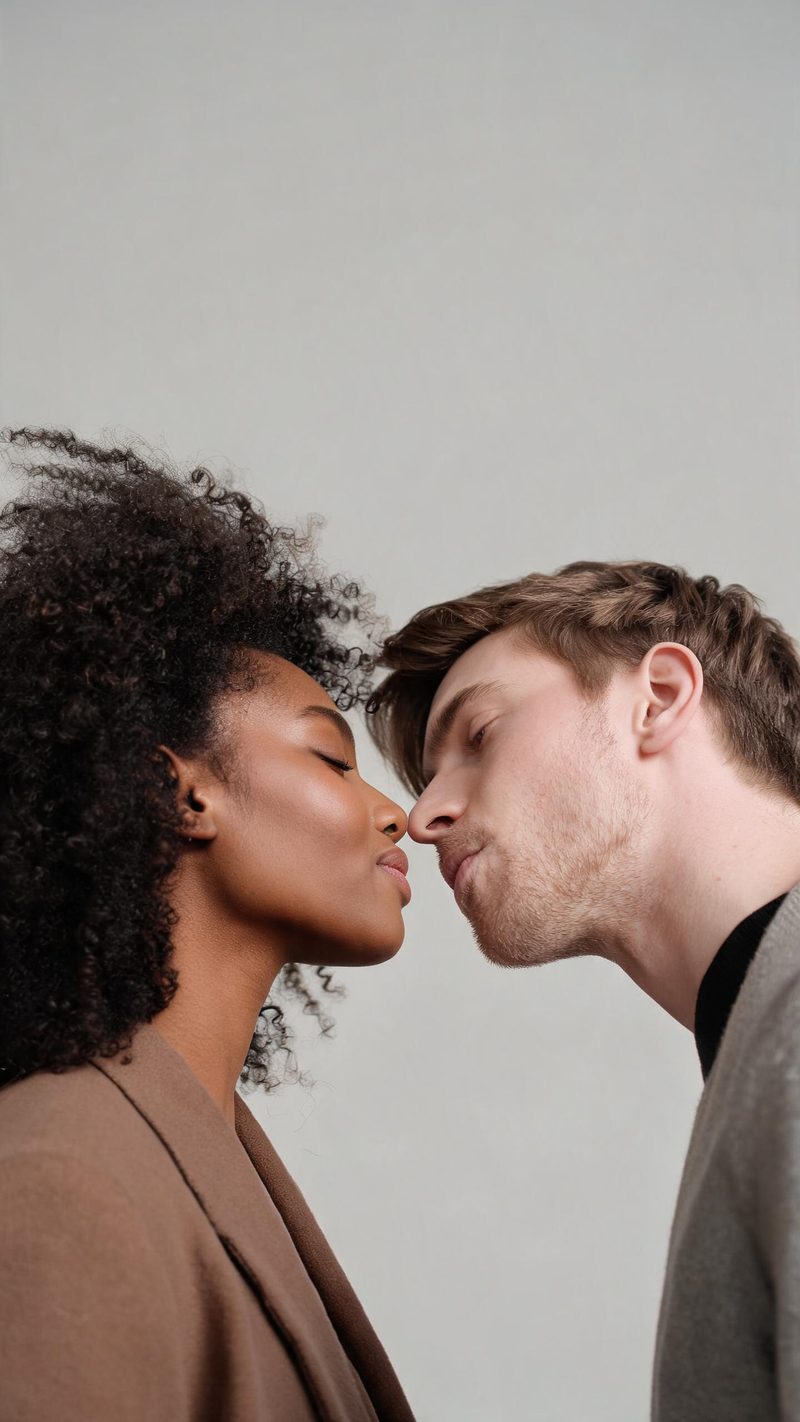
Soft studio
Clean, even light and a neutral backdrop. The safest pick for a tender, timeless clip where the faces carry the moment.
A kissing clip is the most shared format in short-form video because it reads as one moment, not a montage. Upload two clear portraits and OpenFilmo animates a believable, face-preserving kiss you can post the same minute.
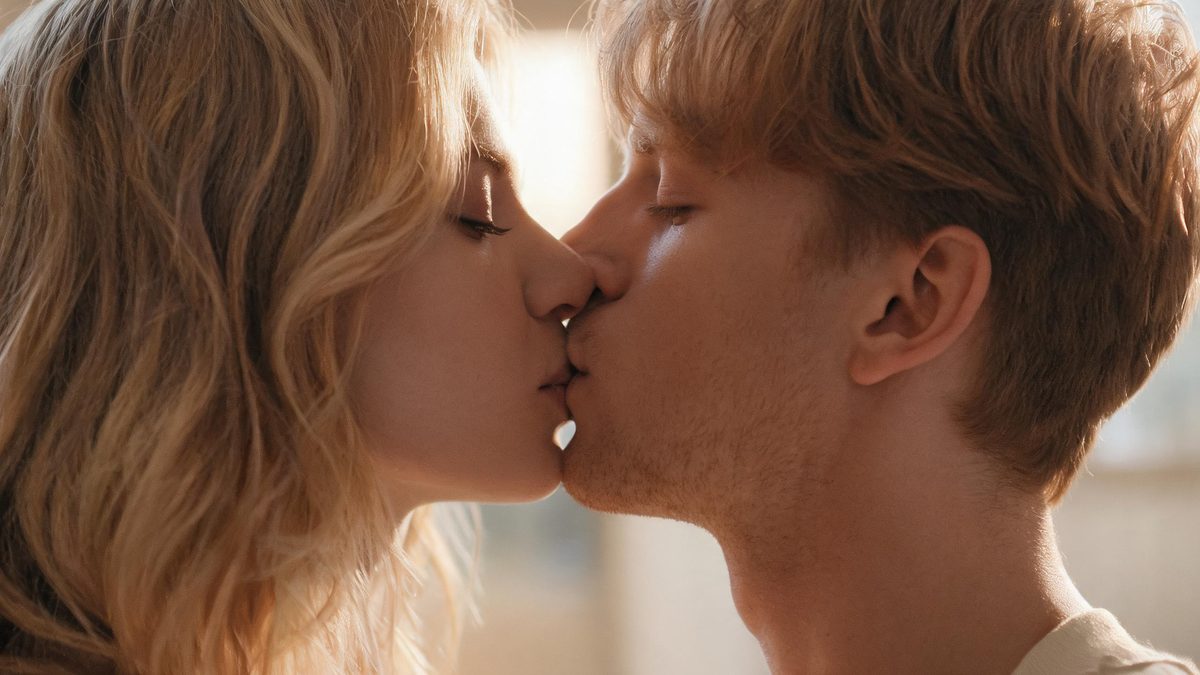
Kiss clips travel because they are intimate and easy to read at a glance. The format works when the two faces stay recognizable and the motion feels like a real lean-in rather than a hard cut between two stills.
That is the hard part most tools miss. They blend the faces or swap one for a generic actor. This effect keeps both people as themselves and only animates the moment between them.
Three steps, no timeline and no render queue. Most people go from upload to a finished clip in under a minute.
Use two well-lit, front-facing photos where each face is large and unobstructed. Avoid sunglasses, masks and extreme angles so the model reads both identities cleanly.
Pick a soft studio, a golden-hour window or a cinematic low light. The setting controls the feeling, while the faces and expressions stay exactly as uploaded.
The clip renders in seconds. Export 9:16 for TikTok, Reels and Shorts, square for feed, or 16:9 for YouTube — all from the same project, with no re-cropping.
Three moods, each built around a different setting rather than a filter overlay.
Clean, even light and a neutral backdrop. The safest pick for a tender, timeless clip where the faces carry the moment.
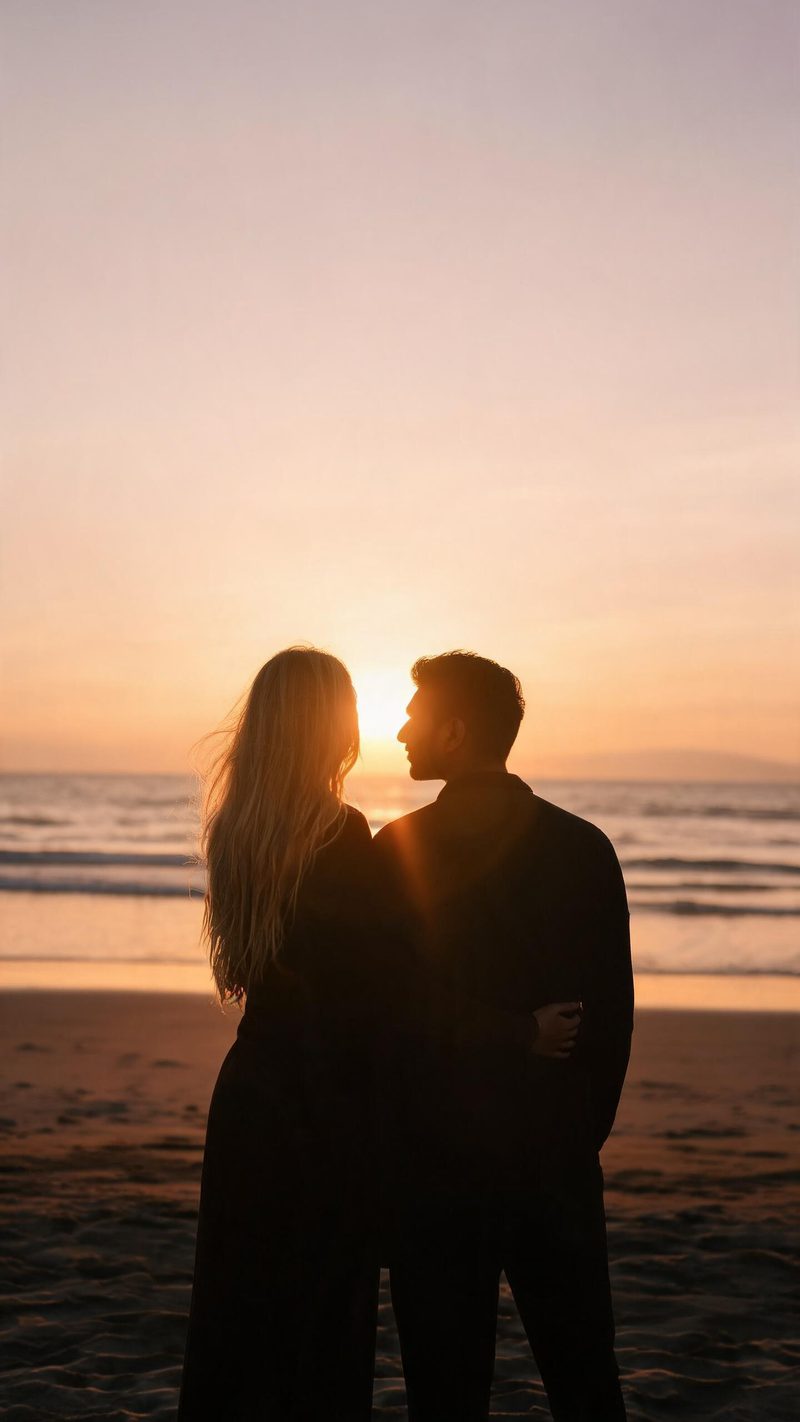
Warm sunset rim light and a low sun behind the pair. Best when you want a romantic, cinematic feel for Reels and Shorts.
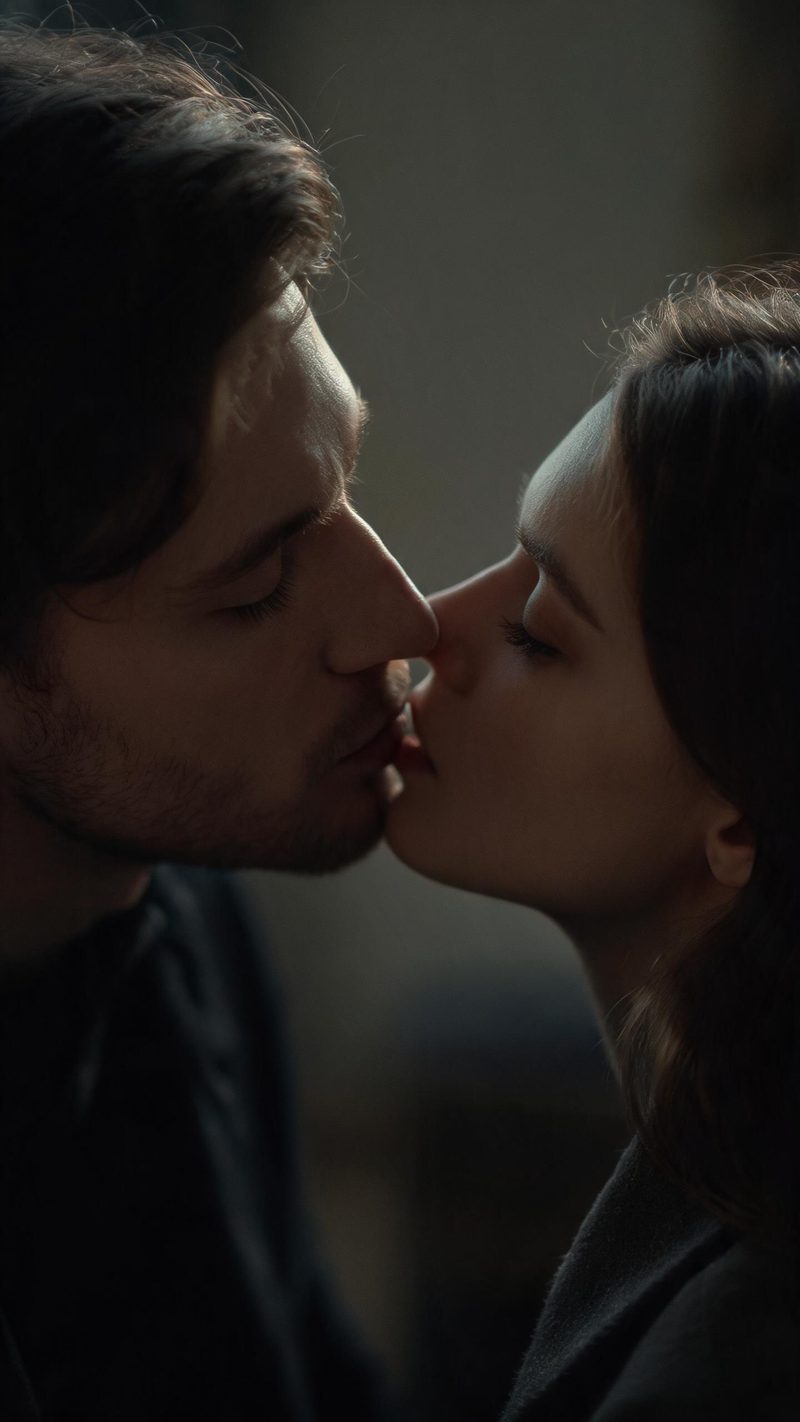
Moody shadows and a shallow depth of field. The dramatic version for story-led edits and music-backed clips.
A kiss clip only works if both people still look like themselves, and if the file fits where you post it.
OpenFilmo preserves the facial geometry, skin tone and expression of both people and animates only the moment between them, so the result still reads as the real people in the photo.
9:16 for TikTok, Reels and Shorts, 1:1 for feed, 16:9 for YouTube — exported from one project without re-cropping.
Subtitles are generated, styled and burned in, and the narration is voiced in the language your audience scrolls in. No second tool needed.
Generate a few moods from the same two photos, then let performance pick the winner instead of gambling on a single render.
Two photos in, a moment out. Free to try — no card required.