
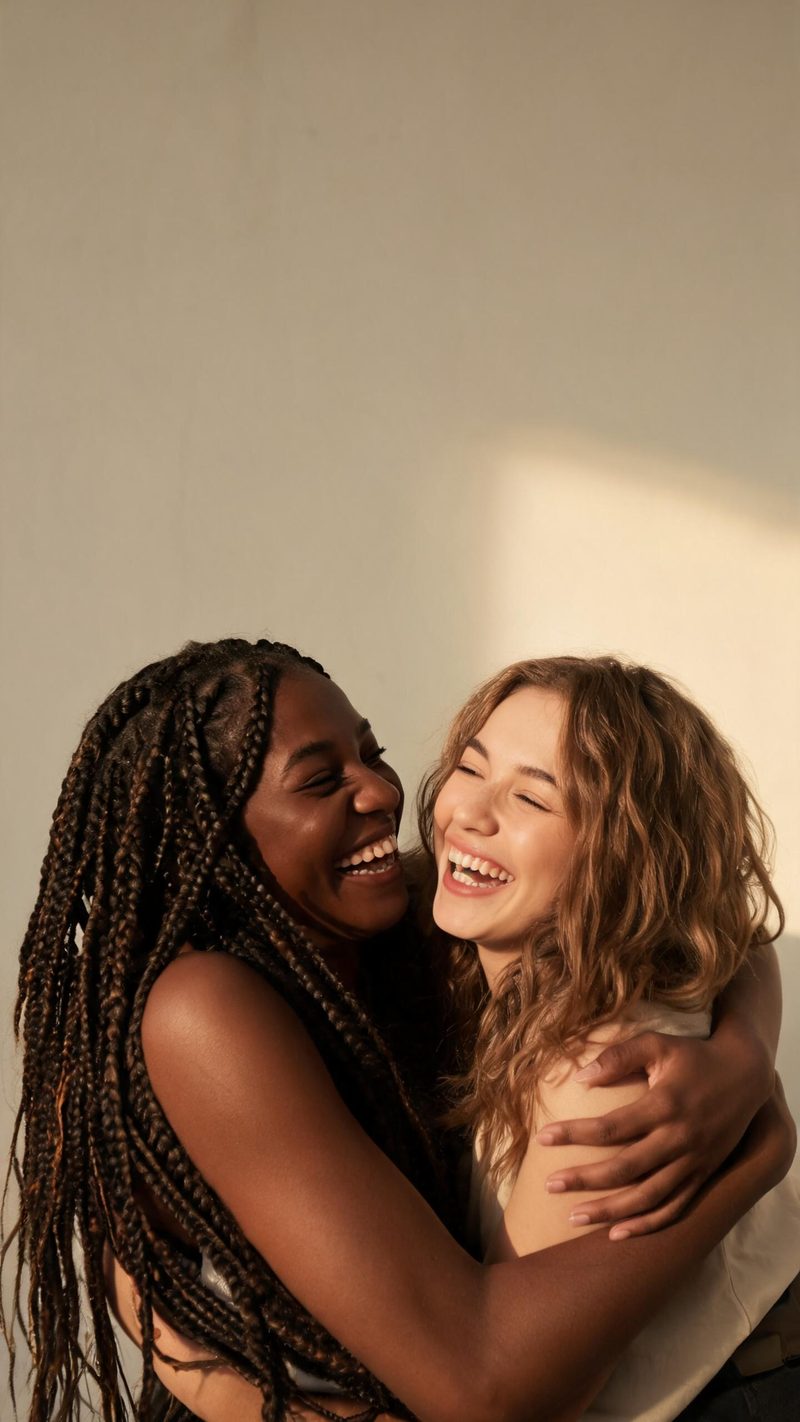
Friends
A candid, laughing embrace in warm daylight. The least posed of the three, and the one that reads fastest in a feed because both faces stay visible.
The hug format travels because it is emotional rather than clever — two people who are apart, brought into the same frame. Upload two photos and OpenFilmo builds the moment.
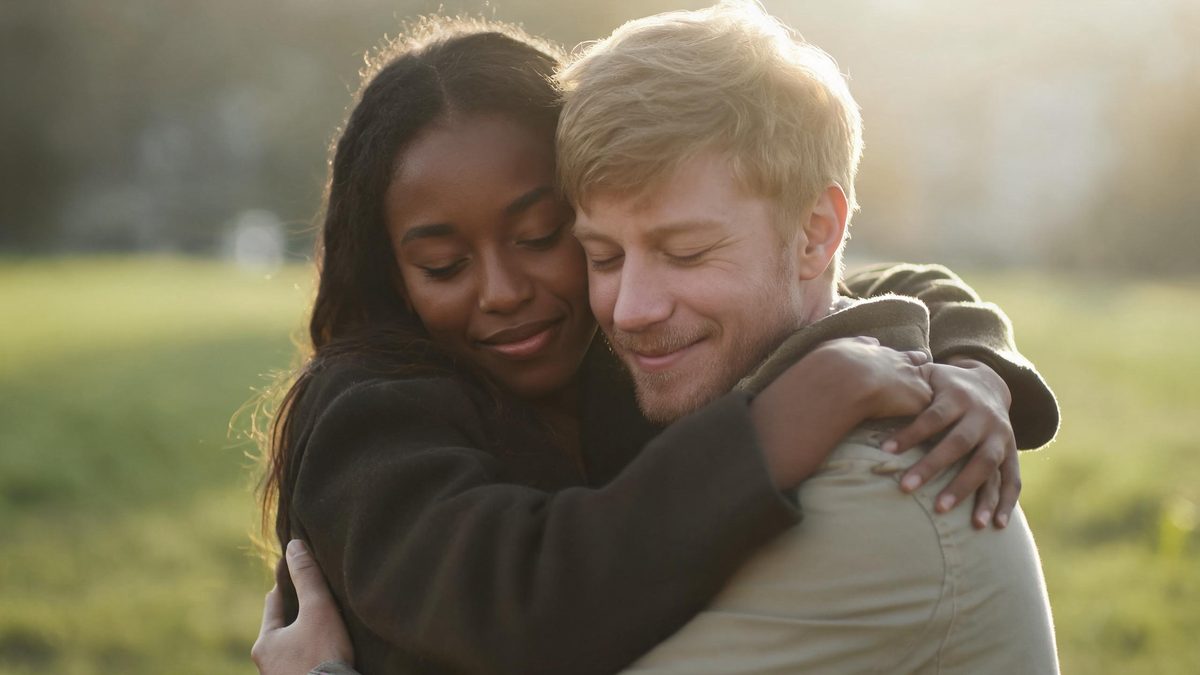
What makes a hug clip work is the frame holding still long enough for the moment to read. Cut it too short and it looks like a glitch; hold it and the small motion — an arm settling, a head tilting — carries the whole thing.
The effect also depends on both people being recognisable. That is why the composition keeps faces visible rather than burying them in an embrace, and why it works best with two clear, well-lit portraits.
Two uploads, one look, one export. Most people finish in under a minute.
Front-facing, evenly lit portraits work best. Similar framing and comparable lighting on both photos keeps the result from looking assembled.
Friends, couple or family framing, each with its own mood and lighting. The setting is chosen in the clip rather than inherited from the photos, so plain backgrounds are fine.
The clip renders in seconds. Export vertical for Reels, TikTok and Shorts, or the other ratios from the same project.
Three framings, each built around a different relationship and a different kind of light.
A candid, laughing embrace in warm daylight. The least posed of the three, and the one that reads fastest in a feed because both faces stay visible.
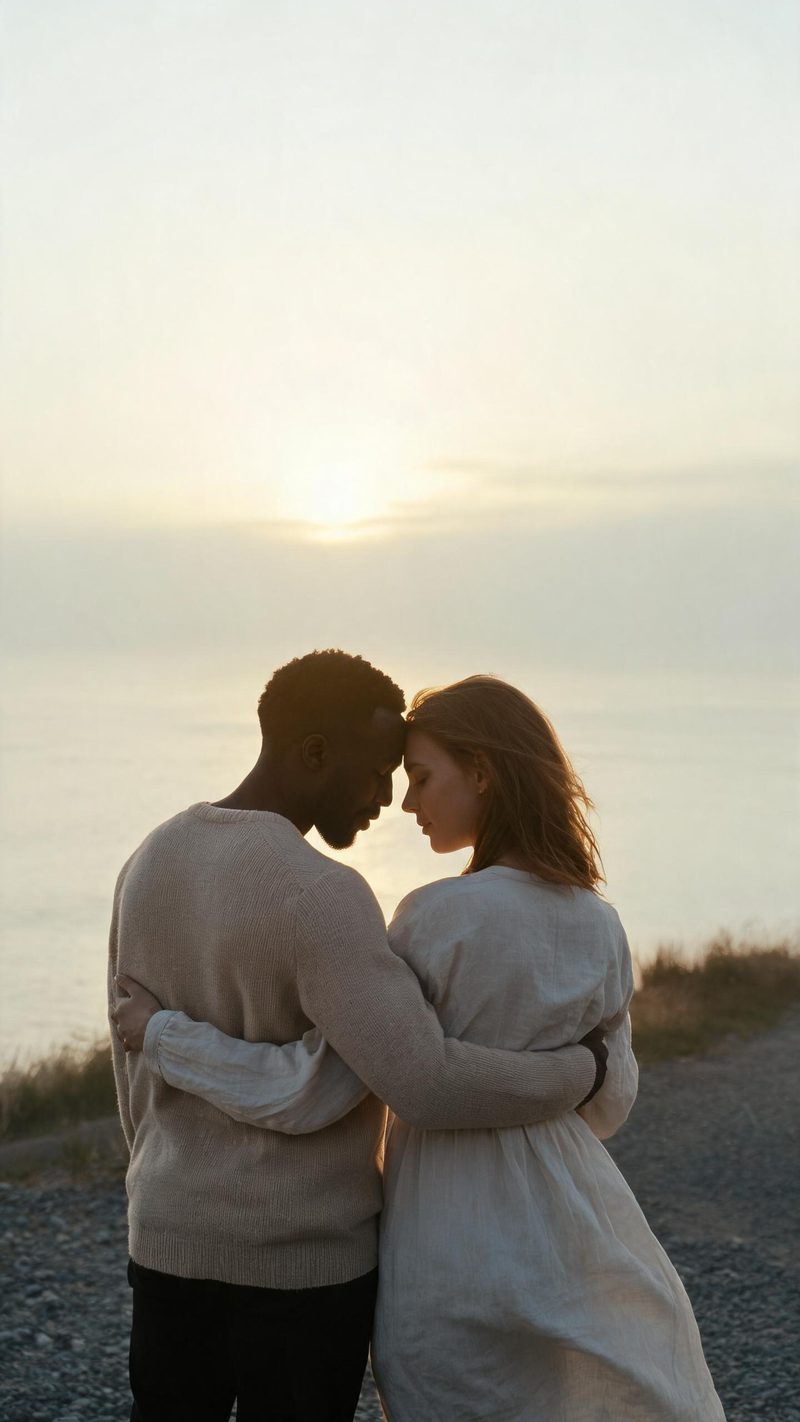
Foreheads touching, golden hour backlight, a soft empty horizon. Built for anniversary and long-distance posts where the mood matters more than the action.
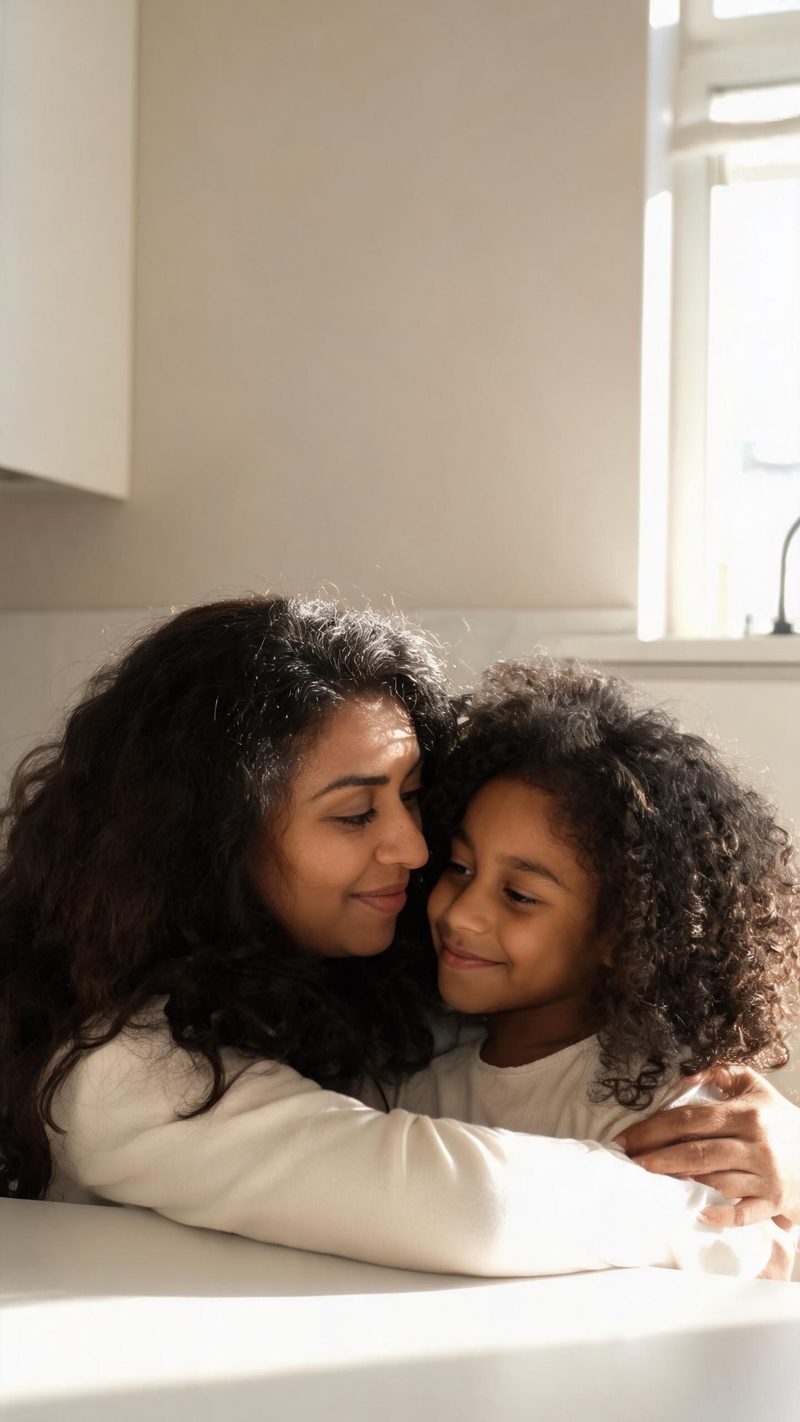
A parent and child in a warm domestic setting. Works best with a clear age difference in the two photos, since the framing depends on it.
An emotional clip has to keep both people recognisable and fit the platform it is posted to.
The composition keeps both features and expressions readable instead of hiding them in the embrace — which is the difference between a clip people share and one they scroll past.
9:16 for TikTok, Reels and Shorts, 1:1 for feed, 16:9 for YouTube — exported from one project without re-cropping.
Add a line of context as burned-in subtitles and voice it in your audience's language. Emotional clips usually need that one sentence to land.
Generate different framings from the same two photos and post the one that performs, rather than guessing on a single render.
Two photos in, one warm moment out. Free to try — no card required.