
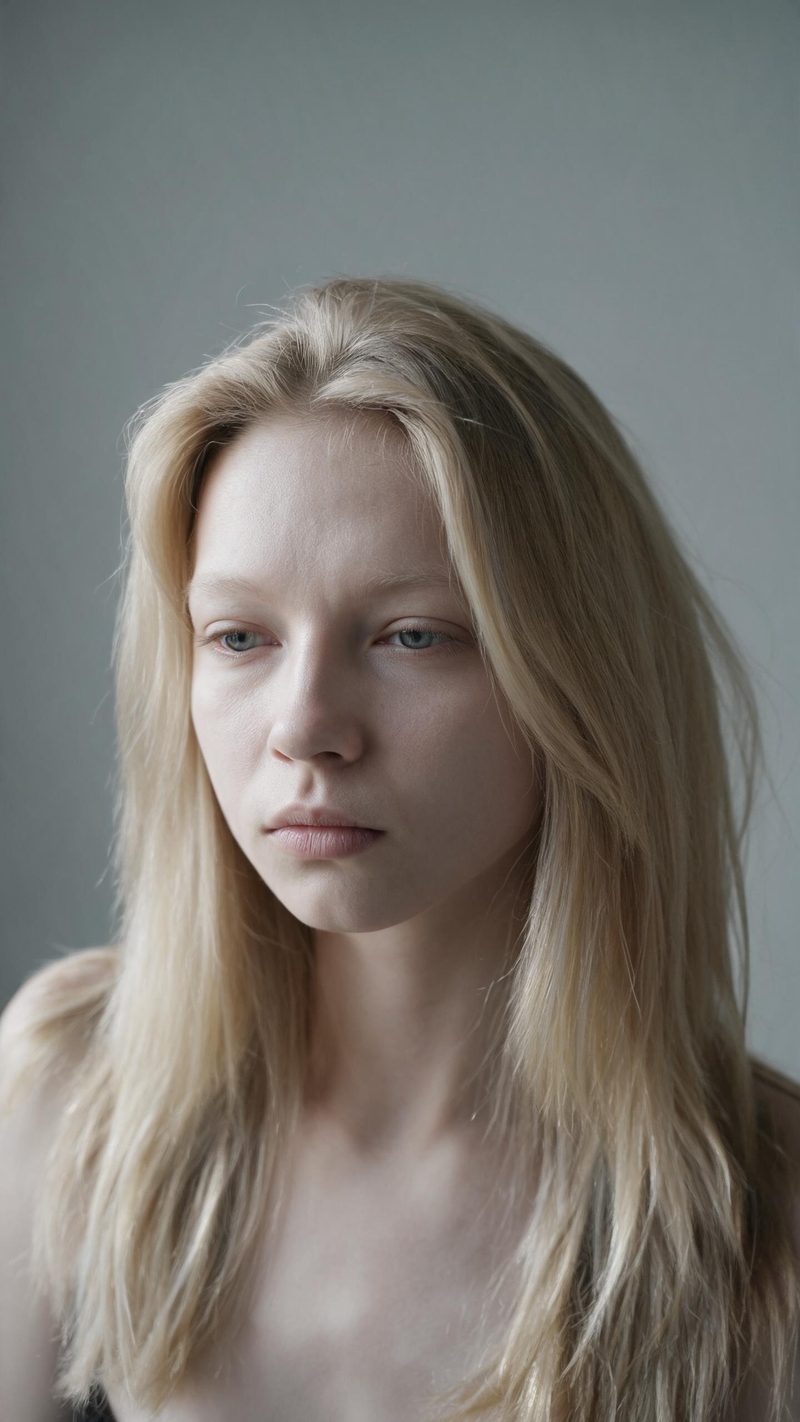
The honest before
Flat overcast light, bare face, neutral expression, plain wall. Built to look like a photo someone actually took rather than a deliberately unflattering frame, which is what makes the reveal land.
The glow up format is the highest-retention comparison on short-form video — one unretouched frame, one transformed frame, one reveal. Upload a portrait and OpenFilmo builds both halves for you.
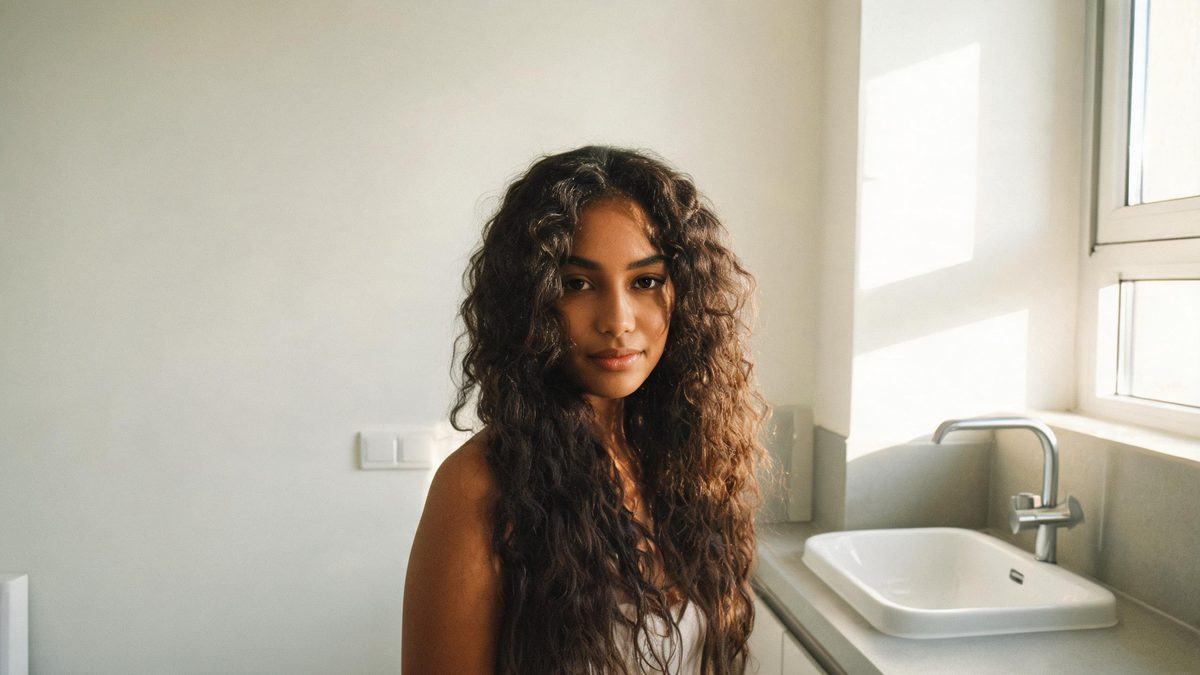
A glow up video is a comparison, so it only works if the two halves are believable. The "before" has to look like an ordinary photo rather than a deliberate downgrade, and the "after" has to look like the same person on a better day — not a different person entirely.
That is the part most style tools get wrong. They push the transformation until the face stops matching. This effect keeps your features and expression and changes only the things a good day changes: light, skin clarity, hair, styling and colour.
Three steps. No timeline, no keyframes and no render queue to watch.
Flat, even lighting and a bare face give the biggest distance between the two halves. A plain background helps the reveal read clearly on a small screen.
Clean and natural for a believable everyday result, or polished editorial if you want a visible step up. Each direction controls its own lighting, skin finish and styling.
The clip renders in seconds and exports at 9:16 for Reels, TikTok and Shorts, with square and 16:9 available from the same project if you want to reuse it elsewhere.
Three starting points, each built around a different kind of transformation rather than a colour filter.
Flat overcast light, bare face, neutral expression, plain wall. Built to look like a photo someone actually took rather than a deliberately unflattering frame, which is what makes the reveal land.
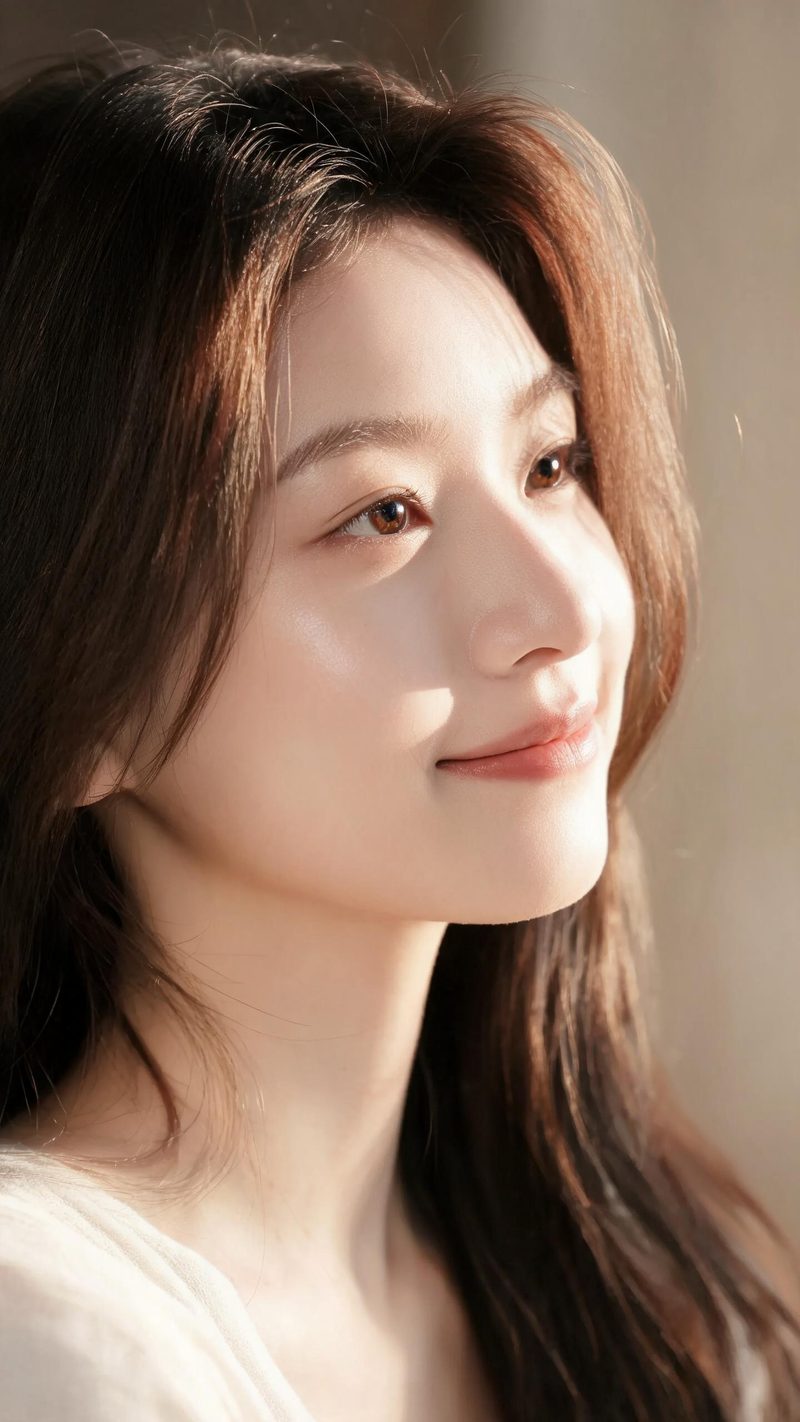
Warm directional light, clearer skin, healthier hair, a slight smile. The restrained version — the one that still passes the "that is really you" test when friends see it in feed.
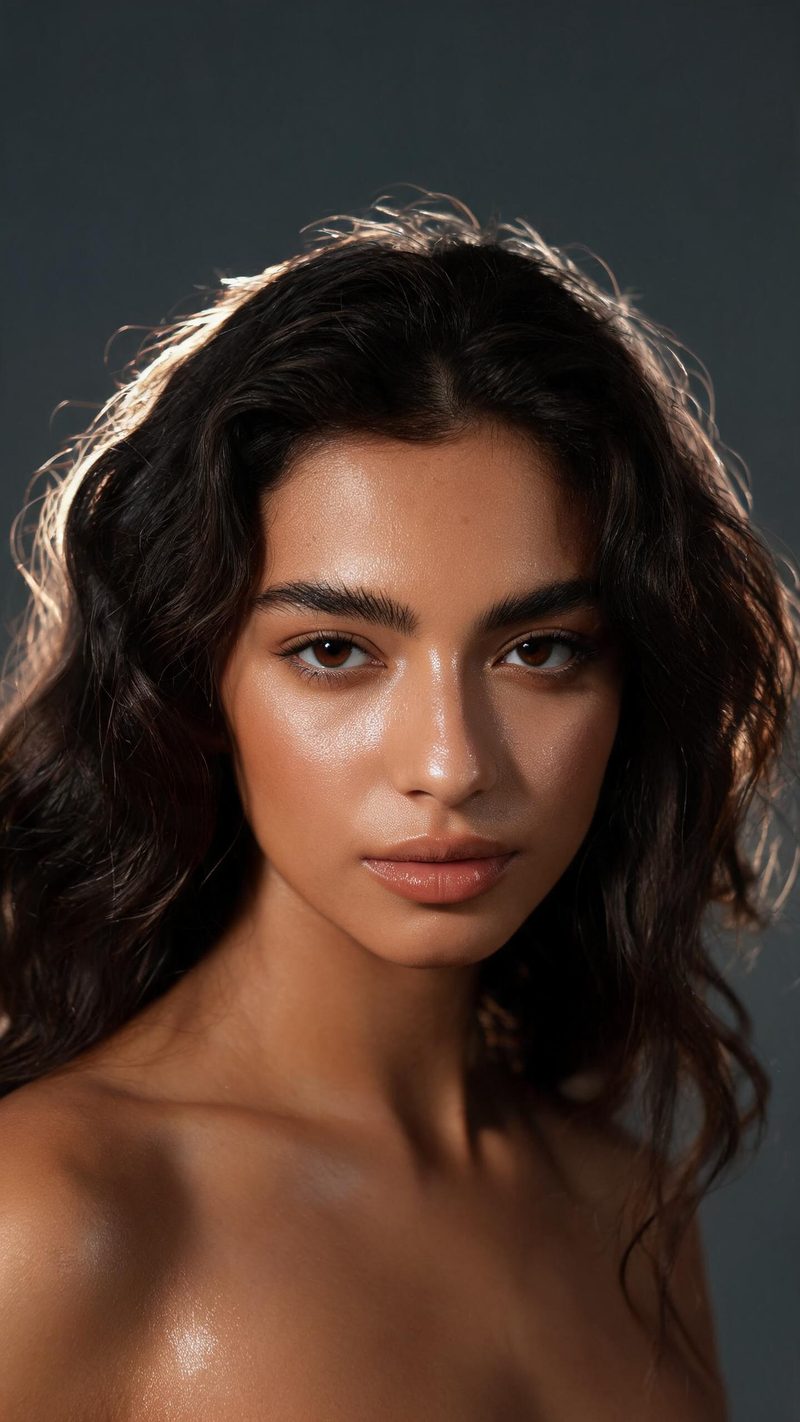
Close framing, dewy skin texture, soft rim light, deeper contrast. This is the version for beauty and makeup audiences, where a visible jump in production value is the point.
A comparison only works if both halves look like the same person, and if the file fits where you post it.
OpenFilmo keeps your facial geometry, skin tone and expression and changes the lighting, finish and styling around them — so the reveal reads as improvement, not as a different person.
9:16 for TikTok, Reels and Shorts, 1:1 for feed, 16:9 for YouTube — exported from one project without re-cropping.
Subtitles are generated, styled and burned in, and narration is voiced in the language your audience scrolls in. No second tool needed.
Generate several transformation strengths from the same photo, then let performance pick the winner instead of gambling on one render.
One photo in, a finished before-and-after clip out. Free to try — no card required.