
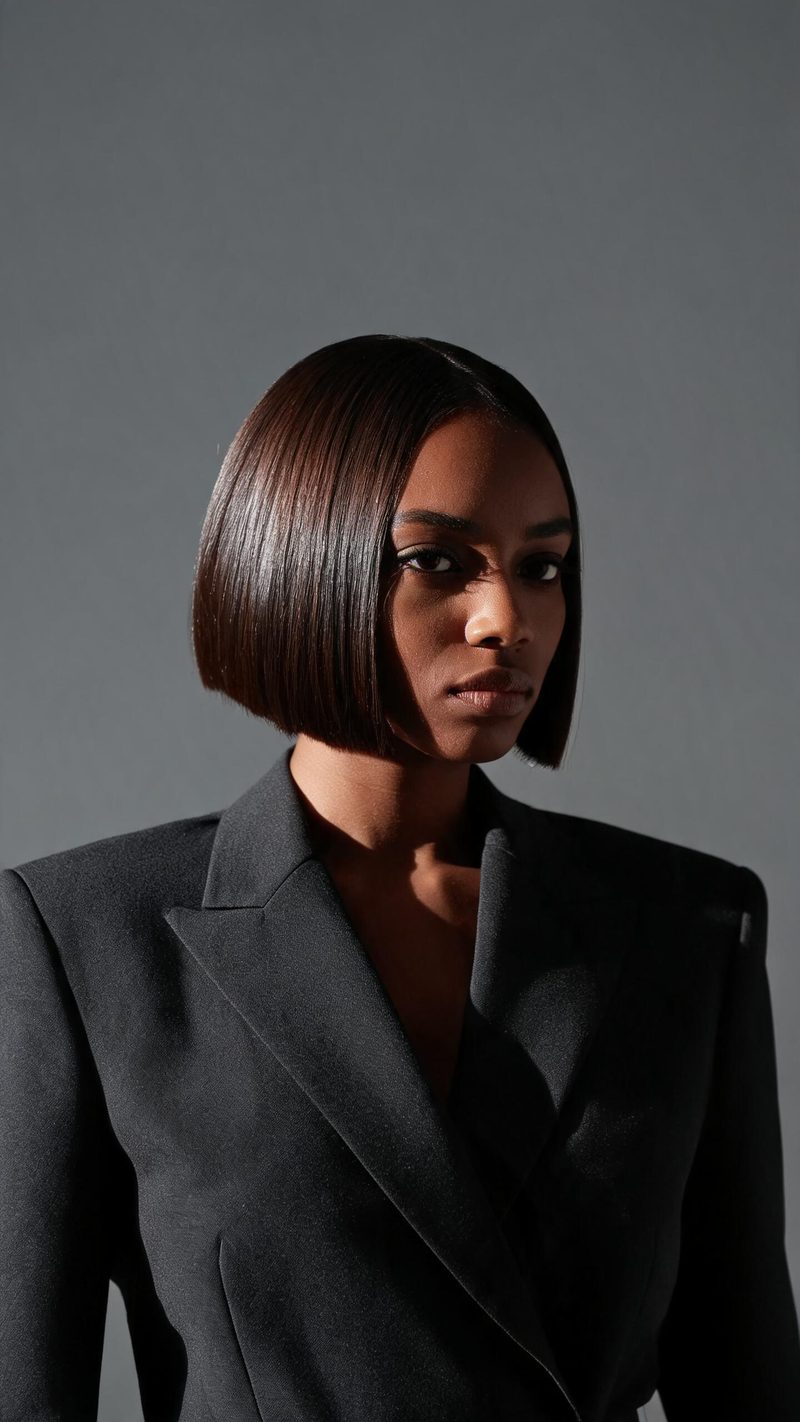
Hard studio key
A single hard source with a strong shadow and a muted seamless background. This is the standard editorial setup and the safest default.
Fashion imagery is decided by the light, not the outfit. Upload a photo and OpenFilmo rebuilds it as an editorial frame — single hard source, deep falloff, generous negative space — then animates it.
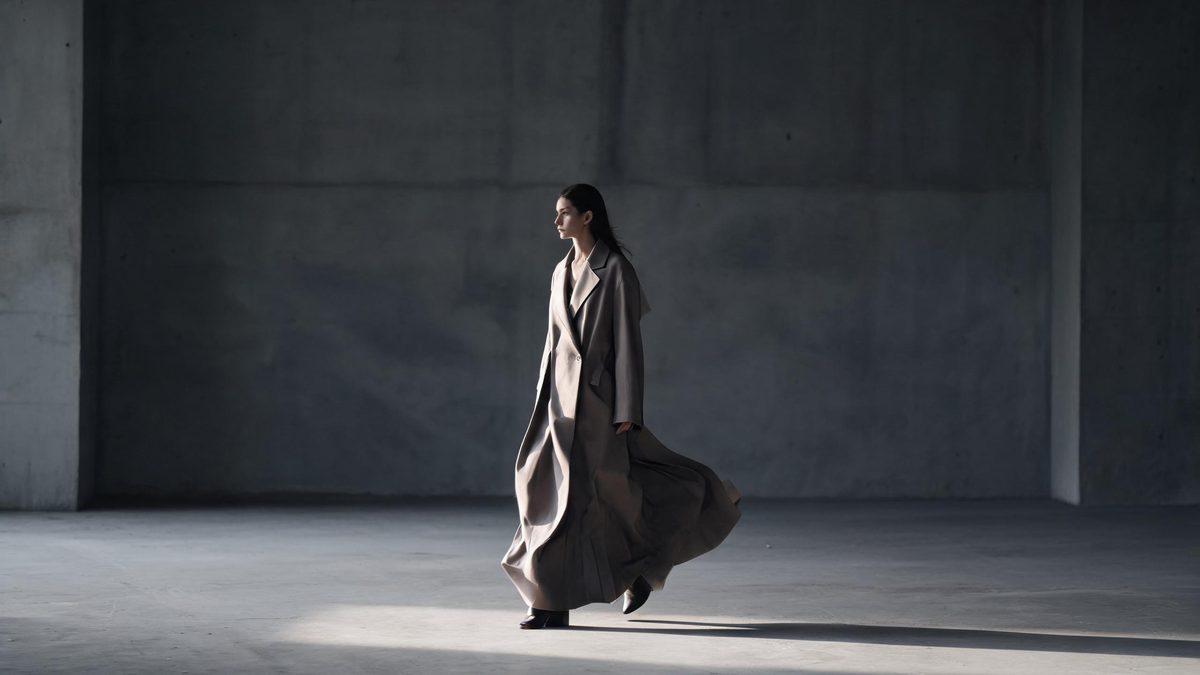
The difference between a phone photo of someone well dressed and a fashion frame is almost entirely lighting discipline: one source, a deliberate angle, and enough empty space around the subject that the shadow has somewhere to go.
That is what this effect applies. It reads your photo, replaces flat ambient light with a single directional key and pushes the background down, so the result reads as a shot rather than a snapshot.
Three steps, no timeline and no render queue. Most people go from upload to a finished clip in under a minute.
Outfits read better with more of the body in frame. A plain background gives the strongest result, because the effect does most of its work in the shadow behind the subject.
Choose hard studio key, a runway spotlight, or soft butterfly lighting. Each one changes where the shadow falls and how much of the frame goes dark.
The clip renders in seconds at 9:16 for Reels, TikTok and Shorts, with square and 16:9 from the same project.
Three studio setups. Pick based on how much of the frame you want to keep lit.
A single hard source with a strong shadow and a muted seamless background. This is the standard editorial setup and the safest default.
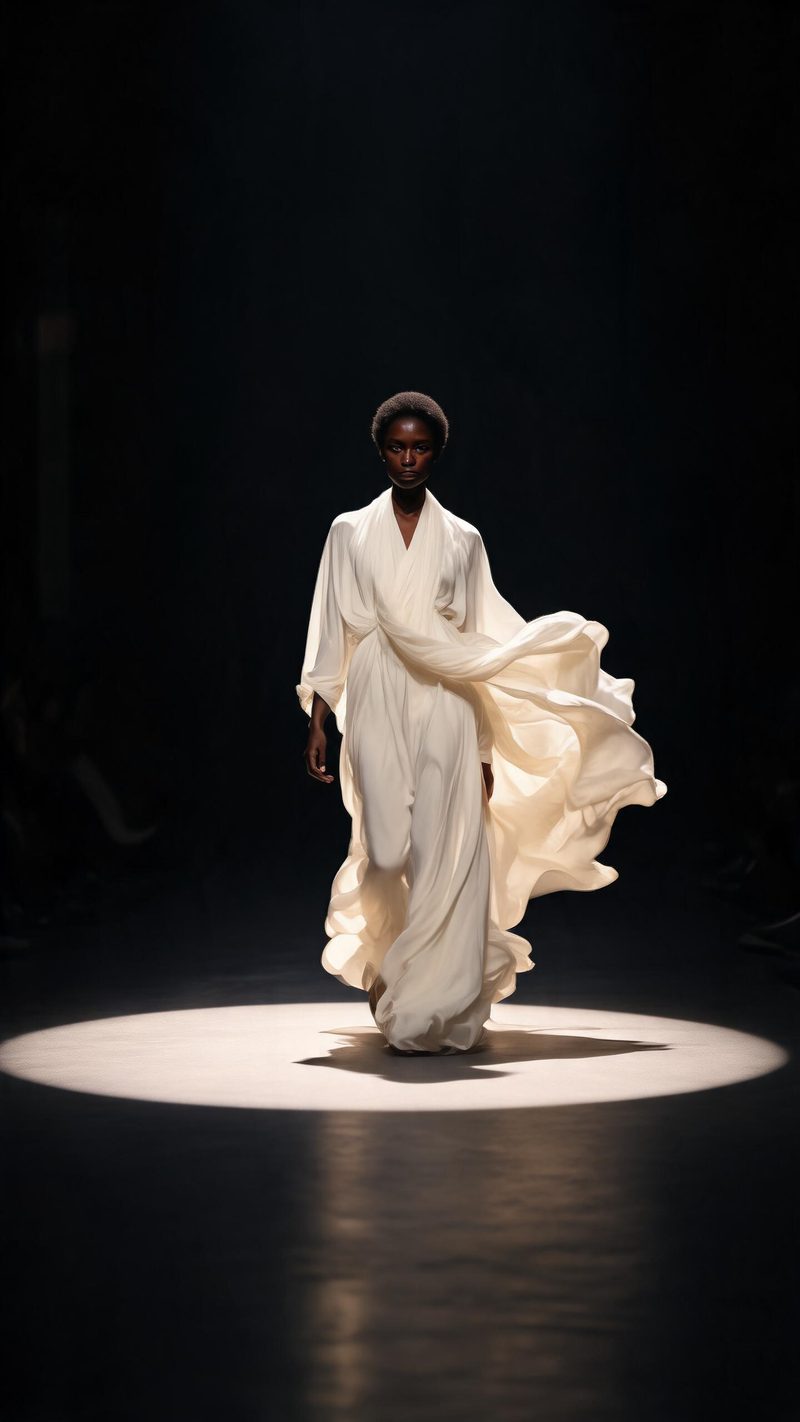
A pool of light on the floor with everything else black. Use this for walking shots where the garment movement is the point.
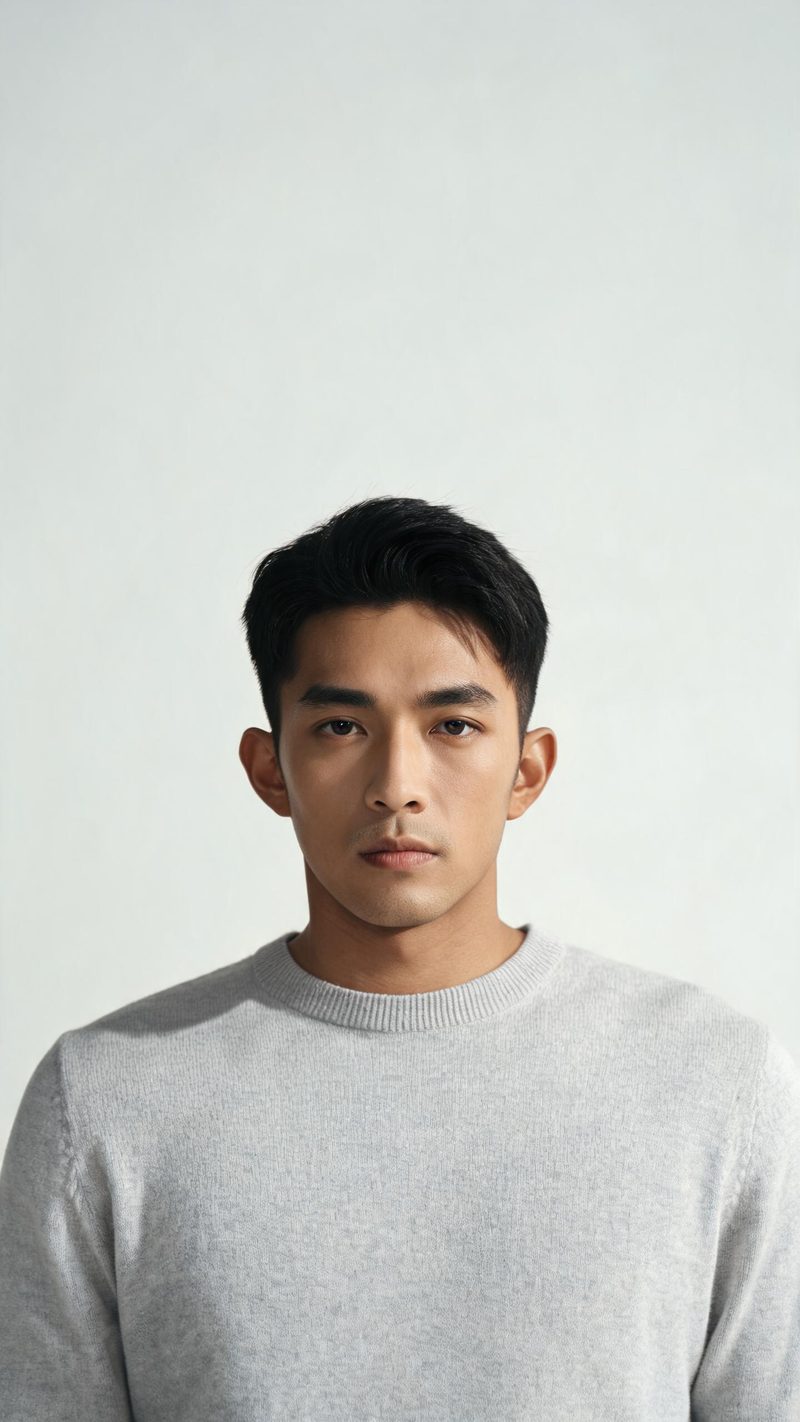
Light high and frontal with a small shadow under the nose and chin. The most forgiving setup, and the best pick for lookbook and product-adjacent frames.
Fashion is judged on the light. These are the parts that decide whether it holds up.
Colour and texture are preserved. The light changes, the garment does not — which matters when the whole point is how the piece looks.
9:16 for TikTok, Reels and Shorts, 1:1 for feed, 16:9 for YouTube — exported from one project without re-cropping.
Subtitles are generated, styled and burned in, and the narration is voiced in the language your audience scrolls in. No second tool needed.
Generate the same look across a whole lookbook, then post the set instead of one frame at a time.
One photo in, an editorial frame out. Free to try — no card required.