
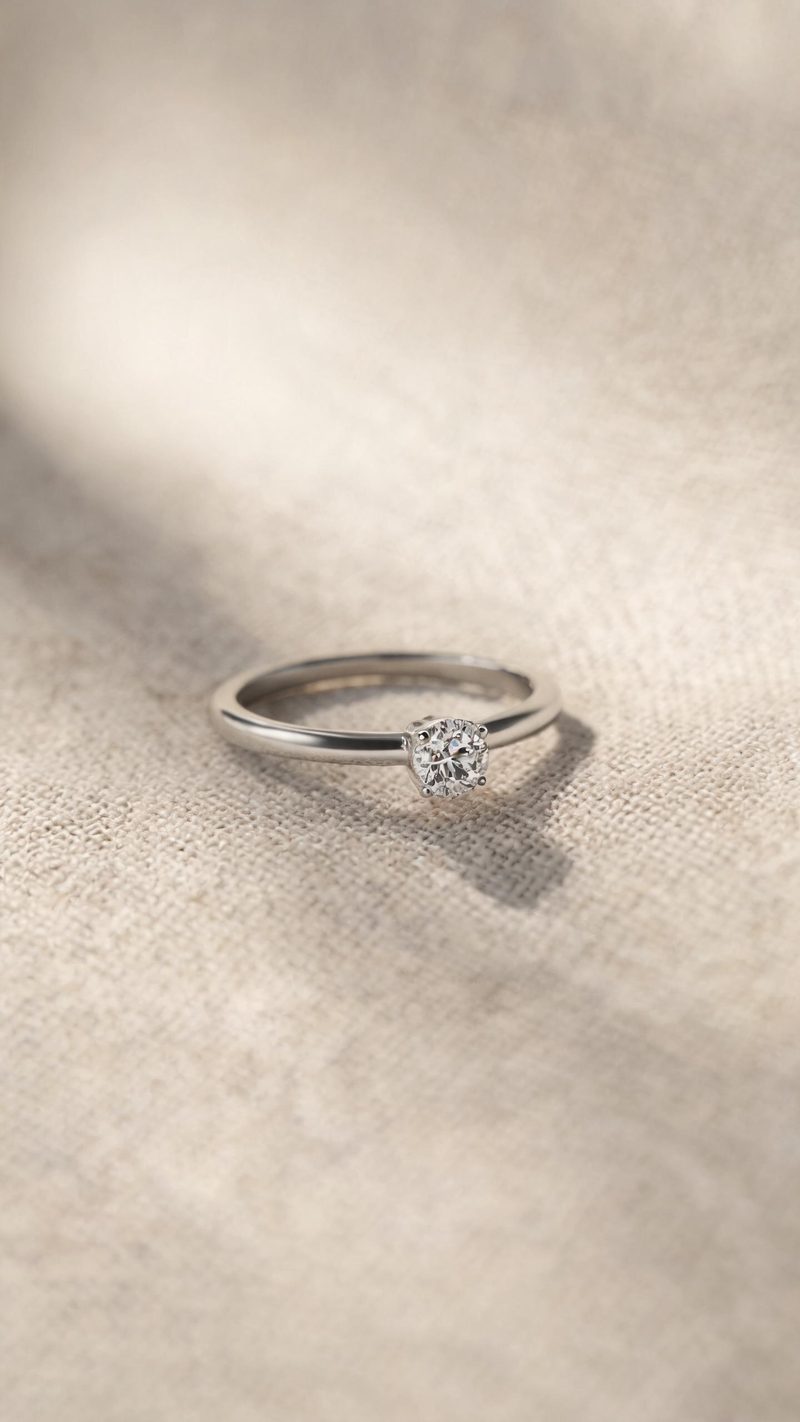
Ring macro
Tight macro with a shallow field and the stone catching a single highlight. Use this for detail-led listings where the setting is the selling point.
Static product shots convert worse than moving ones, and jewelry is the hardest category to shoot — macro focus, controlled highlights, no dust. Upload your product photo and OpenFilmo generates the clip.
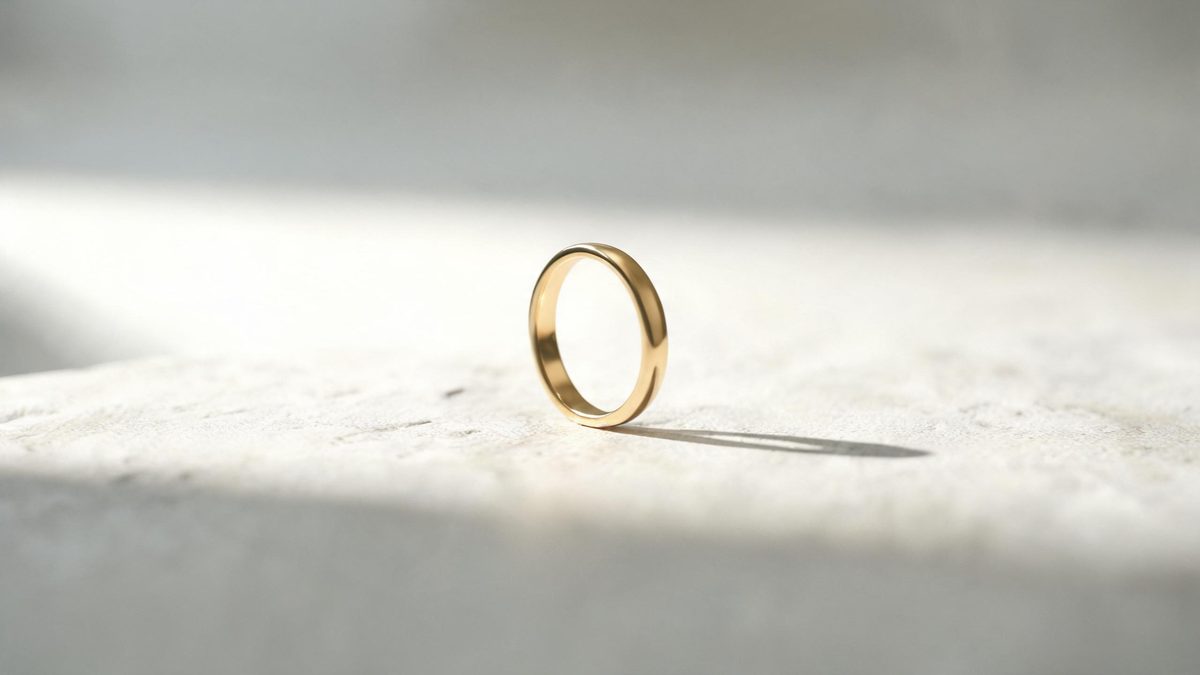
Jewelry video has two requirements that fight each other. The highlight has to roll across the metal so it reads as metal, and the frame has to stay clean enough that the piece is the only thing in it.
This effect is built for that balance. It reads your product photo and adds restrained movement — a slow rotation, a highlight pass, a slight parallax — without introducing props or backgrounds that compete with the piece.
Three steps, no timeline and no render queue. Most people go from upload to a finished clip in under a minute.
A single piece on a plain background, shot straight on or slightly above. The cleaner the original, the less the model has to guess about edges and reflections.
Pick a slow rotation, a highlight pass across the metal, or a gentle push-in. Each one is deliberately restrained so the piece stays the subject.
Vertical 9:16 for Reels, TikTok and Shorts, square 1:1 for feed and marketplaces, 16:9 for your product page — all from one project.
Three studio setups. Pick based on the piece and where the clip will run.
Tight macro with a shallow field and the stone catching a single highlight. Use this for detail-led listings where the setting is the selling point.
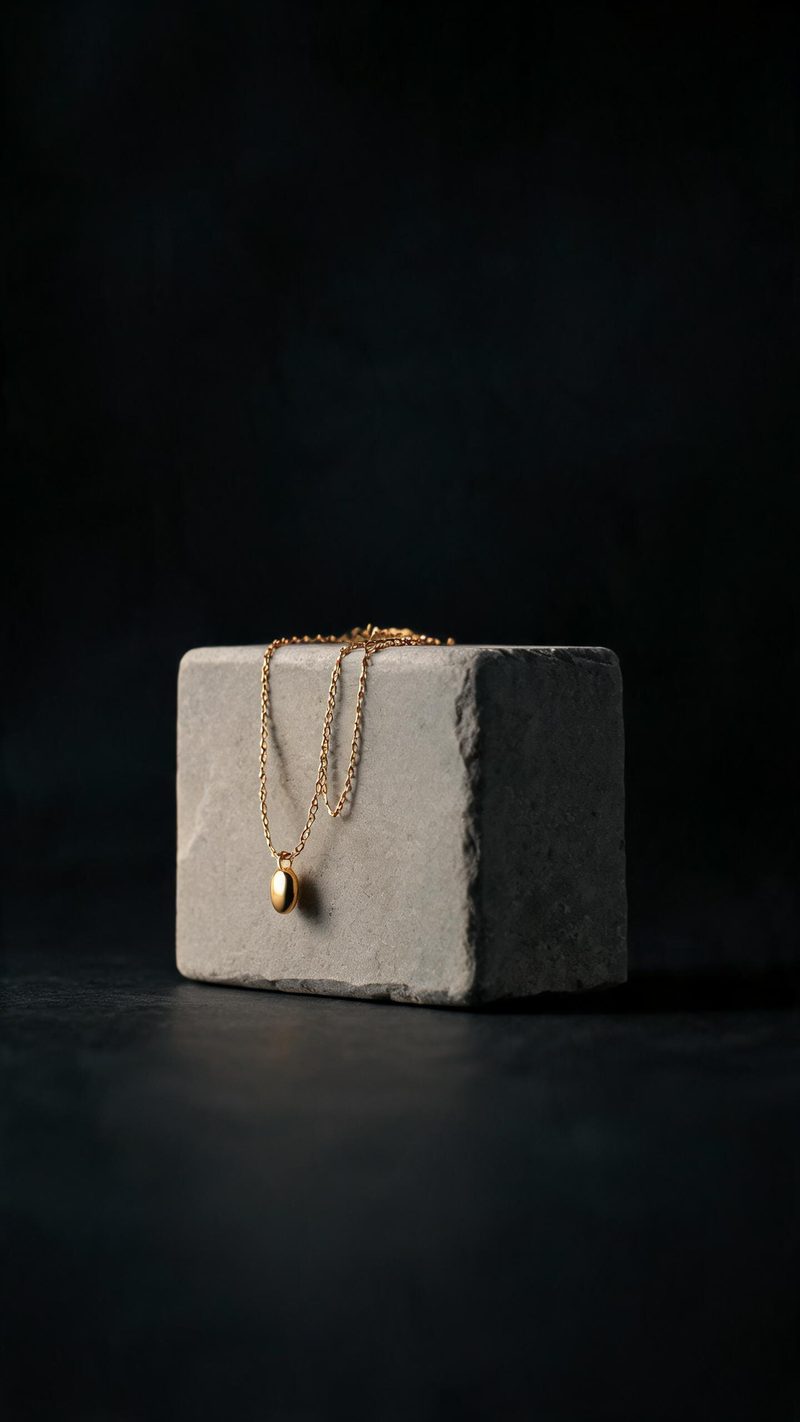
The chain falling across stone with one soft source and a deep shadow. Best for longer pieces that need the full length in frame.
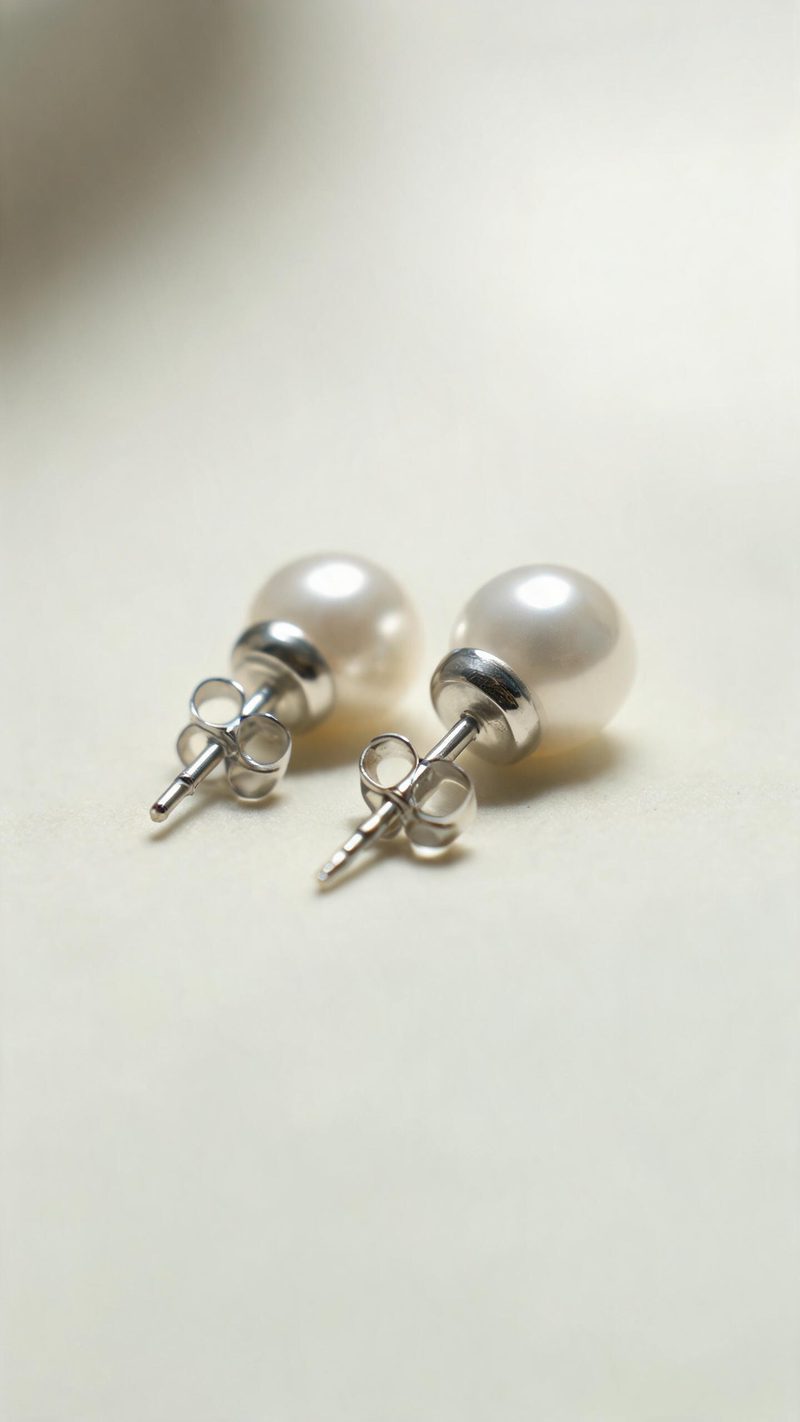
Two pieces on a light surface with the highlight rolling gently. The pick for earrings and sets, and the safest for marketplace listings.
Product video is judged on whether it helps someone decide. These are the parts that do.
Metal colour, stone colour and proportions carry over from your photo. Nothing about the piece is invented.
9:16 for Reels, TikTok and Shorts, 1:1 for feed and marketplace, 16:9 for product pages — no re-shooting per channel.
Subtitles are generated, styled and burned in, and the narration is voiced in the language your audience scrolls in. No second tool needed.
Run the same setup across a whole collection, so a launch or a full catalogue refresh takes one pass instead of one piece at a time.
One product photo in, a finished clip out. Free to try — no card required.