
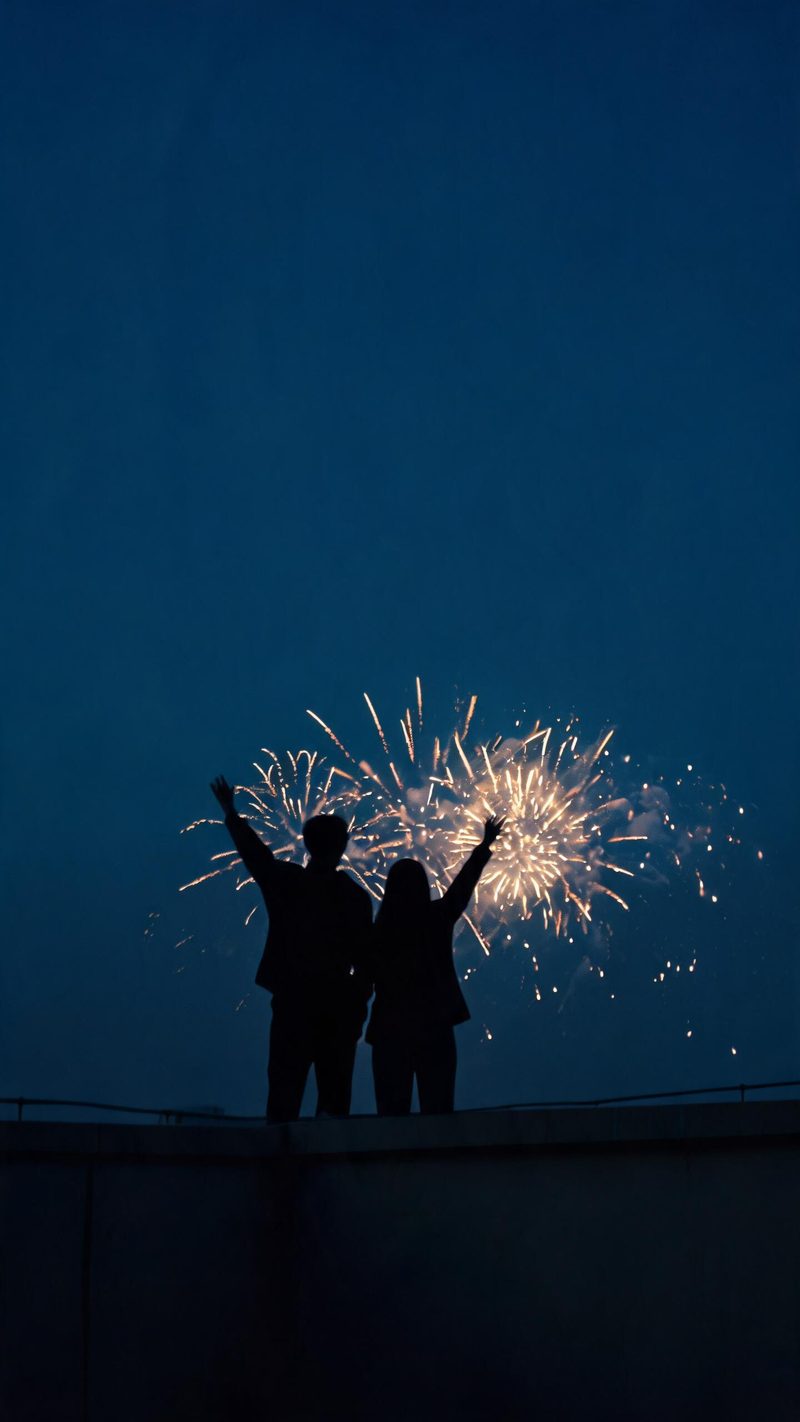
Fireworks overhead
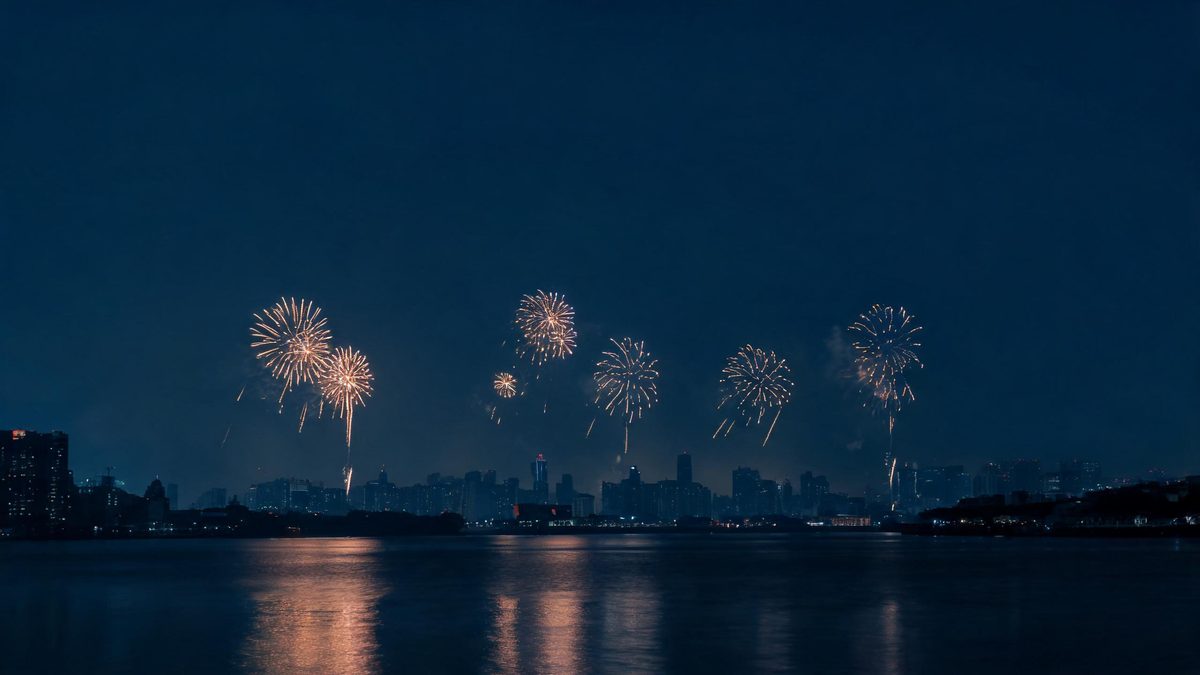
Wide bursts against a deep indigo sky with the warm reflection landing on the subject below. Best when your photo has open sky or a skyline behind the people.
New Year is the one night everyone posts. Upload a photo, pick a look, and OpenFilmo builds the countdown around it — fireworks, sparkler light and a midnight reveal you can post before the night is over.
A New Year post has a very short window. People upload within about an hour of midnight, so anything that needs a timeline, a colour grade and an export queue arrives after the moment has passed.
This effect is built for that window. You supply the photo and the model builds the night around it — the fireworks, the sparkler glow on the faces, the shift from blue hour to warm burst — as a finished vertical clip.
Three steps, no timeline and no render queue. Most people go from upload to a finished clip in under a minute.
A portrait, a group shot or a skyline all work. The face should be clearly lit and reasonably large in frame if you want the sparkler light to land on it.
Choose fireworks over the city, a sparkler close-up, or a champagne toast in warm candlelight. Each preset carries its own light temperature, burst timing and grade.
The clip renders in seconds at 9:16 for Reels, TikTok and Shorts, with square and 16:9 available from the same project if you want it on the feed as well.
Each preset is a different way of lighting the same moment. Pick the one that matches the photo you actually have.
Wide bursts against a deep indigo sky with the warm reflection landing on the subject below. Best when your photo has open sky or a skyline behind the people.
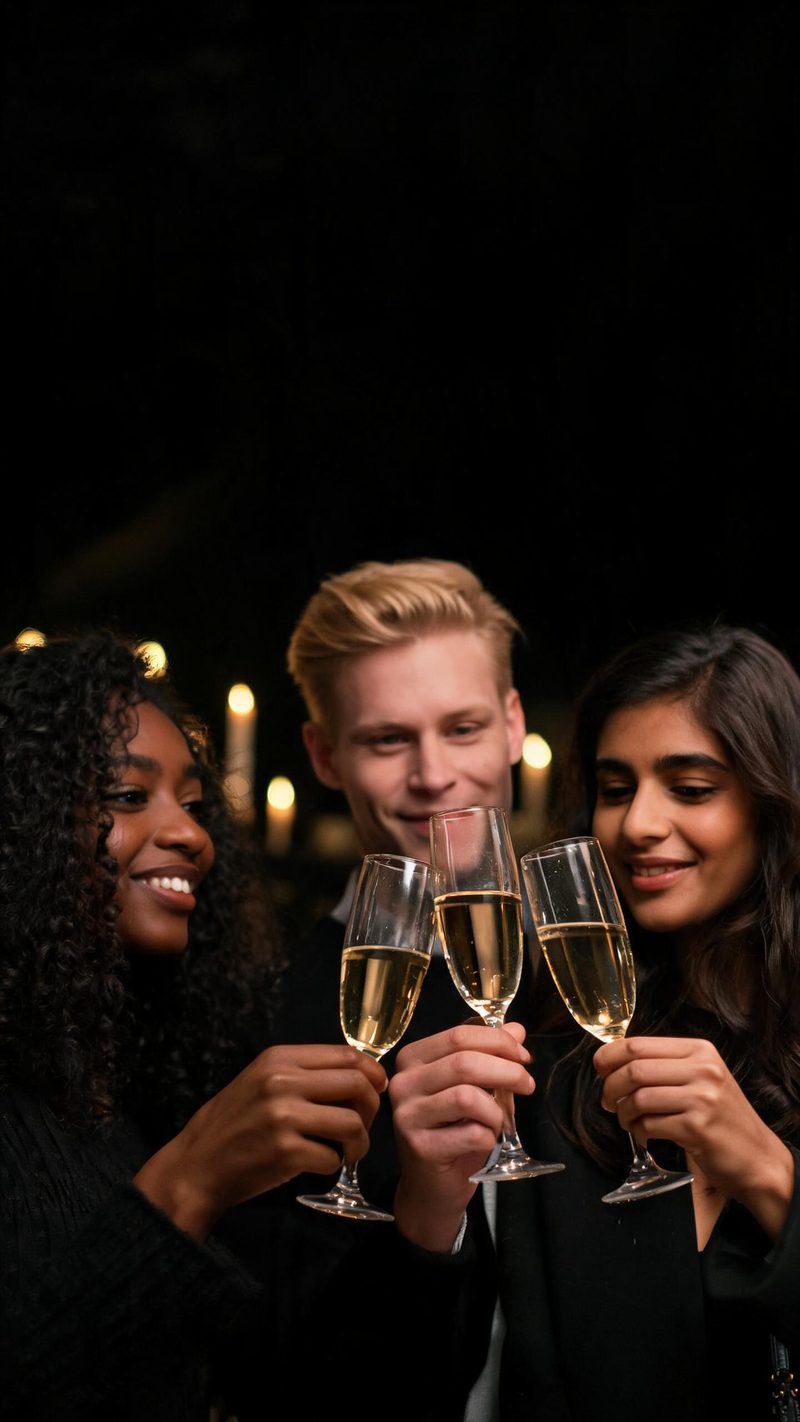
Champagne glasses meeting in warm candlelight, close and social. This is the pick for group photos where the moment matters more than the backdrop.
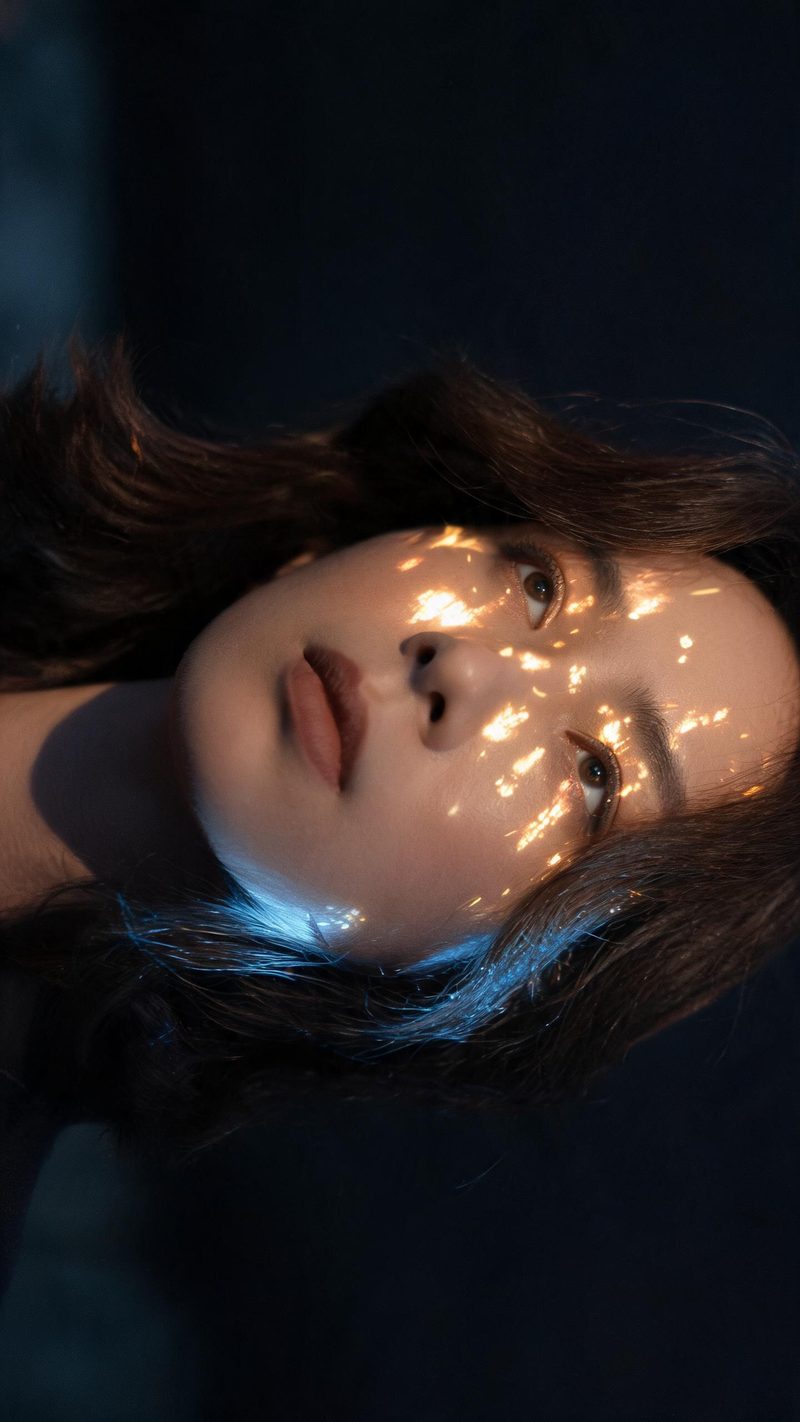
A single face lit from below by the burst: cool blue rim, warm gold highlights. Works best on a close-up where the expression is already there.
On New Year the only thing that matters is whether the clip is ready while people are still scrolling.
The lighting and the sky change, the people do not. Features and expression are preserved while the night is built around them.
9:16 for TikTok, Reels and Shorts, 1:1 for feed, 16:9 for YouTube — exported from one project without re-cropping.
Subtitles are generated, styled and burned in, and the narration is voiced in the language your audience scrolls in. No second tool needed.
Generate alternate hooks and looks from the same photo, then post the one that lands instead of gambling on a single render.
One photo in, a midnight clip out. Free to try — no card required.
Ready-made christmas templates in OpenFilmo — open one and drop your photo in.
Scene ideas, prompt libraries and a step-by-step walkthrough for the Halloween effect.