
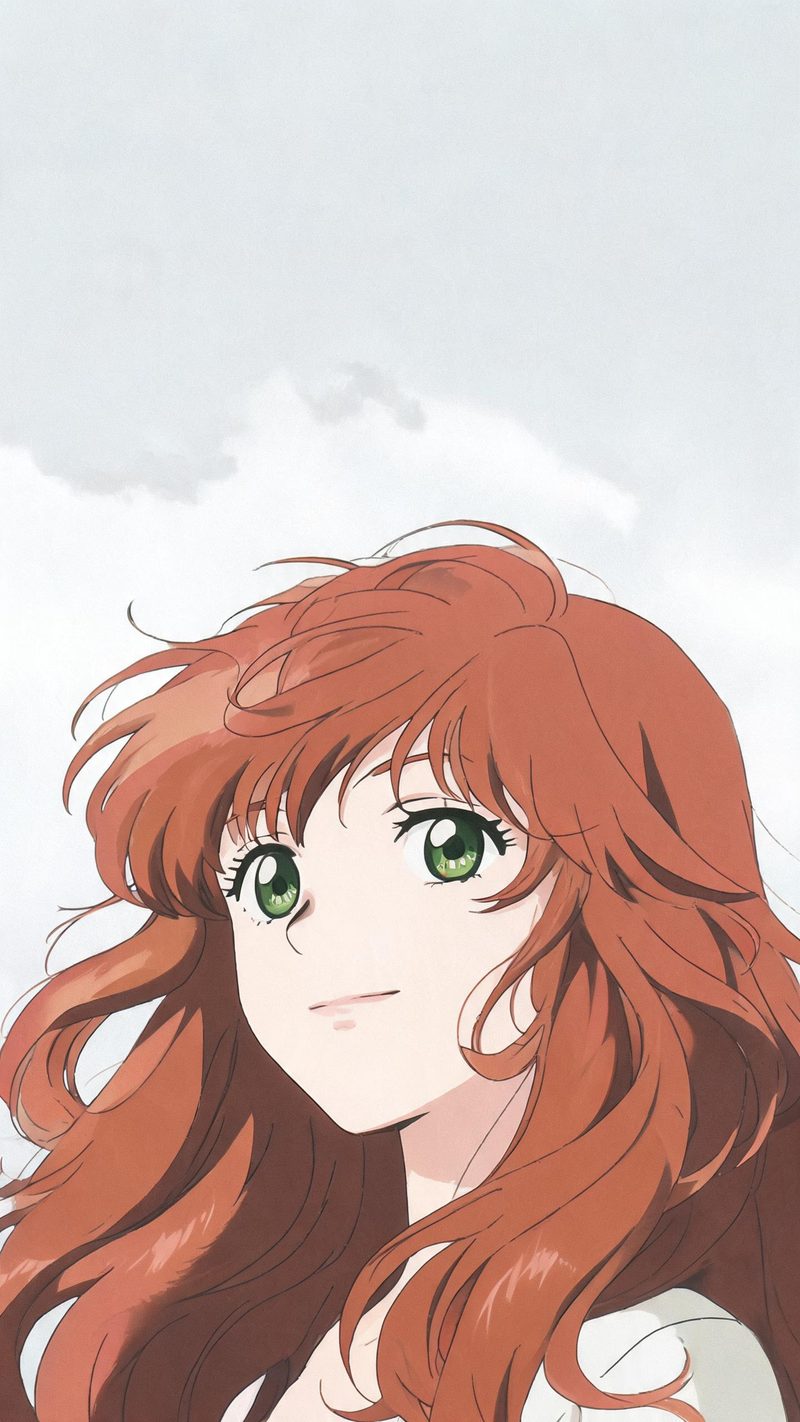
Character portrait
A single figure with painterly skin shading and a plain sky behind. The most direct restyle of a selfie, and the one that works from the tightest crop.
Anime restyling is the effect people come back to, because it works on almost any photo — a portrait, a street, a landscape — and the output is instantly recognisable as a frame from something.
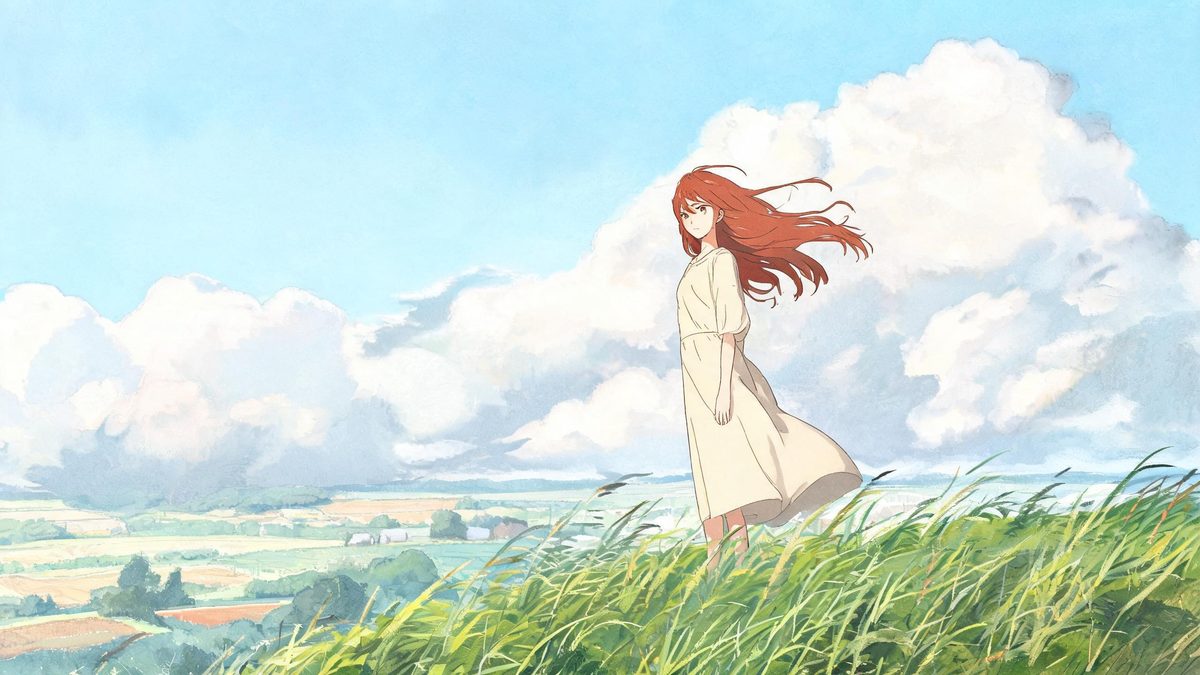
Cel animation has a specific look that is easy to imitate badly. It depends on flat colour fills, hard-edged shadows, hand-painted backgrounds and a deliberate separation between the character layer and the scenery behind it.
Getting that separation right is what makes a result read as animation rather than as a photo with a filter on it. It is also why skies and open scenery work so well here — they give the background layer room to be painted.
Three steps, and any photo works — portrait, street or landscape.
Portraits, streets and landscapes all restyle well. Simple, uncluttered scenes give the background layer more room to be painted, and skies work especially well.
Character portrait, countryside or town at dusk. Each carries its own palette and light, and moving subjects look best with some sky or open space around them.
The clip renders in seconds. Export vertical for Reels, TikTok and Shorts, or other ratios from the same project.
Three scene types, each built on a painted background layer rather than a filter.
A single figure with painterly skin shading and a plain sky behind. The most direct restyle of a selfie, and the one that works from the tightest crop.
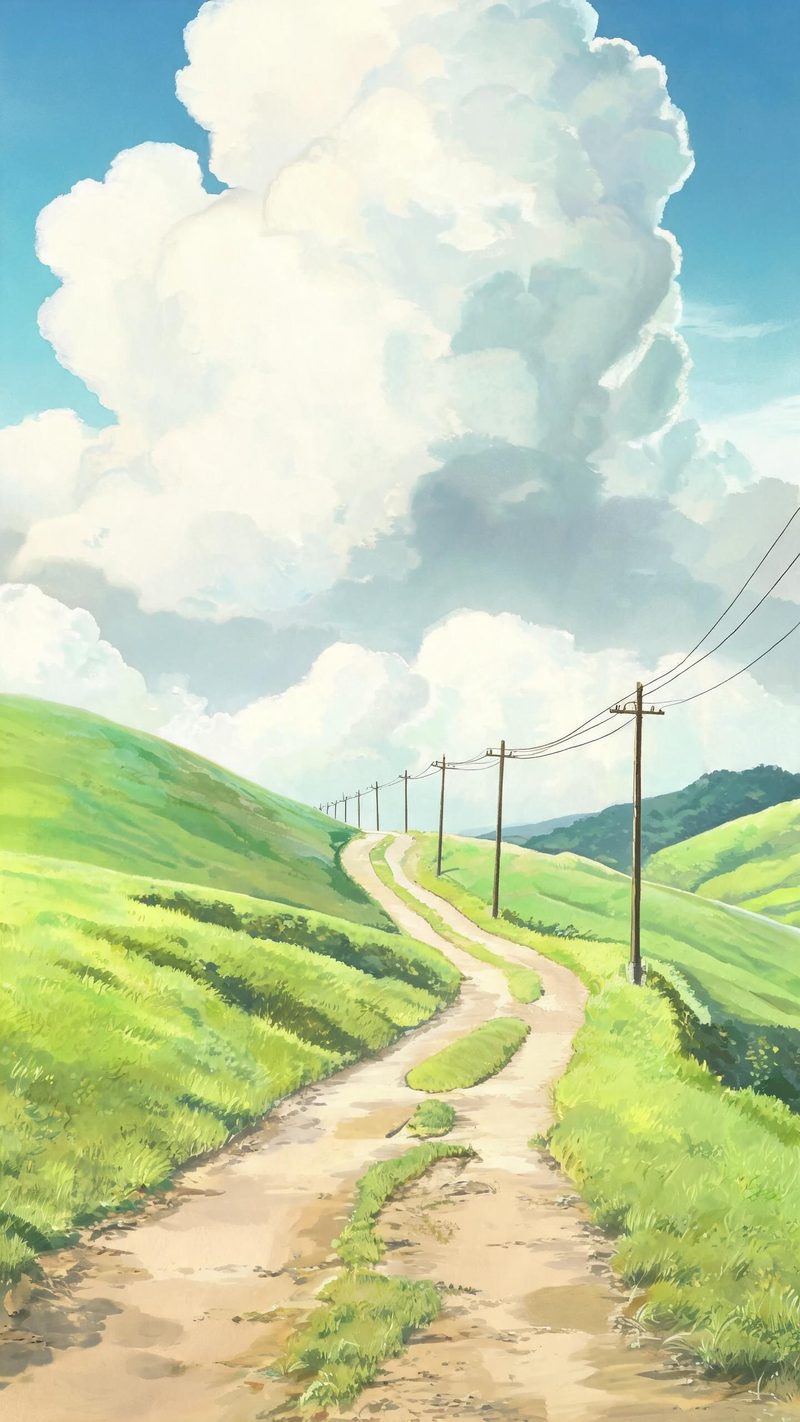
Open landscape with towering clouds and telephone poles along the road. Nostalgic rather than dramatic, and the strongest direction for wide, empty photographs.
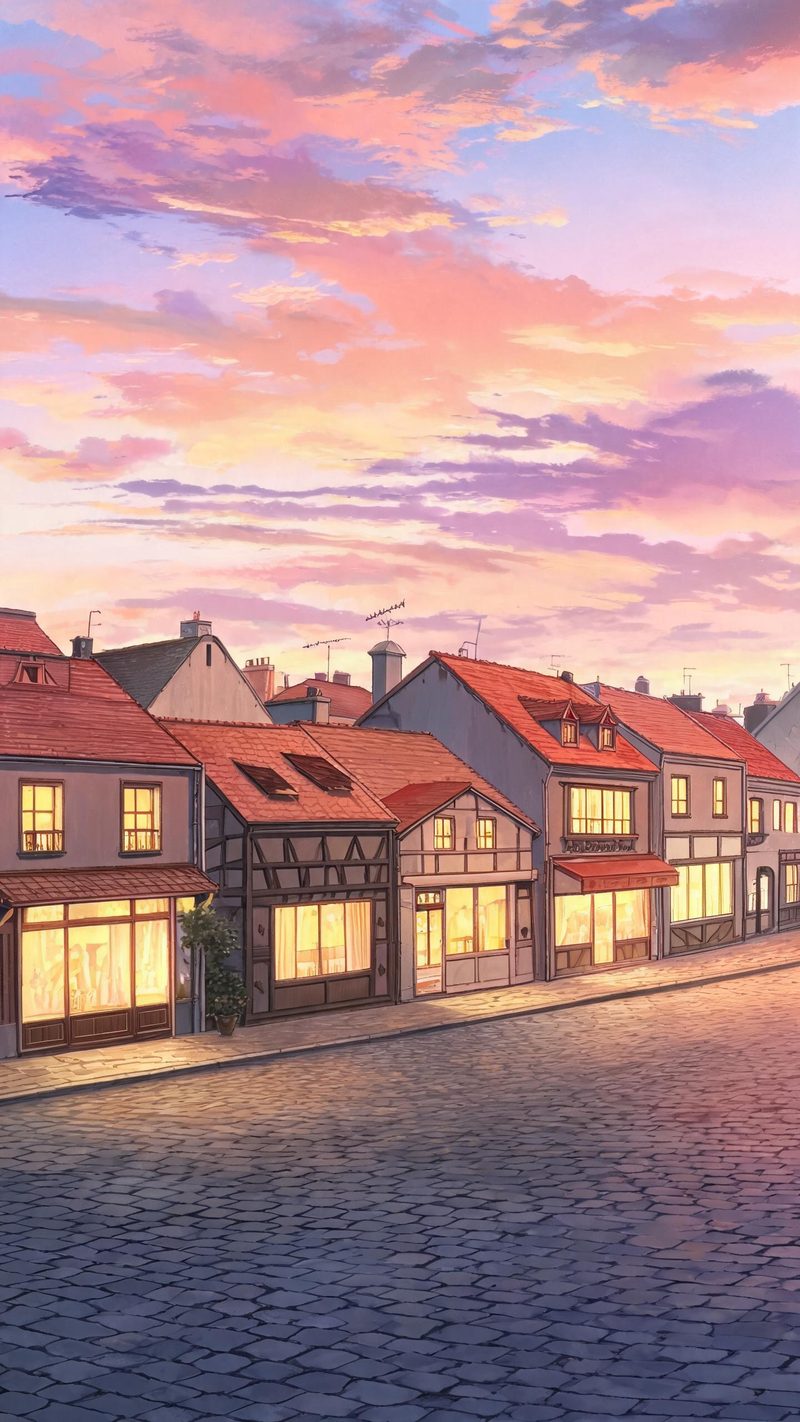
Warm windows against a violet sky. Best on street photographs with visible architecture, since the buildings become the scenery layer.
Anime restyling only works when the face survives the style, and when the frame looks painted rather than filtered.
Facial geometry, expression and the details that make you recognisable are preserved through the restyle, so the character still reads as the person in the photo.
9:16 for TikTok, Reels and Shorts, 1:1 for feed, 16:9 for YouTube — exported from one project without re-cropping.
Add burned-in subtitles and a voiceover in your audience's language. Styled captions suit this format particularly well.
Restyle several photos or several scenes from the same image and pick the strongest, rather than committing to one attempt.
One photo in, a painted scene out. Free to try — no card required.
Ready-made art style templates in OpenFilmo — open one and drop your photo in.