
Style effect
Create a Ghibli Style Video From One Photo
Upload a person, object, pair, or landscape photograph and turn its familiar shapes into a soft illustrated scene. The result is a 4-second 720p video for 60 credits.
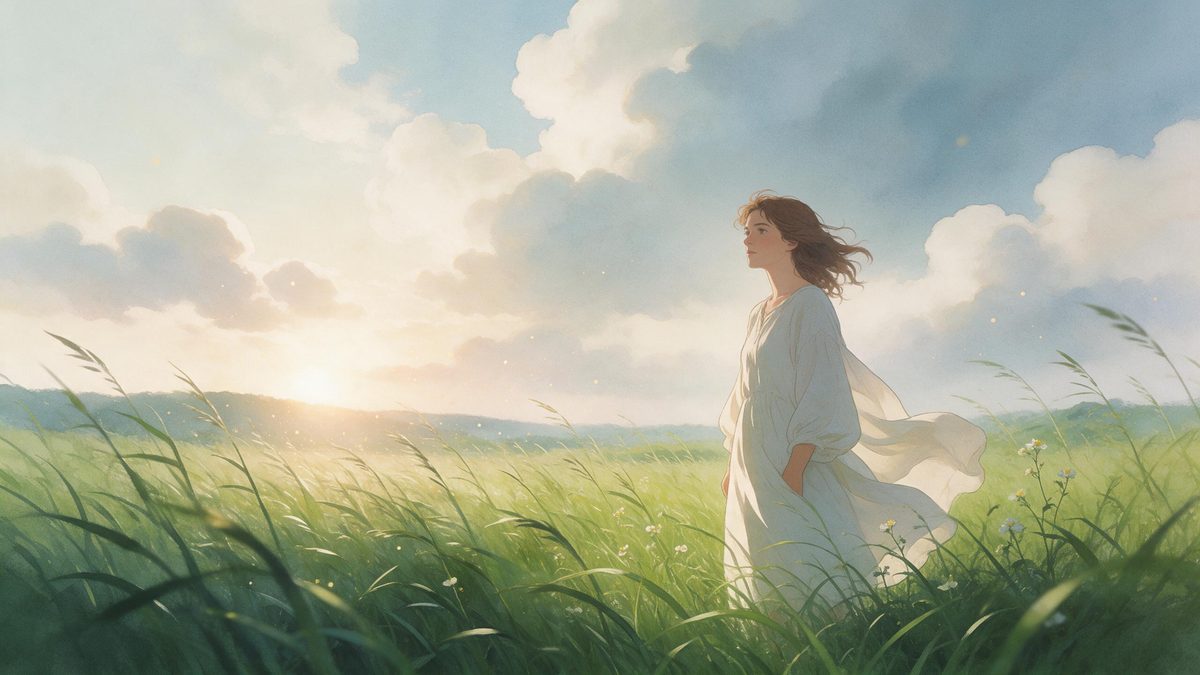
A photograph records surfaces accurately, but it can miss the atmosphere that made a place or person memorable. This effect redraws the source as a gentle illustrated world, preserving enough of the composition to remain recognisable while changing colour, texture, edges, and movement. It accepts a broad range of material: a solo portrait, an object study, a pair in the same frame, or a pure landscape. That flexibility makes the template useful when the idea matters more than a narrowly prescribed pose.
Each run uses 60 credits and returns a 4-second video at 720p. The output follows the aspect ratio of the uploaded photograph, so source framing is an important creative choice rather than a technical afterthought. A clear image with readable silhouettes gives the redraw stronger visual anchors. Small lettering, complicated hands, and dense building ornament deserve extra scrutiny because those details can drift, disappear, or be formed incorrectly during the transformation.
Specs at a glance
Straight from the product panel, not from a marketing deck.
- Output
- 4-second video
- Credits
- 60 per run
- Resolution
- 720p
- Aspect ratio
- Matches your input photo
- Input
- 1 photo — one person, one object, a pair, or a pure landscape
- Best results with
- Works across people, objects, pairs and landscape shots
- Known limits
- Details can drift during the transformation: lettering may come out wrong, building detail can drop out, and hands are sometimes poorly formed.
What it does
Built for this specific job, not a generic editor.
People, objects, pairs, or scenery
The input does not have to be a conventional portrait. A single person, a physical object, a pair, or an empty landscape can all provide the source, letting the same visual treatment support character moments, product-like compositions, travel memories, and environmental scenes.
Illustrated motion from a still
The template turns a static frame into a moving illustrated sequence rather than placing a flat filter over the photograph. Colour regions, contours, and scene depth are reinterpreted together, which helps the clip feel like one coherent visual passage instead of a still image with decorative movement.
Source composition stays relevant
Because the output matches the input aspect ratio, the photograph decides whether the finished clip feels tall, wide, or compact. You can frame for the destination before uploading instead of relying on a later crop that might remove the strongest part of the scene.
720p short-form output
The finished file is a 4-second video rendered at 720p. That combination is suited to a concise reveal, an insert inside a larger edit, or a self-contained visual post where the transformation should arrive without a long introduction.
How it works
Four steps, no timeline to learn.
Choose a readable source photograph
Pick one image with a distinct main subject or a clearly organised landscape. Separate overlapping hands where possible, avoid relying on tiny signs for meaning, and prefer architecture whose essential shape remains understandable even if fine facade detail is simplified.
Frame for the intended placement
Decide how the result will be displayed before uploading. The effect keeps the photograph’s aspect ratio, so a tall source supports a vertical placement while a wide landscape remains suited to a horizontal player without a secondary reframing step.
Upload and review the credit charge
Add the single photograph to the Ghibli style effect and check the confirmation panel. A run costs 60 credits, and that amount applies whether the source contains one person, a pair, an object, or an unoccupied landscape.
Inspect details before publishing
Download the 4-second 720p result and watch the transformation through to its final frame. Check hands, lettering, rooflines, windows, and other structural details closely, since those are the areas identified as most likely to change during the redraw.
Where people use it
The jobs this effect actually gets used for.
Travel memory reinterpretations
A landscape or street photograph can become an illustrated moving postcard while keeping the original viewpoint. This works best when the location is recognised through large shapes, light, and terrain rather than through a sign whose exact lettering must survive.
Character-led profile posts
A solo portrait can be used for a compact style reveal that still resembles the source person. Choose a frame with visible facial features and uncomplicated hand positions, then verify identity cues across the clip before using it as profile or channel material.
Paired portraits with atmosphere
A photograph of a pair gains an illustrated setting without requiring separate uploads for each subject. Leave enough visual space around both figures so their outlines do not merge, and examine the result for changes where arms, hair, or clothing overlap.
Objects in story-like scenes
A favourite object can become the centre of a miniature visual narrative rather than a plain product shot. A simple background and a strong silhouette help preserve what makes the object identifiable while the surrounding colour and texture take on the new style.
Why source selection matters for this illustrated redraw
The broad input range is useful, but fine detail still sets the practical boundary.
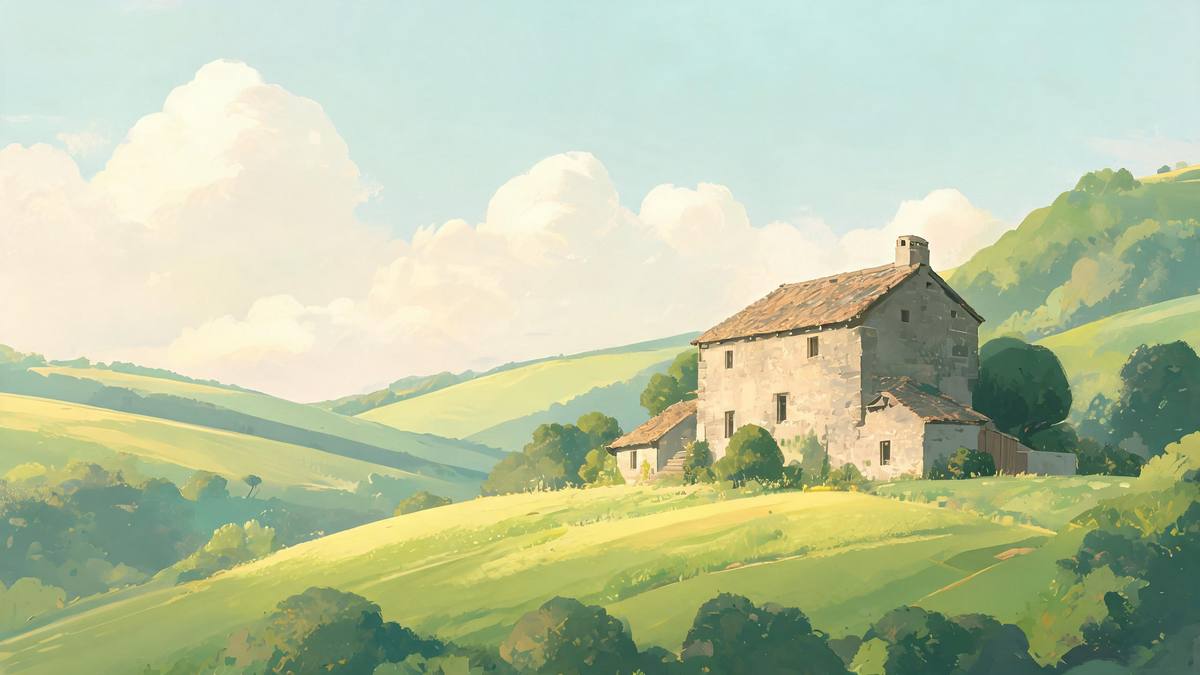
The appeal of this effect is not photographic accuracy. It is the way an ordinary frame can be reorganised into an illustrated world with softer edges, shaped colour, and a more story-like atmosphere. That change works across people, things, and places because the template reads the whole composition rather than demanding one specific kind of face. The strongest sources therefore have a visual idea that survives reinterpretation: a distinctive silhouette, a memorable skyline, a pair with clear separation, or an object whose form is easy to read.
Aspect ratio deserves attention before the upload because it is inherited from the photograph. A composition made for a tall screen should begin with a tall source, while a scenic panorama benefits from remaining wide. This is useful control, but it also means that empty space, edge crops, and horizon placement travel into the finished video. Preparing the frame first is more reliable than expecting the animation to repair a composition that was weak as a still.
The known limits are concentrated in small or structurally delicate details. Lettering can be incorrect, parts of a building can disappear, and hands can be poorly formed. Those issues do not affect every source in the same way, so the sensible workflow is to avoid making essential meaning depend on text or finger positions and to review the completed clip at full size. If exact signage, architectural documentation, or hand gestures are central to the message, another source image or another effect may be a safer choice.
Credits and plans
Every effect draws on one shared credit balance.
Each Ghibli style video uses 60 credits from the shared OpenFilmo balance, with the charge displayed before confirmation. The Free plan includes 30 credits each month with no credit card required. Starter is $9 for 400 credits, Pro is $19 for 1,000, and Studio is $59 for 4,000.
Related guides
Longer reads on the same workflow, from the OpenFilmo blog.
AI Anime Video Generator: Text or Image to Anime
How to use an AI anime video generator: a script-to-anime workflow, character consistency with reference images, style options and…
Image to Video AI: Animate Any Photo in Seconds
A complete guide to image to video AI: what makes a good source image, how to write motion prompts, top use cases, and how to fix …
AI Video Prompt Formulas That Hold Up in Production
Prompt structures that work for AI video: subject, motion, camera, time and style — with tested formulas, failure patterns and a m…
Related effects
Same family of effects, on the same kind of input.
Frequently asked questions
What can I upload to the Ghibli style video effect?
Use 1 photo containing one person, one object, a pair, or a pure landscape. The range is broader than a portrait-only template, but a clearly arranged source with readable silhouettes gives the transformation more stable visual structure.
How much does a Ghibli style video cost?
A run costs 60 credits. The amount is shown before confirmation and covers the complete 4-second result, whether the uploaded photograph is a portrait, an object composition, a pair, or a landscape without people.
What resolution and length does it produce?
The output is a 4-second video at 720p. Its aspect ratio matches the uploaded photograph, so the shape of the source should be chosen for the screen or placement where you expect to use the finished clip.
Why did text or architecture change?
Lettering can come out wrong and building detail can drop out during the style transformation. Treat small signs and decorative facade elements as vulnerable details, and do not make them carry information that must remain exact in the final video.
How should hands appear in the source?
Use a photograph where hands are simple, visible, and not heavily overlapped if they matter to the composition. Hands are sometimes poorly formed by this effect, so inspect them in motion before sharing or adding the clip to a larger edit.