
Style effect
Convert a Photo Into a Pixel Art Video Style
Turn people in one photograph into a moving pixel art scene. The 4-second 720p output costs 100 credits, and its aspect ratio is randomised.
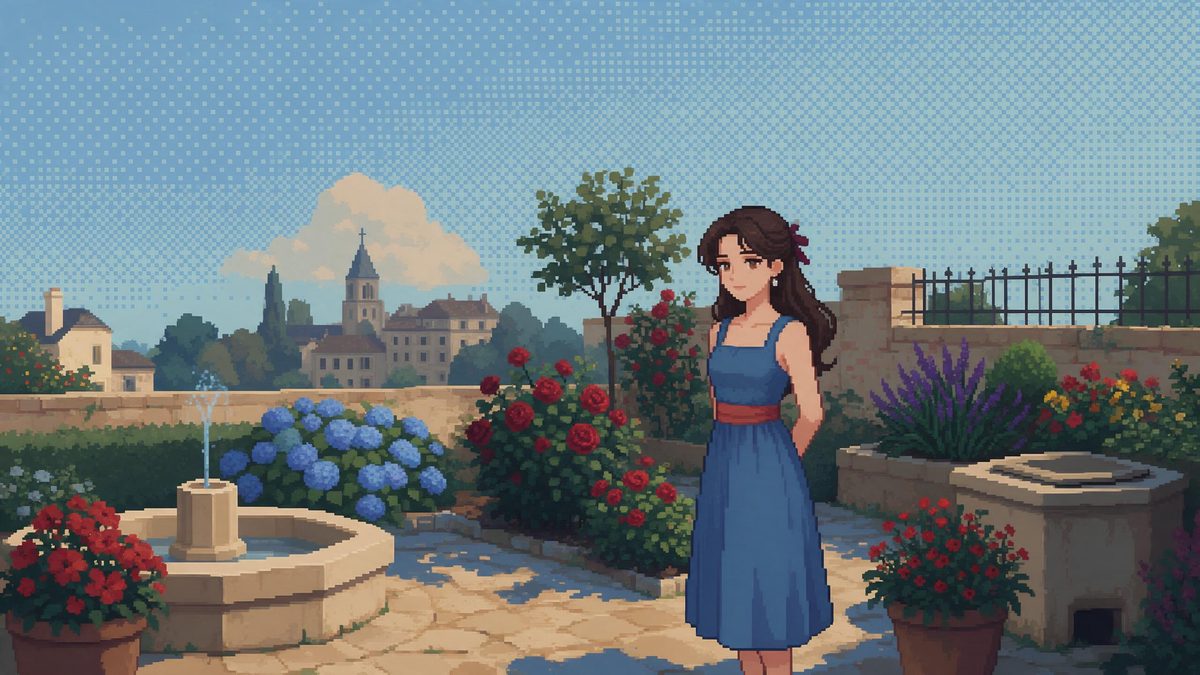
Pixel art changes a portrait by deciding which information can survive reduction. Facial features become compact marks, clothing becomes grouped colour, and a scene is read through silhouette and contrast instead of fine photographic texture. This template creates that transformation from one image containing one person, a pair, or a group. Front-facing upper-body or full-body sources are recommended because their major features remain understandable after the image is reorganised into block-like detail.
Each run costs 100 credits and returns a 4-second 720p video. Unlike the other style effects that preserve or prescribe a frame shape, this template randomises the output aspect ratio. Pixel break-up may appear during the render, and a brief white haze can wash across the frame. Those limits make destination planning less predictable, so the result should be generated and reviewed before a layout, crop, or publishing slot is built around it.
Specs at a glance
Straight from the product panel, not from a marketing deck.
- Output
- 4-second video
- Credits
- 100 per run
- Resolution
- 720p
- Aspect ratio
- Randomised on output
- Input
- 1 photo — one person, a pair, or a group
- Best results with
- Front-facing upper-body or full-body shots
- Known limits
- Pixel break-up can appear during the render and a brief white haze can wash over the frame. The output aspect ratio is randomised.
What it does
Built for this specific job, not a generic editor.
Photographs redrawn as pixel scenes
The effect converts people and their surroundings into a deliberately reduced visual vocabulary of small blocks, controlled colour areas, and simplified edges. Motion reveals that conversion over the clip instead of presenting only a finished pixel still.
Solo, pair, and group support
One person, a pair, or a group can occupy the uploaded photograph. This makes the template usable for individual avatars as well as shared portraits, provided that each figure is separated clearly enough to remain legible after detail is compressed.
720p moving output
The completed file runs for 4 seconds at 720p. The resolution supplies a defined video canvas, while the pixel treatment intentionally simplifies the image within that canvas rather than trying to reproduce every source texture.
An unpredictable frame shape
The aspect ratio is randomised on output, so the same source should not be treated as a reliable way to obtain a particular tall or wide format. That uncertainty is a core specification of this template, not a setting hidden elsewhere.
How it works
Four steps, no timeline to learn.
Choose faces and bodies that read clearly
Select 1 front-facing photo with upper-body or full-body subjects. Increase visible separation between people where possible, and avoid making recognition depend on tiny jewellery, subtle fabric texture, or background lettering that pixel reduction is unlikely to preserve.
Avoid committing to a frame shape
Prepare the creative plan without assuming a vertical, square, or horizontal result. Since the output ratio is randomised, wait until the completed file exists before designing surrounding graphics or assigning it to a placement with strict dimensions.
Approve the 100-credit charge
Upload the chosen photograph to the Pixel Art Style effect and review the cost in the confirmation interface. One run uses 100 credits and produces a single 4-second 720p animation from that image.
Watch for break-up and white haze
Play the exported video from beginning to end and inspect the pixel structure during movement. Look for fragmented areas and a temporary pale wash over the frame, then decide whether those artefacts support or distract from the intended use.
Where people use it
The jobs this effect actually gets used for.
Retro character reveals
A solo portrait can become a short game-like character introduction where pose and colour carry more weight than photographic realism. Full-body framing is useful when stance matters, while upper-body framing gives the face more space inside the reduced detail.
Shared pixel portraits
Pairs and groups can be translated together from one source instead of assembled as separate figures. Keep people from overlapping heavily, because compressed edges need visible gaps to communicate where one person ends and another begins.
Unexpected-format creative posts
The randomised aspect ratio can be treated as part of an experimental workflow rather than a production guarantee. Generate the clip first, then use the returned shape to decide whether it belongs in a feed, montage, or custom graphic frame.
Texture inserts for larger edits
A 4-second pixel transformation can serve as a brief stylistic interruption inside a longer sequence. Review the white haze and any break-up before inserting it, since a visual flaw that feels acceptable alone may become more obvious beside clean adjacent footage.
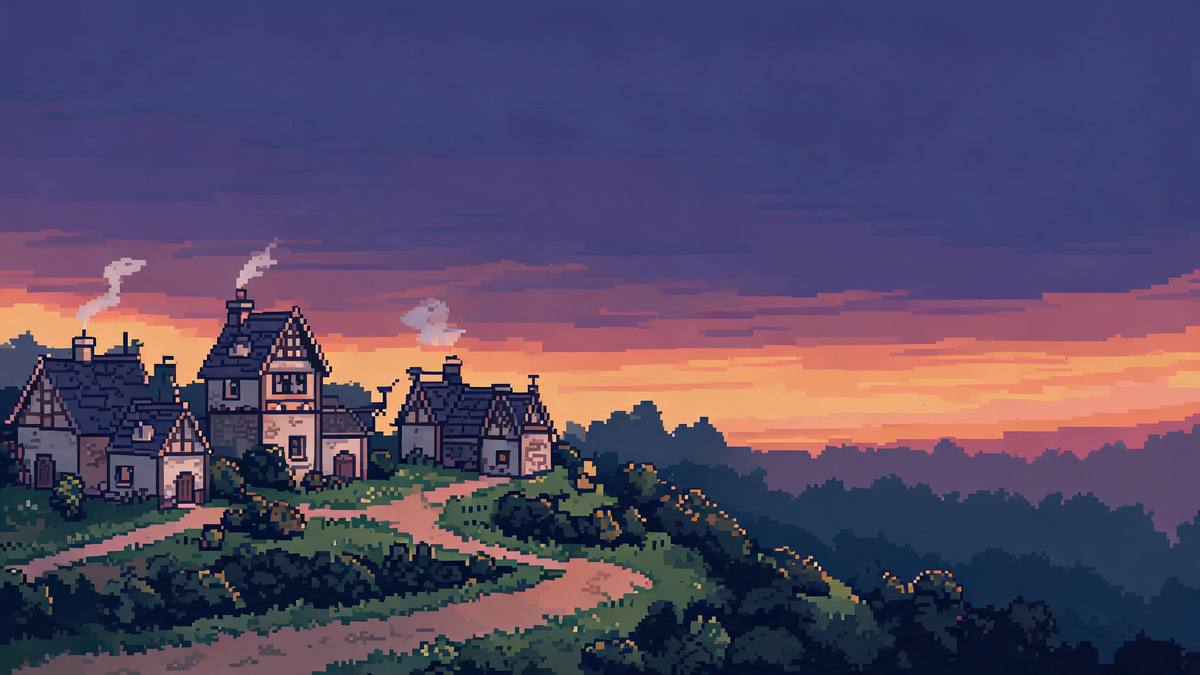
Why pixel reduction changes the planning workflow
The subject can be prepared, but the final frame shape cannot be selected.
Pixel art is effective when reduction clarifies rather than confuses. A strong silhouette, front-facing expression, and distinct blocks of clothing colour can survive the move away from continuous photographic detail. Fine patterns, small accessories, and subtle differences in background texture may not. This is why an upper-body or full-body portrait works better than an ambiguous crop: it gives the effect enough large-scale structure to decide what each cluster of visual information represents after the source has been simplified.
The randomised aspect ratio is the most important production constraint. Many workflows begin by choosing a destination and then creating media to fit it, but that sequence is unreliable here. The template does not promise that a tall photograph returns a tall video or that a wide source remains wide. A safer order is to create the result, inspect the dimensions, and only then choose the surrounding placement. Cropping afterwards may still be possible, but it can remove figures or undermine the composition produced by the effect.
Two visual artefacts can appear during rendering. Pixel regions may break up instead of remaining cohesive, and a brief white haze may pass over the image. Either can interrupt recognition, particularly in a group where every figure already has limited detail. Review movement frame by frame when the clip will be used in an edit, and watch at normal speed when it will stand alone. If a face or body becomes unreadable, changing to a cleaner front-facing source is more useful than relying on the final frame alone.
Credits and plans
Every effect draws on one shared credit balance.
A Pixel Art Style video requires 100 credits from the shared OpenFilmo balance, shown before the run is confirmed. The Free plan provides 30 credits monthly without a credit card. Starter costs $9 for 400 credits, Pro is $19 for 1,000, and Studio is $59 for 4,000.
Related guides
Longer reads on the same workflow, from the OpenFilmo blog.
AI Anime Video Generator: Text or Image to Anime
How to use an AI anime video generator: a script-to-anime workflow, character consistency with reference images, style options and…
Image to Video AI: Animate Any Photo in Seconds
A complete guide to image to video AI: what makes a good source image, how to write motion prompts, top use cases, and how to fix …
AI Video Upscaling to 4K: Refiners, Settings and Limits
How AI video upscaling and one-step refiners work, when to upscale versus regenerate at native resolution, and the settings that a…
Related effects
Same family of effects, on the same kind of input.
Frequently asked questions
What photographs work with Pixel Art Style?
The input is 1 photo of one person, a pair, or a group. A front-facing upper-body or full-body shot is recommended because clear faces, outlines, and clothing blocks remain easier to recognise after photographic detail is reduced.
Can I select the pixel video aspect ratio?
No fixed choice is specified for this template. The output aspect ratio is randomised, so do not depend on receiving a particular vertical or horizontal shape. Review the finished dimensions before assigning the clip to a strict layout.
What file does the pixel effect return?
It returns a 4-second video at 720p. The clip animates the conversion from the uploaded people photograph into a pixel art treatment, with the final frame shape determined by the effect rather than copied predictably from the input.
Why are parts of the image breaking apart?
Pixel break-up is a known limit and can appear during the render. It may affect clean edges or subject readability, so examine the moving file rather than relying on a thumbnail or a single attractive frame.
Can the frame become briefly pale?
Yes. A short white haze can wash over the image. Consider whether that flash fits the intended edit, and use a different run or source if the haze hides an important face, gesture, or point of recognition.