
Style effect
Turn Any Photo Into an Emoji Figure Video
Upload any subject and reinterpret it as a moving emoji-like sticker figure. The 4-second 720p video keeps your photo shape and costs 40 credits.
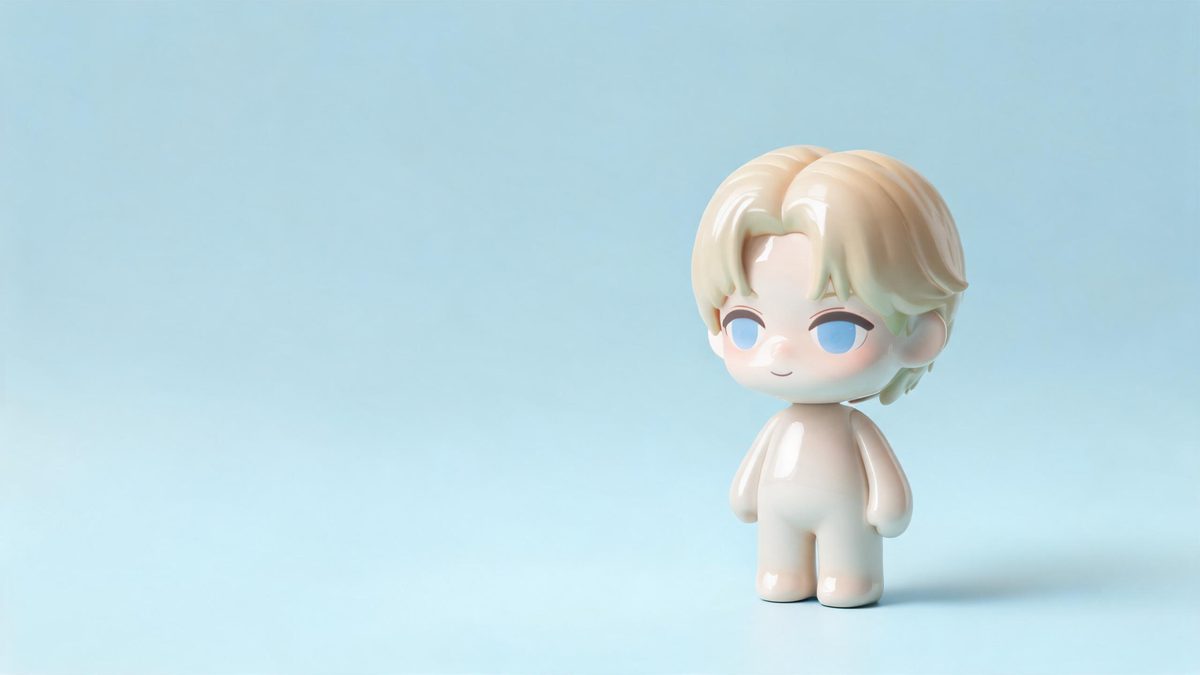
Emoji figures reduce a subject to the features that communicate identity and mood immediately. A face, object, animal, or other clear subject can be reorganised into a compact sticker-like character without requiring a specialised input category. This effect accepts any subject in one photograph, making it the broadest style template in this group. Full-body and half-body images are recommended because the transformation can use both expression and silhouette rather than working from an isolated detail.
One run costs 40 credits and produces a 4-second 720p video that matches the uploaded image aspect ratio. The sticker figure can occasionally perform a movement that the original subject was not making. That creative change may be harmless in a playful post, but it matters when a specific gesture or factual action must be preserved. Review the movement as well as appearance before treating the result as a representation of what happened in the photograph.
Specs at a glance
Straight from the product panel, not from a marketing deck.
- Output
- 4-second video
- Credits
- 40 per run
- Resolution
- 720p
- Aspect ratio
- Matches your input photo
- Input
- 1 photo — any subject
- Best results with
- Full-body and half-body shots
- Known limits
- Occasionally the sticker figure performs a movement the original subject was not doing.
What it does
Built for this specific job, not a generic editor.
Open-ended subject input
The source can contain any subject rather than being restricted to a person, pet, or product category. This gives the template room to transform portraits, animals, objects, and unusual focal points through the same compact emoji-figure language.
Character simplification in motion
The uploaded subject becomes a sticker-like moving figure whose key visual cues are prioritised over photographic texture. A short transformation reveals that reinterpretation while keeping the result focused on one recognisable centre of attention.
Aspect ratio follows the source
The finished video uses the proportions of the photograph. You can begin with a tall, wide, or otherwise composed image according to the intended placement, provided the main subject occupies enough of the frame to remain legible.
40-credit 720p output
The animation runs for 4 seconds at 720p and consumes 40 credits. This makes the effect a concise style conversion rather than a long sequence, with the subject change and sticker movement carrying the visual idea.
How it works
Four steps, no timeline to learn.
Identify one unmistakable focal subject
Choose 1 photograph where the viewer can tell immediately what should become the emoji figure. A full-body or half-body source is recommended, and strong separation from the background helps prevent secondary objects from competing with the main character.
Decide how much motion can change
Consider whether the source gesture has factual importance. If a hand position, pose, or action must remain exact, this template may be unsuitable because the generated sticker can move in a way that was not present in the original photograph.
Upload and confirm 40 credits
Add the selected image to the Emoji Figure effect and check the charge displayed by OpenFilmo. Approval uses 40 credits and creates a single 4-second video at 720p from the supplied frame.
Verify the new character motion
Watch the result beside the still source and note every movement added to the figure. Keep the clip when that behaviour supports a playful interpretation, but avoid using it as documentary evidence of an action that did not occur.
Where people use it
The jobs this effect actually gets used for.
Playful portrait reactions
A half-body person can become a compact animated reaction figure for a casual post or message. The source expression provides a starting cue, while the generated motion should be reviewed to make sure it conveys the intended mood rather than an unintended gesture.
Object mascots
A clearly shaped object can be reimagined as a small moving character instead of remaining a static prop. Use a simple background and an object that fills a useful part of the frame so the figure has a strong silhouette to inherit.
Animal emoji characters
An animal photograph can produce a sticker-like figure without requiring a person in the image. Full-body framing gives the effect ears, body, and stance to interpret, helping the result read as the same animal after simplification.
Style inserts in personal edits
The 4-second change can act as a playful punctuation mark inside a longer montage. Because the aspect ratio follows the source, select a photograph already shaped for the surrounding edit and inspect any invented movement before insertion.
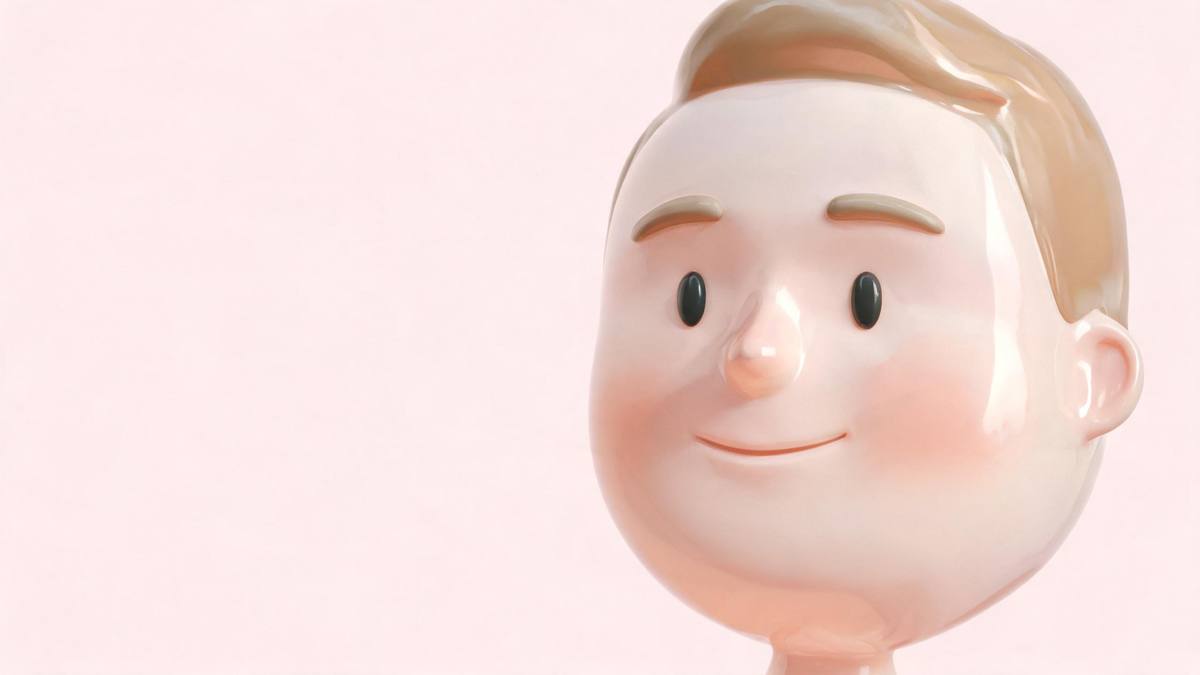
Why broad subject support still needs editorial judgment
Almost anything can be transformed, but not every meaning should be changed.
Accepting any subject is valuable because creativity is not limited to conventional portraits. A toy, piece of food, vehicle, pet, or person can all serve as the focal point if the source makes that choice clear. The effect still needs visual hierarchy. When several objects compete equally or the intended subject is tiny, the emoji figure has less reliable information to prioritise. A simple photograph with one dominant outline is a better starting point than a busy scene whose meaning depends on context.
Full-body and half-body views are recommended because emoji characters communicate through both shape and expression. For a person or animal, a complete stance can carry mood even after fine texture disappears. For an object, showing enough of the form helps the transformation retain identity. Since the output matches the source aspect ratio, it is possible to make deliberate framing decisions beforehand rather than discovering that a useful part of the figure has been removed by a fixed crop.
The main limit is behavioural rather than visual. The generated sticker may perform a movement that the source subject was not doing. In entertainment content, that can be part of the charm. In a factual context, it can misrepresent a pose, reaction, or action. The right question is not only whether the result looks appealing, but whether the added movement changes the meaning. Use the clip for expressive reinterpretation and avoid presenting it as an accurate record of the photographed moment.
Credits and plans
Every effect draws on one shared credit balance.
The Emoji Figure effect uses 40 credits per video, deducted from the shared OpenFilmo balance after confirmation. Free accounts receive 30 credits each month without a card. Starter is $9 for 400 credits, Pro is $19 for 1,000, and Studio is $59 for 4,000.
Related guides
Longer reads on the same workflow, from the OpenFilmo blog.
Image to Video AI: Animate Any Photo in Seconds
A complete guide to image to video AI: what makes a good source image, how to write motion prompts, top use cases, and how to fix …
AI Anime Video Generator: Text or Image to Anime
How to use an AI anime video generator: a script-to-anime workflow, character consistency with reference images, style options and…
AI Video Prompt Formulas That Hold Up in Production
Prompt structures that work for AI video: subject, motion, camera, time and style — with tested formulas, failure patterns and a m…
Related effects
Same family of effects, on the same kind of input.
Frequently asked questions
What kind of subject can I upload?
The effect accepts 1 photo with any subject. A full-body or half-body image is recommended when that description applies, and the main focal point should be large and clearly separated from surrounding visual clutter.
Does the Emoji Figure effect crop the source shape?
The output aspect ratio matches the photograph you upload. Choose a tall or wide source according to the desired placement, and keep important subject details away from edges that may already feel tight in the original composition.
How long and sharp is the result?
OpenFilmo produces a 4-second video at 720p. The short clip animates the conversion into an emoji-like sticker figure rather than returning a still image, and one generation uses 40 credits.
Can the figure make up a new movement?
Yes. The sticker figure can occasionally perform a movement that the source subject was not making. Review every gesture and avoid using the clip where viewers could mistake generated behaviour for a factual record.
When is invented movement acceptable?
It is appropriate when the video is clearly playful, expressive, or fictional. It is a poor fit when the original pose carries evidence, instruction, consent, or another meaning that would be altered by a gesture added during transformation.