
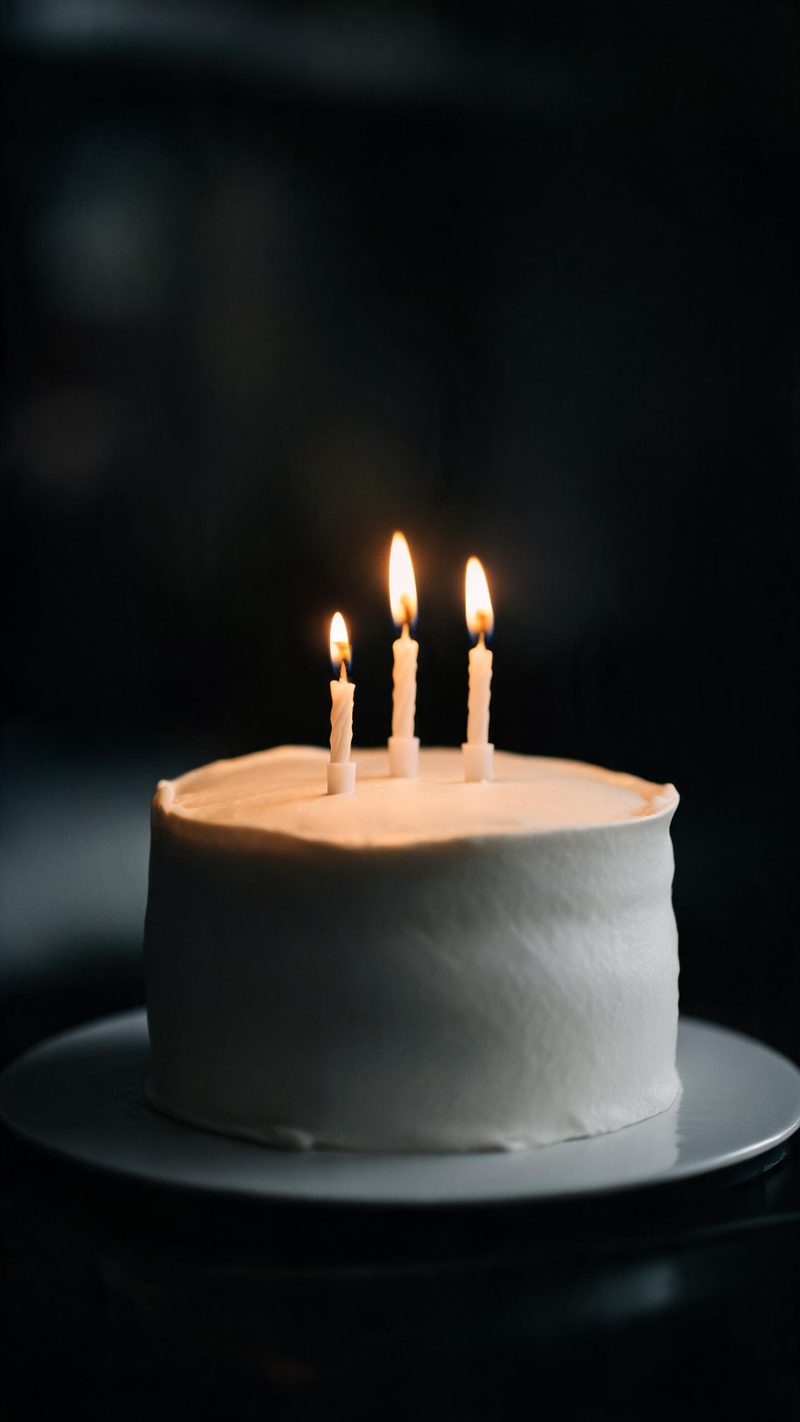
The cake
A close crop with the flame as the only source and everything else falling into shadow. Use this when the cake is the subject and you want the frame to close in.
Birthday posts are the most-made and least-kept video of the year. Upload the photo you already have and OpenFilmo builds the candlelight, the warm reveal and the vertical cut around it.
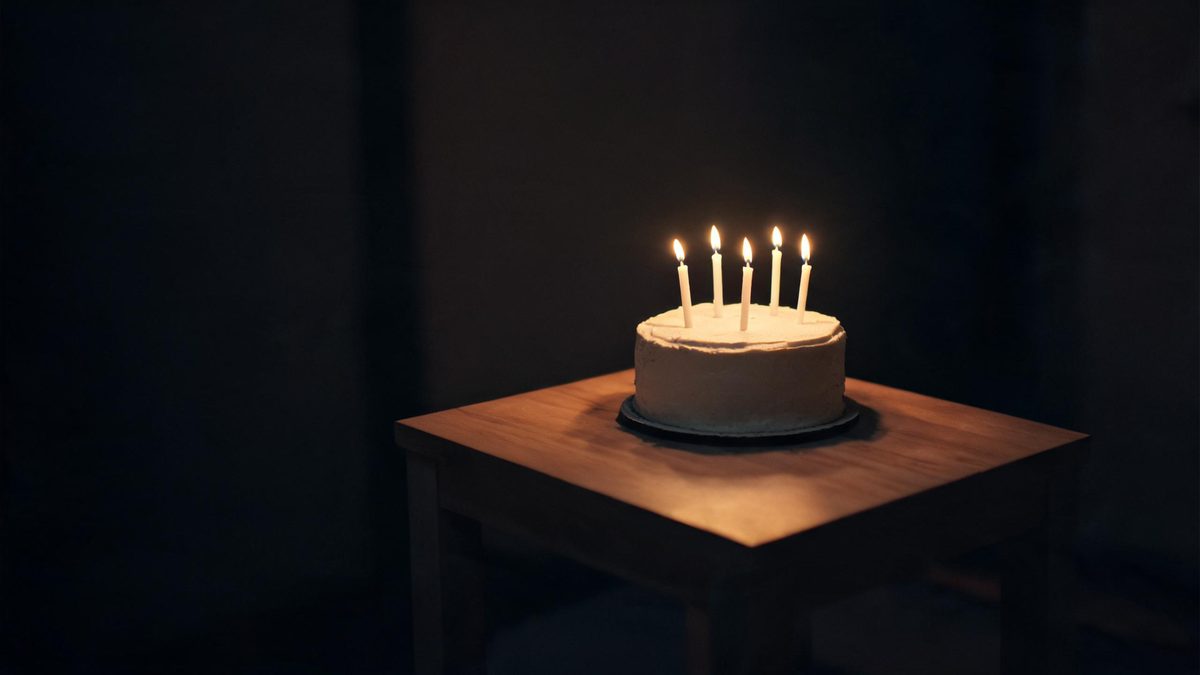
The birthday format has one job: make an ordinary photo of someone feel like the moment the candles were lit. That is almost entirely a lighting move — a low warm source, real falloff, and everything else going dark.
The reason it is worth generating rather than shooting is that most people do not have that setup twice. The candles are blown out once, the photo is whatever the phone caught, and the post happens that night.
Three steps, no timeline and no render queue. Most people go from upload to a finished clip in under a minute.
A portrait of the person, the cake, or the table all work. If you want the candlelight on a face, the face should be reasonably large in frame and not already blown out by flash.
Choose the cake in the dark, the portrait lit from below by candles, or the wider table scene. Each preset sets its own light height and falloff.
The clip renders in seconds at 9:16 for Reels, TikTok and Shorts, with square and 16:9 from the same project.
Three ways of lighting the same celebration. Pick based on what your photo actually shows.
A close crop with the flame as the only source and everything else falling into shadow. Use this when the cake is the subject and you want the frame to close in.
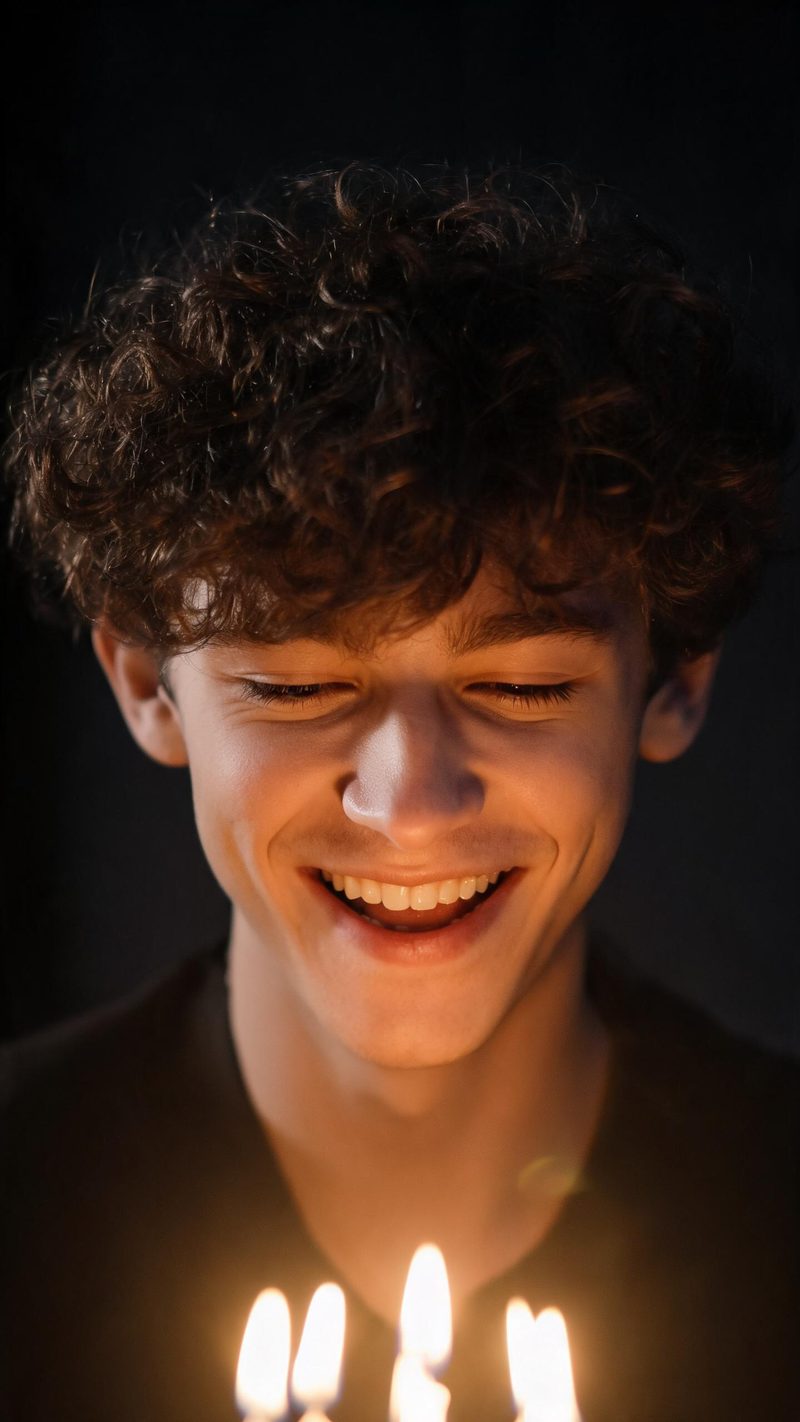
The portrait lit by the candles still on the table — warm, low and a little theatrical. Best on a face with a real expression already in it.
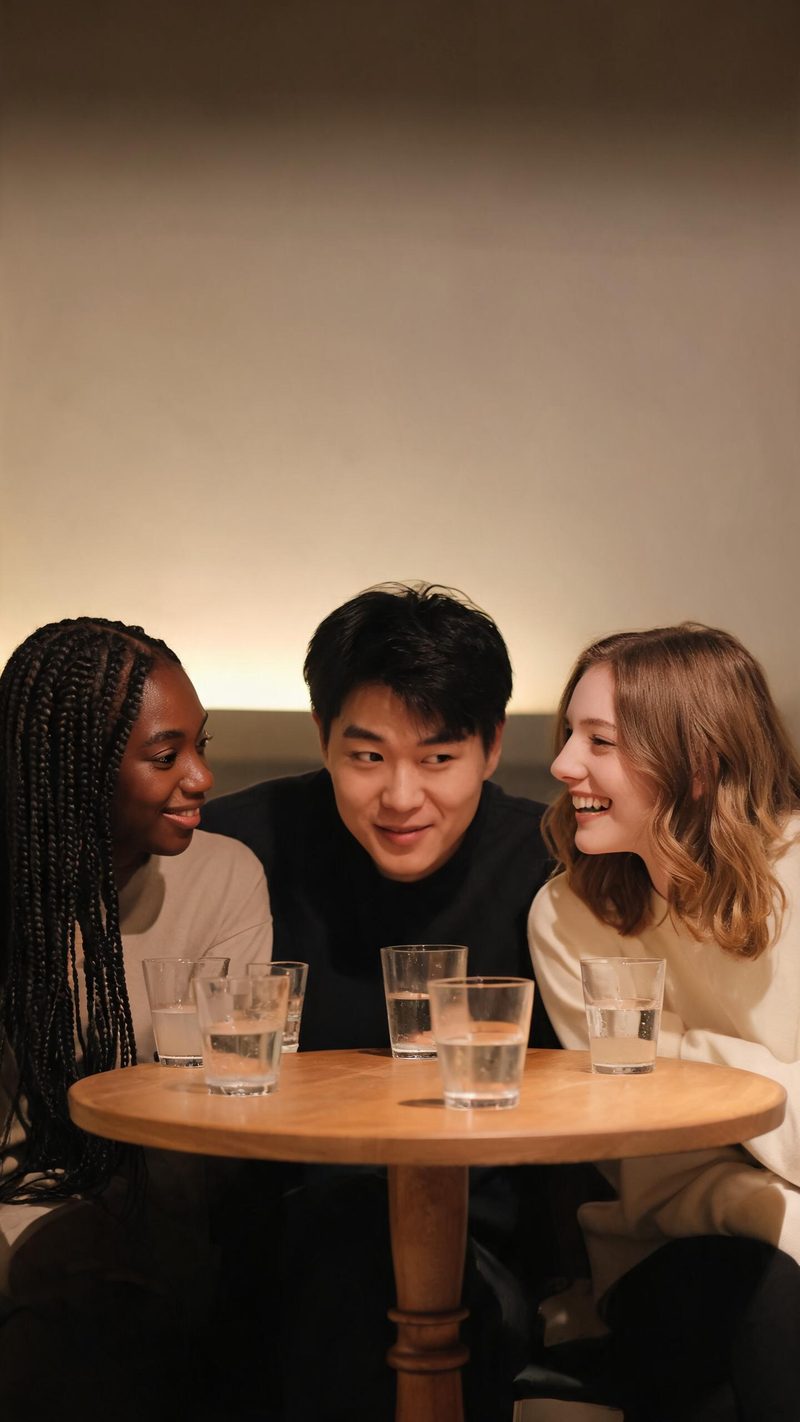
A wider warm scene with several people and ambient light holding the whole frame. This is the pick when the group matters more than the cake.
A birthday clip has to be ready that night, and it has to look like the person rather than a preset.
The light moves, the people do not. Features and expression are preserved while the candlelight is built around them.
9:16 for TikTok, Reels and Shorts, 1:1 for feed, 16:9 for YouTube — exported from one project without re-cropping.
Subtitles are generated, styled and burned in, and the narration is voiced in the language your audience scrolls in. No second tool needed.
Generate alternate hooks and looks from the same photo, then post the one that lands instead of gambling on a single render.
One photo in, a candlelit clip out. Free to try — no card required.