
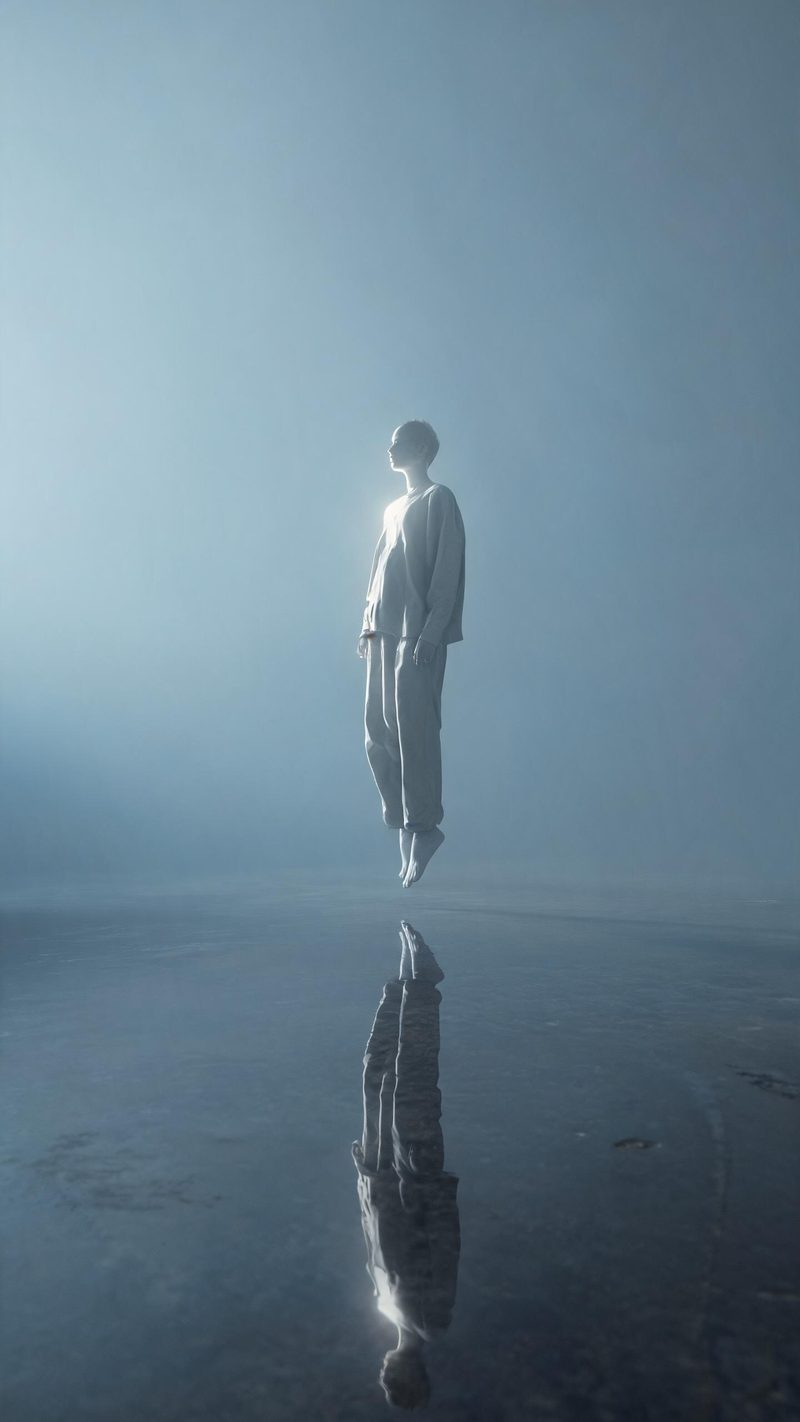
Suspended
The subject held in mid air above a still reflective plane, rim lit and weightless. Best on a full-body shot where the pose can carry the frame.
The unreal look is not a filter — it is a relighting and re-worlding of the frame. Upload a photo and OpenFilmo rebuilds the space around the subject: impossible scale, volumetric light and a restrained dusk palette.
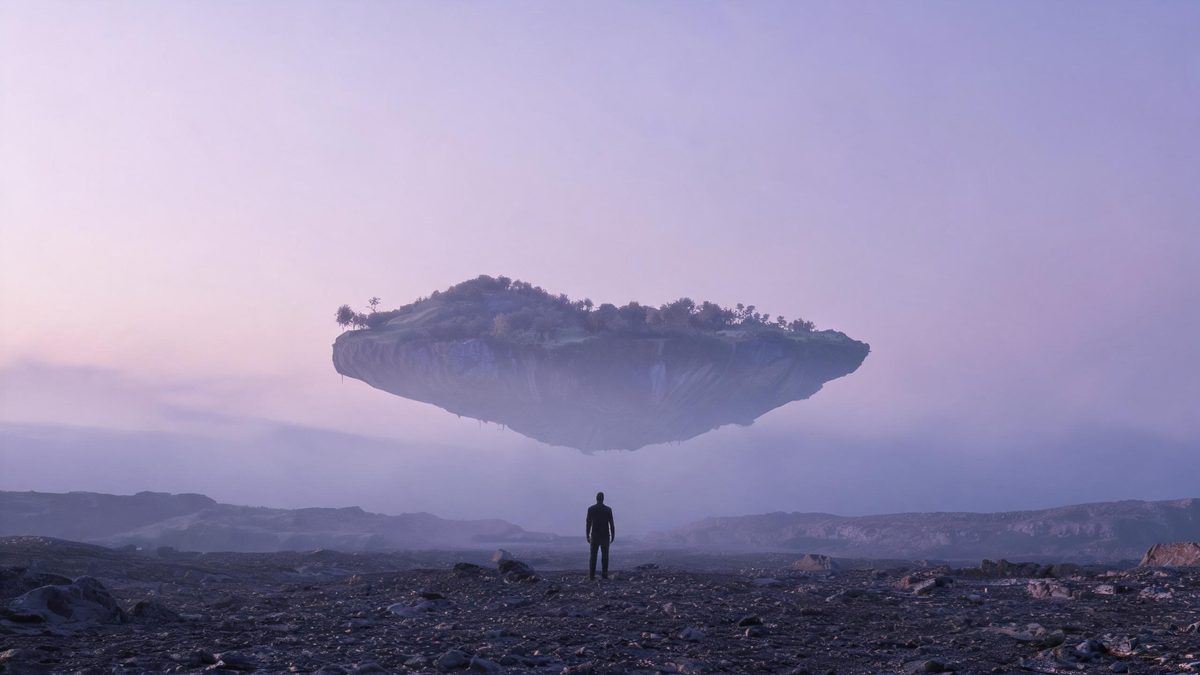
What separates a convincing unreal render from an obvious one is restraint. The light has to obey one consistent source, the scale has to be unambiguous, and the palette has to stay narrow — most failed attempts break because they add too much at once.
This effect starts from your photo rather than a prompt, which is what keeps the subject grounded. The world changes around them; the person does not.
Three steps, no timeline and no render queue. Most people go from upload to a finished clip in under a minute.
A single figure against open space works best. Busy backgrounds give the model less room to build a new world, so a plain wall or an empty sky is worth more than an interesting location.
Pick floating landmasses, a suspended reflective plane, or an impossible architectural interior. Each preset sets its own light temperature and sense of scale.
The clip renders in seconds at 9:16 for Reels, TikTok and Shorts, with square and 16:9 from the same project.
Three different ways of breaking the world around the same subject.
The subject held in mid air above a still reflective plane, rim lit and weightless. Best on a full-body shot where the pose can carry the frame.
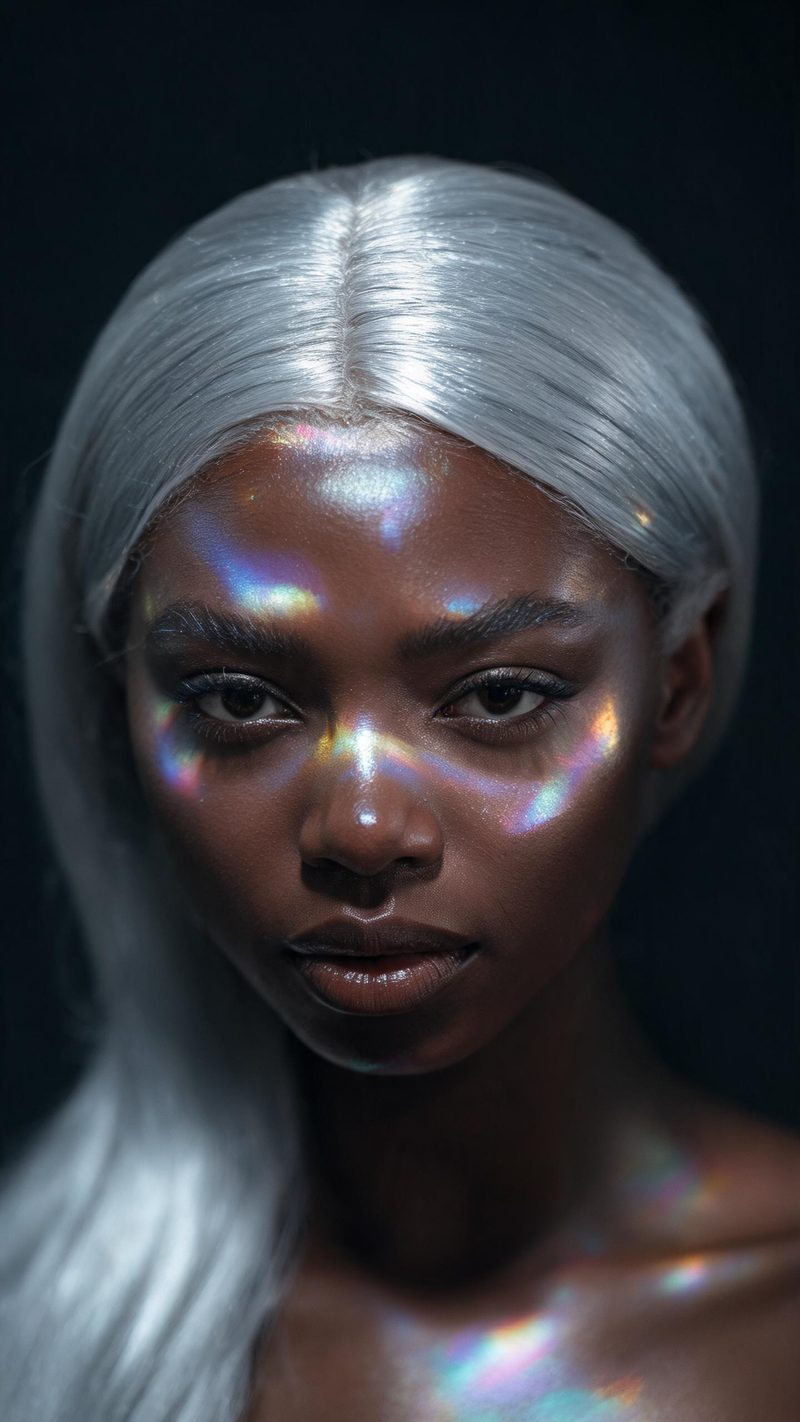
Iridescent light bending across a face with everything else going dark. Use this when you want the effect to stay on the person rather than the scenery.
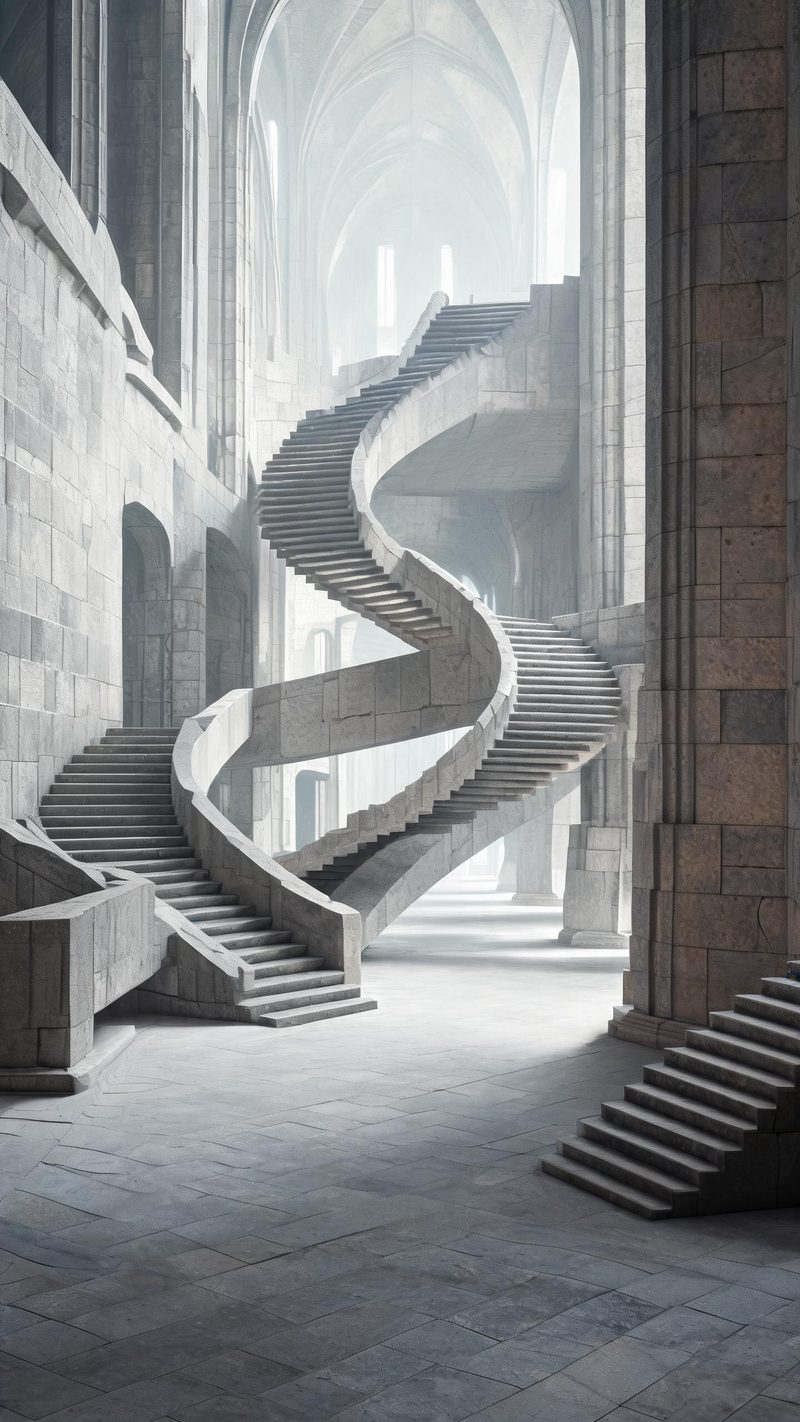
Empty stone spaces with staircases that should not connect, cool and diffused. The pick for environmental frames with no person in them.
Surreal work fails when the render stops looking deliberate. These are the things that keep it deliberate.
The world is rebuilt, the person is not. Features, skin tone and expression carry over so the result still reads as the photo you uploaded.
9:16 for TikTok, Reels and Shorts, 1:1 for feed, 16:9 for YouTube — exported from one project without re-cropping.
Subtitles are generated, styled and burned in, and the narration is voiced in the language your audience scrolls in. No second tool needed.
Generate alternate worlds from the same photo, then let performance pick the winner instead of gambling on a single render.
One photo in, a rendered world out. Free to try — no card required.