
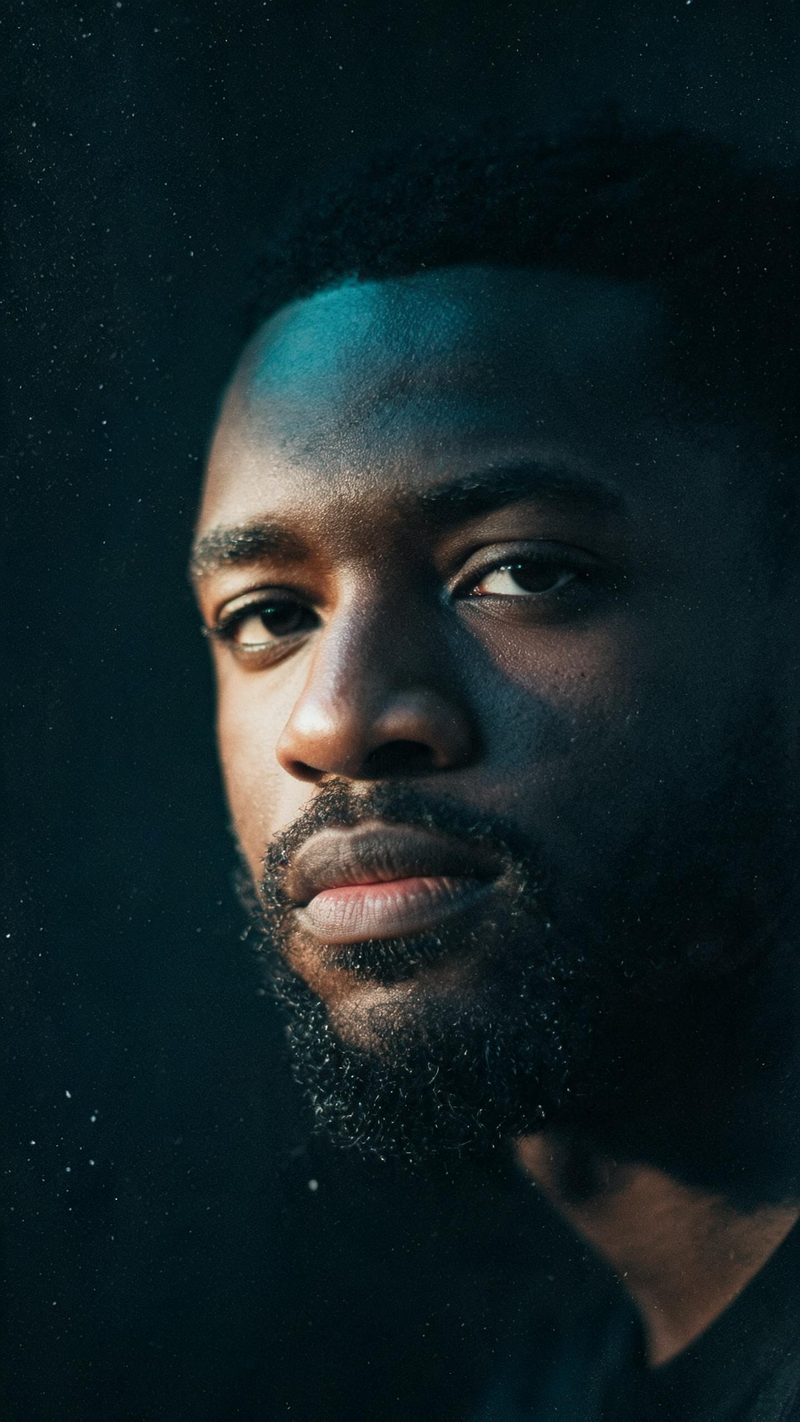
Teal and amber
Warm highlights against cool shadows, with a hard side key. The standard modern film grade, and the safest choice when you are not sure which direction to take.
The film look is a small number of decisions applied consistently: a chosen colour grade, soft focus falloff, careful framing and grain. Upload a photo and OpenFilmo applies all four.
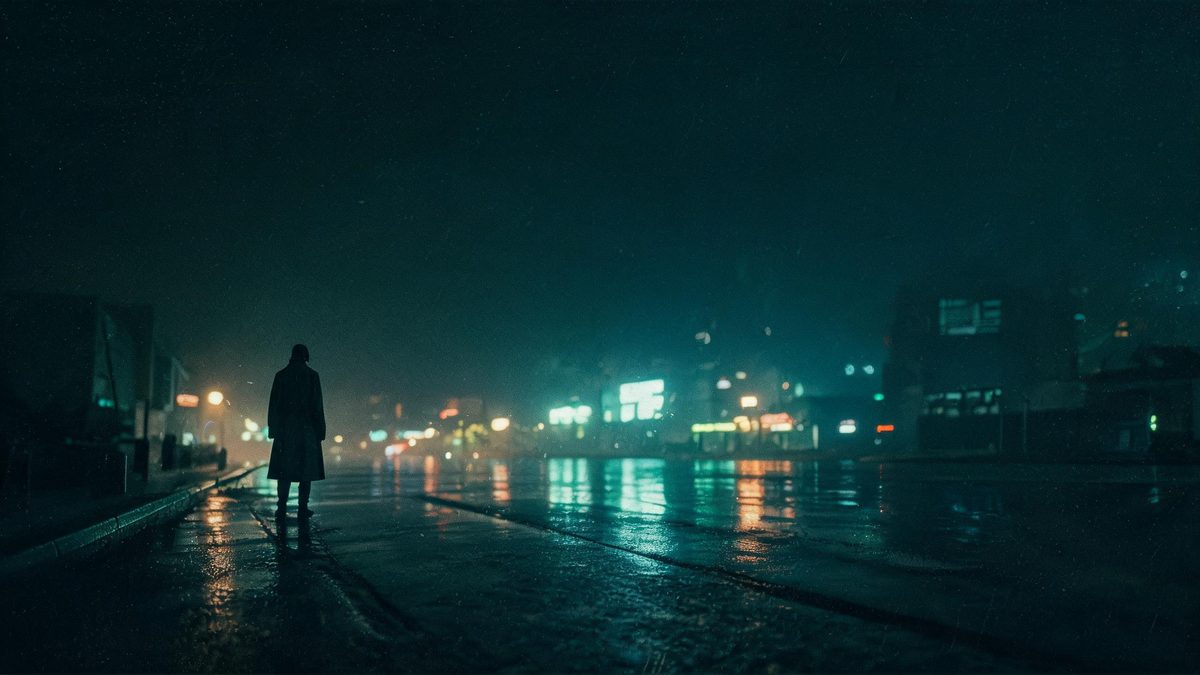
What people call a film look is really four separate things: a restricted colour grade, focus that falls off quickly behind the subject, framing that gives the subject somewhere to look, and a fine grain over the whole frame. Remove any one of them and the effect stops working.
It is the most transferable effect on this list, because it does not depend on a subject type. Portraits, streets and landscapes all improve under it, and it is the right choice when the goal is production value rather than a recognisable trend.
Three steps, and the grade choices are the ones worth testing.
Photos with a foreground and a background separate most convincingly, since the focus falloff needs distance to work with. A subject placed off-centre also gives the frame more room.
Teal and amber for a modern blockbuster feel, desaturated blue for neo-noir, or warm golden hour for something softer. Each is a fixed look rather than a slider.
The clip renders in seconds. Export vertical for Reels, TikTok and Shorts — the anamorphic feel survives the crop because the framing is generated, not inherited.
Three fixed looks, each a complete set of grade, contrast and grain rather than a colour overlay.
Warm highlights against cool shadows, with a hard side key. The standard modern film grade, and the safest choice when you are not sure which direction to take.
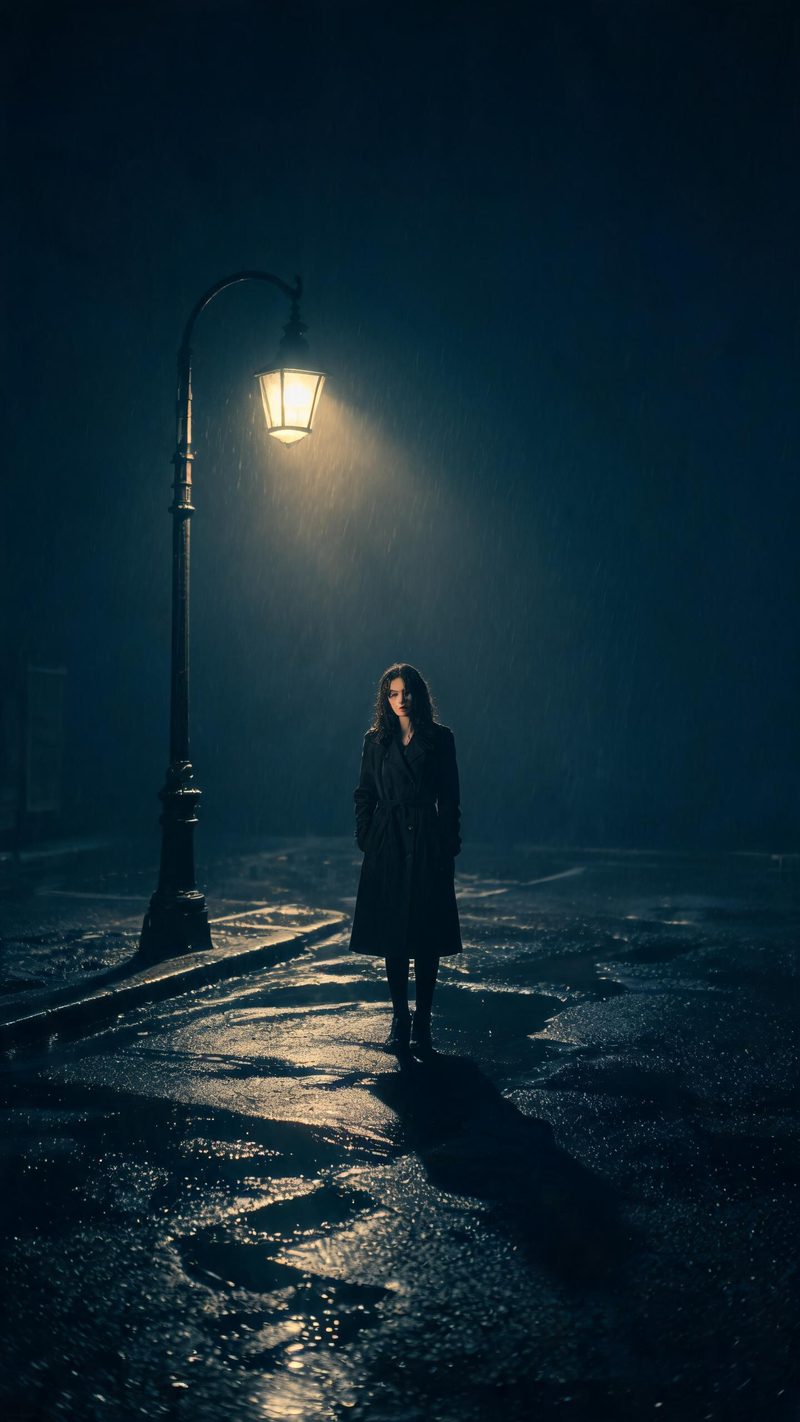
Hard geometric shadows, wet surfaces and a desaturated blue palette. Works best with strong directional light in the original photo, since the style is built on shadow.
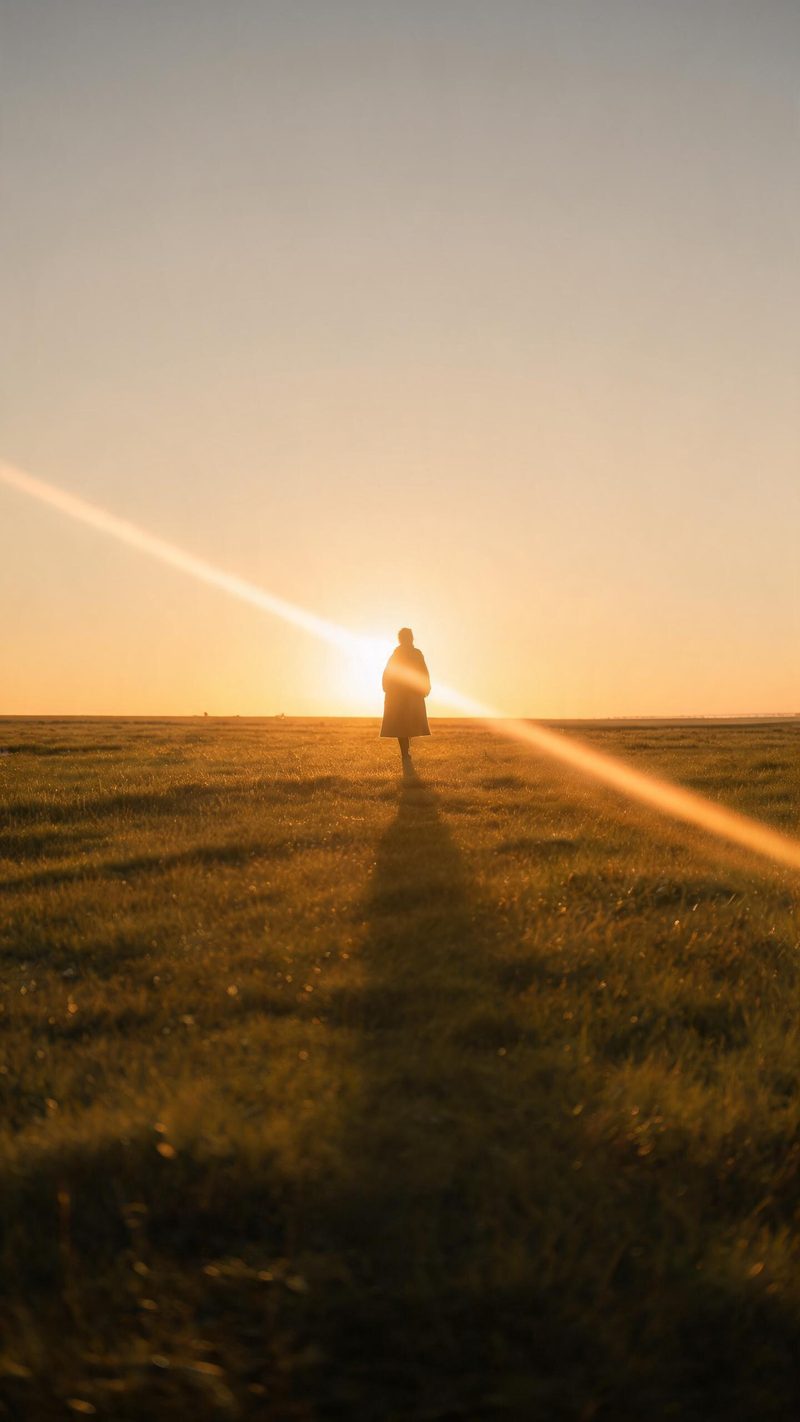
Strong warm backlight, lens flare and long shadows across open ground. The softest of the three, and the one that suits landscapes and wide shots.
Production value is the point here, and it has to survive a vertical crop.
Features, skin tone and expression are preserved while the grade, contrast and grain are applied over them.
The anamorphic feel is generated into the shot rather than cropped into it, so 9:16 for Shorts, Reels and TikTok keeps the same composition intent as 16:9.
Subtitles are generated, styled and burned in, and narration is voiced in your audience's language — which is what turns a good-looking clip into a watchable one.
Render teal and amber, neo-noir and golden hour from the same photo, then keep the one that matches the cut you are making.
One photo in, a graded film frame out. Free to try — no card required.