

Restored in original sepia
Damage removed and detail recovered, with the original warm tonality left intact. The safest choice when the family remembers the photo the way it has always looked.
Most family photographs worth keeping are also the ones in the worst condition — cracked, faded or creased. Upload one and OpenFilmo repairs it, then gives it motion.
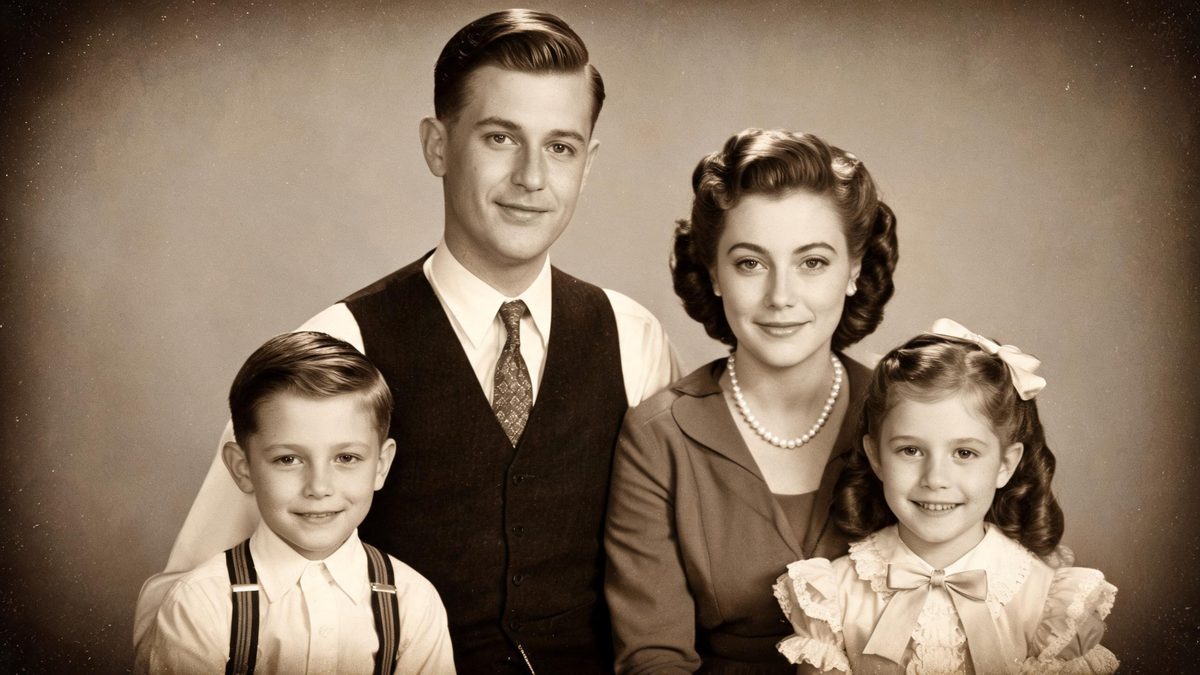
Restoration is not the same job as styling. A style effect is allowed to invent; a restoration has to recover what is already there and stop. Faces have to stay the faces of the people in the photograph, including the details the family remembers.
The damage being repaired is usually predictable: creases across the centre, silvering at the edges, fading in the highlights and dust throughout. Working from the highest-resolution scan available is the single biggest factor in how much comes back.
Three steps, and the quality of your scan matters more than any setting.
A flatbed scan at 600 dpi or higher preserves the detail the repair has to work with. A phone snapshot of a photo in a frame will lose most of it to glare and angle.
Keep the original sepia tonality, or colourise into period-correct muted tones. Cracks, creases and dust are handled either way.
A subtle push-in or a gentle animation of the subject gives the restored frame a reason to be a video. Export vertical for Reels, TikTok and Shorts.
Three treatments for different kinds of photograph, from studio portraits to group shots.
Damage removed and detail recovered, with the original warm tonality left intact. The safest choice when the family remembers the photo the way it has always looked.

Muted, period-correct colour rather than modern saturation. Colour tends to make a face feel closer to the present, which is why it performs well in feed.
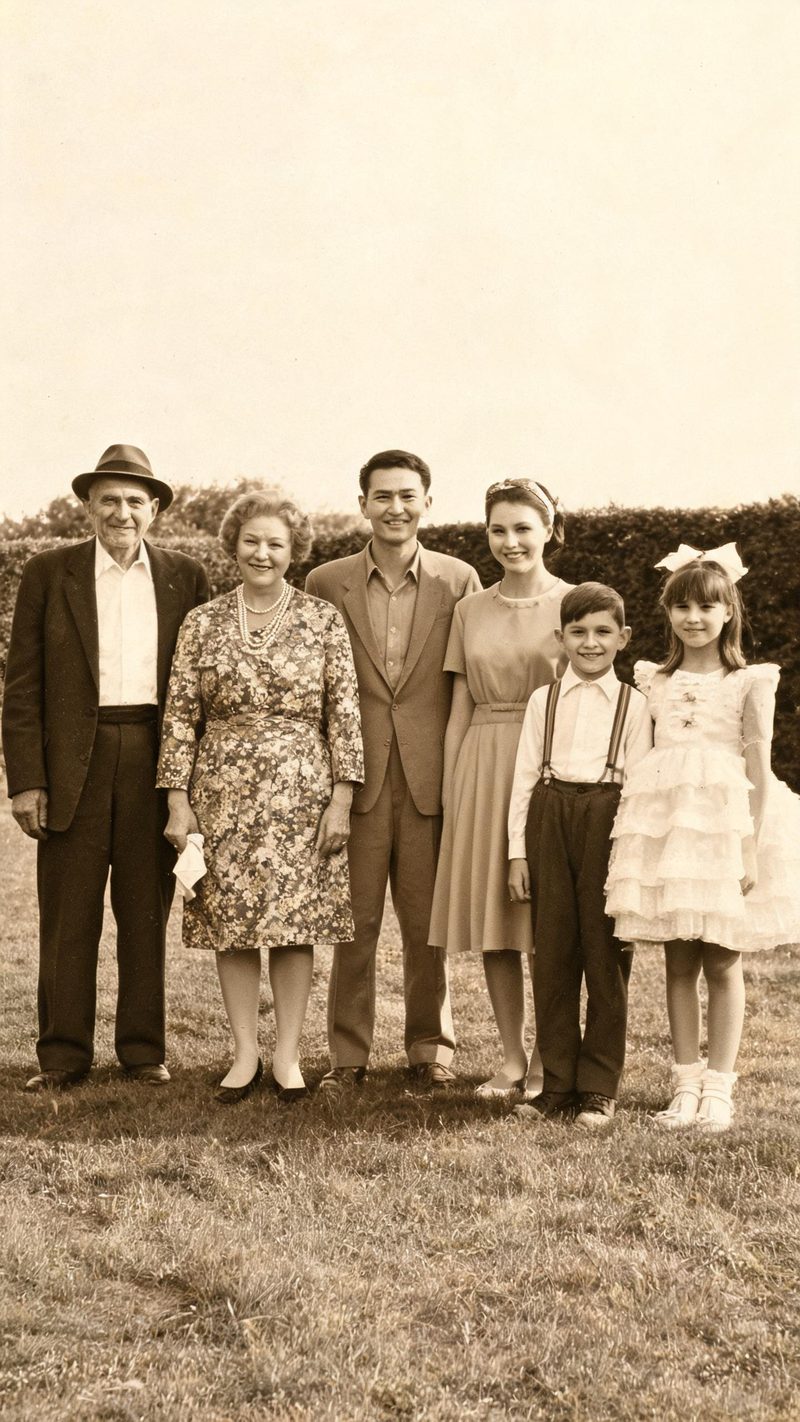
Group shots are the hardest to restore, because every face has to hold. Best results come from scans where no single face is smaller than roughly a thumbnail.
A restoration is only finished when the family recognises the people in it.
Facial features, expressions and the details relatives remember are preserved through the repair. The output should be recognisable to someone who knew them.
9:16 for TikTok, Reels and Shorts, 1:1 for feed, 16:9 for YouTube — exported from one project without re-cropping.
Add names, dates or a line of family context as burned-in subtitles, and narrate it in your audience's language. Restored photos carry a story that needs telling.
Run several photographs from the same box through the same pipeline, so a set of restorations comes out consistent instead of matched by hand.
One scan in, a repaired and animated clip out. Free to try — no card required.