
The 80s yearbook look
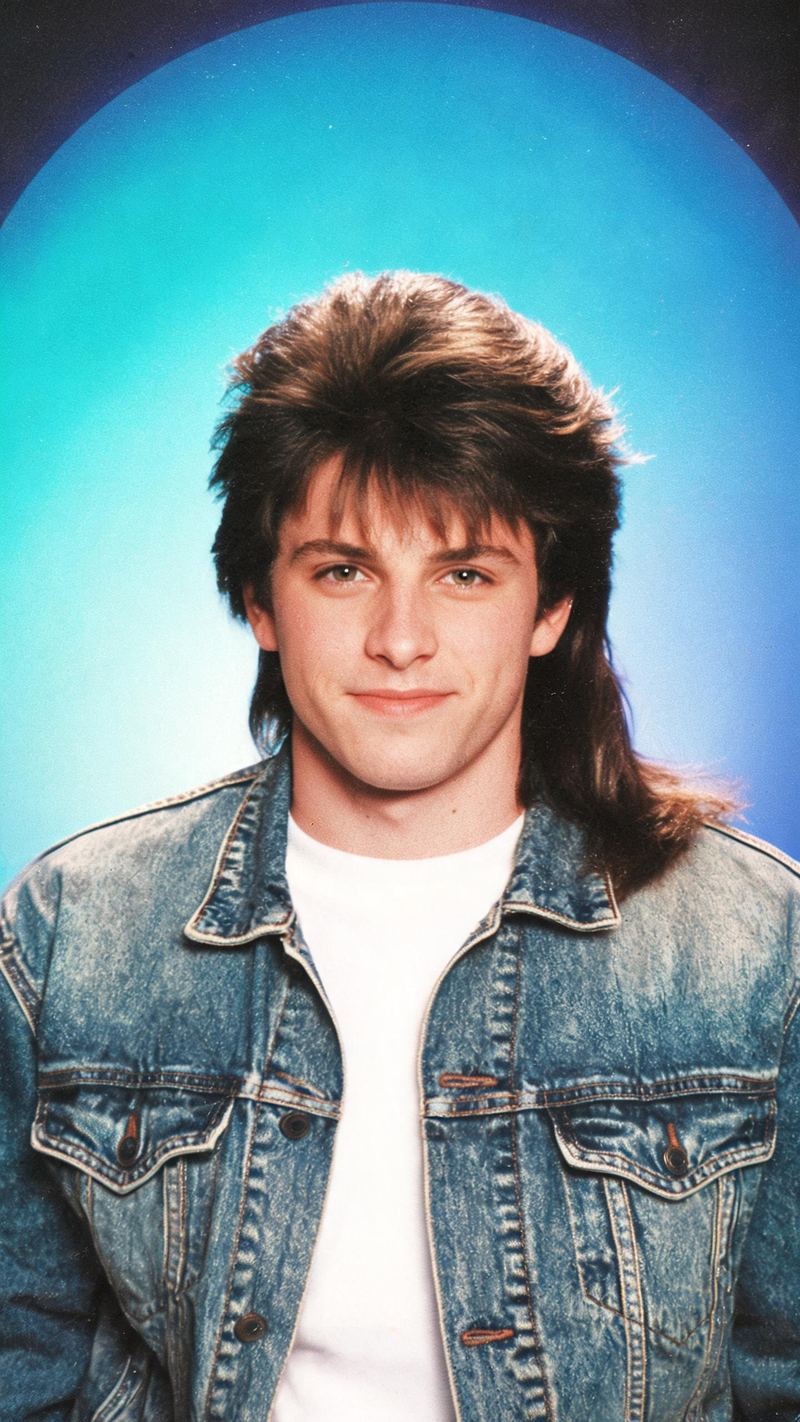
Feathered hair, vintage denim and a laser portrait backdrop — the exact studio format that made this trend spread. Best on a clean, front-facing portrait where the face is large in frame.
The 80s yearbook look is one of the fastest-spreading AI trends of the year. Upload a clear portrait, choose a look, and OpenFilmo rebuilds the era around you — then animates it into a clip you can post the same minute.
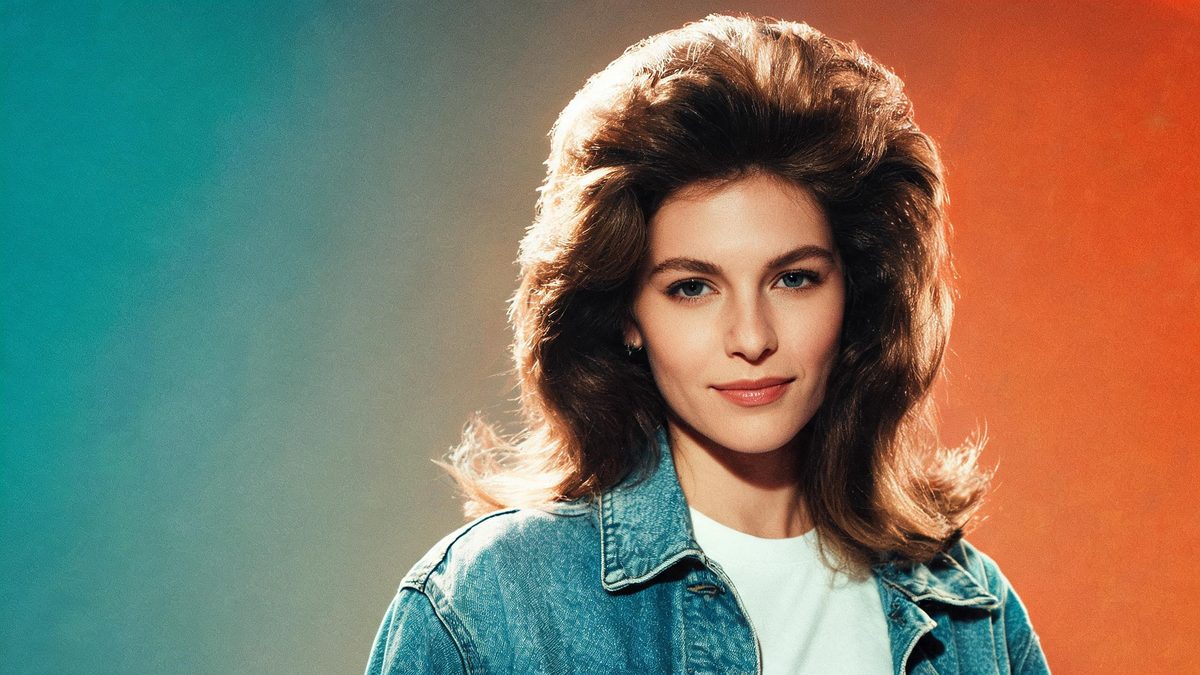
The 80s trend works because it is not a filter. A filter tints the photo you already have. This restyle replaces the hair, the wardrobe, the backdrop and the film stock entirely — while leaving the face recognisable enough that people who know you still know it is you.
That combination of full transformation and preserved identity is why the format spread through Instagram's "Add Yours" chain and jumped to TikTok within days. It is also why the result has to look like a specific year rather than a general retro wash.
Three steps, no timeline and no render queue. Most people go from upload to a finished clip in under a minute.
A well-lit, front-facing snapshot with a neutral expression restyles most cleanly. Avoid heavy side shadow, sunglasses and extreme angles — the model reads your features and rebuilds only the era around them.
Choose the viral yearbook portrait, neon synthwave, or the VHS camcorder home-movie look. Each preset carries its own hair, wardrobe, backdrop and film stock, so the output reads as a specific year.
The clip renders in seconds. Export vertical 9:16 for TikTok, Reels and Shorts, square for feed, or 16:9 for YouTube — all from the same project, with no re-cropping.
Every preset is built around a real 1980s format rather than a colour overlay. Pick the one that matches the cut you are trying to make.
Feathered hair, vintage denim and a laser portrait backdrop — the exact studio format that made this trend spread. Best on a clean, front-facing portrait where the face is large in frame.
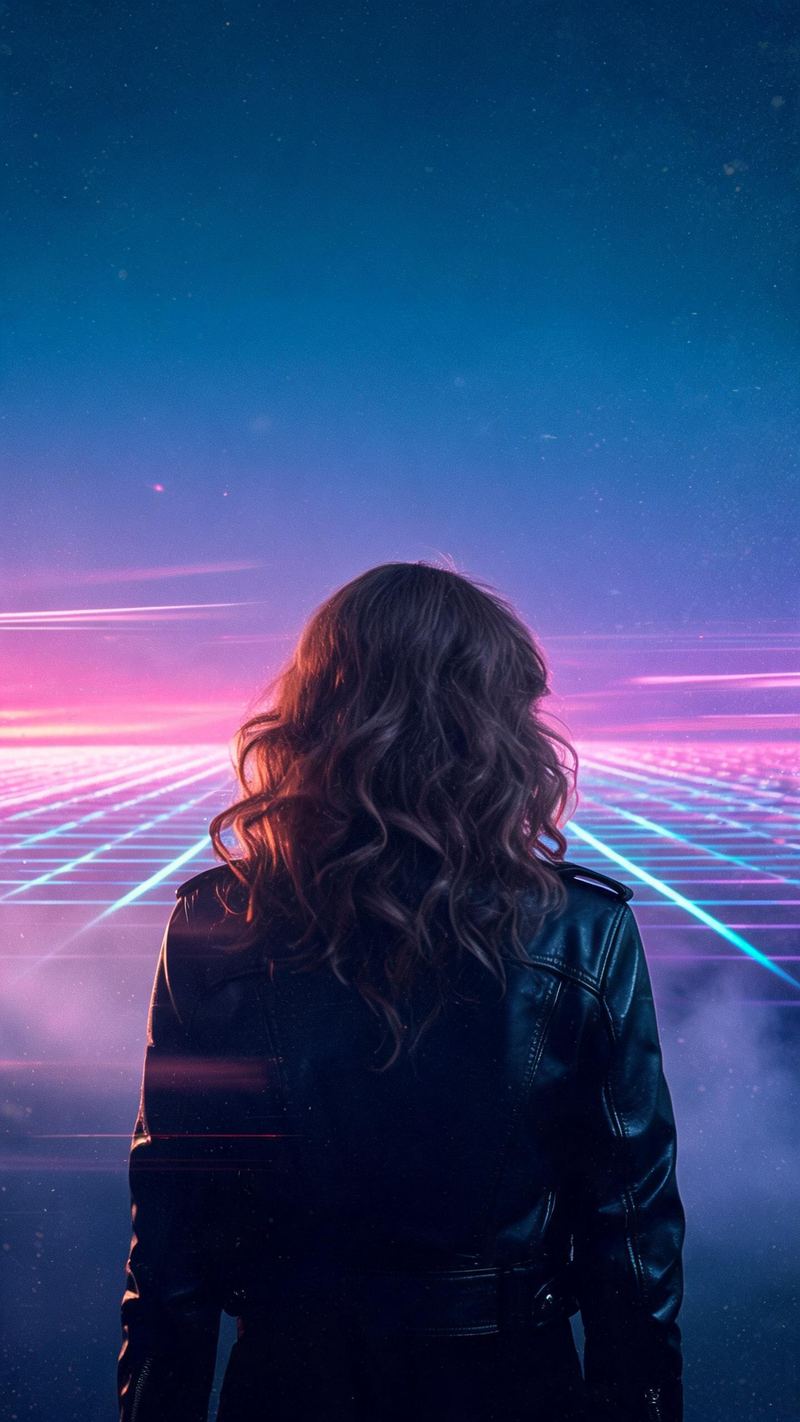
A retro-futuristic grid, sunset gradients and glowing neon haze. This one works with silhouettes and three-quarter shots, so it is the better pick when you are not starting from a studio portrait.
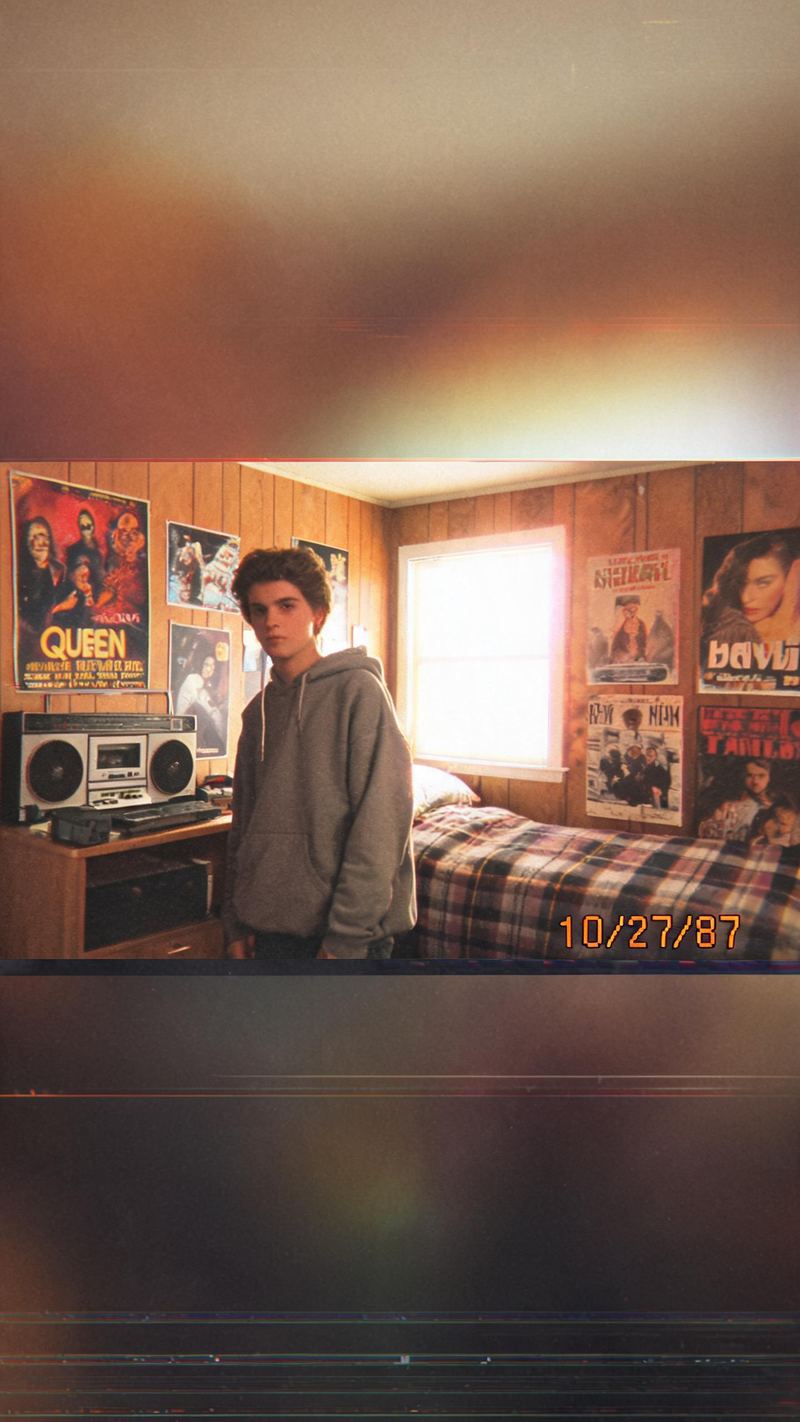
1987 consumer camcorder: chroma bleed, tracking noise, blown-out windows and a red-orange date stamp. This is the cut that reads as found footage in-feed, which is why it often outperforms the polished versions.
An 80s restyle is only worth posting if the result still looks like you and fits the platform you post it on.
Plenty of style tools replace the person along with the styling. OpenFilmo keeps your features and expression and rebuilds the hair, wardrobe and film around them.
9:16 for TikTok, Reels and Shorts, 1:1 for feed, 16:9 for YouTube — exported from one project without re-cropping.
Subtitles are generated, styled and burned in, and the narration is voiced in the language your audience scrolls in. No second tool needed.
Generate alternate hooks and looks from the same photo, then let performance pick the winner instead of gambling on a single render.
One photo in, a period-accurate clip out. Free to try — no card required.
Ready-made retro style templates in OpenFilmo — open one and drop your photo in.