
Style effect
Create a Pop Art Video Effect From a Photo
Turn a person, pair, or pet photograph into a vivid graphic burst. OpenFilmo produces a 4-second 720p pop art video for 40 credits.
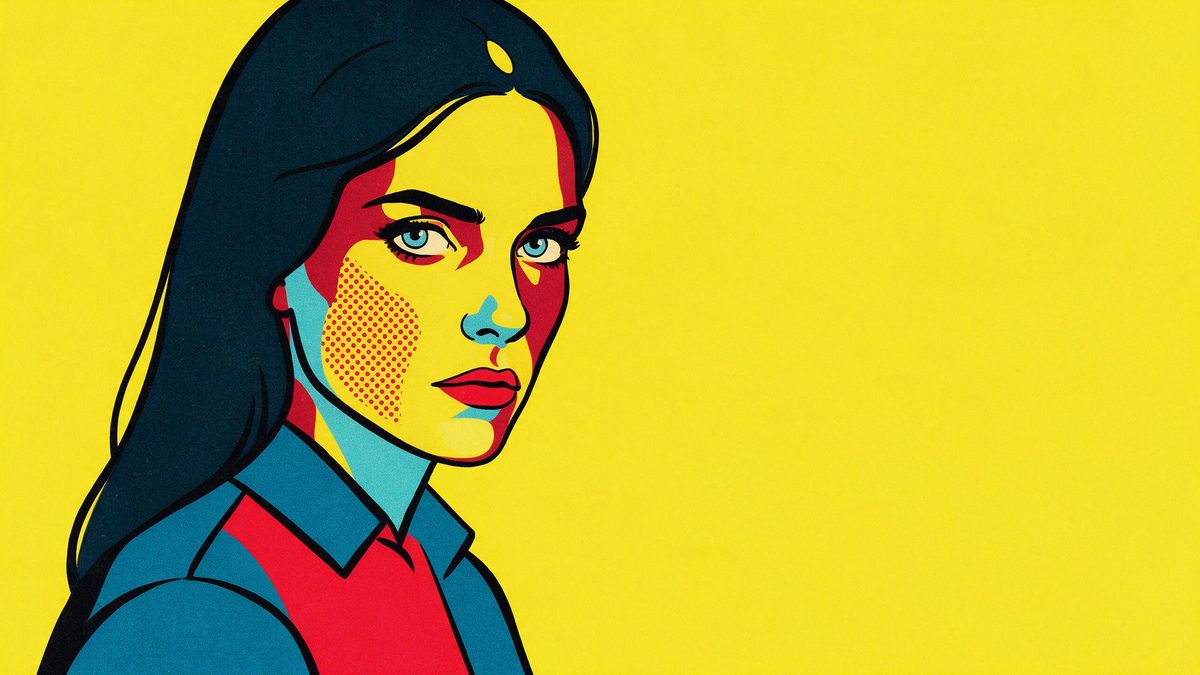
Pop art succeeds by making a familiar subject louder: strong colour, assertive shapes, and graphic contrast replace the quieter detail of the original photograph. This effect builds that kind of moving treatment from one image. The source can show one person, a pair, one pet, or several pets, so it is equally suited to a human portrait and an animal-centred composition. Full-body and half-body shots are recommended because they give the design a complete, readable figure to amplify.
The generated result is a 4-second 720p video that costs 40 credits and keeps the aspect ratio of the photograph. Occasionally extra people appear in the frame, and lettering inside the burst can be wrong. Those are not details to overlook when the clip represents a real pair or carries visible words. Compare the output against the source, and treat any generated lettering as decorative unless you have verified every character yourself.
Specs at a glance
Straight from the product panel, not from a marketing deck.
- Output
- 4-second video
- Credits
- 40 per run
- Resolution
- 720p
- Aspect ratio
- Matches your input photo
- Input
- 1 photo — one person, a pair, one pet, or several pets
- Best results with
- Full-body and half-body shots
- Known limits
- Occasionally extra people appear in the frame, or the lettering inside the burst comes out wrong.
What it does
Built for this specific job, not a generic editor.
High-impact graphic transformation
The photograph is reworked into a colourful, poster-like moving scene where shape and contrast lead the eye. This gives an ordinary portrait a clearer visual hook without requiring you to construct burst graphics or animate separate design layers by hand.
People and pet inputs
The template accepts one person, a pair, a single pet, or several pets in the same photograph. It can therefore support individual creator posts, paired portraits, pet profiles, and group animal images within one consistent treatment.
Original frame proportions retained
The 720p output matches the aspect ratio of the upload. A photograph framed for a tall placement stays tall, while a wider group of pets can keep the horizontal room needed to prevent bodies from being squeezed together.
A 40-credit visual burst
One run uses 40 credits and returns 4 seconds of motion. The format puts the transformation at the centre, making the result suitable for a compact post or a punchy insert where a longer narrative would dilute the graphic idea.
How it works
Four steps, no timeline to learn.
Pick a complete half-body or full-body view
Choose 1 photograph where the person, pair, or pets have visible outlines and do not disappear into the background. Leave room around paws, hair, or clothing so the burst can surround the subject instead of competing with an edge crop.
Remove dependence on written words
Use a source whose meaning remains clear without signs, captions, or logos inside the image. Lettering in the generated burst can be incorrect, so plan to add verified copy later in an editor if specific wording is necessary.
Upload and approve the listed cost
Add the photo to the Pop Art Effect and inspect the confirmation panel. The run requires 40 credits, and the source image supplies both the subject arrangement and the aspect ratio used by the 4-second result.
Check faces, headcount, and text
Play the 720p export and compare it with the uploaded frame. Look for a person who was not present, verify that the intended pair or pets remain distinct, and read every visible letter before the video is shared.
Where people use it
The jobs this effect actually gets used for.
Bold profile announcements
A half-body solo photograph becomes a colourful opener for a creator update or channel post. The short transformation can introduce the person quickly, while later text can be added separately so the message does not depend on generated lettering.
Paired celebration clips
A pair can share one energetic pop art frame built from an existing photograph. Choose a composition where both faces have comparable visibility, then make sure the render has not introduced another figure or merged their outlines.
Single-pet character posts
One pet can be treated as the star of a bright graphic scene without costumes or a staged backdrop. Full-body framing helps preserve the animal silhouette and gives the surrounding burst enough negative space to remain legible.
Several pets in one reveal
A shared animal photograph can become a coordinated pop art clip from a single upload. Wider spacing helps viewers distinguish each pet after colour and background detail become more forceful, particularly when coats have similar tones.
Why pop art needs a simple factual core
The style can be exuberant while the subject and message stay easy to verify.
Pop art adds visual information even as it simplifies photographic detail. Bursts, colour changes, and graphic marks all compete for attention, so the source needs an uncomplicated centre. A full-body or half-body photograph supplies that centre by showing enough of the subject to create a strong shape. When a person or pet is already cropped tightly, the new graphics can overwhelm the remaining face. When several animals overlap, the energetic treatment may make their boundaries harder rather than easier to understand.
Keeping the source aspect ratio gives useful control over composition. A tall solo portrait can remain focused and vertical, while a wide frame gives a pair or several pets lateral space. That does not remove the need to examine the output for invented content. Extra people can appear occasionally, changing the apparent event or relationship shown in the original. A clip used casually may tolerate decorative variation, but a post that documents a real group should match the actual subjects and be rejected if someone new is introduced.
Generated lettering has a separate risk because viewers may read it as a deliberate message. The burst can contain incorrect text, even when the overall design looks polished. Do not rely on those words for a name, offer, instruction, or slogan. Inspect each visible character and, where exact language matters, cover or replace it with copy added after export. The safest pop art workflow lets the effect create colour and motion while keeping factual text under direct editorial control.
Credits and plans
Every effect draws on one shared credit balance.
One Pop Art Effect run uses 40 credits from the unified OpenFilmo balance, and the charge is shown before confirmation. Free provides 30 credits per month with no card required. Starter is $9 for 400 credits, Pro is $19 for 1,000, and Studio is $59 for 4,000.
Related guides
Longer reads on the same workflow, from the OpenFilmo blog.
Image to Video AI: Animate Any Photo in Seconds
A complete guide to image to video AI: what makes a good source image, how to write motion prompts, top use cases, and how to fix …
AI Video Prompt Formulas That Hold Up in Production
Prompt structures that work for AI video: subject, motion, camera, time and style — with tested formulas, failure patterns and a m…
AI Anime Video Generator: Text or Image to Anime
How to use an AI anime video generator: a script-to-anime workflow, character consistency with reference images, style options and…
Related effects
Same family of effects, on the same kind of input.
Frequently asked questions
What can appear in the source photo?
Use 1 photograph with one person, a pair, one pet, or several pets. Full-body and half-body shots are recommended, because a complete outline gives the pop art graphics a stronger central shape to frame and emphasise.
What are the Pop Art Effect output specs?
The result is a 4-second 720p video that matches the uploaded photograph aspect ratio. A vertical source remains suited to a tall placement, while a wider animal or paired composition retains its broader shape.
How many credits does the pop art video use?
The charge is 40 credits for each run, displayed before you confirm. That cost applies to the complete source image whether it contains a solo person, a pair, one pet, or several pets together.
Why is there another person in my clip?
Extra people can occasionally appear in the generated frame. Compare the result against the source before publishing, especially when the video is supposed to represent a real pair or a specific gathering rather than a fictional scene.
Can I trust the lettering in the burst?
Treat it as unverified decorative content. Lettering inside the pop art burst can come out wrong, so read it carefully and replace it with separately added text whenever a name, instruction, or commercial message must be exact.