
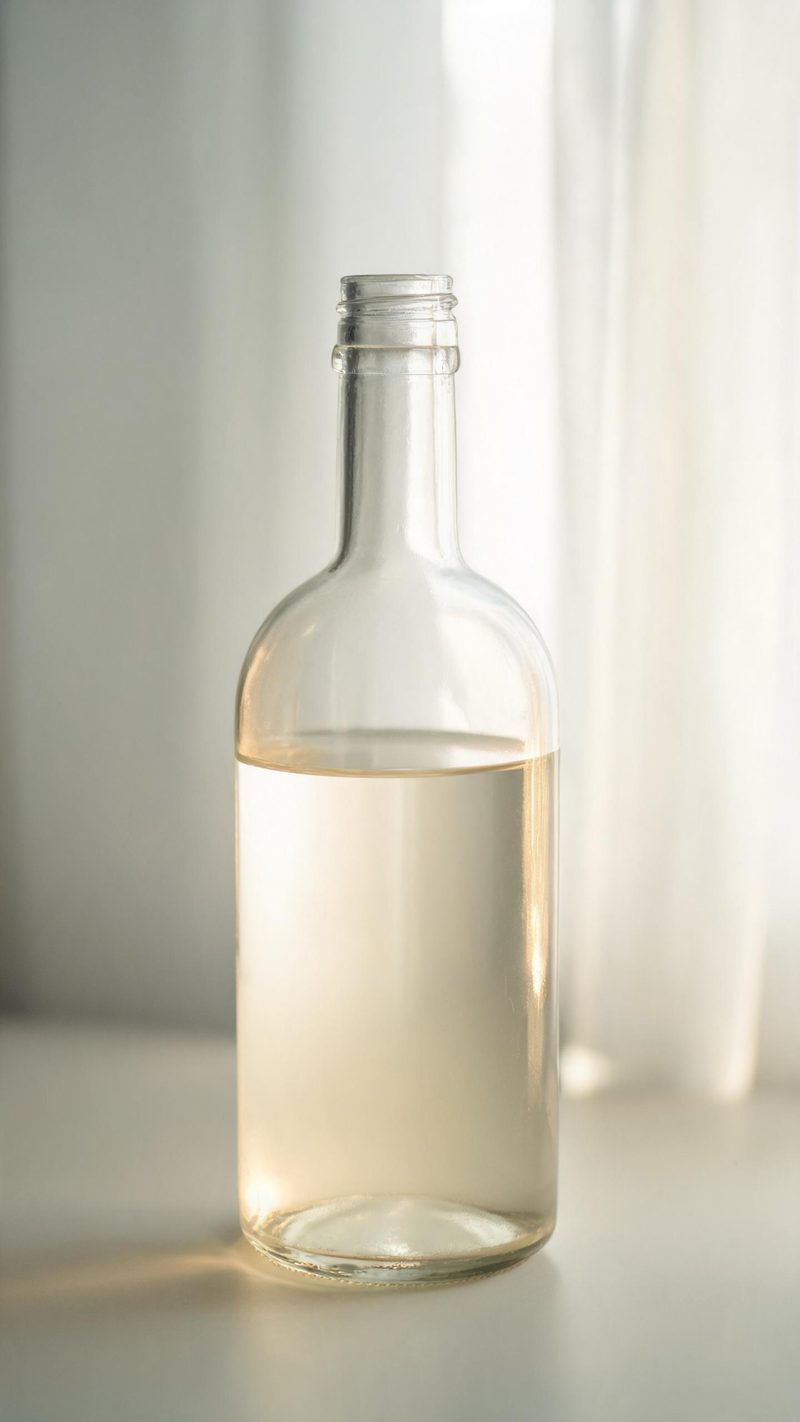
Backlit bottle
Light pushing through the liquid so the bottle glows from within. The strongest option for spirits, oils and anything with colour in the glass.
A still bottle lists a product. A moving one sells it. Upload your drink photo and OpenFilmo generates the condensation, the pour and the backlit glow as a clip ready for ads and social.
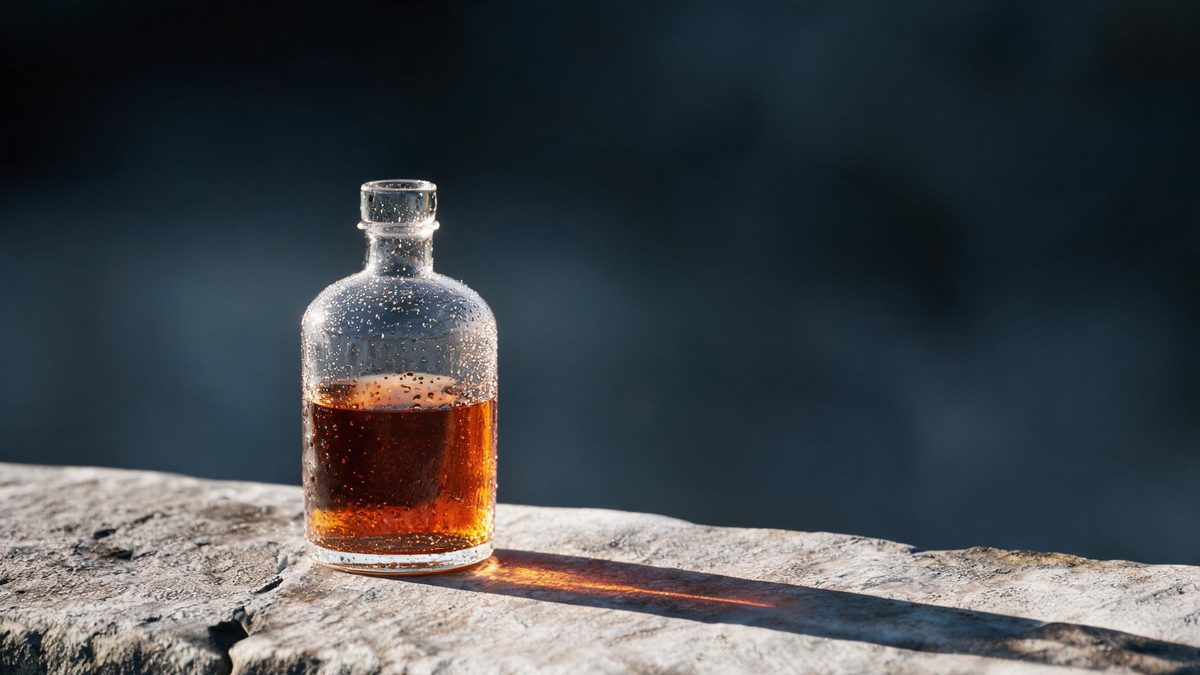
Beverage advertising is built on three things: light through liquid, condensation on glass, and movement. All three are expensive to shoot because they need a rig, a pour and a take that catches the highlight.
Generating them from a single product photo is faster, and for most catalogues it is the only version that exists. This effect reads your bottle or glass and adds the motion that makes it read as a commercial rather than a listing image.
Three steps, no timeline and no render queue. Most people go from upload to a finished clip in under a minute.
A bottle, can or glass on a plain background, shot straight on. Labels should be legible and not cut off, because the model preserves them rather than redrawing them.
Pick a backlit glow through the liquid, condensation forming on the glass, or a clean pour into the vessel. Each preset keeps the movement around the product, not over it.
Vertical 9:16 for Reels, TikTok and Shorts, square 1:1 for feed and marketplaces, 16:9 for product pages — all from one project.
Three commercial setups. Pick based on what the product is and where the clip runs.
Light pushing through the liquid so the bottle glows from within. The strongest option for spirits, oils and anything with colour in the glass.
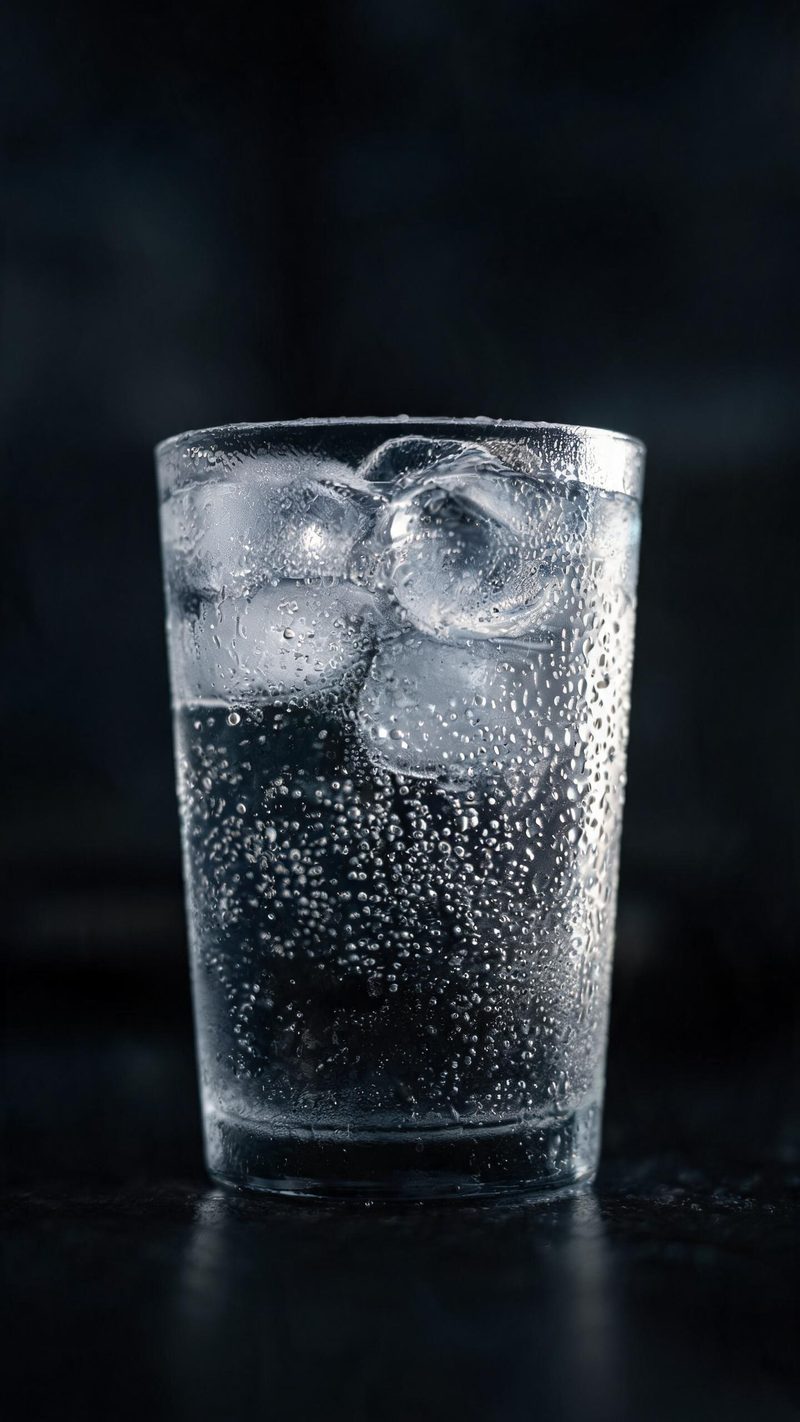
Beads of condensation on a cold glass with a single rim light. Use this for serve shots and anything sold on refreshment.
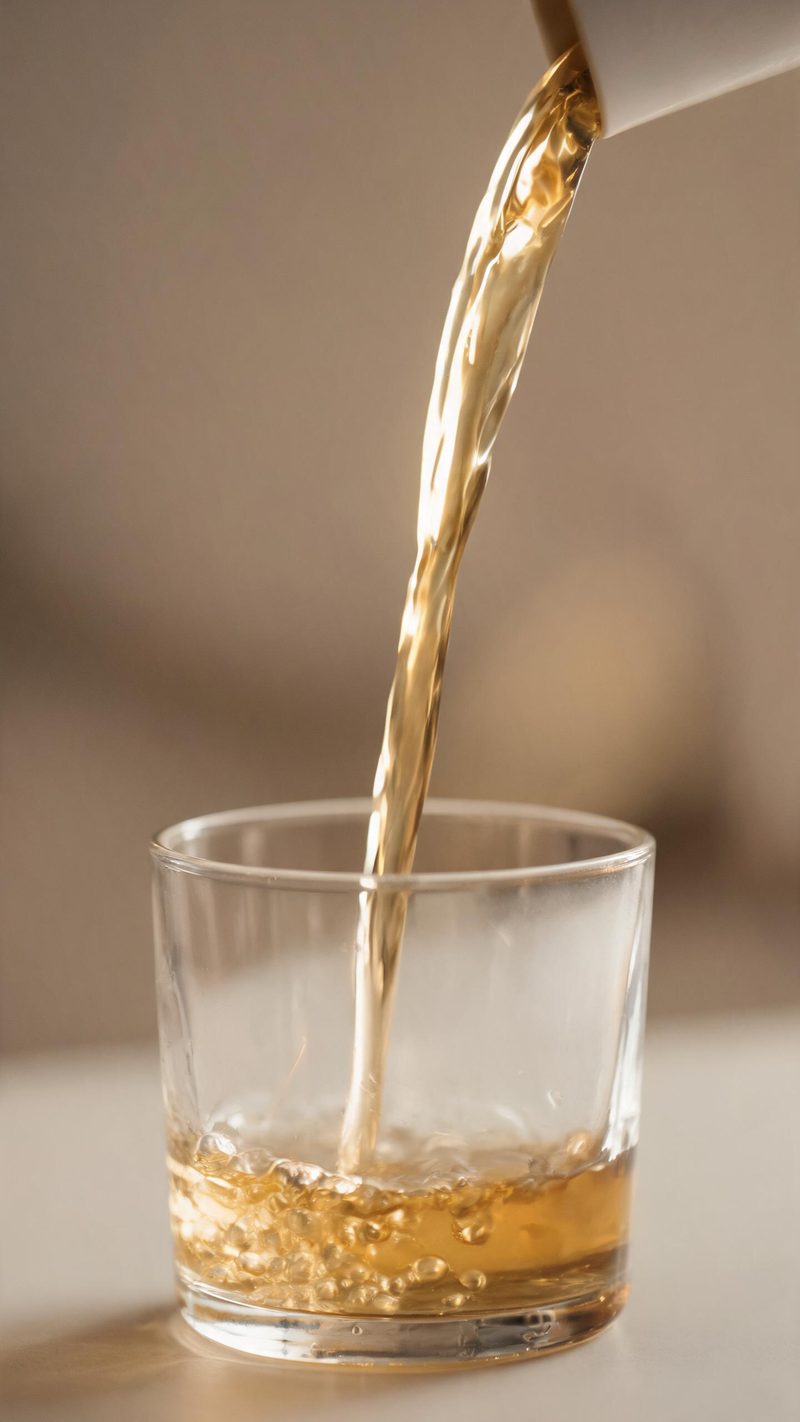
A clean arc of liquid caught mid-pour with warm backlight. The pick when the motion itself is the hook.
Beverage video is judged on whether it makes someone want the drink. These are the parts that do.
Packaging, label text and colour are preserved from your photo rather than regenerated, so brand assets stay correct.
9:16 for Reels, TikTok and Shorts, 1:1 for feed and marketplace, 16:9 for product pages — no re-shooting per channel.
Subtitles are generated, styled and burned in, and the narration is voiced in the language your audience scrolls in. No second tool needed.
Run the same setup across every SKU, so a menu launch or a full range refresh takes one pass.
One product photo in, a commercial out. Free to try — no card required.