
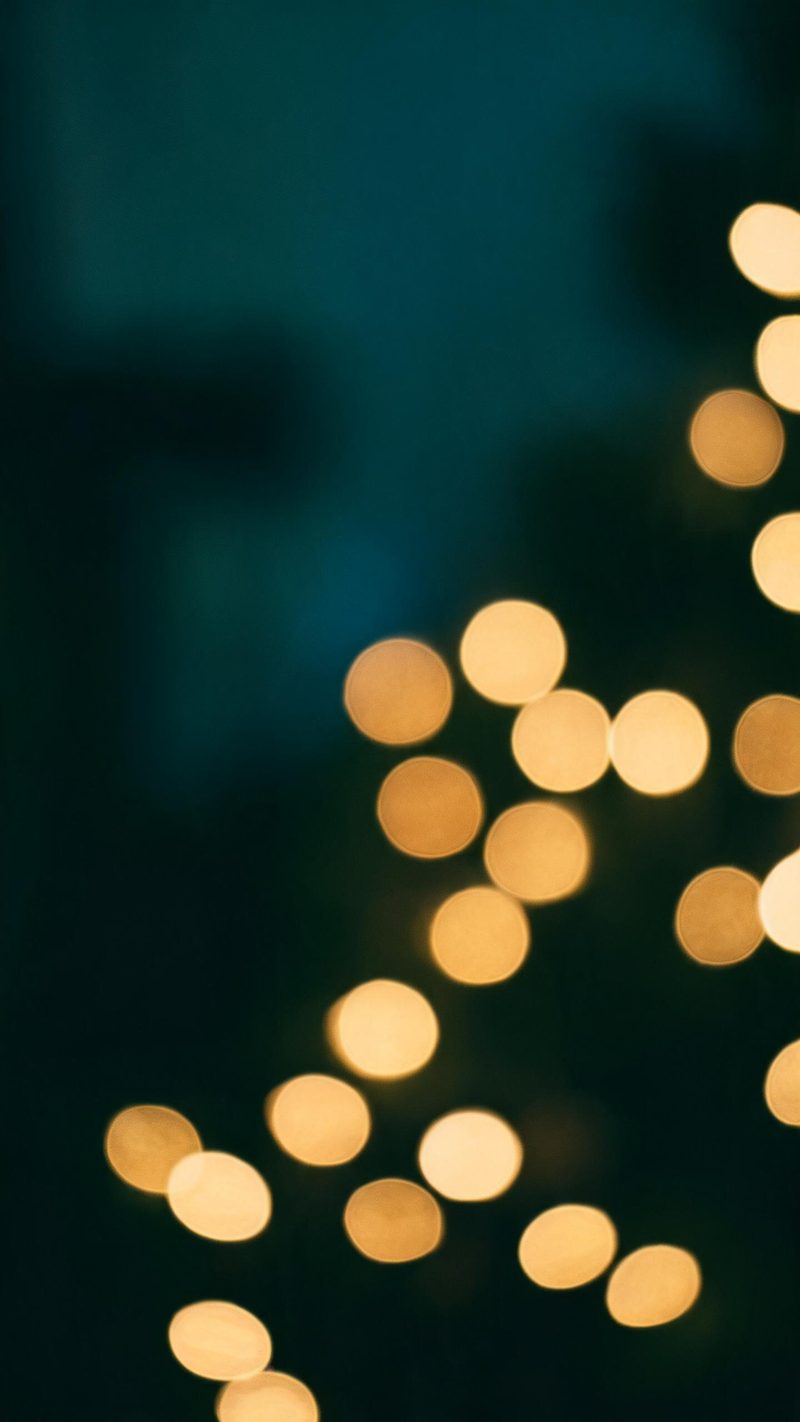
String-light bokeh
Warm bulbs thrown far out of focus, deep teal shadow between them. Best when your photo already has lights in it and you want them to carry the frame.
Most holiday posts fail because the light is wrong — flat overhead, blown highlights, no depth. This effect rebuilds the lighting: string lights, soft bokeh and a warm grade that reads as December rather than a filter.
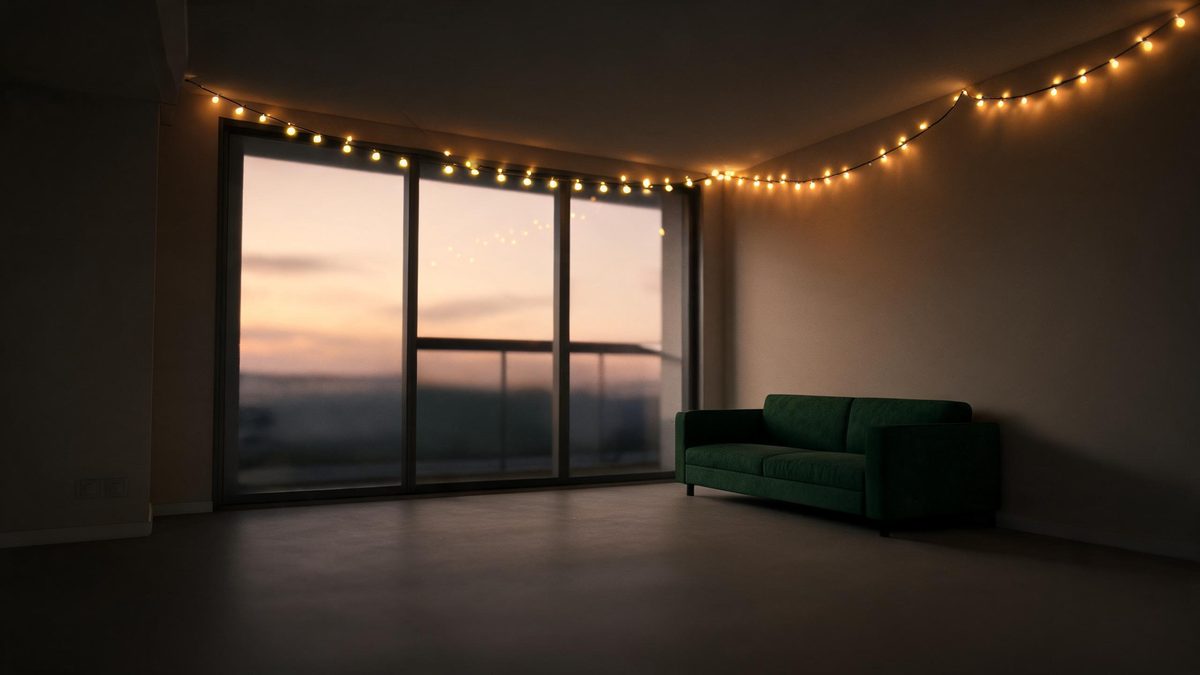
Holiday footage is almost entirely a lighting problem. The reason a phone photo of a decorated room looks flat is that the camera exposes for the whole frame and loses the small warm sources that actually make the scene feel like December.
This effect puts those sources back. It reads your photo, places warm practicals into the space and lets them fall off into real shadow, so the result has depth instead of an even orange wash.
Three steps, no timeline and no render queue. Most people go from upload to a finished clip in under a minute.
A portrait, a decorated room or a table setting all work. Interiors and evening shots respond best, because the effect is mostly about how warm light behaves in a dark space.
Pick string-light bokeh, a warm window glow, or a single-source candlelit look. Each one changes the light temperature and where the shadow sits.
The clip renders in seconds at 9:16 for Reels, TikTok and Shorts, with square and 16:9 from the same project.
Three ways of lighting the same scene. The right one depends on how much of the room is in your photo.
Warm bulbs thrown far out of focus, deep teal shadow between them. Best when your photo already has lights in it and you want them to carry the frame.
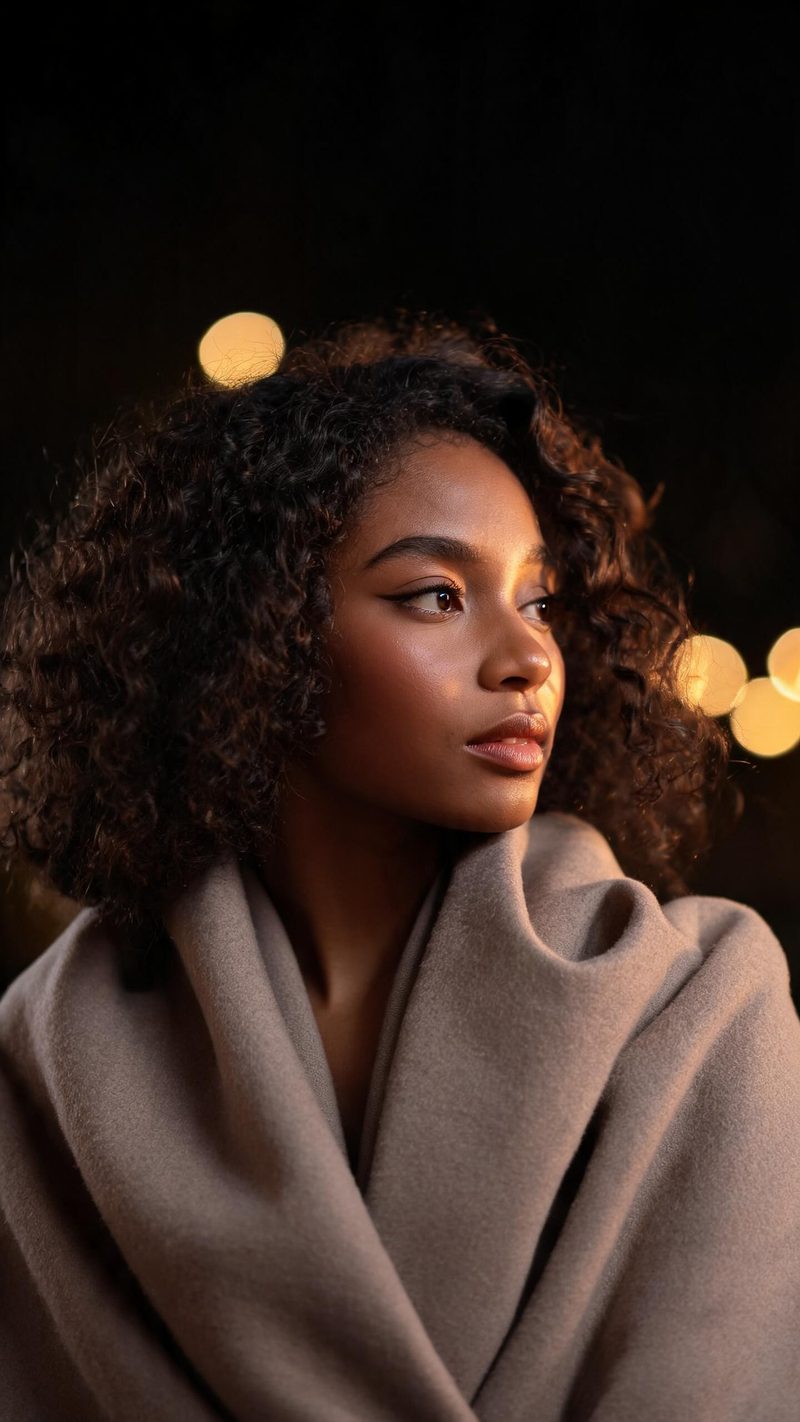
A single warm source raking across one cheek with soft bokeh behind. This is the pick for people photos where the face needs to stay the subject.
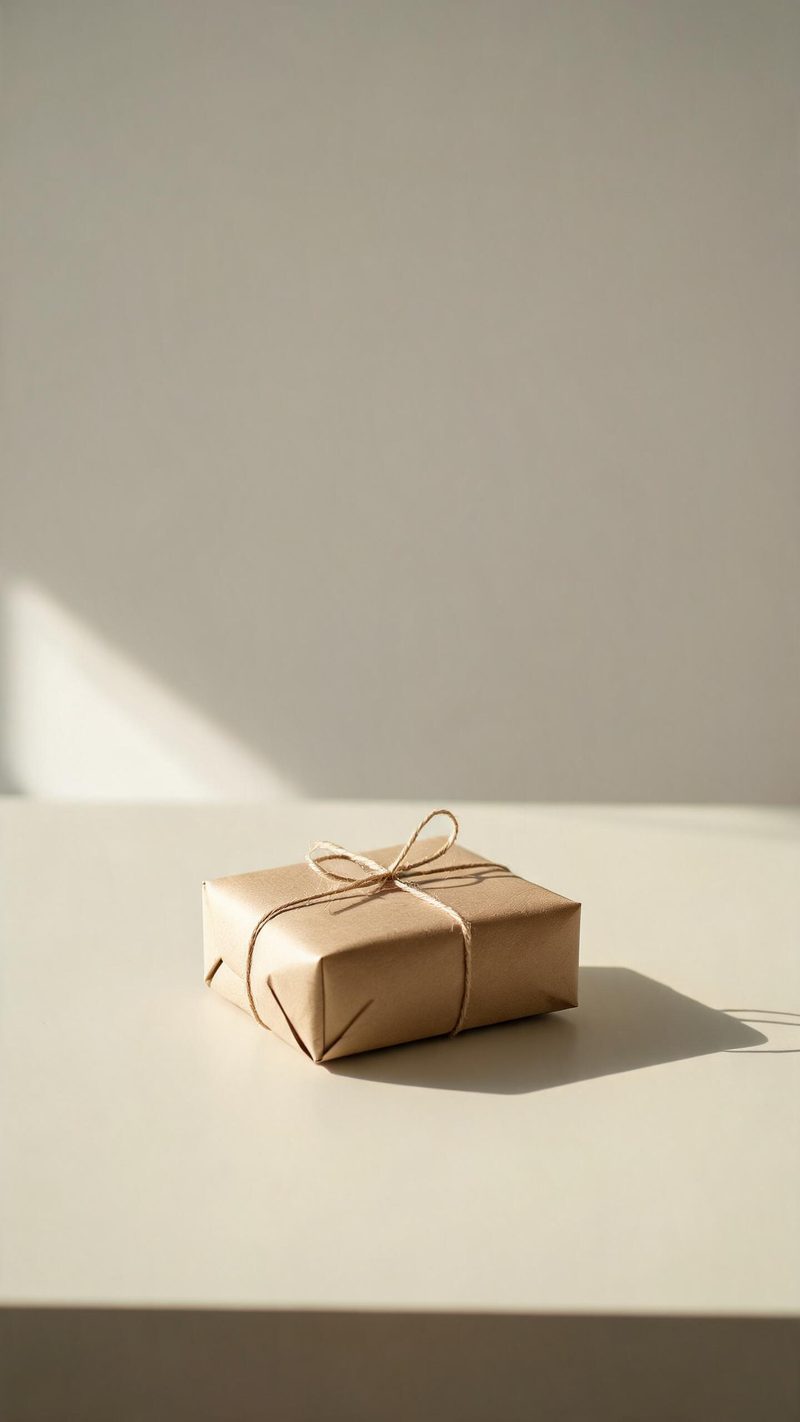
One object, one window, a long soft shadow and a lot of empty space. Use this for product and tabletop shots where restraint reads better than decoration.
A holiday grade is easy to overdo. The test is whether it still looks like a photograph at full brightness.
Warm light is where most holiday filters destroy a photo. Here the warmth lands in the light, not in the skin, so faces keep their real tone.
9:16 for TikTok, Reels and Shorts, 1:1 for feed, 16:9 for YouTube — exported from one project without re-cropping.
Subtitles are generated, styled and burned in, and the narration is voiced in the language your audience scrolls in. No second tool needed.
Generate alternate hooks and looks from the same photo, then let performance pick the winner instead of gambling on a single render.
One photo in, a properly lit clip out. Free to try — no card required.
Ready-made christmas templates in OpenFilmo — open one and drop your photo in.
Scene ideas, prompt libraries and a step-by-step walkthrough for the Halloween effect.