
Halloween Pet Videos From a Single Photo
Most dogs tolerate a costume for about four seconds, and the picture you get is usually the moment they try to leave the frame. Start from a photo you already have and build the Halloween scene around the animal instead.
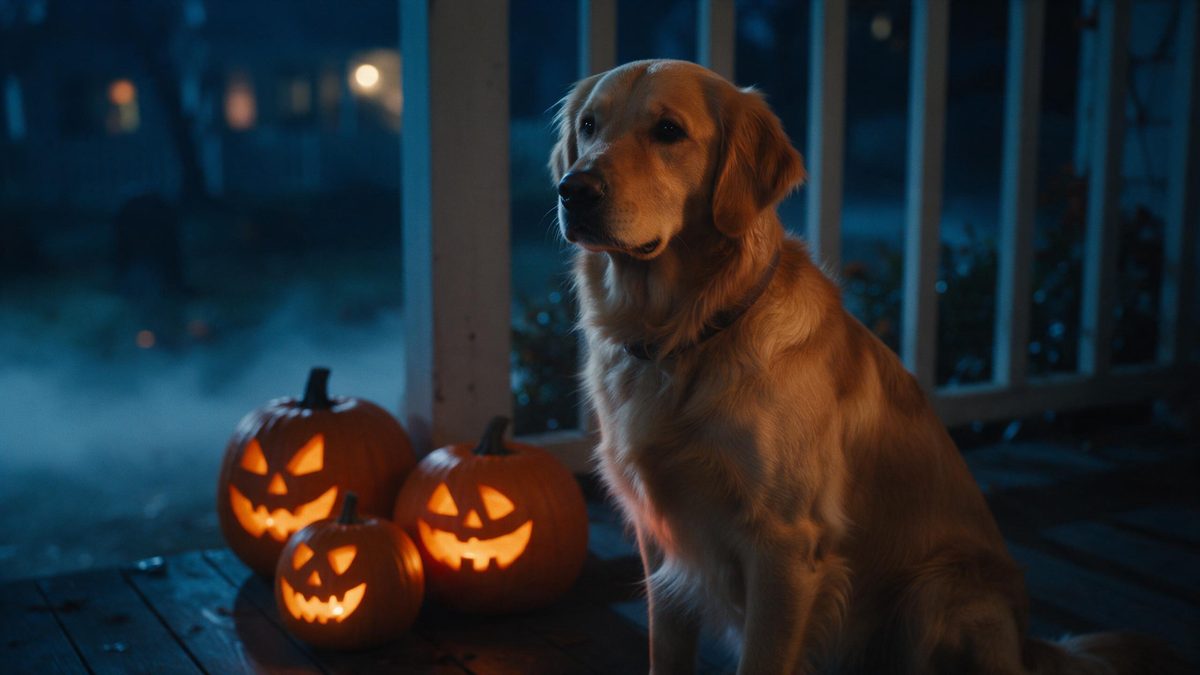
Most dogs tolerate a costume for about four seconds, and the photograph you end up with is usually the frame where they are trying to leave. Getting a usable shot means a second pair of hands, a bag of treats and an unusual amount of patience. Generating the clip inverts the problem: you start from a photo that already exists on your phone, and the Halloween setting is constructed around the animal.
There is a welfare argument too, and it is the more practical one. Real pet costumes itch, they restrict movement, and plenty of animals find them genuinely stressful for an entire evening. A generated version puts the dog into a Halloween clip without putting anything on the dog. One clear photograph is the only input; the scene, the light and the styling are produced from there.
What it does
Built for this specific job, not a generic editor.
Nothing goes on the animal
The Halloween look is rendered, not worn. Your dog spends the evening without a hat, a cape or anything strapped on, which is kinder on the animal and also means nothing gets chewed off in the first minute or lost under the sofa.
A photo you already have
Use an existing shot rather than staging a session with treats and a second pair of hands. A clear, front-facing, well-lit frame gives the best result, and the whole flow is built around that single image rather than a set of them.
Three scene directions
Every render starts from the same choice between lantern in fog, carved pumpkin and night street. Pick the setting that suits the animal: lantern in fog keeps a face in frame, while the other two carry no face at all and let the mood lead.
Framed for where it goes
Pick the shape at export rather than trimming the file down afterwards. Vertical 9:16 suits TikTok, Reels and Shorts, 1:1 sits correctly in a feed, and 16:9 is the one to use for YouTube or a player embedded in a page.
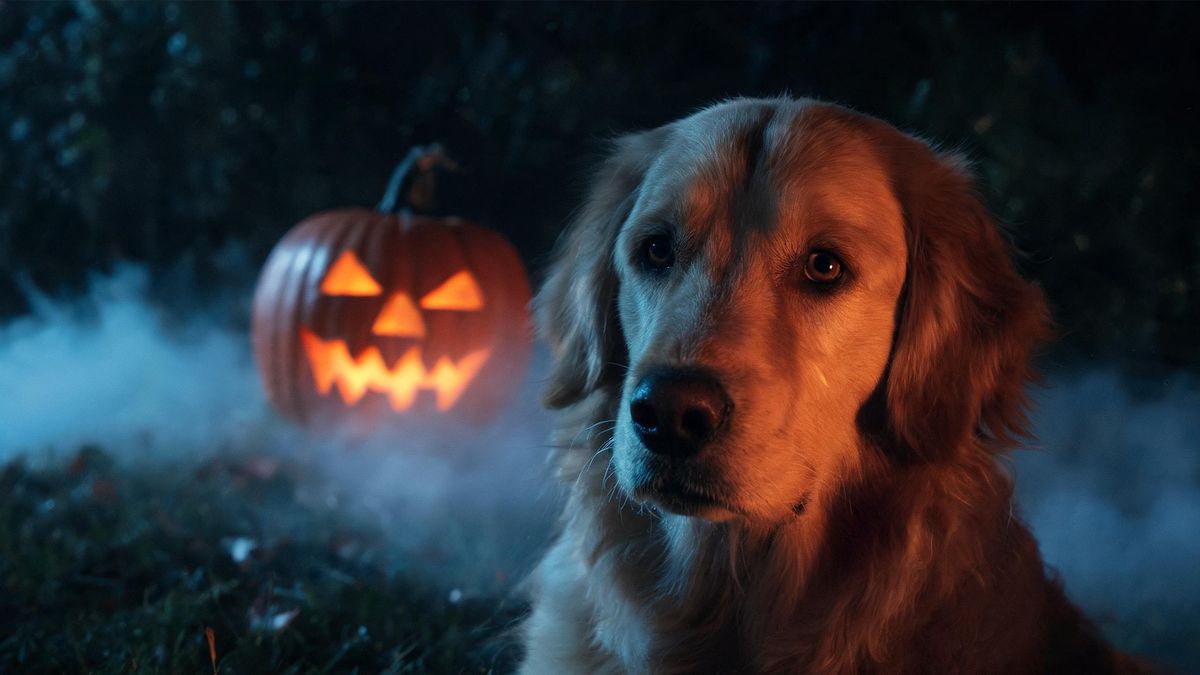
How it works
Four steps, no timeline to learn.
Pick a clear photo of your pet
Choose a shot where the animal faces the camera in even light, with the face unobstructed and the eyes visible. A phone photo taken on the sofa is perfectly fine. One frame is what the render works from, so pick your best.
Upload it to the Halloween effect
Open the Halloween effect and add that single photo. There is no second upload and no costume reference for you to source, because the styling, the scene and the lighting are all handled inside the render itself.
Choose the direction
Lantern in fog, carved pumpkin or night street. If you want the animal in frame, start with lantern in fog; the other two keep attention on the setting and the atmosphere rather than on the pet.
Export and share
Select 9:16, 1:1 or 16:9, run the render and download the result. Post it to the family group, to the feed, or wherever the dog already has a small but loyal audience. Vertical suits a chat thread best.
What people use it for
The jobs this actually gets used for.
The dog who hates costumes
Some animals simply will not wear anything, and forcing the issue is not worth it. A generated clip gets them into the seasonal post without the twenty minutes of negotiation and without the photograph of them lying flat in protest.
One photo, several posts
A single portrait can be run through each of the three settings, and the results look different enough to post separately. That gives you variation for a week without a second attempt at photographing a moving subject in a hat.
Rescue and shelter profiles
A seasonal clip gives an adoption listing something fresher than a kennel photograph taken under fluorescent light. Where you would rather the setting carried the post, the directions with no face keep the focus on the environment rather than on one animal.
Family group chats
Relatives who rarely see the dog get a short clip instead of a still image they will scroll past. Vertical 9:16 plays best inside a chat thread, and it needs no explanation from you about what they are looking at.
Why generate rather than dress the animal
Comfort first, and the output is better for it.
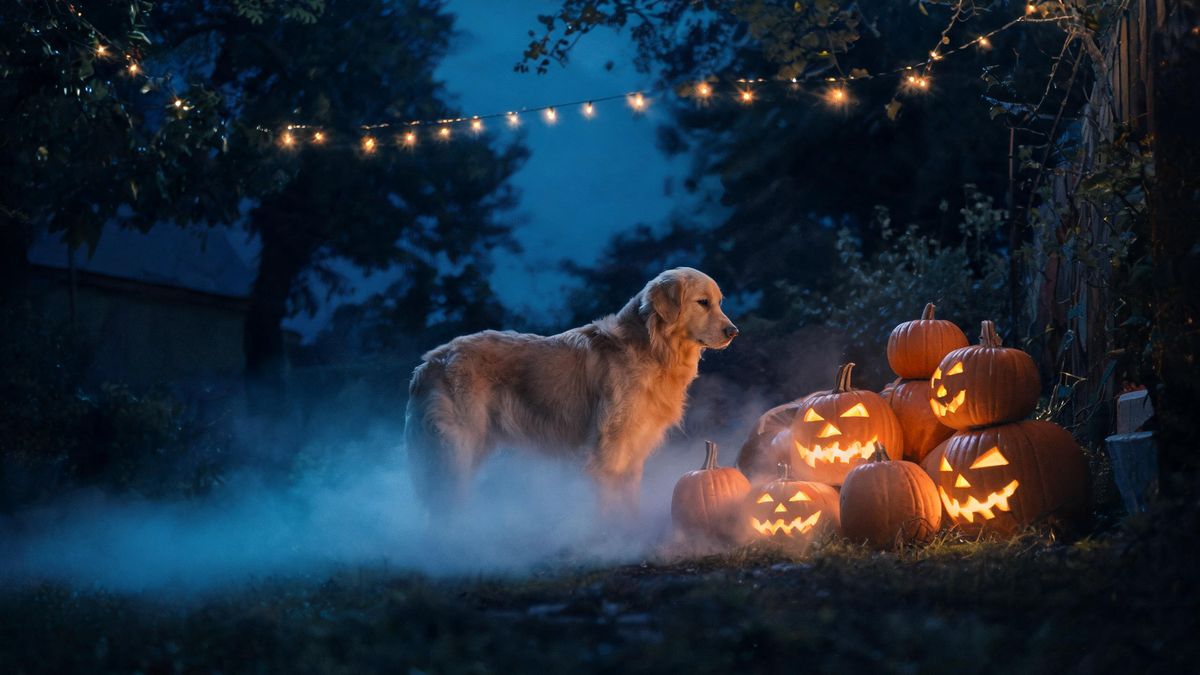
The honest argument for a generated pet clip starts with the animal, not with the technology. A costume that fits a dog properly is rare; most are sized by weight, slip sideways, and spend the evening being scratched at. An uncomfortable animal does not photograph well either. You get pinned ears, a lowered tail and a face turned away from the camera, which is the opposite of what you were trying to capture.
Removing the garment also removes the shoot. Photographing a pet in a hat needs a second pair of hands, a steady supply of treats and a tolerant animal, and the proportion of usable frames is low even then. Starting from one clear photo you already have means the difficult part, the part where the dog cooperates, happened months ago and is already sitting in your camera roll. Nothing about the seasonal post depends on the animal being in the mood on the day.
The trade-off is fidelity. A rendered scene will not match your actual hallway, and the fur will not behave exactly as it does in motion. What you get instead is a clip that looks deliberate: consistent light, a considered setting, and a shape that fits the platform it is going to. For a post that lives for a few days at the end of October, that is usually the right exchange.
Credits and plans
Every tool draws on one shared credit balance.
Credits cover every render on the site. Free accounts receive 30 per month with no card required, and paid tiers are Starter at $9 for 400 credits, Pro at $19 for 1,000 and Studio at $59 for 4,000. Halloween effects use the same balance as everything else. The credit cost is shown before you confirm, so the number is visible on the render step rather than after it.
Related guides
Longer reads on the same workflow, from the OpenFilmo blog.
Image to Video AI: Animate Any Photo in Seconds
A complete guide to image to video AI: what makes a good source image, how to write motion prompts, top use cases, and how to fix …
AI Video Prompt Formulas That Hold Up in Production
Prompt structures that work for AI video: subject, motion, camera, time and style — with tested formulas, failure patterns and a m…
Text to Video AI: Turn Any Prompt Into Video
Learn how text to video AI works, the four-part prompt formula that produces usable clips, how to fix common failures, and where i…
Related tools
Closely related pages on the same problem.
Frequently asked questions
Is this fairer to the animal than a real costume?
In most cases, yes. Nothing is strapped to the dog, so there is no itching, no restricted movement and no stressful evening. The Halloween look is produced inside the render, which leaves the animal entirely out of the process after the original photograph.
What photo of my dog should I use?
A clear shot with the animal facing the camera and the face in even light. Avoid heavy shadow, avoid anything across the eyes, and choose a frame where the head is not turned away. One image is what the render works from, so pick the best frame you already have.
Can I use the same photo more than once?
Yes. Running the same portrait through each of the three settings produces clips that look different enough to post on separate days, which is useful when you want variation without photographing a moving animal all over again. It also keeps the series looking consistent.
Which direction works best for pets?
Lantern in fog keeps the animal in frame and suits clips where the dog is the subject. The other two settings carry no face at all and lean on the setting instead, which works well for shy animals or for posts where you plan to overlay text.
How many credits does one render use?
The credit cost is shown before you confirm, so the exact figure appears on the render step rather than on a statement later. Free plans include 30 credits monthly without a credit card, and paid plans raise the monthly allowance if you need more than that.
Halloween effect templates
Ready-made halloween templates in OpenFilmo — open one and drop your photo in.