
Halloween Costume Video Without Buying a Costume
A costume is a one-night purchase that rarely fits and photographs badly under a porch light. Start from a portrait you already have and let the render supply the outfit, the light and the setting.
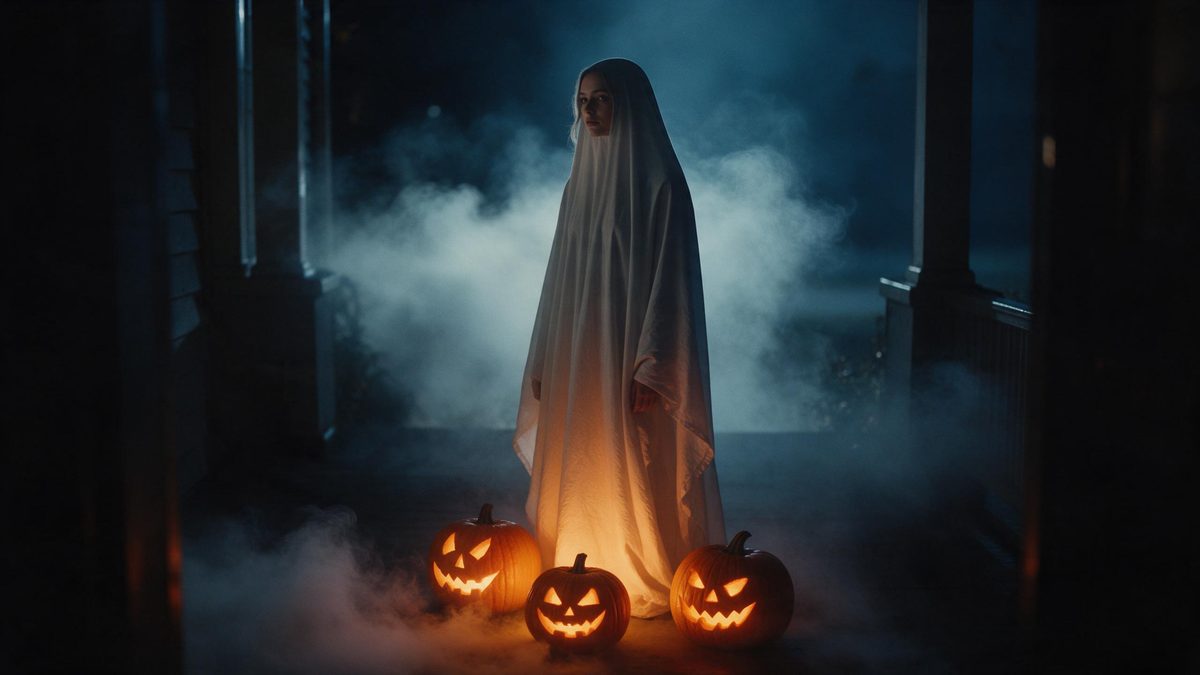
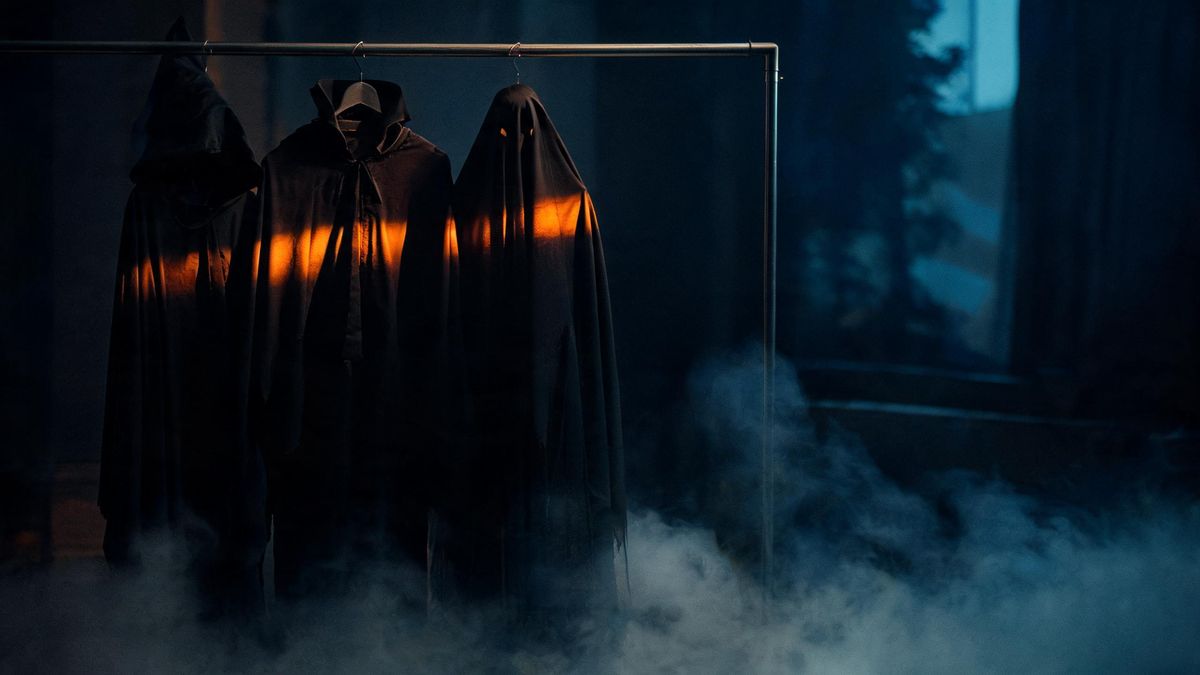
Buying a Halloween costume is a one-night purchase. It hangs in the wardrobe for eleven months, it rarely fits the way the product photo suggested, and if you live somewhere cold it spends the evening under a coat where nobody can see it. A generated clip does not fix this by being cheaper; it fixes it by removing the purchase altogether. You hand over one portrait and the costume, the lighting and the setting are produced around it.
The portrait you supply should be clear, front-facing and evenly lit. That is the entire requirement. There is no makeup to apply, no backdrop to hang, and no changing clothes in a cold hallway before a party. From that single frame the Halloween effect returns a short clip you can keep, repost next year, or drop into the group chat instead of another message about who is arriving when.
What it does
Built for this specific job, not a generic editor.
Costume without the purchase
The outfit, the lighting and the background are generated rather than bought. You skip the sizing chart, the return window and the storage problem, and you can try another look without another trip to a shop or another delivery slot to wait for.
One photo, one pass
Upload a single clear, front-facing, well-lit portrait and the rest is handled for you. The flow is built around one image, so there is no timeline to arrange, no second reference to prepare, and nothing to stage before the first render starts.
Three directions to choose from
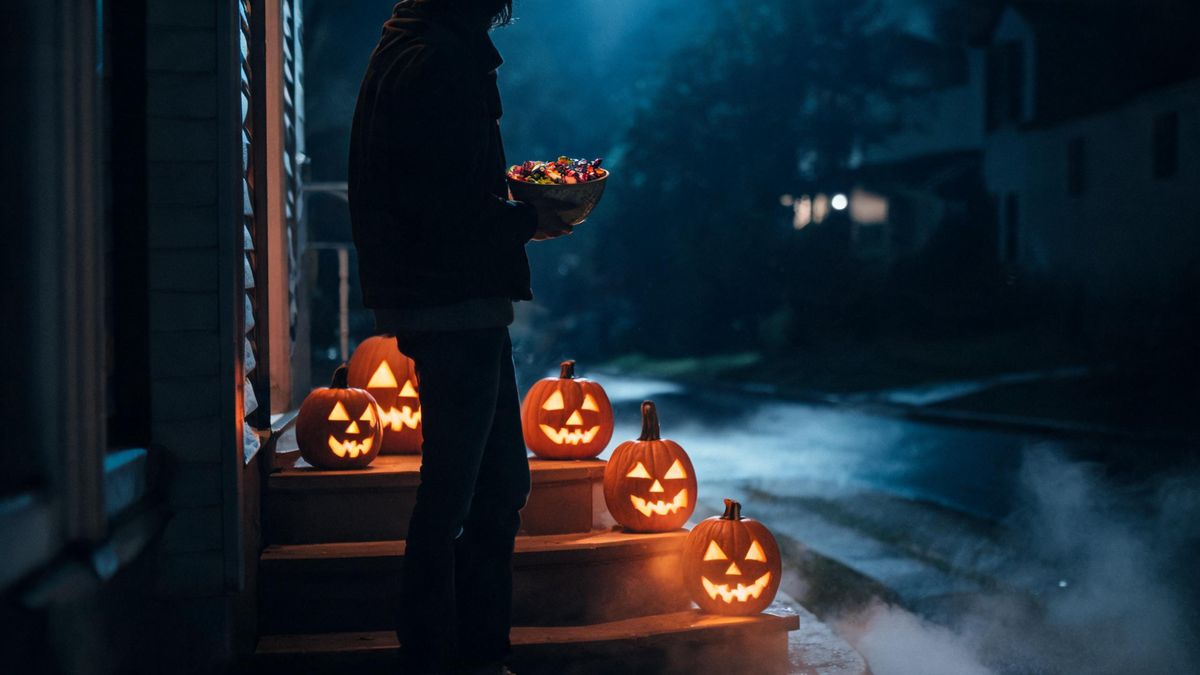
Pick lantern in fog, carved pumpkin or night street. The first keeps your face in frame; the other two contain no face at all, which makes them useful as atmosphere or as a background behind text when the words matter more than the subject.
Aspect ratio for the destination
Export 9:16 for TikTok, Reels and Shorts, 1:1 for a feed post, or 16:9 for YouTube and embedded players. The render is produced once and delivered in the shape the platform expects, so you are not cropping a finished file afterwards or losing the edges of the composition.
How it works
Four steps, no timeline to learn.
Choose a portrait
Pick the clearest front-facing photo you have, taken in even light. Avoid heavy shadows across the face and anything covering the eyes, and prefer a plain background where possible. One well-lit frame is what the whole render works from.
Open the Halloween effect
Go to the Halloween effect and upload that portrait. Nothing else is required at this stage: no costume reference to find, no scene description to write, and no separate background plate to supply before the render runs.
Pick a direction
Select lantern in fog for a clip with your face in it, or carved pumpkin and night street for footage with no face at all. This single choice decides what the finished clip looks like, so it is worth picking with the destination in mind.
Download and post
Choose 9:16, 1:1 or 16:9, run the render and download the finished file. Upload it to wherever you normally post, whether that is a story, a group chat or a feed. There is no editing step between the render and the post, and nothing else to prepare.
What people use it for
The jobs this actually gets used for.
A decision made late
You decided on the 28th. There is no shop visit, no delivery window and no fitting, and you still end up with a costume clip worth posting. If the first look does not land, render another from the same photo and pick a different direction.
Cold-climate Halloweens
Where a costume would sit under a winter coat all evening, the video version keeps the look visible. The generated scene carries the atmosphere that a real street at a few degrees above freezing simply does not, and nobody has to stand outside to get the shot.
Trying several looks
Trying on five costumes in a shop takes an afternoon and a queue for the changing room. Rendering a few versions from one portrait takes far less of your time, and you only keep the ones actually worth posting.
Group chats and stories
A short vertical clip reads better in a story than a photo of a costume on a hanger. Send it to the group before the party instead of another message about who is bringing what, and export 9:16 so it fills the screen.
Why generate a costume instead of buying one
What changes, and what you give up.
The trade is straightforward. A real costume gives you something to physically wear; a generated clip gives you something to publish. If the point is to be seen in a room, the garment wins and no render changes that. If the point is to post something for the 31st, the garment is mostly an obstacle: it costs money, it occupies a delivery slot, and it photographs badly under porch lighting at close range.
What makes one photo enough is that the styling work happens in the render, not in your wardrobe. The model does need to read a face clearly, which is why the input guidance is about the photograph itself: front-facing, evenly lit, unobstructed. Once that is satisfied, costume, scene and lighting are produced together, so there is no separate step for makeup or backdrop. Faces turned away from the camera, or shot in deep shadow, simply give the render less to work with.
Timing matters more than craft here. Attention around Halloween accumulates across the whole of October and falls away immediately after the 31st, so a clip published in the first half of the month has a longer life than one posted on the day itself. That is the argument for making it now rather than on the morning of the party, and it is the only scheduling advice on this page worth acting on.
Credits and plans
Every tool draws on one shared credit balance.
OpenFilmo runs on credits. The Free plan gives 30 credits per month with no credit card required, and paid tiers start at Starter at $9 for 400 credits, Pro at $19 for 1,000 and Studio at $59 for 4,000. Halloween effects draw from the same balance as everything else on the site. The credit cost is shown before you confirm, so you see the exact figure for each render before anything is spent.
Related guides
Longer reads on the same workflow, from the OpenFilmo blog.
Character Consistency in AI Video: What Actually Works
How to keep characters consistent across AI video shots: reference images, prompt discipline, key frame locking and post-hoc corre…
Image to Video AI: Animate Any Photo in Seconds
A complete guide to image to video AI: what makes a good source image, how to write motion prompts, top use cases, and how to fix …
AI Video Prompt Formulas That Hold Up in Production
Prompt structures that work for AI video: subject, motion, camera, time and style — with tested formulas, failure patterns and a m…
Related tools
Closely related pages on the same problem.
Frequently asked questions
Do I need to buy or wear a costume?
No. The point is that the costume is generated rather than purchased. You supply one clear portrait and the outfit, lighting and setting are produced around it. Nothing arrives in the post, nothing needs to fit, and nothing has to be stored afterwards.
What kind of photo works best?
A clear, front-facing portrait in even light. Face the camera, avoid deep shadow across your features and keep the eyes uncovered. One image is what the effect is built around, and a well-lit source gives the render more to read.
Which direction should I pick?
Lantern in fog keeps your face in the shot. Carved pumpkin and night street contain no face at all, which makes them better as mood footage or as a background to place text over. Choose based on where the clip will end up.
What size should I export?
Use 9:16 for TikTok, Reels and Shorts, because vertical fills a phone screen. 1:1 suits a feed post where a square crop is safer. 16:9 is the right call for YouTube and for embedding in a page or an email.
How many credits does a Halloween clip cost?
The credit cost is shown before you confirm, so the exact figure appears on the render step rather than on a bill afterwards. Free accounts receive 30 credits each month without a credit card, and paid plans raise the monthly allowance when you need more renders.
Halloween effect templates
Ready-made halloween templates in OpenFilmo — open one and drop your photo in.