
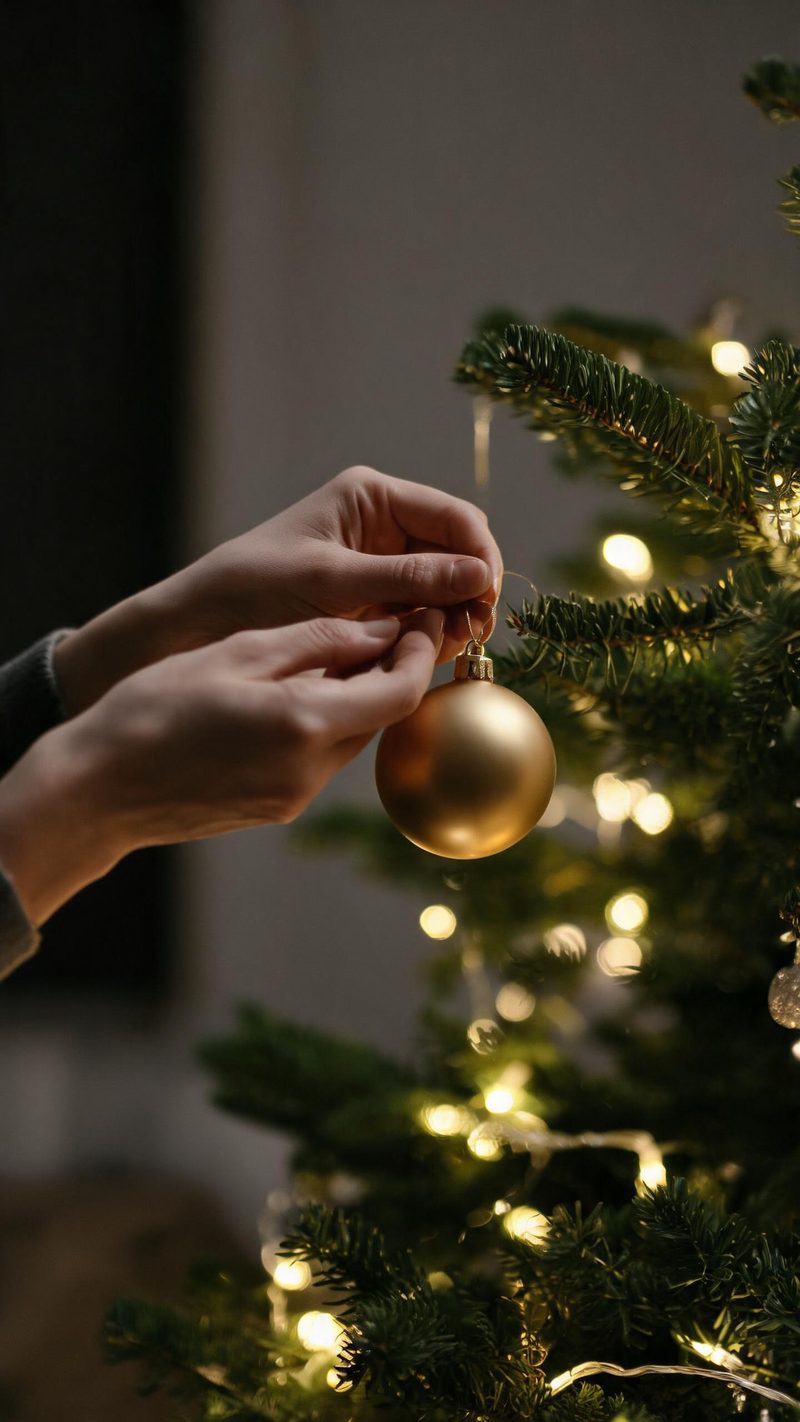
Decorating the tree
String lights in soft focus behind the subject. The strong bokeh makes this the most forgiving direction when the original photo is not perfectly sharp.
Holiday content runs for six weeks, not one day. Upload a photo, pick a direction, and have a batch of warm clips ready for the whole run.
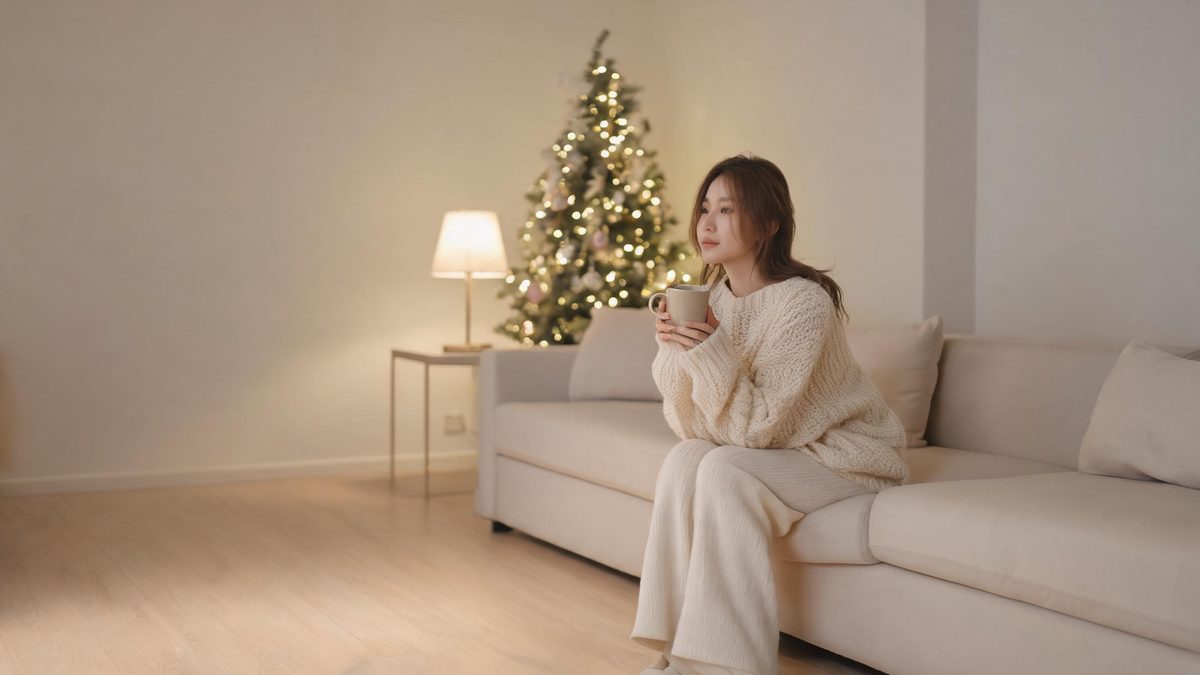
What makes holiday video work is warmth rather than spectacle. Practical lights in soft focus, a shallow depth of field and a warm grade do more than a busy decorated frame, and they keep reading well at thumbnail size in a feed.
The other half of the job is volume. Unlike a trend, the season runs for weeks with several distinct moments inside it — decorating, gathering, gifting — so a set of clips prepared in advance outperforms a single post on the day.
Three steps, and the warm-light directions are the ones that convert.
Outdoor or indoor both work. Photos taken in warm light restyle most naturally, since the grade is warm as well.
Decorating the tree, fireplace gathering, or gift wrapping. Each uses practical light sources rather than studio lighting, which is what keeps the result cosy instead of staged.
Render several directions at once and schedule them across the season instead of posting everything in one week.
Three moments from the season, each built on practical light rather than a filter.
String lights in soft focus behind the subject. The strong bokeh makes this the most forgiving direction when the original photo is not perfectly sharp.
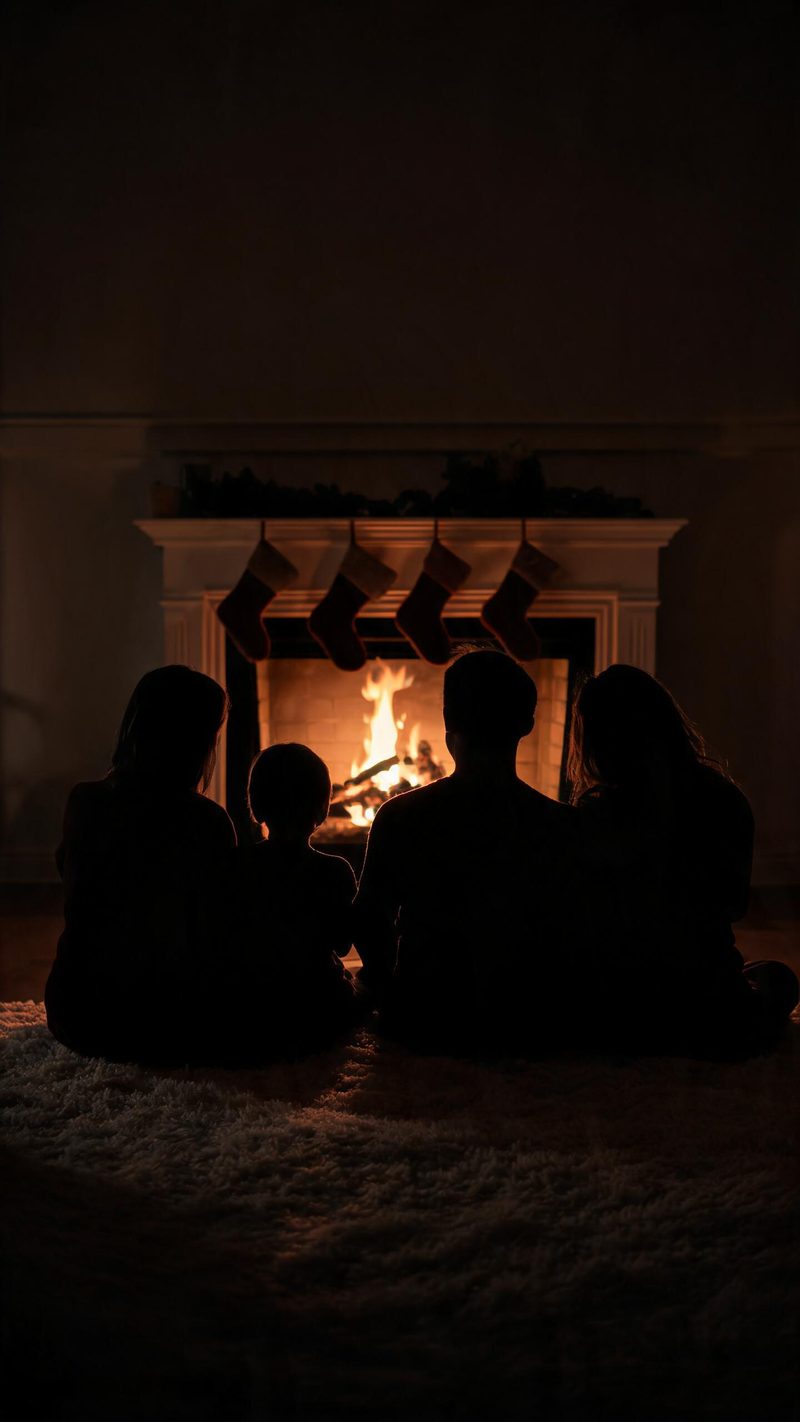
Silhouettes only, so no face is needed at all. Useful for family posts where not everyone wants to be identifiable, and it reads as warm without showing anyone.
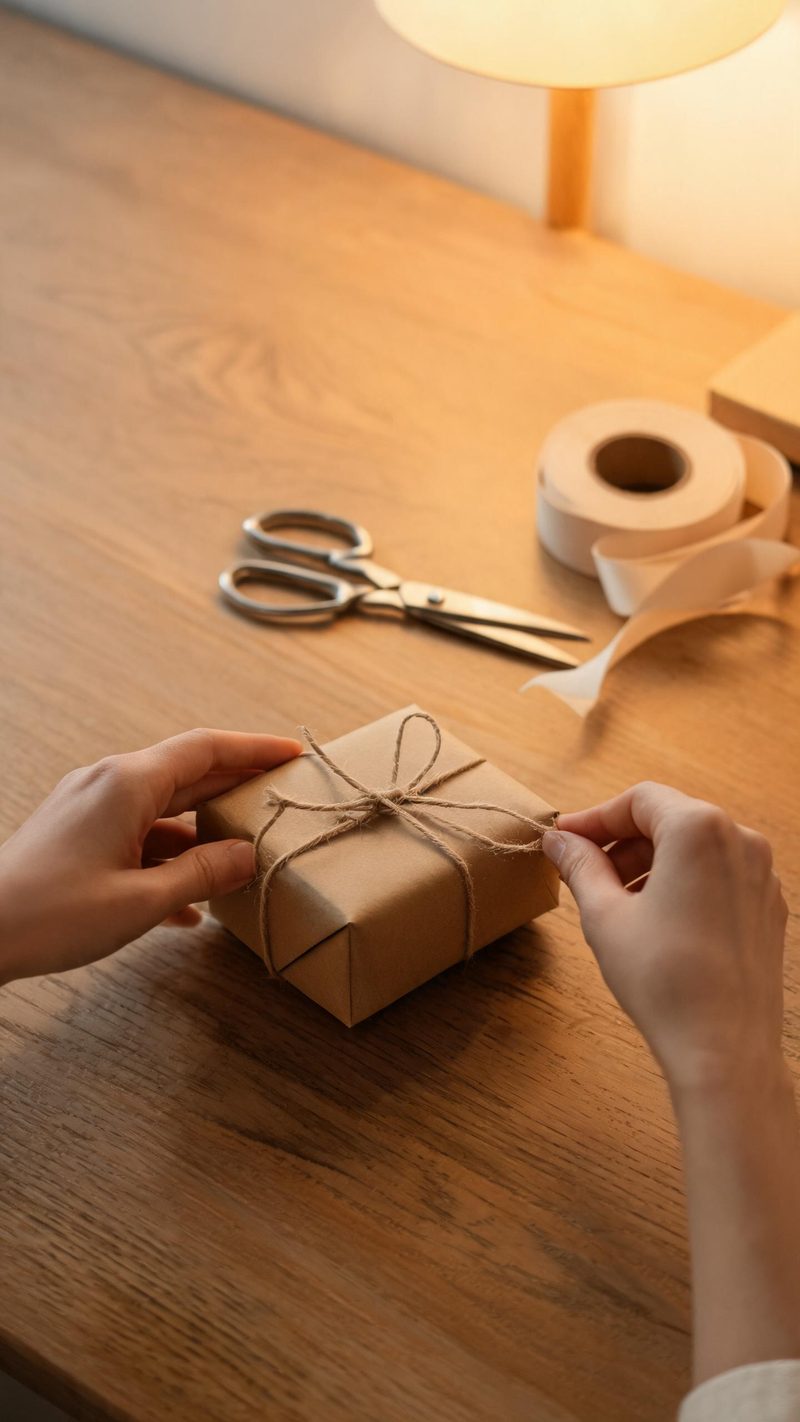
Hands and materials, no faces. The strongest format for product and shop accounts, because the prop stays the subject of the frame.
Six weeks of posting needs volume, consistency and a look that survives a thumbnail.
Facial features and expression are preserved while the setting and practical lighting are rebuilt around them.
9:16 for TikTok, Reels and Shorts, 1:1 for feed, 16:9 for YouTube — exported from one project without re-cropping.
Subtitles are generated, styled and burned in, and narration is voiced in your audience's language — useful for cross-market holiday campaigns.
Produce a set of clips in one session and schedule them across the run, instead of scrambling for content the week before.
One photo in, a warm seasonal clip out. Free to try — no card required.
Ready-made christmas templates in OpenFilmo — open one and drop your photo in.
Scene ideas, prompt libraries and a step-by-step walkthrough for the Halloween effect.