
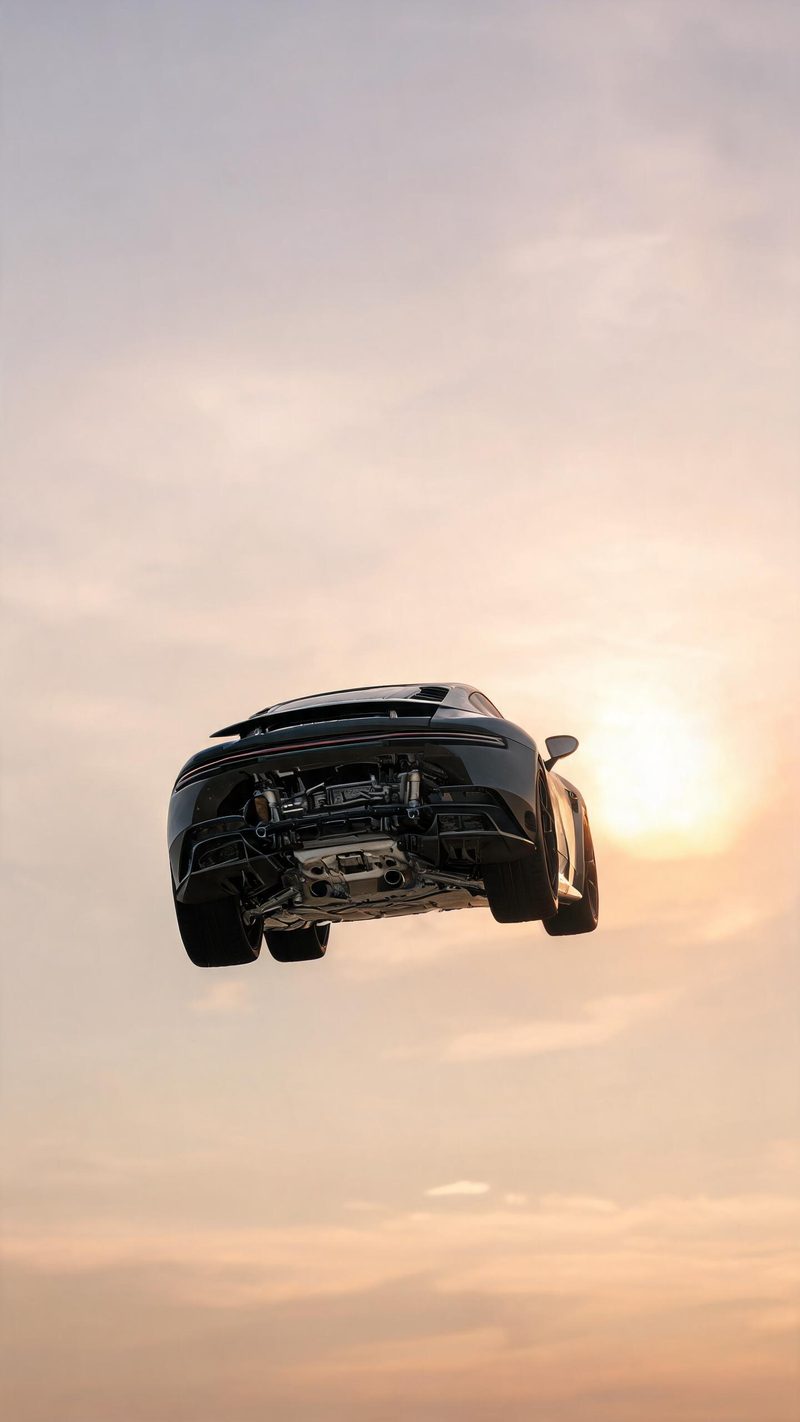
Full airborne
The car completely off the ground with the underside visible and an empty sky behind. The cleanest read of the jump, and the one that loops best.
Automotive content performs on motion, and a parked car has none. Upload a photo of the vehicle and OpenFilmo generates the jump — airborne, dust trailing, low sun — as a vertical clip.
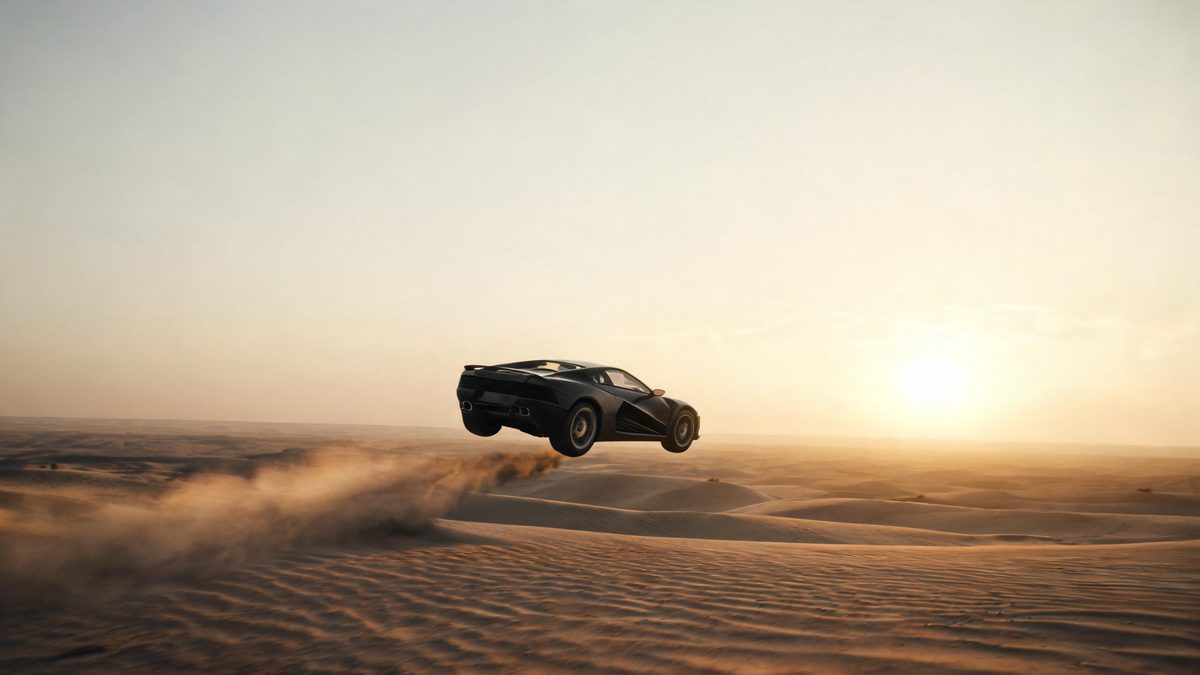
A stunt shot is expensive because it needs a location, a driver, a camera car and a window of good light. Generating one from a still removes all of it while keeping the two things that actually sell the shot: the car leaving the ground and the light staying low.
The tell that gives away a fake is usually the shadow. When the vehicle is airborne, the shadow has to stay on the ground and separate from it — and that is the part most tools get wrong.
Three steps, no timeline and no render queue. Most people go from upload to a finished clip in under a minute.
A three-quarter or side profile with the whole vehicle in frame works best. The car should be well lit and not cropped at the bumper.
Choose a desert crest at golden hour, a night street jump with neon reflections, or a flat-out dust run. Each preset sets its own sun height and surface.
The clip renders in seconds at 9:16 for Reels, TikTok and Shorts, with square and 16:9 from the same project.
Three stunt setups. Pick based on the light you want on the car.
The car completely off the ground with the underside visible and an empty sky behind. The cleanest read of the jump, and the one that loops best.
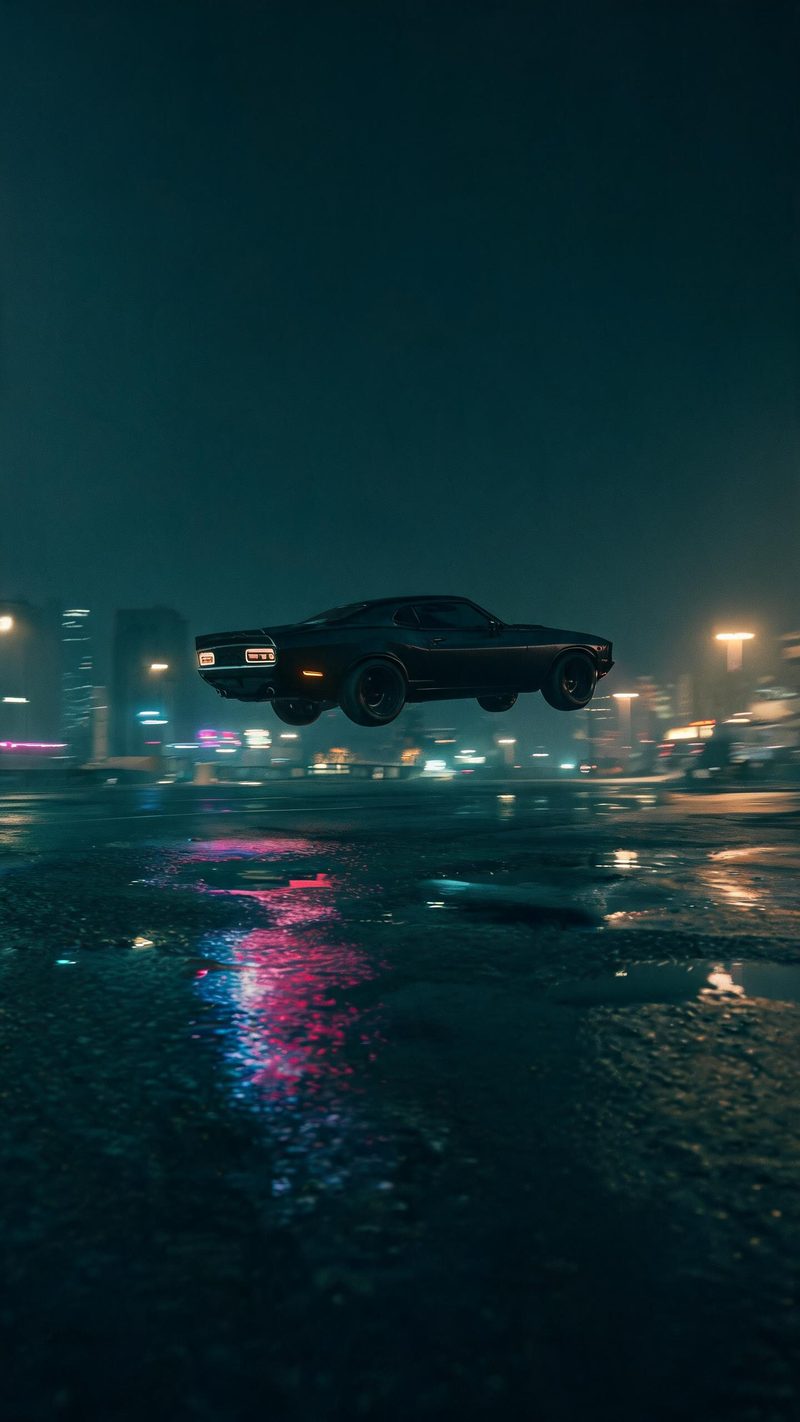
Wet asphalt, neon reflections, teal shadows against amber highlights. Use this when the car is dark or the brand palette is built around night.
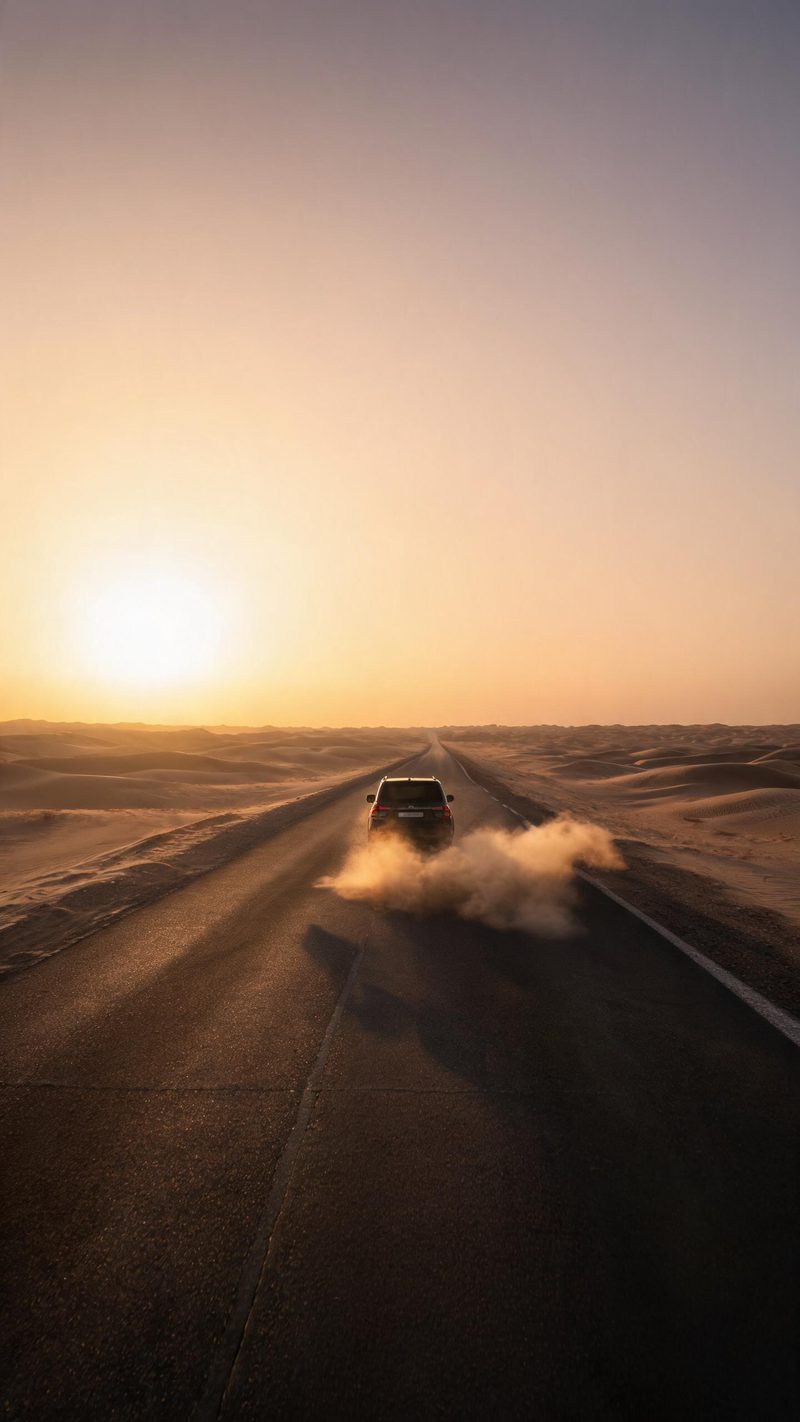
Low warm sun, dust off the tyres and a long shadow across the frame. The most natural-looking of the three, and the safest default.
Vehicle work is judged on whether the physics read correctly. These are the parts that decide it.
Paint, bodywork and proportions are preserved from your photo. Only the motion, light and environment change.
9:16 for TikTok, Reels and Shorts, 1:1 for feed, 16:9 for YouTube — exported from one project without re-cropping.
Subtitles are generated, styled and burned in, and the narration is voiced in the language your audience scrolls in. No second tool needed.
Generate the same car across several setups, then post the one that performs instead of gambling on a single render.
One photo in, a stunt clip out. Free to try — no card required.
Ready-made camera templates in OpenFilmo — open one and drop your photo in.