
Visual effect
Melt a Photograph Into Liquid Metal
Chrome pouring across a figure is expensive to shoot and harder to fake by hand. Upload one photograph and the melt is rendered onto the subject for 40 credits, returning a 4-second clip at 720p.
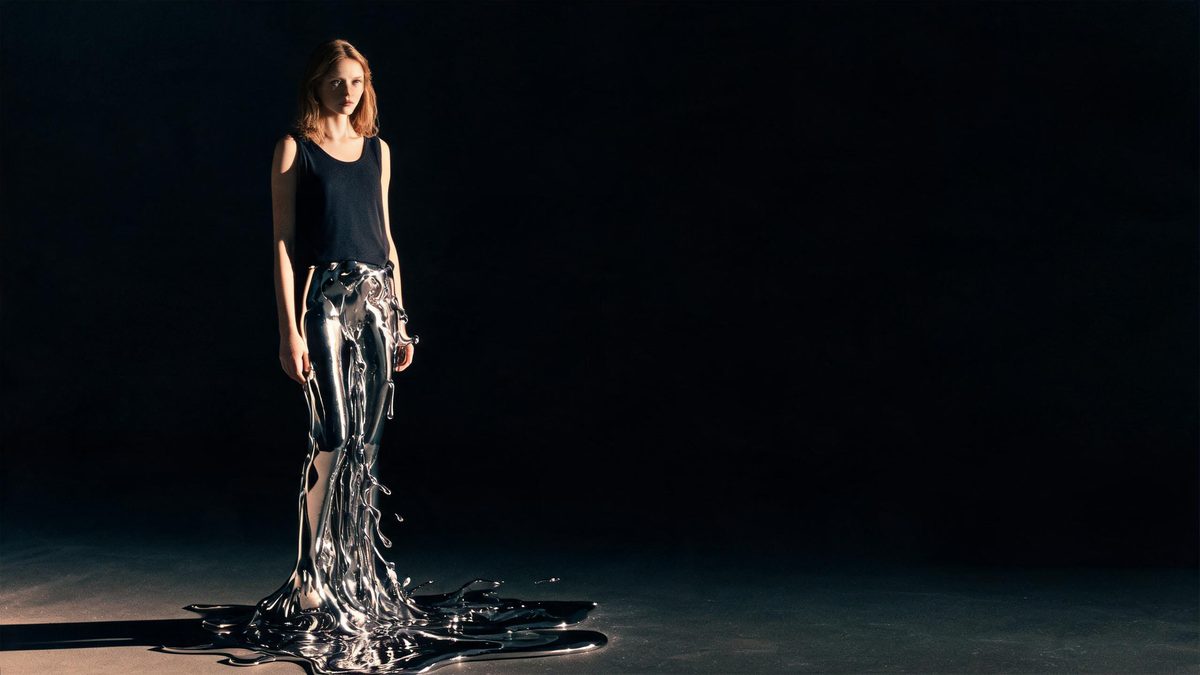
The liquid metal look used to belong to big budgets: a chrome figure collapsing, pouring, and reassembling itself meant a studio, a supervisor, and a render farm. That barrier is the reason to use a template instead. You supply a single photograph of one person, a pair, a group, or an animal, and the effect pours metal over whatever stands in the frame. Nothing has to be modelled, tracked, or composited afterwards, because the melt happens inside the render rather than as a layer placed on top of it.
Each run costs 40 credits and returns a 4-second video at 720p, in the same aspect ratio as the photograph you uploaded. Two conditions decide whether the result looks deliberate. Hands should be empty, with no props held, since an object in the grip gives the melt something awkward to flow around. And the metal is not confined to the subject: it can appear in the surroundings, one person in a group photograph can break up partway through, and in rare cases the metal does not cover the whole body. Those are documented limits, not faults in your file.
Specs at a glance
Straight from the product panel, not from a marketing deck.
- Output
- 4-second video
- Credits
- 40 per run
- Resolution
- 720p
- Aspect ratio
- Matches your input photo
- Input
- 1 photo — one person, a pair, a group, or an animal
- Best results with
- Empty hands, with no props held
- Known limits
- Liquid metal can appear in the surroundings. In group photos one person can break up during the melt, and in rare cases the metal does not cover the whole body.
What it does
Built for this specific job, not a generic editor.
A person, a pair, a group or an animal
One upload accepts a solo figure, two people, a larger group, or an animal, which is a wider range than most camera effects here allow. The chrome treatment is applied to whatever occupies the frame, so the same template covers a portrait and a team shot.
Metal that flows across the figure
The melt is generated as movement rather than painted on as a texture. The subject is covered progressively, so the clip reads as a transformation in progress instead of a still frame with a metallic filter laid over it.
Four seconds, shaped for replay
The finished file runs four seconds at 720p. That is long enough for the pour to register and short enough to loop in a feed without the viewer deciding to skip, which suits reveal posts and story frames.
Your framing is preserved
The output follows the aspect ratio of the photograph you supply, so a vertical phone shot returns a vertical clip and a landscape frame stays landscape. No crop is applied and no bars are added to the finished file.
How it works
Four steps, no timeline to learn.
Choose a shot with empty hands
Pick a frame where nobody is holding anything. Props in the hands are the biggest source of trouble here, because the metal has to decide how to flow around an object that is not part of the figure.
Upload the single photograph
Add it to the liquid metal melt template. One image is the entire input: no prompt to write, no second reference to find, and no background plate to prepare before the run starts.
Confirm at 40 credits
The cost is shown on the confirmation screen before anything is spent. Check the balance, top it up if it falls short, and start the run. Nothing is deducted until you agree to the figure displayed there.
Download and post it
Save the 4-second 720p file and place it wherever the reveal belongs. Because the shape matches your source photograph, a vertical upload is ready for a story without any trimming first.
Where people use it
The jobs this effect actually gets used for.
Performer and artist visuals
A solo shot becomes a chrome sequence for a release post or a profile header. The look carries a genre on its own, so it needs very little explanation when it appears in a feed.
Fitness and sports portraits
A full-body frame of one person gives the melt a clear silhouette to travel along. It is an economical way to give a training account a piece of motion it could not have filmed.
Animal portraits
The template accepts an animal as well as a person, so a pet photograph can be rendered in chrome without putting anything on the animal or asking it to stay still.
Team and group shots
Groups are accepted in one upload, so a department or band photograph can be treated together. Check the finished frame carefully, since one person can break up during the melt.
Why the melt is worth 40 credits
What the effect does well, and the places where it comes apart.
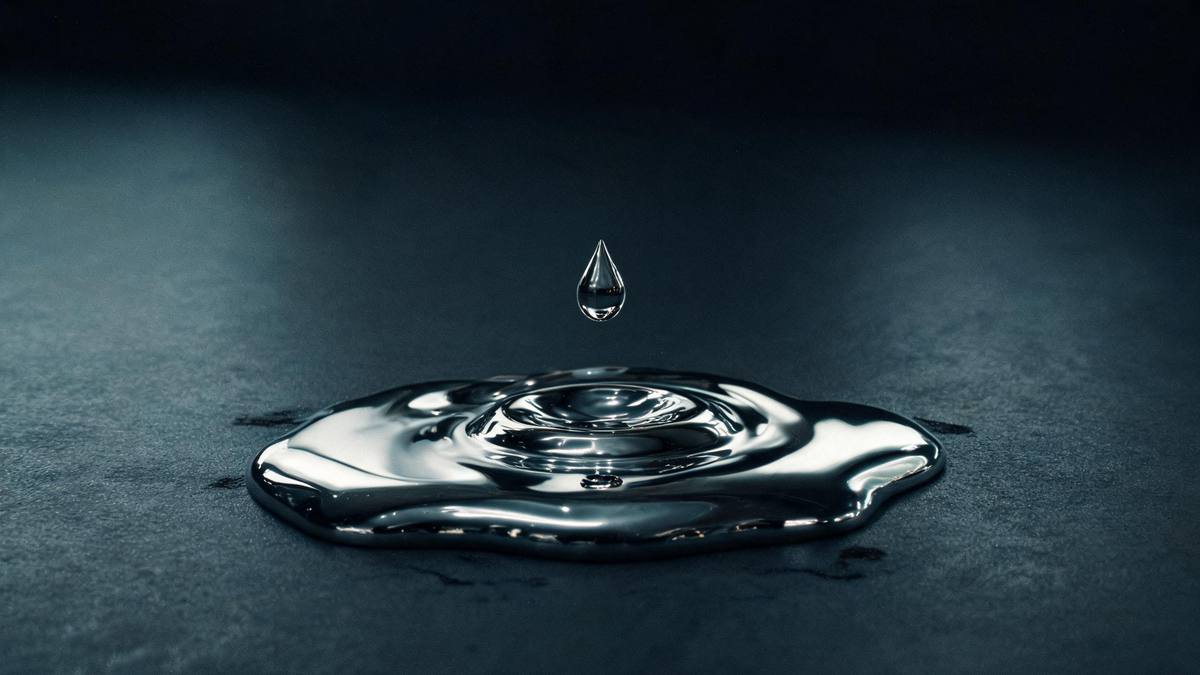
The appeal is mechanical rather than decorative. A chrome pour communicates something a static filter cannot, because the eye follows the boundary moving across the figure and understands that a change is taking place. Four seconds is the right length for that: long enough for the boundary to travel a visible distance, short enough that the viewer does not start waiting for the next thing to happen. Longer would dilute it, and shorter would make it a flicker.
The input rules matter more than usual here. Empty hands with no props held is what the effect asks for, and it is a real constraint rather than a suggestion, because the render has to account for every shape in the frame. A bag, a cup, or an instrument held against the body gives the metal an edge it has to flow around, and the result near that object tends to come out muddy. Choose a frame with hands hanging clear, or with them outside the shot entirely.
The documented limits are worth reading before a paid run. Metal can appear in the surroundings, so a clean background may come back with chrome in it. In a group photograph one person can break up partway through the melt. And in rare cases the metal does not cover the whole body, leaving part of the figure untreated. None of these is a defect in your photograph, and running the same image again can produce a different outcome.
Credits and plans
Every effect draws on one shared credit balance.
One render of the liquid metal melt costs 40 credits, and the figure appears before you confirm, so the spend is visible in advance. Every effect on OpenFilmo draws from the same balance. The Free plan includes 30 credits a month with no credit card required. Starter is $9 for 400 credits, Pro is $19 for 1,000, and Studio is $59 for 4,000.
Related guides
Longer reads on the same workflow, from the OpenFilmo blog.
Image to Video AI: Animate Any Photo in Seconds
A complete guide to image to video AI: what makes a good source image, how to write motion prompts, top use cases, and how to fix …
AI Video Prompt Formulas That Hold Up in Production
Prompt structures that work for AI video: subject, motion, camera, time and style — with tested formulas, failure patterns and a m…
AI Video Upscaling to 4K: Refiners, Settings and Limits
How AI video upscaling and one-step refiners work, when to upscale versus regenerate at native resolution, and the settings that a…
Related effects
Same family of effects, on the same kind of input.
Frequently asked questions
How many credits does the melt cost?
40 credits per run, shown before you confirm. One upload covers everyone in the frame, so a group costs the same as a single person. Free accounts receive 30 credits a month with no card, and paid plans raise the allowance.
Who can be in the photograph?
One person, a pair, a group or an animal, all in a single upload. The effect is applied to whatever occupies the frame, though a group carries a documented risk of one figure breaking up during the melt.
Why does metal appear in the background?
That is a documented limit of this effect: liquid metal can appear in the surroundings rather than staying on the subject. A plainer background gives it less to spill onto, and another run can come out differently.
Should the subject be holding anything?
No. Empty hands with no props held is what the template asks for, and an object in the grip is a common cause of a poor result. Frame the shot with hands clear of the body, or with them out of the picture.
What do I get back?
A 4-second video at 720p in the same aspect ratio as the photograph you uploaded. Vertical sources return vertical clips and landscape sources stay landscape, so the file is ready for the placement you framed it for.
Why is part of the body left uncovered?
In rare cases the metal does not cover the whole body, which is listed in the notes for this effect. It is an artefact of the render rather than a problem with your photograph, and running it again can differ.