
Visual effect
Send One Person Into the Jungle
A half-body portrait against a simple background is the whole input. OpenFilmo returns a 5-second 1080p clip of that person arriving somewhere green.
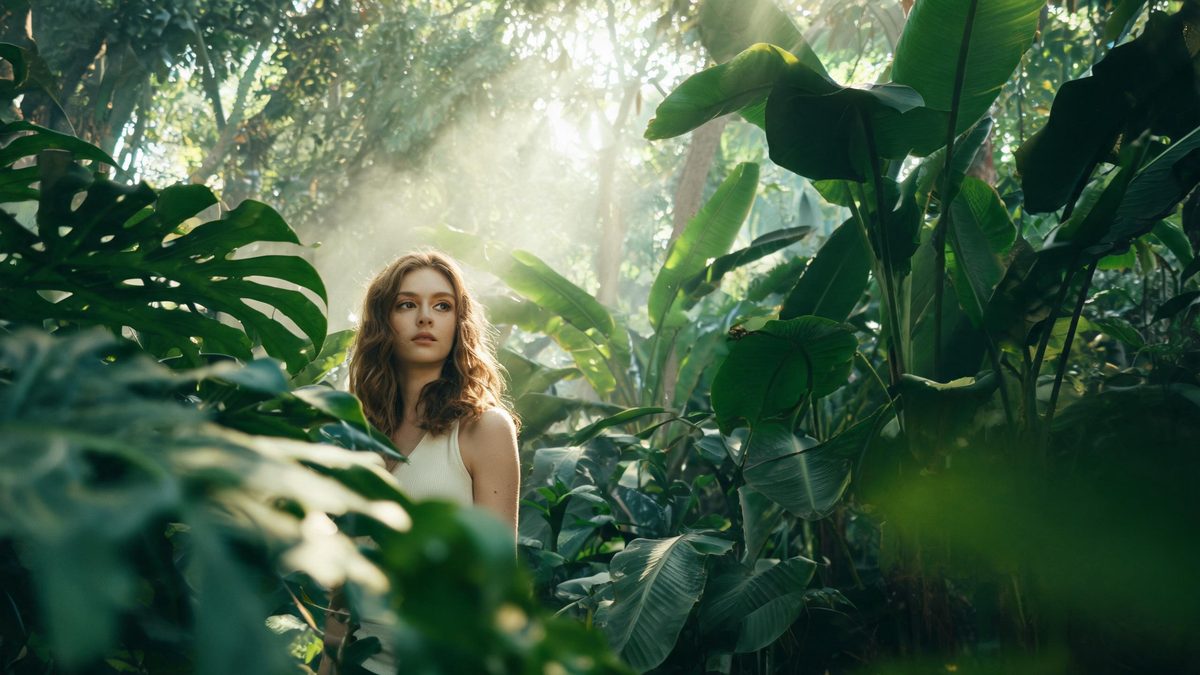
Travel footage is expensive for a reason that has nothing to do with cameras: the difficult part is being there. A jungle sequence means a flight, a guide, and a day of carrying equipment in humidity. This template takes the opposite route, using a single photograph of one person as the traveller and building the arrival around them, so the destination is rendered rather than visited.
The output is a 5-second video at 1080p, which is the highest resolution in this collection, and you choose between 9:16, 16:9 and 1:1 before rendering. One run costs 80 credits. The input is one photograph of one person, and a high-resolution half-body shot against a simple background is what the template works best from. Two limits are documented: a busy background can weaken the result, and the subject occasionally disappears.
Specs at a glance
Straight from the product panel, not from a marketing deck.
- Output
- 5-second video
- Credits
- 80 per run
- Resolution
- 1080p
- Aspect ratio
- 9:16, 16:9 or 1:1
- Input
- 1 photo — one person only
- Best results with
- A high-resolution half-body shot of one person against a simple background
- Known limits
- A busy background can weaken the result, and the subject occasionally disappears.
What it does
Built for this specific job, not a generic editor.
1080p, the sharpest output here
The finished file is 1080p rather than the 720p used by most effects in this collection, which matters on a monitor or an embedded player. Five seconds at that resolution holds up in places a smaller file would not.
Three frame shapes to choose from
The output can be 9:16, 16:9 or 1:1, so the same render suits a story, a landscape post, or a square feed slot without any cropping afterwards.
One person, half-body, plain background
A high-resolution half-body photograph of a single person against a simple background is the recommended input. Keeping the surroundings plain is what lets the destination replace them.
Five seconds of arrival
The longer runtime gives the transition room to establish where the subject has ended up, which a four-second template would compress into a flash.
How it works
Four steps, no timeline to learn.
Choose a high-resolution half-body shot
Pick a photograph of one person, framed from roughly the waist up, and sharp. Resolution in the source is what the template names as the input it works from.
Keep the background simple
A plain wall or an uncluttered space behind the subject is what the effect asks for. A busy background can weaken the result, and the subject occasionally disappears.
Pick 9:16, 16:9 or 1:1
Decide the frame shape before confirming, based on where the clip is going. A tall frame suits a story, a wide one suits a feed post, and 1:1 suits a square slot.
Confirm at 80 credits
The price appears before you confirm. It is the higher tier in this collection, so check the balance first and add credits if it is short of the figure shown.
Where people use it
The jobs this effect actually gets used for.
Travel-themed posts
A portrait can be placed in a jungle setting without a flight, which suits an account that posts about places using material it already has.
Story sequences
The 9:16 option fills a phone screen, and five seconds is enough to work as one frame in a longer set rather than a blink.
Music and event visuals
A performer or host photographed half-body can be given an environmental backdrop that would otherwise require a location shoot.
Presentations and openers
At 1080p and 16:9 the clip is comfortable on a screen in a room, which is more than the 720p templates here are intended for.
Why 1080p changes where this clip can go
Resolution, frame shape, and the cost of a busy background.
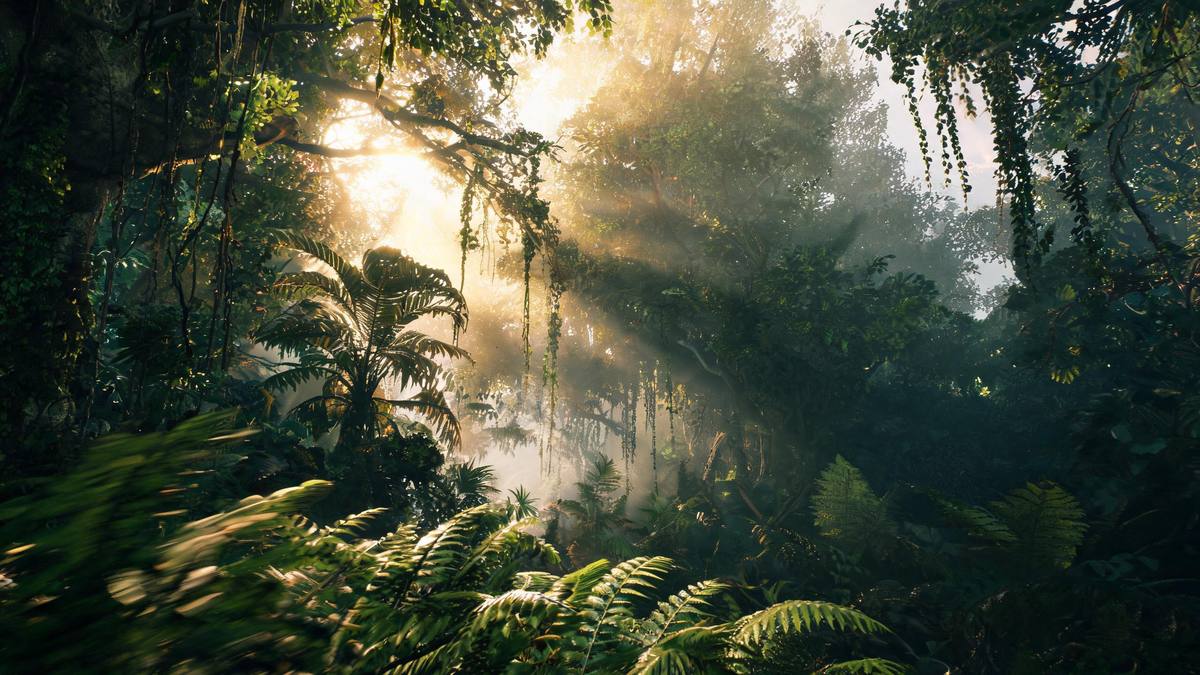
Most effects in this collection return 720p, which is fine for a phone and visibly soft on anything larger. This one returns 1080p, and that difference decides the placement. A 1080p file can sit in a presentation, play comfortably in an embedded player on a desktop, and be cropped slightly without falling apart, none of which is true of the smaller files. It is also why the run costs 80 credits rather than 40: the extra resolution is the extra cost.
The choice of frame shape is the other thing to decide early. Because the output can be 9:16, 16:9 or 1:1, the same photograph can be rendered for three different destinations, and choosing the wrong one means the composition has to be reframed by cropping afterwards. A tall frame suits a story, a wide one suits a feed post or a screen, and 1:1 suits a square slot in a grid. Decide from the destination rather than from the source photograph.
The two documented limits point at the same preparation. A busy background can weaken the result, because the effect has to separate the person from what is behind them before it can place them somewhere else. And the subject occasionally disappears, which is more likely when the figure is small in the frame or poorly separated. A high-resolution half-body photograph of one person against a simple background addresses both: it gives the render a large, clearly bounded subject and a background it can replace cleanly.
Credits and plans
Every effect draws on one shared credit balance.
One jungle render costs 80 credits, displayed before you confirm, which is the higher tier in this collection. All OpenFilmo effects draw on one shared balance. Free accounts receive 30 credits a month with no credit card required; Starter is $9 for 400, Pro is $19 for 1,000, and Studio is $59 for 4,000.
Related guides
Longer reads on the same workflow, from the OpenFilmo blog.
Image to Video AI: Animate Any Photo in Seconds
A complete guide to image to video AI: what makes a good source image, how to write motion prompts, top use cases, and how to fix …
Text to Video AI: Turn Any Prompt Into Video
Learn how text to video AI works, the four-part prompt formula that produces usable clips, how to fix common failures, and where i…
AI Video Upscaling to 4K: Refiners, Settings and Limits
How AI video upscaling and one-step refiners work, when to upscale versus regenerate at native resolution, and the settings that a…
Related effects
Same family of effects, on the same kind of input.
Frequently asked questions
What does one run cost?
80 credits, shown before you confirm. That is more than the 720p templates here, and the difference is the 1080p output. Free accounts receive 30 credits a month without a card, and paid plans add considerably more.
What shape is the finished video?
You choose 9:16, 16:9 or 1:1 before rendering, so the same photograph can be produced for a story, a feed post, or a square slot without cropping it afterwards.
How long and how sharp is it?
Five seconds at 1080p, which is the sharpest output in this collection. It holds up on a desktop player or a screen in a room, where a 720p file would look soft.
Why did the subject vanish?
The subject occasionally disappearing is a documented limit, and a busy background can weaken the result. A high-resolution half-body shot against a simple background gives both problems less room.
Can more than one person be in the photo?
No. This template takes one person only. A pair or a group will not render as intended, so choose a photograph with a single subject.