
Visual effect
Put an Aurora Over Any Outdoor Photograph
An aurora is a place, a season, and a great deal of luck. Upload one outdoor photograph with sky in the frame and the lights are rendered into it instead.
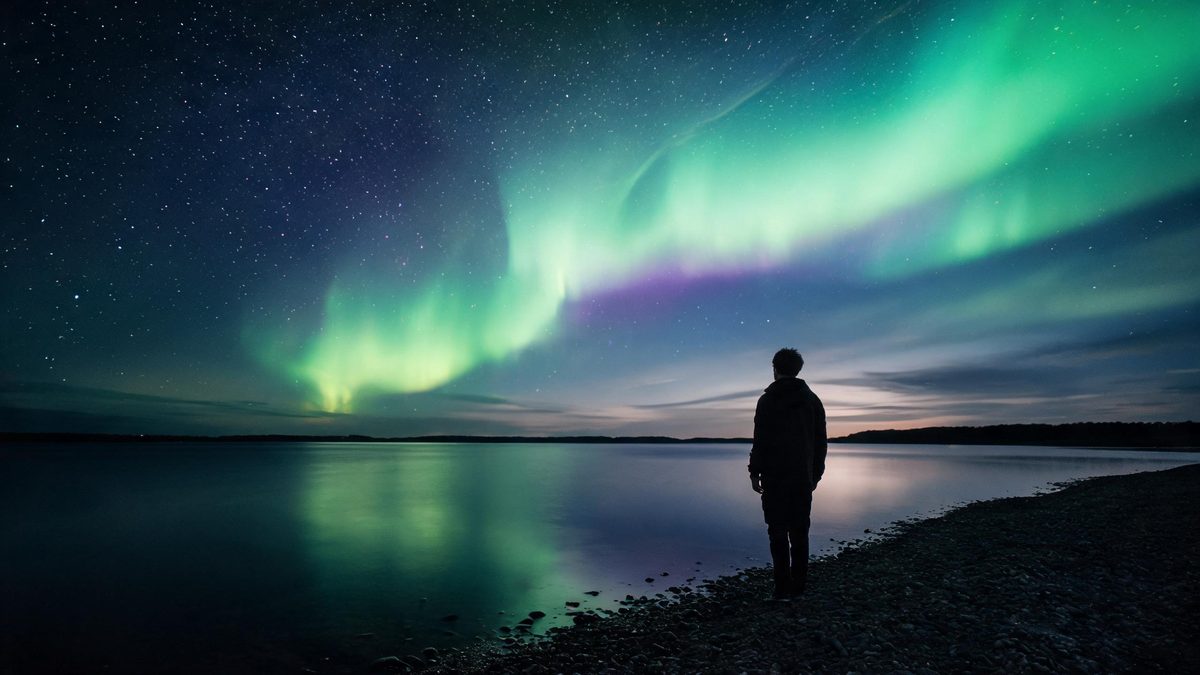
Seeing an aurora in person means travelling somewhere cold, waiting somewhere dark, and accepting that the sky may do nothing at all. Photographing one adds a tripod and a long exposure to the list. This effect takes the other route: the photograph is an ordinary outdoor scene, and the lights are produced inside the render, so the display appears over a place that was already photographed.
A run costs 40 credits and returns a 4-second video at 720p in the aspect ratio of the photograph you upload. The input is one outdoor photograph of a landscape or of people, and the template is explicit that outdoor scenes only are accepted. What it works best with is a landscape-orientation photograph with sky in the frame, and night shots above all. Two limits are documented: where the photograph has little sky, the subject and the aurora can end up in different parts of the final frame, and as the camera tilts or pulls back the subject can blur, shake or distort.
Specs at a glance
Straight from the product panel, not from a marketing deck.
- Output
- 4-second video
- Credits
- 40 per run
- Resolution
- 720p
- Aspect ratio
- Matches your input photo
- Input
- 1 photo — landscapes and people, outdoor scenes only
- Best results with
- A landscape-orientation photo with sky in the frame, night shots above all
- Known limits
- If the photo has little sky, the subject and the aurora can end up in different parts of the final frame. As the camera tilts or pulls back, the subject can blur, shake or distort.
What it does
Built for this specific job, not a generic editor.
Outdoor scenes, sky included
The effect is built for exterior photographs of landscapes and people, with the sky as the surface it works on. An indoor frame is outside what the template accepts, since there is no sky for it to fill.
Night shots first
A landscape-orientation photograph with sky in the frame is the recommended input, and night shots are named as the strongest case. Dark sky gives the lights somewhere to read against.
Movement in the sky and the camera
The display is rendered as motion rather than pasted into a still, and the camera tilts or pulls back during the clip, which is what makes this a video rather than a layered image.
Aspect ratio carried through
The finished file follows the shape of the photograph you supply, so a wide landscape frame returns a wide clip and nothing is cropped from either edge.
How it works
Four steps, no timeline to learn.
Choose an outdoor photograph
Pick a scene shot outside, with sky visible in the frame. Indoor photographs are not accepted by this template, and a frame without sky gives the effect nothing to work on.
Prefer night, and a landscape frame
A landscape-orientation shot taken after dark is the strongest input the notes name. The more sky in the picture, the better the result tends to be.
Upload, then confirm at 40 credits
Add the image and look at the figure shown before you confirm. Top up the balance if it falls short, then start the run. Nothing is spent until you agree to the cost displayed.
Check the subject, then export
Watch the 4-second clip through before posting. As the camera tilts or pulls back the subject can blur, shake or distort, and another run can differ.
Where people use it
The jobs this effect actually gets used for.
Travel and landscape posts
A landscape photograph from a trip gains a display it did not have, which suits accounts that post places rather than people.
Outdoor portraits
People photographed outside are accepted, so a night portrait can be given a sky behind it without a second trip or a longer exposure.
Seasonal greetings
A winter scene with sky in the frame becomes a short seasonal clip, which travels well in a message because it is only four seconds long.
Wallpaper and header motion
A wide 720p clip with movement in the sky works as background motion on a page header, where a still would sit flat.
Why sky in the frame decides everything
The effect works on the sky, so the photograph has to contain one.
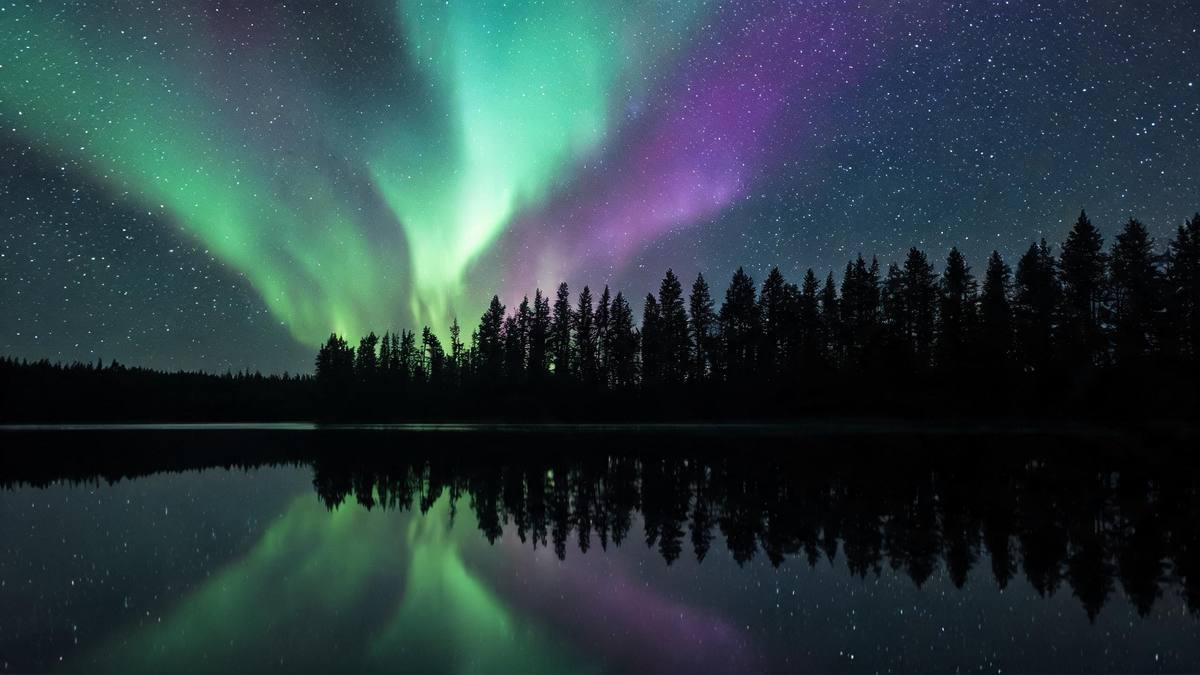
An aurora effect has a surface to fill, and that surface is the sky. A photograph where the sky occupies a small strip at the top gives the render very little room, and the documented result is that the subject and the aurora can end up in different parts of the final frame: the lights appear where they can rather than where they belong. A frame with a generous amount of sky avoids this entirely, which is why the notes ask for it directly.
Night is named as the strongest case, and the reason is contrast. A display reads against darkness and disappears into a bright daytime sky, so an evening or night photograph will produce something far more visible than a midday one. Landscape orientation is the other recommendation, since a wide frame naturally holds more sky than a tall one. Both are about giving the effect the surface it needs rather than about the quality of the photograph.
The camera work is the second thing to know about. This is not a static overlay: the camera tilts or pulls back during the clip, and as it moves the subject can blur, shake or distort. In a landscape with no clear subject that is barely noticeable. Where a person is the point of the photograph, watch the finished four seconds before using it, since the movement that makes the sky interesting is the same movement that can soften the figure. Outdoor scenes only are accepted, so an interior frame needs a different template.
Credits and plans
Every effect draws on one shared credit balance.
One aurora render costs 40 credits, displayed before you confirm, drawn from the balance shared across OpenFilmo. Free accounts receive 30 credits a month with no credit card required. Starter is $9 for 400, Pro is $19 for 1,000, and Studio is $59 for 4,000.
Related guides
Longer reads on the same workflow, from the OpenFilmo blog.
Image to Video AI: Animate Any Photo in Seconds
A complete guide to image to video AI: what makes a good source image, how to write motion prompts, top use cases, and how to fix …
AI Video Prompt Formulas That Hold Up in Production
Prompt structures that work for AI video: subject, motion, camera, time and style — with tested formulas, failure patterns and a m…
AI Video Generator for YouTube: Growth Workflow
How to use an AI video generator for YouTube: B-roll, Shorts, intros and thumbnails, a weekly workflow, plus monetisation and disc…
Related effects
Same family of effects, on the same kind of input.
Frequently asked questions
Can I use an indoor photograph?
No. The template accepts outdoor scenes only, of landscapes or people. There is no sky in an interior frame for the effect to work on, so the result will not be what you expect.
What is the best kind of photo?
A landscape-orientation photograph with plenty of sky, taken at night if possible. Night shots are named as the strongest input, because a display reads far better against a dark sky than a bright one.
Why are the lights in the wrong place?
Where a photograph has little sky, the subject and the aurora can end up in different parts of the final frame. That is a documented limit, and a frame with more sky gives the effect the room it needs.
Why does the subject look blurry?
As the camera tilts or pulls back, the subject can blur, shake or distort. It is part of how the clip moves, so watch it through before posting, particularly when a person is the point of the shot.
What do I get and what does it cost?
A 4-second video at 720p in the aspect ratio of your photograph, for 40 credits per run, shown before you confirm. Free accounts receive 30 credits a month without a card, and paid plans raise that figure.