
Visual effect
Send One Person to the Moon
One half-body portrait, plainly framed, is all the input needed. The result is a 5-second 1080p clip of that person standing somewhere nobody can visit.
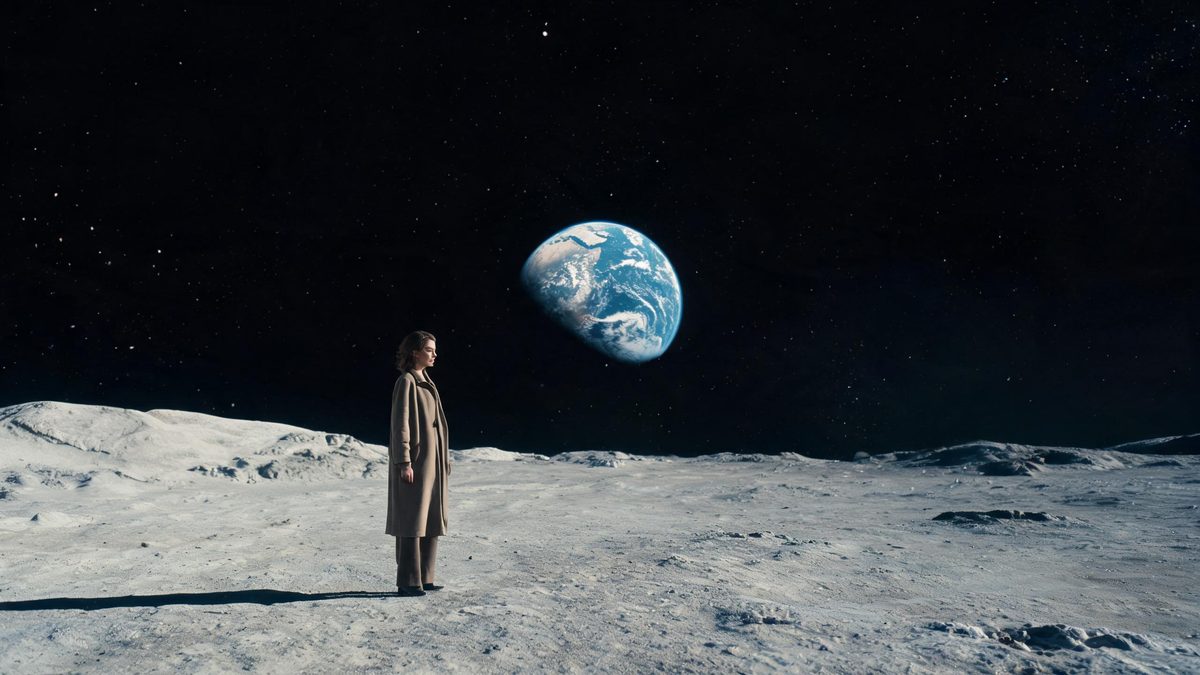
Putting a real person on the lunar surface used to mean a compositing job: a plate, a matte, matched lighting, and a fair amount of patience in an editor. What has not changed is the appeal, which is the collision between an ordinary photograph and a place nobody can reach. This template handles the compositing itself, so the two are joined in the render rather than on a timeline.
A run costs 80 credits and returns a 5-second video at 1080p, in 9:16, 16:9 or 1:1, whichever you select. The input is one photograph of one person, and the recommended source is a high-resolution half-body shot against a simple background. The documented limits are the same as the others in this family: a busy background can weaken the result, and the subject occasionally disappears.
Specs at a glance
Straight from the product panel, not from a marketing deck.
- Output
- 5-second video
- Credits
- 80 per run
- Resolution
- 1080p
- Aspect ratio
- 9:16, 16:9 or 1:1
- Input
- 1 photo — one person only
- Best results with
- A high-resolution half-body shot of one person against a simple background
- Known limits
- A busy background can weaken the result, and the subject occasionally disappears.
What it does
Built for this specific job, not a generic editor.
The destination, built in
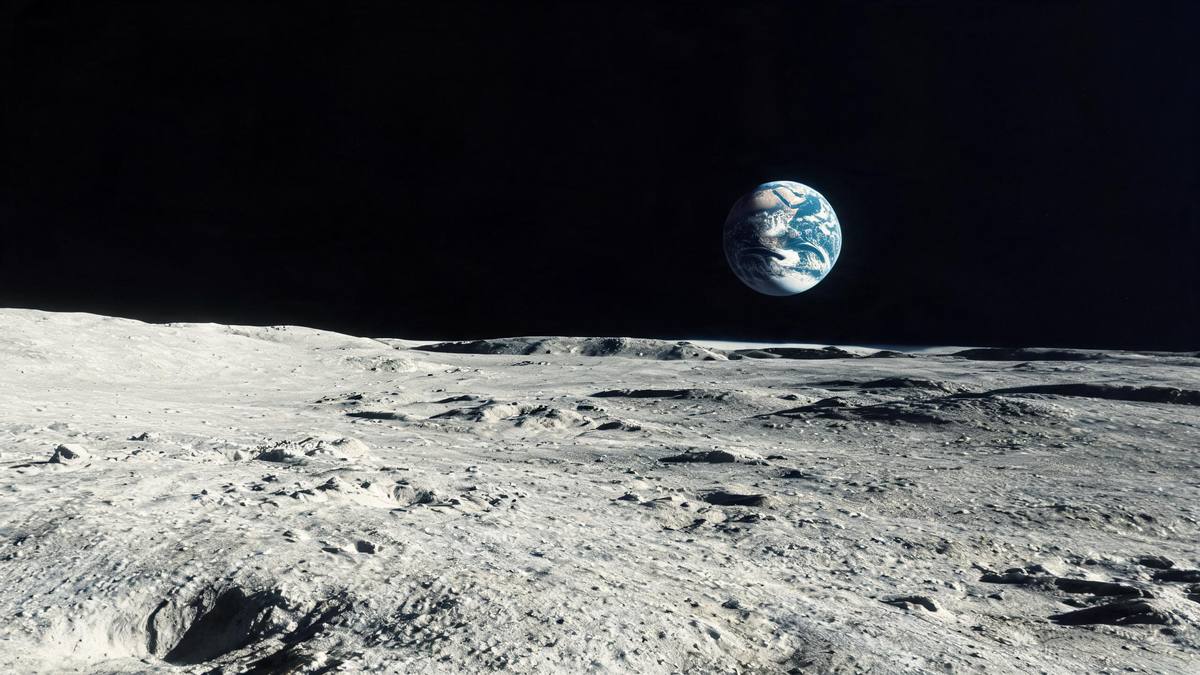
The surface, the light and the horizon are produced as part of the render, so there is no plate to licence, no matte to draw, and no lighting to match by hand afterwards.
1080p at five seconds
The finished file is 1080p and runs five seconds, which is a step above the 720p clips elsewhere here. It survives being shown on a larger screen.
Three shapes, one render
Choose 9:16 for a story, 16:9 for a wide post or a screen, or 1:1 for a square slot. The selection happens before the run, so no crop is needed afterwards.
One person, plainly framed
A single subject in a high-resolution half-body shot against a simple background is what the template is built for, and it is the condition most within your control.
How it works
Four steps, no timeline to learn.
Select a half-body portrait
Choose a high-resolution photograph of one person, framed from around the waist up. The subject should be large enough in the frame to read clearly at 1080p.
Clear the background
A simple, uncluttered background is what the effect works best with. Busy surroundings can weaken the result, and where the subject is poorly separated they can disappear.
Choose the frame shape
Pick 9:16, 16:9 or 1:1 based on where the clip will be posted, then add the photograph. The choice is made before the run rather than after it.
Confirm at 80 credits
The figure is shown before you confirm, so check the balance and top up if it is short. Nothing is deducted until you agree to the number on that screen.
Where people use it
The jobs this effect actually gets used for.
Science and education posts
A presenter photographed once can appear against a lunar setting, which gives a channel a piece of motion it could not film and could not licence cheaply.
Announcement clips
Five seconds at 1080p works as an opener for a launch post, where an ordinary portrait would sit flat at the top of the page.
Vertical story frames
The 9:16 option fills a phone display, and the setting gives the frame something to look at behind the subject rather than a blank wall.
Personal messages
A photograph of one person becomes a short clip that is simply more surprising than the still it came from, which is most of the value in a message.
Why the background is the deciding factor
The subject has to be separable before it can be relocated.
Putting somebody somewhere else means first taking them out of where they were, and that separation is the whole difficulty. A photograph with bookshelves behind the subject, patterned wallpaper, or other people at the edge of the frame gives the render a boundary it has to guess at. Where the edge is wrong, the result is weak: the subject merges with what was behind them, or the placement looks pasted. A simple background removes the guesswork entirely.
The occasional disappearance of the subject is the other end of the same problem. If the figure is small in the frame, badly lit, or sitting against something of a similar tone, there is less for the render to hold on to as it builds the new setting around them. A high-resolution half-body shot, evenly lit, with the person filling a good part of the picture, is the direct answer. It is also the input the template names, which is worth taking seriously rather than treating as a suggestion.
The price reflects the output rather than the idea. At 80 credits this sits above the 40-credit templates here, and what the extra buys is 1080p resolution and five seconds instead of four. Whether that is worth it depends entirely on the destination: in a story on a phone the difference is small, and on a desktop player or a screen in a room it is obvious. Choose the frame shape with the same reasoning, since 9:16, 16:9 and 1:1 suit genuinely different placements.
Credits and plans
Every effect draws on one shared credit balance.
One moon render costs 80 credits, and the number is displayed before you confirm, so the spend is visible up front. OpenFilmo draws every effect from one shared credit balance. The Free plan includes 30 credits a month with no credit card required; Starter is $9 for 400, Pro is $19 for 1,000, and Studio is $59 for 4,000.
Related guides
Longer reads on the same workflow, from the OpenFilmo blog.
Image to Video AI: Animate Any Photo in Seconds
A complete guide to image to video AI: what makes a good source image, how to write motion prompts, top use cases, and how to fix …
Text to Video AI: Turn Any Prompt Into Video
Learn how text to video AI works, the four-part prompt formula that produces usable clips, how to fix common failures, and where i…
AI Video Prompt Formulas That Hold Up in Production
Prompt structures that work for AI video: subject, motion, camera, time and style — with tested formulas, failure patterns and a m…
Related effects
Same family of effects, on the same kind of input.
Frequently asked questions
What does this cost?
80 credits per run, shown before you confirm. The higher price covers the 1080p output and the five-second runtime. Free accounts receive 30 credits a month with no card, and paid plans raise the allowance from there.
What should I upload?
One photograph of one person, ideally a high-resolution half-body shot against a simple background. Busy surroundings can weaken the result, so a plain wall behind the subject is a better starting point than a detailed room.
How long is the video?
Five seconds, rendered at 1080p. You also choose 9:16, 16:9 or 1:1 before the run, so the finished clip arrives in the shape the placement needs.
Why did the person disappear?
The subject occasionally disappearing is a documented limit of this family of effects. A larger, clearly separated figure against a simple background reduces the chance of it, and another run can come out differently.
Can I use a group photograph?
No. The template takes one person only, in a single upload. A pair or a group will not render as intended, so choose a photograph with one clearly framed subject.