
Style effect
Create a Clay Figure Group Photo Video
Combine 1–2 photos of one person, a pair, or a pet in a clay figure group-photo treatment. The 4-second 720p video uses 2:3 and costs 100 credits.
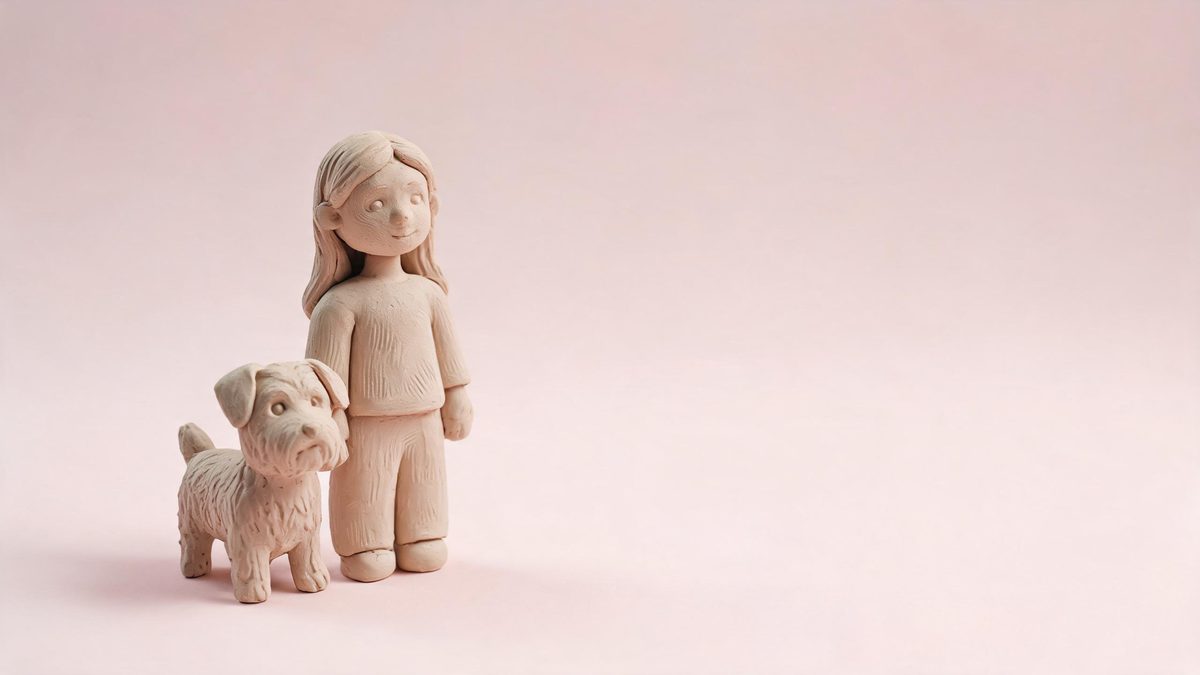
A multi-subject clay portrait is useful when the people or pet you want to feature are not available in one source frame. This template accepts 1–2 photos and can work with one person, a pair, or a pet, giving the effect enough flexibility to build a clay figure group-photo presentation from closely related references. Front-facing upper-body or full-body images are recommended so facial identity, body shape, and pose remain readable after photographic texture is replaced by crafted surfaces.
The output is a 4-second video at 720p in a fixed 2:3 aspect ratio and costs 100 credits per run. On people, eyebrows can blur during the change, and the transition into the clay figure may not look smooth. Those issues occur within the animation, so a pleasing final figure is not sufficient quality control. Review the full transformation, and use source photos with compatible framing when more than one image contributes to the result.
Specs at a glance
Straight from the product panel, not from a marketing deck.
- Output
- 4-second video
- Credits
- 100 per run
- Resolution
- 720p
- Aspect ratio
- 2:3
- Input
- 1–2 photos — one person, a pair, or a pet
- Best results with
- Front-facing upper-body or full-body shots
- Known limits
- On people the eyebrows can blur partway through the change, and the transition into the clay figure is sometimes not smooth.
What it does
Built for this specific job, not a generic editor.
Support for 1–2 source photos
The effect can begin with one image or use two related references, which is useful when the intended clay figures are not already arranged together. Both sources should present their subjects clearly enough to feel visually compatible inside one group-photo treatment.
People, pairs, and pets
The supported subject set includes one person, a pair, or a pet. This covers solo clay portraits, coordinated two-person compositions, and animal character treatments without expanding into a crowded group the template is not specified to handle.
Fixed 2:3 portrait composition
The result is delivered in 2:3 at 720p. That portrait-oriented frame gives the clay figures a formal group-photo presentation, while source images with similar scale and viewpoint help the final arrangement feel more coherent.
A crafted 4-second reveal
One 100-credit generation creates 4 seconds of transformation from the supplied references into the clay figure scene. Movement makes the change visible, rather than returning only a static composite of the finished characters.
How it works
Four steps, no timeline to learn.
Decide whether the scene needs 1–2 photos
Use 1 image when the person, pair, or pet is already framed appropriately, or 2 compatible photographs when separate references are needed. Keep subject scale, camera angle, and lighting reasonably similar so the final group composition has a shared visual basis.
Choose direct upper-body or full-body views
Select front-facing photographs with unobstructed faces and complete enough body shapes for the clay figures to read. Avoid mismatched crops where one subject is only a face and another occupies the full frame, because their visual weight will differ sharply.
Confirm the 100-credit render
Add the chosen references to the Clay Figure Group Photo effect and review the displayed cost. The run uses 100 credits and returns one 4-second 720p video in the specified 2:3 format.
Inspect facial detail throughout the change
Watch each person closely as the scene becomes clay. Look at eyebrows during the middle portion and assess the continuity of the transition, rather than judging only the final group pose or the overall charm of the crafted style.
Where people use it
The jobs this effect actually gets used for.
Pairs assembled from separate references
When two people are not photographed together, compatible source images can support a shared clay figure presentation. Similar front-facing angles and body scale help the pair feel intentionally arranged instead of taken from unrelated visual contexts.
Solo collectible-style portraits
One person can be rendered as a crafted figure within the formal 2:3 group-photo treatment. A full-body source emphasises the complete character, while an upper-body photograph gives facial features more room to remain recognisable.
Pet clay figure scenes
A pet can become the subject of the clay composition without needing human figures in the frame. Use a direct photograph with visible ears, face, and body outline so the handcrafted simplification retains the animal identity.
Portrait inserts for keepsake edits
The 4-second reveal can serve as a crafted interlude inside a personal montage or greeting. Its fixed 2:3 ratio should be considered before placement, and eyebrow or transition artefacts should be checked before the clip joins cleaner surrounding media.
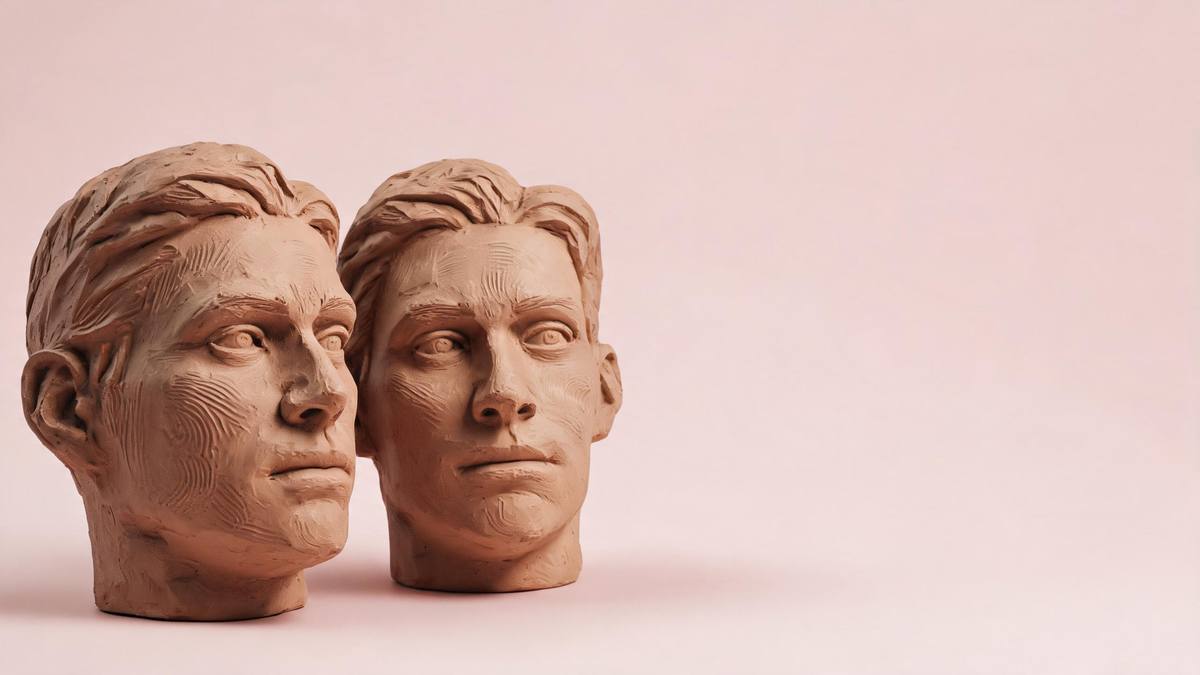
Why compatible references make a stronger clay group
Multiple photos add flexibility, but they also introduce differences the composition has to reconcile.
Using 1–2 photographs solves a practical problem: the desired subjects may not share one suitable frame. It also creates a new visual problem because separate images can disagree in camera angle, crop, lighting, and subject scale. The clay treatment can unify texture, but it cannot make a tiny distant figure carry the same visual weight as a close portrait without reorganising the composition substantially. Choosing references with similar viewpoint and framing gives the final group-photo arrangement a more coherent foundation.
Front-facing upper-body or full-body sources provide reliable identity cues for the crafted conversion. Hair shape, face direction, clothing blocks, and stance remain available after fine photographic texture is simplified. The fixed 2:3 output adds a formal portrait structure, so it helps to imagine how the figures will share a taller frame. Pairs need visible separation, while a pet needs enough complete outline to remain distinct from the surrounding set. Source preparation matters even when only one photograph is used.
The limitations are visible during motion. Eyebrows can blur on people partway through the change, weakening expression, and the transition into clay can appear uneven. These flaws may disappear by the final frame, but they still affect a video that viewers watch from start to finish. Examine each person independently, especially when two references contribute different faces. If identity becomes unstable, try more compatible front-facing images rather than assuming the finished clay styling will conceal the problem.
Credits and plans
Every effect draws on one shared credit balance.
A Clay Figure Group Photo video uses 100 credits from the shared OpenFilmo balance, and the charge is listed before confirmation. Free accounts include 30 credits per month with no card. Starter is $9 for 400 credits, Pro is $19 for 1,000, and Studio is $59 for 4,000.
Related guides
Longer reads on the same workflow, from the OpenFilmo blog.
Image to Video AI: Animate Any Photo in Seconds
A complete guide to image to video AI: what makes a good source image, how to write motion prompts, top use cases, and how to fix …
Character Consistency in AI Video: What Actually Works
How to keep characters consistent across AI video shots: reference images, prompt discipline, key frame locking and post-hoc corre…
AI Video Prompt Formulas That Hold Up in Production
Prompt structures that work for AI video: subject, motion, camera, time and style — with tested formulas, failure patterns and a m…
Related effects
Same family of effects, on the same kind of input.
Frequently asked questions
How many source images can I use?
The template accepts 1–2 photos. Use one suitable frame when it already contains the intended person, pair, or pet, or provide compatible references when the subjects need to be brought into the same clay group-photo treatment.
Which subjects does this clay group effect support?
It is specified for one person, a pair, or a pet. Front-facing upper-body or full-body sources are recommended because they provide clear identity, outline, and pose information for the clay figure conversion.
What are the output dimensions and duration?
The result is a 4-second 720p video in a fixed 2:3 aspect ratio. That portrait frame is part of the template, so prepare references that can be arranged comfortably inside a taller group-photo composition.
How much does one group-photo render cost?
Each run requires 100 credits, shown before you confirm. The same charge applies whether the input uses 1 photo or 2 photos, and it covers the complete clay transformation video.
What facial and transition issues should I review?
Eyebrows can blur partway through the change, and the move into the clay figure can be uneven. Watch every source subject across the whole clip, especially when separate references contribute different faces to one composition.