
Halloween effect
A Halloween Dance Partner You Did Not Have to Hire
Two figures moving together is an awkward thing to stage with one person in the room. Hand over a single photo and the effect supplies the partner, the movement and the setting.
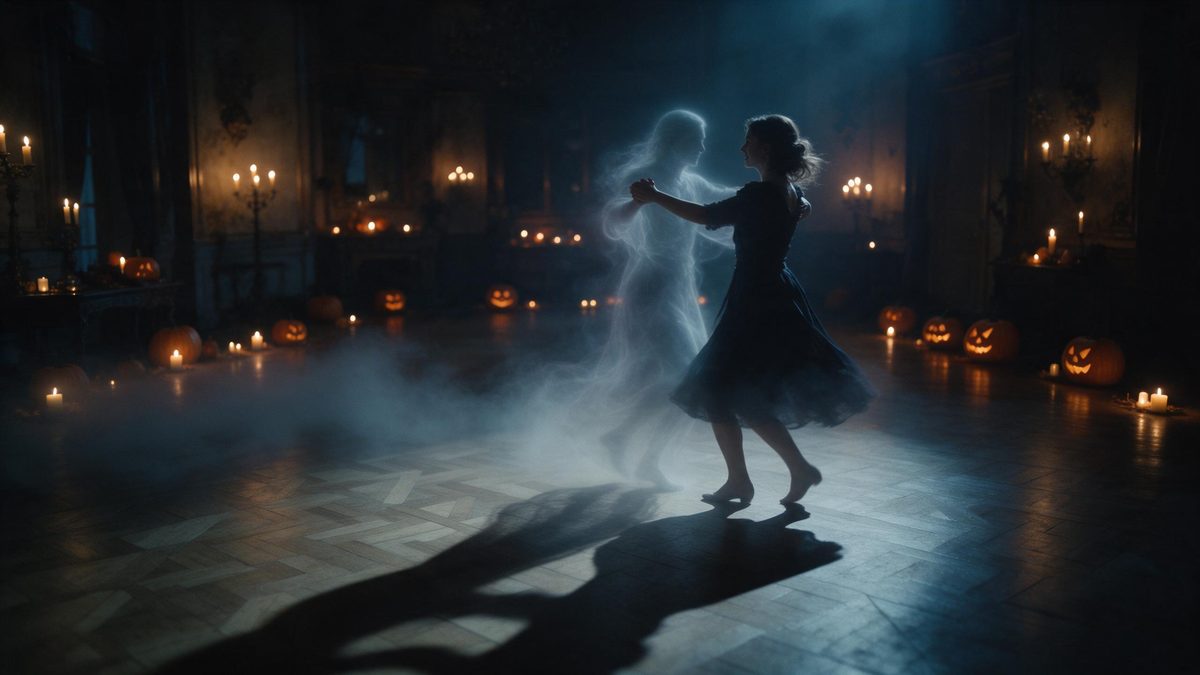
A duet is one of the harder shots to fake. It needs a second body in the frame, both figures moving in the same rhythm, and a reason for the viewer to believe they occupy the same space. Doing that properly means a second person, a rehearsed routine and a camera that holds steady. This template removes the logistics: one photo of one person goes in, and a five-second 1080p clip of that person dancing with a ghost comes out.
The input requirements are simple and worth following closely. Upload one photo with a single person in it, framed half-body or full-body at a medium or close distance, and the render keeps the proportions of your original file. Very rarely the subject comes out at the wrong scale against the background. A frame with some room around the person usually survives the change better than one cropped tight against a wall.
Specs at a glance
Straight from the product panel, not from a marketing deck.
- Output
- 5-second video
- Credits
- 80 per run
- Resolution
- 1080p
- Aspect ratio
- Matches your input photo
- Input
- 1 photo — one person
- Best results with
- Half-body or full-body shots, framed medium or close
- Known limits
- Very occasionally the subject can look out of proportion against the background.
What it does
Built for this specific job, not a generic editor.
A second figure from one photo
The ghost is generated rather than cast. That means a duet shot is available to anyone working alone, with no second person to brief, no routine to rehearse and no camera operator to find for the evening.
1080p, five seconds
The output is a 5-second video at 1080p. Full HD holds up on a phone screen and in a desktop player, and five seconds is long enough for the movement to read without asking anyone to commit to watching anything.
Built for one person
The template accepts one photo containing one person, framed half-body or full-body at medium or close range. That constraint is what lets it place a single subject cleanly inside a scene it is producing from scratch.
Shape follows your file
Aspect ratio matches the photo you upload, so a vertical shot exports vertical and a wide shot exports wide. You choose the destination format by choosing the source photograph, not by resizing a finished clip afterwards.
How it works
Four steps, no timeline to learn.
Choose the source photo
Pick one image with a single person, framed half-body or full-body and shot at a medium or close distance. Space around the subject helps, since proportion errors are rare but much easier to spot in a tight crop.
Upload it
Open Dance With a Ghost and add the photo. There is no partner to arrange and no reference video to supply, because the movement, the figure and the setting are all produced in the render itself.
Confirm the spend
Each run costs 80 credits, and the number appears before you confirm. If you are on the Free plan, 30 credits arrive monthly with no card required, so check the balance before starting a run of them.
Save and post
Download the 1080p file and upload it wherever you post. The aspect ratio carries over from your input photo, so what you framed is what you get, with no crop afterwards and no reformatting for a second platform.
Where people use it
The jobs this effect actually gets used for.
Posting solo
Creators working alone rarely get footage with two people in it without organising a shoot. One photo solves that, and the result posts like a clip somebody helped you make rather than a static portrait.
A party teaser
A short duet clip works as a teaser in the week before an event. Post it early in October while people are still deciding what to do on the 31st, rather than on the day itself when everything competes.
Looping feed posts
Five seconds invites a second viewing, and a second viewing is what a loop needs. Render from a clean portrait and the movement stays readable at the small size a feed thumbnail shows on a phone.
Group chat material
A vertical clip sent to a group gets watched; a photo gets scrolled past. The effect gives you something to send on the evening itself without staging anything in a dark room or asking anyone to help.
Why a duet is worth generating rather than staging
The difficult part is the second body, not the effect.
Ask anyone who has tried to shoot alone: the problem with a duet is never the camera, it is the other person. You need someone available, willing, and able to repeat the same movement enough times to get one usable take, and then you need to be in the frame as well. Generating the partner removes every one of those dependencies at once. What remains is a single photograph, which most people already have on their phone from years of taking them.
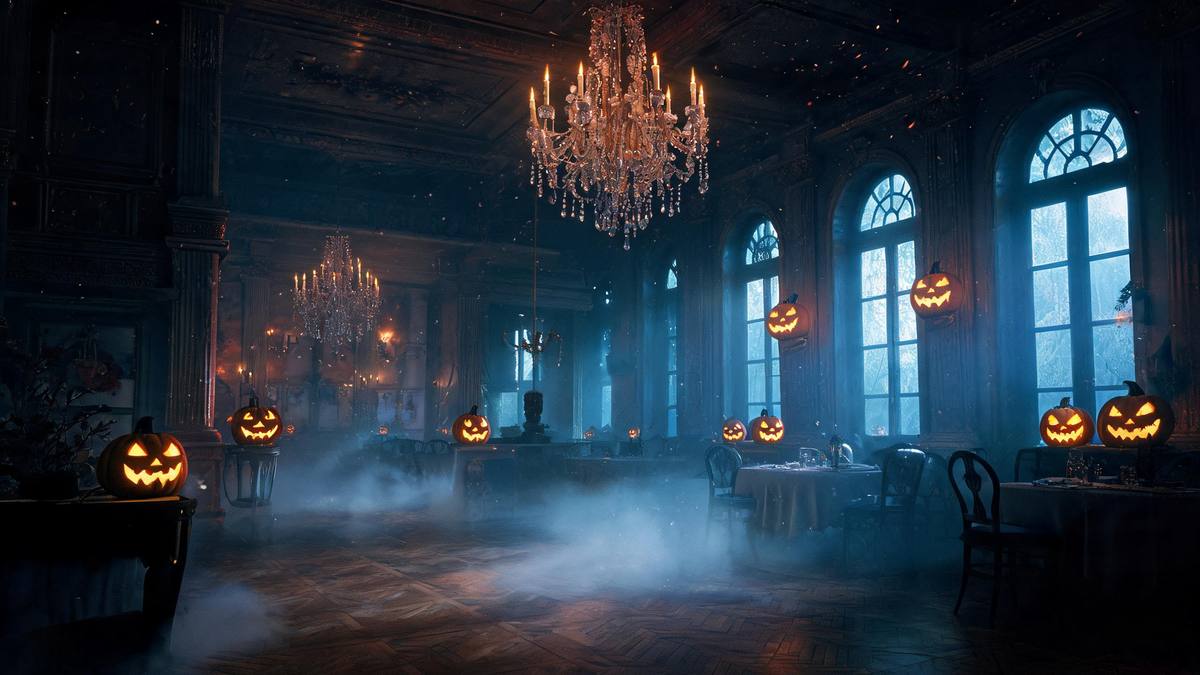
What makes it work technically is that the second figure is added to a scene the render controls end to end. It is not compositing a stock clip over your photo; the setting, the light and both figures come out of the same pass, which is why there is no seam for the viewer to find. The requirement on your side is correspondingly narrow: one person, framed half-body or full-body, so the render has a clear subject to build the pairing around.
The honest limitation is occasional scale. The subject can very rarely come out slightly out of proportion against the background, and the effect is more visible on photos cropped tight against clutter. The fix is unglamorous and free: choose a frame with room around the person. Everything else about the result, from the 1080p output to the five-second length, is fixed by the template and does not change between runs.
Credits and plans
Every effect draws on one shared credit balance.
Credits are shared across every effect on the site. Dance With a Ghost costs 80 credits per run, and you see that figure on the confirmation step before anything is spent. The Free plan gives 30 credits each month with no credit card; Starter is $9 for 400 credits, Pro is $19 for 1,000 and Studio is $59 for 4,000.
Related guides
Longer reads on the same workflow, from the OpenFilmo blog.
Image to Video AI: Animate Any Photo in Seconds
A complete guide to image to video AI: what makes a good source image, how to write motion prompts, top use cases, and how to fix …
AI Video Prompt Formulas That Hold Up in Production
Prompt structures that work for AI video: subject, motion, camera, time and style — with tested formulas, failure patterns and a m…
Text to Video AI: Turn Any Prompt Into Video
Learn how text to video AI works, the four-part prompt formula that produces usable clips, how to fix common failures, and where i…
Related effects
Same family of effects, on the same kind of input.
Frequently asked questions
Do I need a second person in the photo?
No. The template takes one photo containing one person and generates the ghost alongside them. Adding a second person to the source would give the render two subjects to resolve, which is not what this effect was built around. Keep the frame down to one figure.
What resolution does it export?
The clip is 1080p and runs for five seconds. The aspect ratio follows the photo you upload, so a tall source produces a tall clip and there is nothing to crop when you move it to a story or a feed.
How many credits does one render use?
Eighty credits per run, shown on the confirmation step before you commit. Free accounts get 30 credits monthly with no credit card, and the paid plans raise the allowance if you are rendering more than one or two. Halloween effects all draw on the same shared balance.
What framing gives the cleanest result?
A half-body or full-body shot of one person, framed medium or close. Leave some space around the subject, because the effect very occasionally renders the person slightly out of scale against the setting behind them. Even light on the face helps too.
Can I use the same photo twice?
Yes. Running the same portrait again produces another take rather than an identical copy, which is useful when the first result is close to what you wanted but not quite right for posting. The same photograph also works across several other effects in this set.