
Halloween effect
Change the Background, Keep the Person
Most Halloween photos fail on the setting, not the subject. Keep the person from your photo and let the render replace everything behind them.
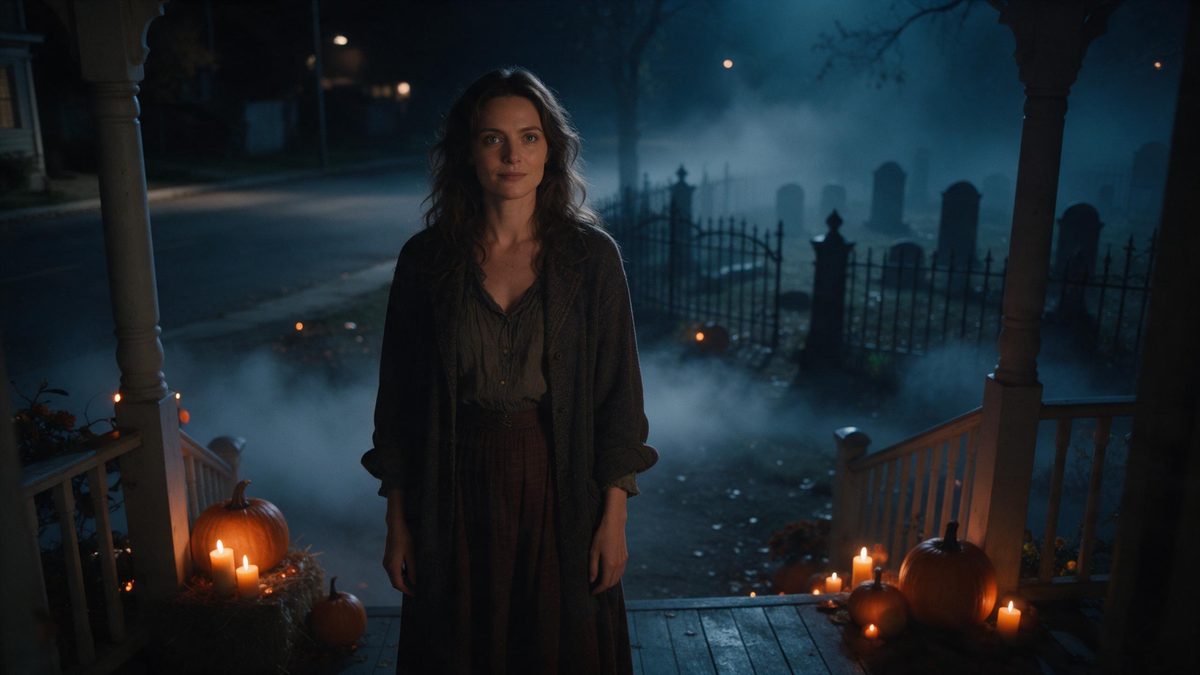
Look at last year’s Halloween photographs and the failure is almost never the person. It is the hallway behind them, the overhead light, the coat rack in shot and the fact that the whole thing was taken at arm’s length on the way out of the door. Replacing the setting is the single highest-value change available, and it is the entire job of this template. You upload one photo of one person and the render swaps the world behind them.
The result is a five-second video at 1080p that keeps the aspect ratio of your original file, so nothing is cropped or stretched. The template accepts one photo containing one person, framed half-body or full-body at a medium or close distance. Very occasionally the subject can read slightly out of scale against the new background. A source with a little space around the person settles into the new setting more convincingly.
Specs at a glance
Straight from the product panel, not from a marketing deck.
- Output
- 5-second video
- Credits
- 80 per run
- Resolution
- 1080p
- Aspect ratio
- Matches your input photo
- Input
- 1 photo — one person
- Best results with
- Half-body or full-body shots, framed medium or close
- Known limits
- Very occasionally the subject can look out of proportion against the background.
What it does
Built for this specific job, not a generic editor.
A new setting, same subject
The person from your photograph is carried into a Halloween scene the render produces. The lighting and the surroundings are rebuilt together, so there is no cut-out edge where the subject meets the new background. One photograph is the whole input.
Five seconds at 1080p
Each run returns a 5-second 1080p clip. Full HD stays clean on a phone screen and inside an embedded player, and the short length works as a story, a loop or an accent at the top of a page. Nothing needs trimming.
One person, clearly framed
Upload one photo with one person in it, framed half-body or full-body at medium or close range. A single clean subject is exactly what the effect needs in order to place it inside the replacement scene. A group shot would give it several figures to resolve.
Same proportions out
The output follows the shape of your input photo, so a tall phone shot exports tall and a landscape shot exports wide. Nothing is cropped, letterboxed or stretched after the render finishes. What you framed is what you publish.
How it works
Four steps, no timeline to learn.
Choose a photo with space
Pick one image containing a single person, framed half-body or full-body. A subject with some room around them moves into a new setting more cleanly than one pressed against a wall. Plain backgrounds work best here.
Upload it
Open the background change effect and add the photo. There is no backdrop to hang, no light to reposition and no second location to travel to before the render runs. Preparation amounts to choosing the file.
Confirm the credits
The run costs 80 credits, shown before you confirm. Free accounts receive 30 credits per month with no credit card required, which is worth checking before you plan a batch of them. Paid tiers raise the allowance considerably.
Download the result
Save the 5-second 1080p file and use it. Because the aspect ratio matches your source, the clip is already shaped for wherever it is going, with no resizing step in between. Keep it beside the original photograph.
Where people use it
The jobs this effect actually gets used for.
Rescuing an old photo
A decent portrait taken against a kitchen wall becomes a seasonal clip without a re-shoot. That is useful when the only photograph you have of someone is one you would never otherwise post anywhere. The setting does the work.
Posts without a location
Not everyone has a porch with decorations or a street worth filming at the end of October. The effect supplies the setting, so the post does not depend on where you live or on the weather. One indoor portrait is enough.
Consistent seasonal series
Keep one photograph and change the setting across several posts. The subject stays recognisable from one to the next, which makes a short run read as a series rather than as scattered uploads. The look stays deliberate.
Headers and email banners
A short atmospheric clip at the top of an email or a landing page sets a tone quickly. At 1080p it stays clean at header size and the file is light enough for a newsletter. It also loops without becoming distracting.
Why the background is the thing worth changing
The subject is usually fine; the room is not.
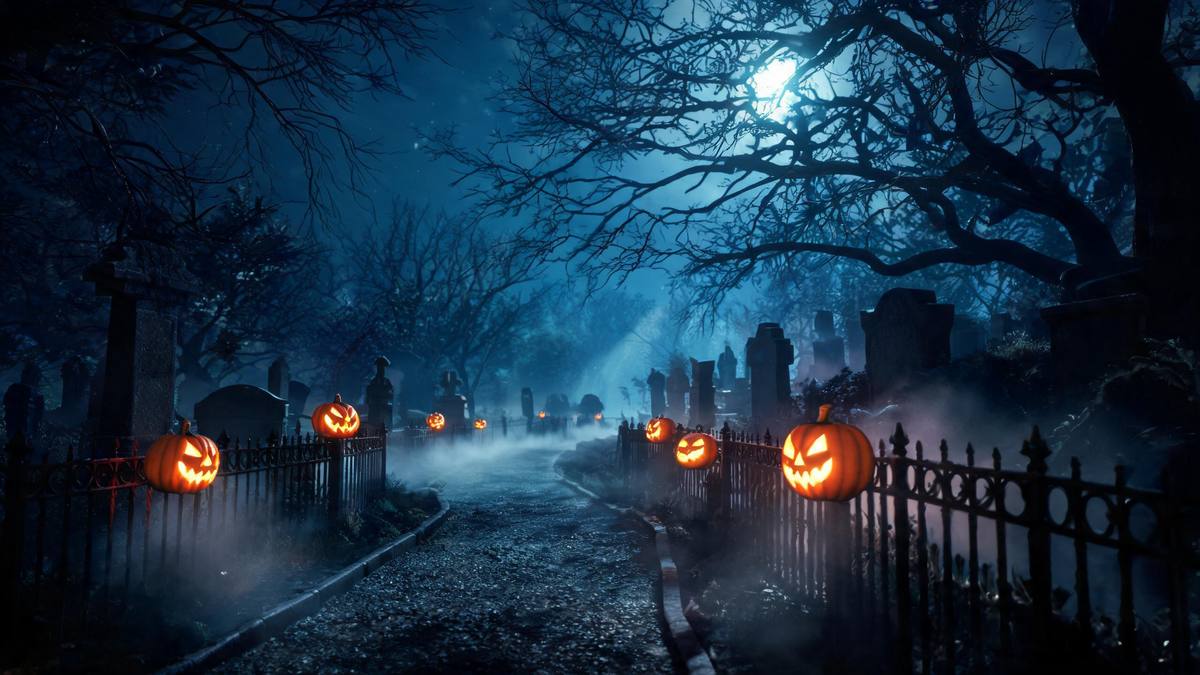
Most seasonal photographs are undone by their surroundings. The person is lit by whatever ceiling fixture happened to be on, the frame includes a door, a radiator and a strip of carpet, and the whole picture reads as a snapshot rather than as a Halloween image. Changing the subject is hard and mostly unnecessary. Changing the world behind them is a single operation, and it is the one that makes the difference between a photo and a post worth publishing.
Doing this by hand means cutting the person out and pasting them onto something else, and it almost always fails at the edges. The light direction is wrong, the shadows do not match, and the resolution of the two sources rarely agrees with each other. A render avoids all of that by producing the scene and the subject in one pass. The trade is a strict input rule: one photo of one person, framed half-body or full-body.
The one thing to watch is scale. Very occasionally the subject reads slightly out of scale against the new background, and it is easier to see on a source cropped tight against clutter. Choosing a photograph with open space around the person costs nothing and removes most of the risk. Everything else about the output is fixed: five seconds, 1080p, and a shape that mirrors your input file. The subject itself is never redrawn, only the world behind it is.
Credits and plans
Every effect draws on one shared credit balance.
All effects on OpenFilmo share one credit balance. This one uses 80 credits per run, and the cost appears on the confirmation step before anything is spent. The Free plan provides 30 credits a month with no credit card; Starter is $9 for 400 credits, Pro is $19 for 1,000 and Studio is $59 for 4,000.
Related guides
Longer reads on the same workflow, from the OpenFilmo blog.
Image to Video AI: Animate Any Photo in Seconds
A complete guide to image to video AI: what makes a good source image, how to write motion prompts, top use cases, and how to fix …
AI Video Prompt Formulas That Hold Up in Production
Prompt structures that work for AI video: subject, motion, camera, time and style — with tested formulas, failure patterns and a m…
How to Use Vidu: A Practical Guide
How to use Vidu: reference-to-video workflow, keeping subjects consistent across shots, prompt approach, and where it fits compare…
Related effects
Same family of effects, on the same kind of input.
Frequently asked questions
Does the person stay the same?
Yes. The subject comes from your photograph and the scene behind them is replaced by the render. Because both are produced in one pass, the lighting on the person matches the new setting rather than the room you photographed them in. Nothing about the face changes.
Which photograph should I choose?
One image with a single person, framed half-body or full-body at a medium or close distance. Space around the subject helps, since the effect very occasionally reads the person slightly out of scale against the new background. Plain backgrounds behave best.
How long and how large is the output?
Five seconds at 1080p, in the same aspect ratio as the photo you uploaded. A vertical source produces a vertical clip, so there is nothing to crop before you post it anywhere at all. The file is small enough for email.
What does one render cost?
Eighty credits, displayed on the confirmation step before you confirm and charged only once you do. Free accounts get 30 credits monthly with no card required, and the paid plans lift the allowance when you need several runs. Nothing is deducted until you press confirm on that step.
Can I use a photo with two people?
No. This template is specified for one photo containing one person, framed half-body or full-body. Effects that accept two people exist elsewhere in the Halloween set and are a better fit if you need a pair in frame. Crop the photograph down to a single subject before you upload it.