
Halloween effect
The Sky Is The Trigger
This is the most location-dependent effect in the Halloween set. It needs one thing most photo effects do not care about at all: visible sky. Give it sky and a giant beast rises behind the subject; deny it and nothing arrives.
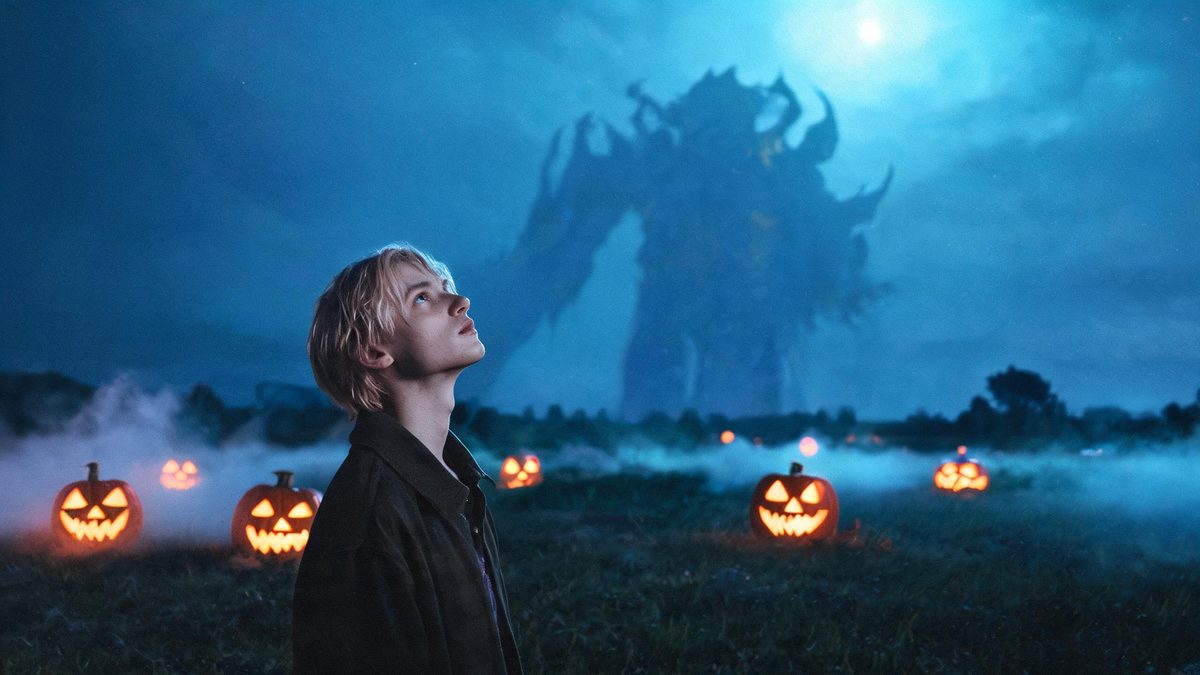
Most effects read the subject and ignore the background. This one reads the background first, because the creature enters from the sky and the sky has to be there for it to enter from.
You upload one outdoor photo of one or two people and a giant beast rises behind them over four seconds at 720p, in your source aspect ratio, for 40 credits. There is no prompt to write.
Specs at a glance
Straight from the product panel, not from a marketing deck.
- Output
- 4-second video
- Credits
- 40 per run
- Resolution
- 720p
- Aspect ratio
- Matches your input photo
- Input
- 1 photo — one person or two people, outdoors
- Best results with
- A single person framed half-body or full-body, standing outdoors with visible sky
- Known limits
- No text prompt. The sky is the trigger: if the background has no sky, or only a thin strip of it, the beast may not appear at all or arrives cut off by the frame edge. This is the most location-dependent template in the group — an indoor photo will not produce the effect. In a small share of runs the beast reads as running out of the background rather than arriving.
What it does
Built for this specific job, not a generic editor.
The beast arrives from the sky
The creature is generated into the sky region of your photo rather than composited in afterwards, which is why the scale reads correctly against the subject.
No prompt to write
No text field. Your photo is the input and the sky is the trigger, so framing and location do the work a prompt would normally do.
One or two people, outdoors
A single person works best, framed half-body or full-body. Two people are accepted. Both need to be outdoors with sky in frame.
Fixed 4 seconds at 720p
Published here so the shape of the output is known before you spend. Four seconds is enough for the beast to rise and register.
How it works
Four steps, no timeline to learn.
Shoot outdoors with sky in frame
This is the requirement, not a preference. Choose a photo where the subject is outside with a real area of sky behind or above them.
Give the sky room
A thin strip of sky along the top of the frame is not enough: when the sky region is small the beast may not appear at all, or arrives cut off by the frame edge. The more sky, the better the result.
Frame half-body or full-body
A single person standing, framed from the waist up or head to toe, gives the effect a clear subject to scale the creature against.
Do not bother with indoor photos
An indoor photo will not produce the effect. This is the most location-dependent template in the set, and no amount of reframing fixes a missing sky.
Where people use it
The jobs this effect actually gets used for.
A scale shot from an ordinary photo
A person standing in a field or on a street, with something enormous rising behind them. The scale is what sells it, and it comes from the sky region being read correctly.
A Halloween reveal with a beat
The beast rises over four seconds rather than appearing in a cut, which gives the clip a moment instead of a jump.
A travel or hike photo, repurposed
Outdoor photos taken for another reason are exactly the right input here. Anything with open sky above the subject is a candidate.
A counterweight to the close-up templates
Where the werewolf and gothic effects work on the subject, this one works on the scene. Running both gives a set with different scales.
Why location beats subject here
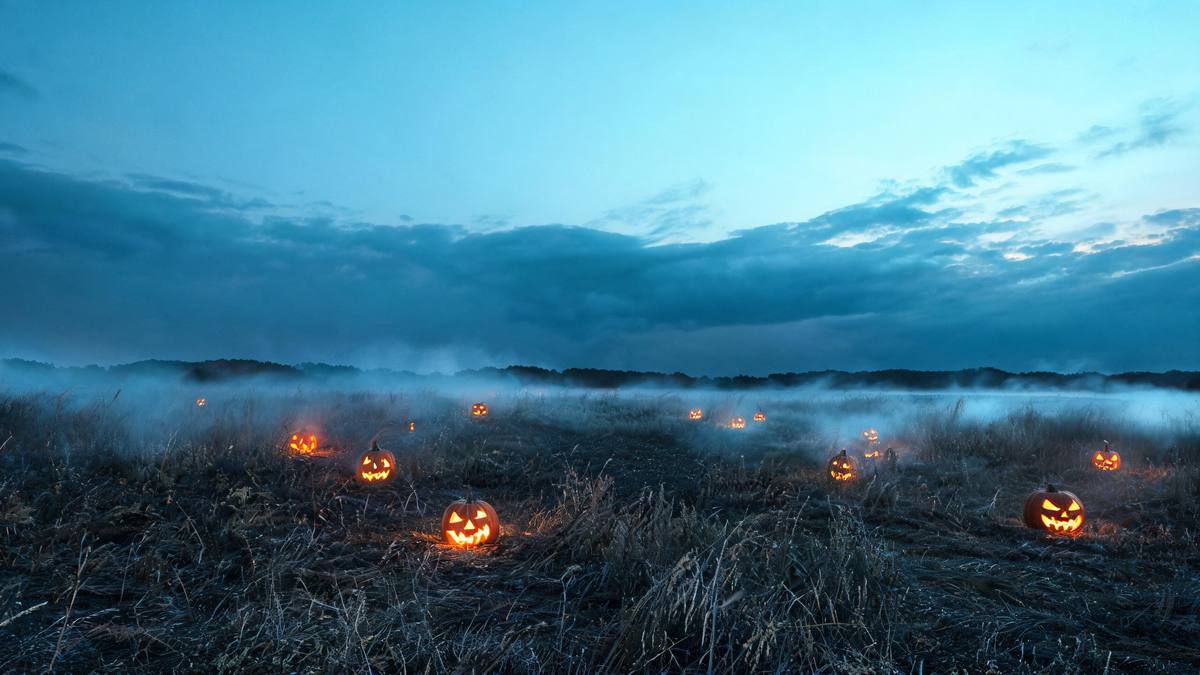
Every other effect in this set reads the person. This one reads the sky first.
The usual advice for a photo effect is to get a clean, well-lit subject. That still helps, but it is not what decides whether this one works. What decides it is whether there is sky in the frame, and how much.
That is worth stating bluntly because it is the difference between a working run and a wasted one: with no sky, or only a thin strip of it, the beast may not appear at all or arrives clipped by the frame edge. An indoor photo will not produce the effect. This is the most location-dependent template in the set.
Everything else is simple and stated here: one or two people, no prompt, four seconds at 720p, and a small share of runs where the creature reads as running out of the background rather than arriving.
Credits and plans
Every effect draws on one shared credit balance.
Every effect draws on the same credit balance. This one costs 40 credits per run, shown before you confirm. Free accounts receive 30 credits every month with no card and no watermark on the output.
Related guides
Longer reads on the same workflow, from the OpenFilmo blog.
Image to Video AI: Animate Any Photo in Seconds
A complete guide to image to video AI: what makes a good source image, how to write motion prompts, top use cases, and how to fix …
Text to Video AI: Turn Any Prompt Into Video
Learn how text to video AI works, the four-part prompt formula that produces usable clips, how to fix common failures, and where i…
AI Video Prompt Formulas That Hold Up in Production
Prompt structures that work for AI video: subject, motion, camera, time and style — with tested formulas, failure patterns and a m…
Related effects
Same family of effects, on the same kind of input.
Frequently asked questions
Why did nothing appear in my result?
The sky is the trigger. If your background has no sky, or only a thin strip of it, the beast may not appear at all or arrives cut off by the frame edge. Use an outdoor photo with a real area of sky.
Will an indoor photo work?
No. An indoor photo will not produce the effect. This is the most location-dependent template in the set, and reframing will not fix a missing sky.
Can I use two people?
Yes, one or two people are accepted, though a single person framed half-body or full-body works best. Both need to be outdoors with sky in frame.
Is there a prompt I can adjust?
No. There is no text prompt on this template. Your photo is the input, and the sky region is what the effect reads.
Can I use the clip commercially?
Yes. Output is yours to publish, including in paid posts, on every plan including the free tier. The only restriction is the source photo: use an image you own or have permission to use.