
Halloween effect
The Turn Is The Whole Effect
A costume photo shows a person wearing something. This effect gives you the moment of becoming: one standing photo, one turn on camera, and four seconds of video where the change happens in front of you.
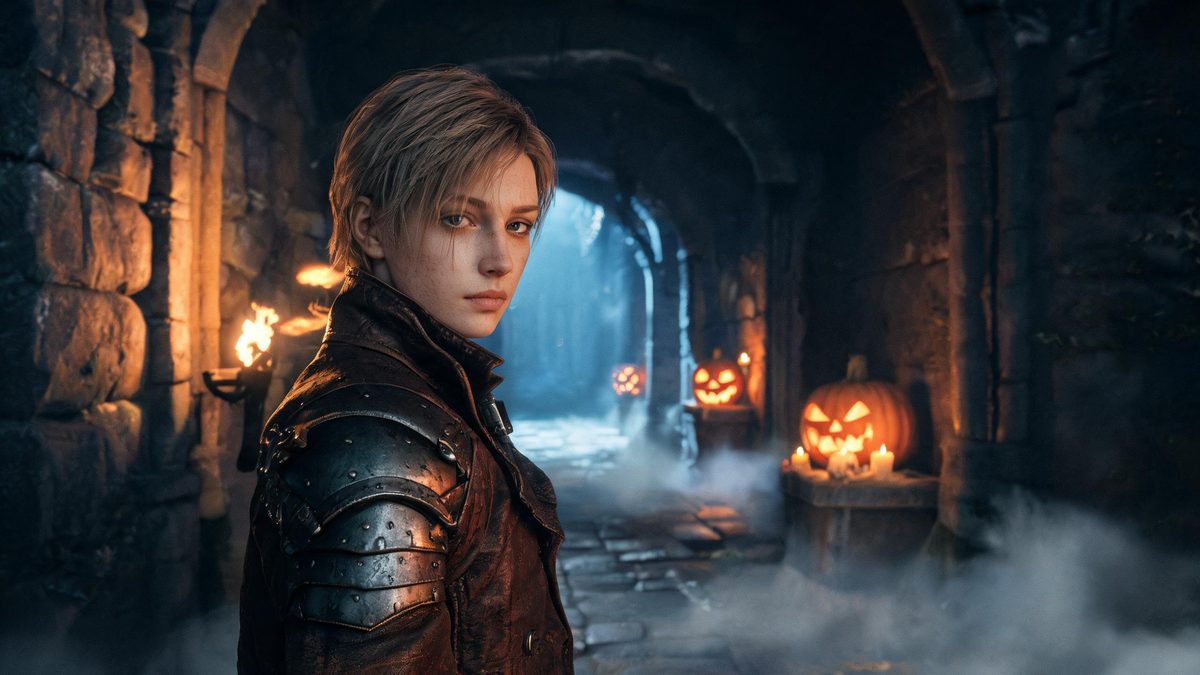
The difference between a costume picture and a transformation is a moment of change. Without it, the viewer is looking at a person in an outfit and supplying the story themselves. With it, the clip carries the story and the outfit arrives as part of the movement.
This template builds the whole thing around a turn. You upload one photo of a single person and the subject rotates as the change takes hold, coming back as a 4-second 720p clip in your source aspect ratio for 40 credits. There is no prompt to write.
Specs at a glance
Straight from the product panel, not from a marketing deck.
- Output
- 4-second video
- Credits
- 40 per run
- Resolution
- 720p
- Aspect ratio
- Matches your input photo
- Input
- 1 photo — one person
- Best results with
- A single person standing, framed half-body or full-body, with room to turn
- Known limits
- Single subject only, and no text prompt — the photo is the only input you control. The turn that carries the change is the fragile part: in a small share of runs the body rotates in a way that does not follow physical logic, or the effect breaks partway through. Background music is off unless the API request turns it on.
What it does
Built for this specific job, not a generic editor.
Built around a turn
The rotation is what sells the change, and it is also the fragile part of the effect. Give the subject room to turn in the frame and the motion reads; crop them tight against the edges and it has nowhere to go.
No prompt, one subject
There is no text field and the template takes a single person. The controls you actually have are framing, lighting and posture, which is a smaller set than a prompt but a far more predictable one.
Fixed length and resolution
Four seconds at 720p, aspect ratio inherited from your source photo. Published here rather than discovered after you spend credits.
Silent by default
Background music is off unless the API request turns it on. The clip arrives silent so you can score it yourself.
How it works
Four steps, no timeline to learn.
Leave room to turn
Choose a frame where the person is standing with space on at least one side. The rotation needs somewhere to travel, and a subject pressed against the frame edge is the most common reason the motion comes back cramped.
Frame half-body or full-body
A standing half-body or full-body shot gives the effect the material it needs. A head-and-shoulders crop leaves the turn with nothing to carry.
Watch the turn, not the outfit
On the first viewing, watch whether the rotation reads as physical. The outfit is generated either way; the turn is the part that can fail, and it is the part the viewer notices.
Re-run from a wider frame
If the turn breaks, a wider frame is the fix — there is no prompt to adjust. Each run costs 40 credits, so it is worth choosing the best photo before you start.
Where people use it
The jobs this effect actually gets used for.
A reveal for a Halloween post
The turn gives the clip a beat that a static costume photo cannot. It posts as-is to a story or feed with no editing.
A themed invite or teaser
Four seconds is short enough to attach to a message and specific enough to communicate a costume theme without a line of explanation.
A movement reference
Anyone planning a real costume shoot can use this to see how a turn reads on camera before booking the location and the outfit.
One entry in a Halloween set
Run the same photo through several templates to build a short sequence. Keeping the framing consistent across the set makes it feel like one piece.
Why the turn is worth more than the costume
An outfit answers "what". A change answers "when", and "when" is what makes people watch.
A still of someone in costume is information. A clip of someone becoming the costume is an event, and events hold attention for longer than information does. That is the entire argument for spending four seconds on it.
Putting the change on a turn is the cheapest way to get there, but it puts a real constraint on the input: rotation is the one motion a single photo gives the model the least information about. Give it room in the frame and it usually resolves; deny it room and the body can rotate in a way that does not follow physical logic, or the effect can break partway through.
That limitation is stated on this page rather than hidden. So is the rest: one subject, no prompt, four seconds at 720p, and a small share of runs where the turn does not hold.
Credits and plans
Every effect draws on one shared credit balance.
Every effect draws on the same credit balance. This one costs 40 credits per run, shown before you confirm. Free accounts receive 30 credits every month with no card and no watermark on the output.
Related guides
Longer reads on the same workflow, from the OpenFilmo blog.
Image to Video AI: Animate Any Photo in Seconds
A complete guide to image to video AI: what makes a good source image, how to write motion prompts, top use cases, and how to fix …
AI Video Prompt Formulas That Hold Up in Production
Prompt structures that work for AI video: subject, motion, camera, time and style — with tested formulas, failure patterns and a m…
AI Video Cost Per Minute: The Real Numbers in 2026
How to calculate true AI video cost per finished minute: generation price, regeneration waste, edit time and iteration, with worke…
Related effects
Same family of effects, on the same kind of input.
Frequently asked questions
Can I use a group photo?
No. This template takes a single person. Choose a frame with one subject standing and facing the camera, with space on at least one side for the turn.
Why does my turn look wrong?
Rotation is the fragile part of this effect. In a small share of runs the body turns in a way that does not follow physical logic, or the effect breaks partway through. A wider frame with room to turn usually fixes it.
Is there a prompt I can adjust?
No. There is no text prompt on this template. Your photo is the only input, so framing and posture are the levers you have.
Why 4 seconds at 720p?
That is the fixed specification of this effect, published here so you know before spending credits. It is long enough for the turn and the change to read together.
Can I use the clip commercially?
Yes. Output is yours to publish, including in paid posts, on every plan including the free tier. The only restriction is the source photo: use an image you own or have permission to use.