
Halloween effect
Five Seconds, Full HD, One Subject
This is the longest and highest-resolution effect in the Halloween set: five seconds at 1080p, built from a single photo, with no prompt to write. It is also the most expensive at 80 credits per run.
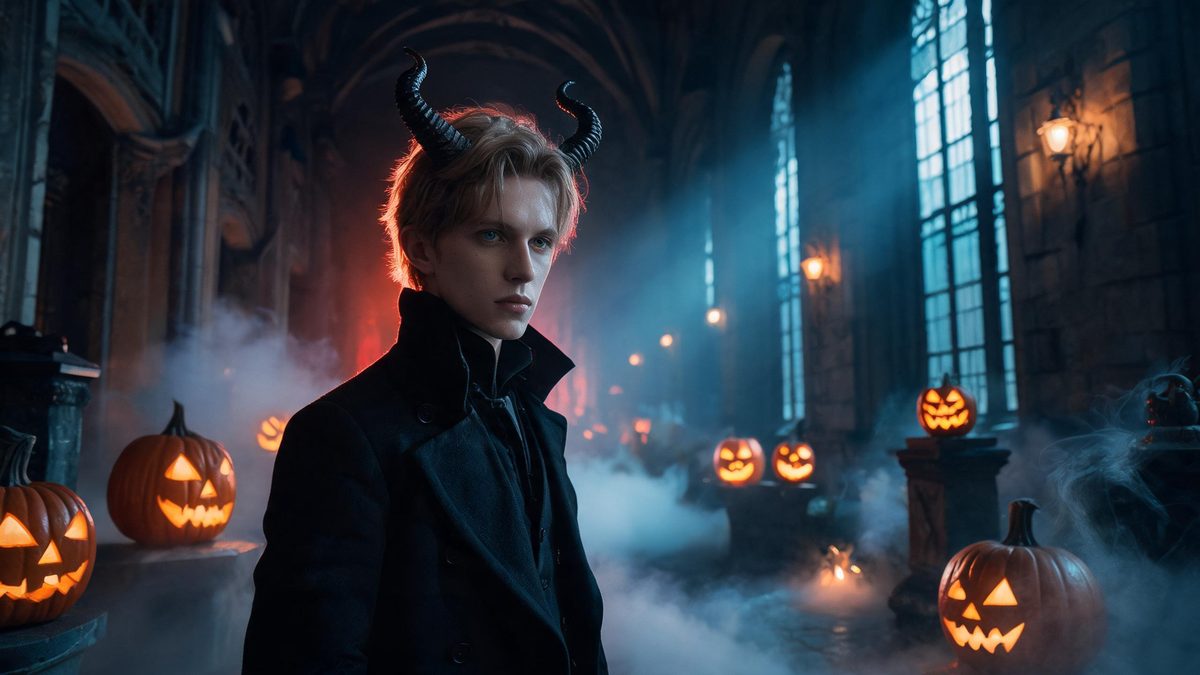
Most effects in this category run four seconds at 720p. This one runs five at 1080p, and the extra second and resolution are visible: there is time for the change to settle rather than snap, and the result holds up on a larger screen than a phone.
You upload one photo of a single person and the effect restyles the whole subject over five seconds, in your source aspect ratio, for 80 credits. There is no text prompt. What you control is the photo.
Specs at a glance
Straight from the product panel, not from a marketing deck.
- Output
- 5-second video
- Credits
- 80 per run
- Resolution
- 1080p
- Aspect ratio
- Matches your input photo
- Input
- 1 photo — one person
- Best results with
- A single person framed half-body or full-body, facing the camera, in even lighting
- Known limits
- Single subject only and no text prompt. The change is a full-body restyle rather than a costume overlay, so parts of the original clothing can survive into the result. In a small share of runs the transition cross-fades instead of cutting cleanly, the subject is read as a different gender than the photo, or the motion runs faster than the 5-second slot needs.
What it does
Built for this specific job, not a generic editor.
1080p and five seconds
The only Halloween template here at full HD, and the only one given five seconds. Both are fixed and published, so the shape of the output is not a surprise after you spend credits.
A full-body restyle, not an overlay
The subject is rebuilt rather than dressed, which is why the silhouette changes with the look. It is also why parts of the original clothing can survive into the result — the effect is working on the whole frame, not pasting a costume on top.
No prompt to write
No text field at all. Framing, lighting and posture are the controls, which makes this more predictable than a prompt-driven effect and less flexible.
One subject, clearly stated
Single person only. This is not a template that will accept a group and quietly drop someone.
How it works
Four steps, no timeline to learn.
Frame half-body or full-body
The restyle works on the whole subject, so give it the whole subject. A frame from the waist up or head to toe, facing the camera, is the reliable input.
Use even lighting
Because clothing can partly survive the change, harsh or strongly coloured light on the original outfit tends to leave traces. Even, neutral lighting gives the restyle a cleaner starting point.
Watch the transition itself
In a small share of runs the change cross-fades instead of cutting cleanly. If that happens, the result still works as a clip but reads softer than intended; a second run from a cleaner frame usually resolves it.
Decide whether 1080p matters
At 80 credits this costs twice most of the set. If the clip is going to a phone screen, a 720p template in the same set will do the job for 40.
Where people use it
The jobs this effect actually gets used for.
A Halloween clip meant for a big screen
The 1080p output holds up when it is not watched on a phone — a shared screen, a projector, or anything where 720p softening would show.
A slower, more deliberate reveal
Five seconds gives the change room to settle. Where the four-second templates snap, this one has time to read as a transformation rather than a cut.
A costume concept preview
Because clothing can partly survive, this doubles as a way to see how a look sits on a specific person before committing to the real thing.
The anchor of a Halloween set
Run it alongside the cheaper 720p templates: use this one where the clip needs to carry, and the others for volume.
Why this one costs twice as much
Five seconds at 1080p is a different amount of work than four at 720p, and the price follows the output.
The 80-credit cost is not a premium for a scarier look. It is the longer duration and the full HD output: more frames, at higher resolution, per run. The other Halloween templates here are 40 credits and 720p for exactly that reason.
What you get for it is time and sharpness. Five seconds lets the change settle rather than snap, and 1080p survives being watched on something larger than a phone. If neither of those matters for where the clip is going, the cheaper templates in this set are the better spend.
The limitations are the honest ones: a full-body restyle means parts of the original clothing can survive; in a small share of runs the transition cross-fades, the subject is read as a different gender than the photo, or the motion runs faster than five seconds needs. Single subject, no prompt.
Credits and plans
Every effect draws on one shared credit balance.
Every effect draws on the same credit balance. This one costs 80 credits per run, shown before you confirm — twice most of the Halloween set, for five seconds at 1080p instead of four at 720p. Free accounts receive 30 credits every month with no card and no watermark on the output.
Related guides
Longer reads on the same workflow, from the OpenFilmo blog.
Image to Video AI: Animate Any Photo in Seconds
A complete guide to image to video AI: what makes a good source image, how to write motion prompts, top use cases, and how to fix …
Character Consistency in AI Video: What Actually Works
How to keep characters consistent across AI video shots: reference images, prompt discipline, key frame locking and post-hoc corre…
AI Video Upscaling to 4K: Refiners, Settings and Limits
How AI video upscaling and one-step refiners work, when to upscale versus regenerate at native resolution, and the settings that a…
Related effects
Same family of effects, on the same kind of input.
Frequently asked questions
Why is this more expensive than the other Halloween effects?
It runs five seconds at 1080p where most of the set runs four at 720p. The 80-credit cost reflects the longer duration and full HD output, not a different kind of effect.
My original clothing is still visible. Is that a bug?
No. This is a full-body restyle rather than a costume overlay, and parts of the original clothing can survive into the result. Even, neutral lighting on the source photo reduces it.
The change fades instead of cutting. What happened?
In a small share of runs the transition cross-fades rather than cutting cleanly. The clip still works but reads softer than intended; a second run from a cleaner frame usually resolves it.
Can I use a photo of two people?
No. This template accepts a single person only. There is no text prompt, so the photo is the only input you control.
Can I use the clip commercially?
Yes. Output is yours to publish, including in paid posts, on every plan including the free tier. The only restriction is the source photo: use an image you own or have permission to use.