
AI Video for Ecommerce: Make Product Clips From Photos You Already Have
A flat product shot on white is the cheapest asset a store owns and the least persuasive. Give it motion — a rotation, a pour, a fold — and the same photo starts doing the job of a shoot.
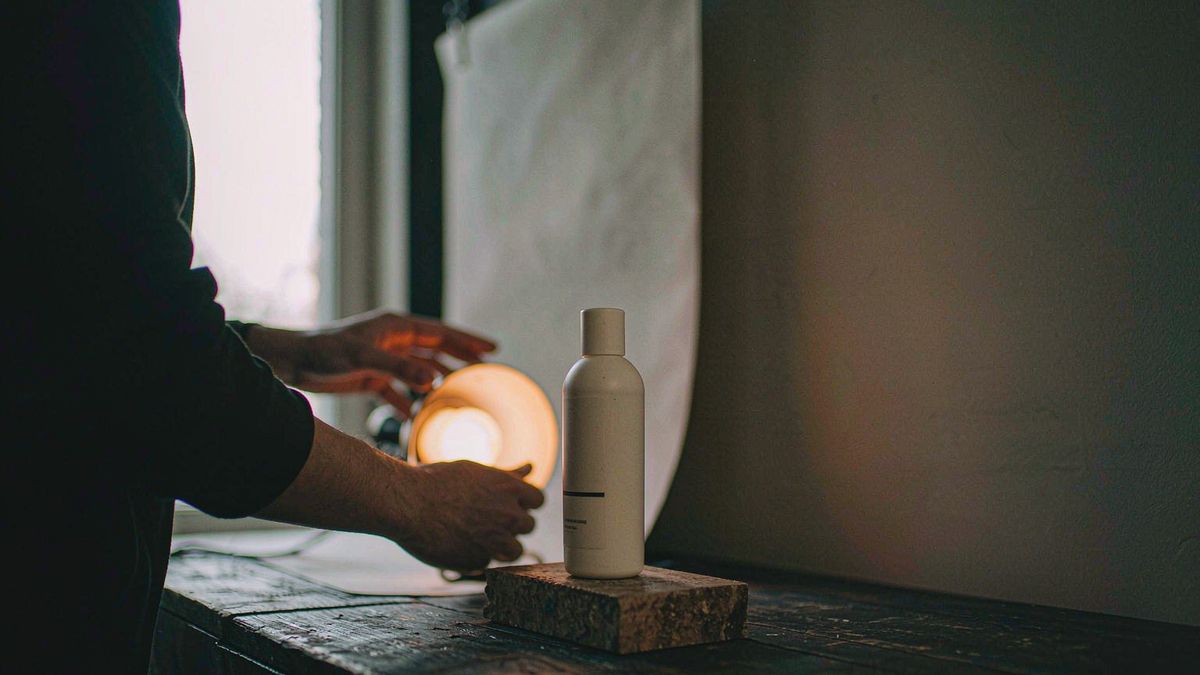
Marketplace listings, product detail pages and paid social all reward motion, but a traditional product shoot costs a studio day per SKU. That is why most catalogs have video on the hero product and stills everywhere else, even though the long tail is where the margin is.
OpenFilmo starts from the image you already have. Upload the packshot, describe the movement you want, and generate a short clip. Then add captions, music and an upscale in the same tab, so the asset is finished rather than half-made. One credit balance covers video, image and audio work, so a clip for a listing and the still for the email header come out of the same budget.
What it does
Built for this specific job, not a generic generator.
Image to video from packshots
Upload a product photo and give it one clear motion. A bottle pours, a bag rotates, a fabric drapes and settles.
Text to video for concepts
No photo yet? Describe the scene and generate a first cut to test a creative direction before the sample arrives.
Captions and sound built in
Burn in a price or a claim, add music and a voiceover, and export without a round-trip through an editor.
Vertical, square and wide
Export 9:16 for Reels and TikTok, 1:1 for feed placements and 16:9 for PDP galleries from the same generation.
How it works
Four steps, no timeline to learn.
Pick one SKU and one motion
Start narrow. A single product with a single movement teaches you what works faster than a batch of twenty.
Upload the packshot
Use the highest-resolution still you have. Motion amplifies whatever detail is there — it cannot invent it.
Describe the movement, not the mood
Write "slow rotation on a white background, soft studio light" rather than "luxury". Concrete camera language generates better.
Finish and export per channel
Add a caption, choose the aspect ratio, export. Repeat per placement from the same source clip.
What people make with it
The jobs this actually gets used for.
Product detail galleries
A five-second loop next to the stills, showing the product turning or in use.
Marketplace listing video
Short clips that satisfy the video slot on marketplace listings without a studio booking.
Paid social hooks
Ten variants of the same opening second, so you can test which motion stops the scroll.
Restock and launch announcements
Announce a drop or a restock with motion pulled from existing photography.
Why motion beats another still
The constraint was never ideas. It was cost per SKU.
Most stores know video lifts conversion. What stops them is that the economics only work on the top few products, because a shoot is priced per day rather than per asset. Generation inverts that: the cost is per attempt, and an attempt is a few credits.
That changes what is worth making. Video for a slow-moving variant with forty units in stock was never justifiable at studio rates. At a few credits it is, and the aggregate effect across a catalog is larger than one polished hero film.
It also shortens the loop between a creative idea and evidence. Instead of committing to a direction because it is expensive to change, you can generate a dozen openings, run them, and keep what performs.
Credits and plans
Generation is metered in credits, shared across every tool.
A five-second video costs 5 credits and one image costs 2. The Free plan gives you 30 credits every month with no credit card, no watermark and commercial use included. Paid plans start at $9 for 400 credits and add faster generation, parallel tasks and higher export resolution.
Related guides
Longer reads on the same workflow, from the OpenFilmo blog.
AI Product Video for Ecommerce: What Converts
How to make AI product video that converts: shot types ranked by impact, consistency requirements, and the workflow for generating…
AI Video Cost Per Minute: The Real Numbers in 2026
How to calculate true AI video cost per finished minute: generation price, regeneration waste, edit time and iteration, with worke…
Image to Video AI: Animate Any Photo in Seconds
A complete guide to image to video AI: what makes a good source image, how to write motion prompts, top use cases, and how to fix …
AI tools
Single-purpose tools that run in the same workspace, on the same credit balance.
Vidu models
The Vidu Q1 and Q2 models this site runs on, and how they compare to Kling, Veo and Runway.
Related workflows
Closely related tools and guides on the same problem.
Frequently asked questions
Do I need new photography for this?
No, and that is the point. Existing packshots work well because the product, lighting and framing are already correct. You are adding motion to an asset you own.
Which motion works best for product clips?
Simple, single movements. A slow rotation, a steady push-in, a pour or a fold. Complex multi-part movement tends to distort the product and reduce trust.
Can I use these clips in paid ads?
Yes. Every plan including Free includes commercial use and watermark-free downloads, so the clips can run in paid campaigns and on marketplaces.
What does one product clip cost?
A five-second clip costs 5 credits. The Free plan includes 30 credits each month, roughly six clips. Paid plans start at $9 for 400 credits.
Can I export the same clip in several aspect ratios?
Yes. Generate once and export 16:9, 9:16 and 1:1 for different placements, so one generation covers a PDP gallery and a vertical ad.
Product effect templates
Ready-made product templates in OpenFilmo — open one and drop your photo in.