
AI Video for Travel: Destination Clips From Photos You Already Own
Travel is sold on movement and atmosphere, which is exactly what stills cannot carry. Give the photos in your library motion and they start selling again.
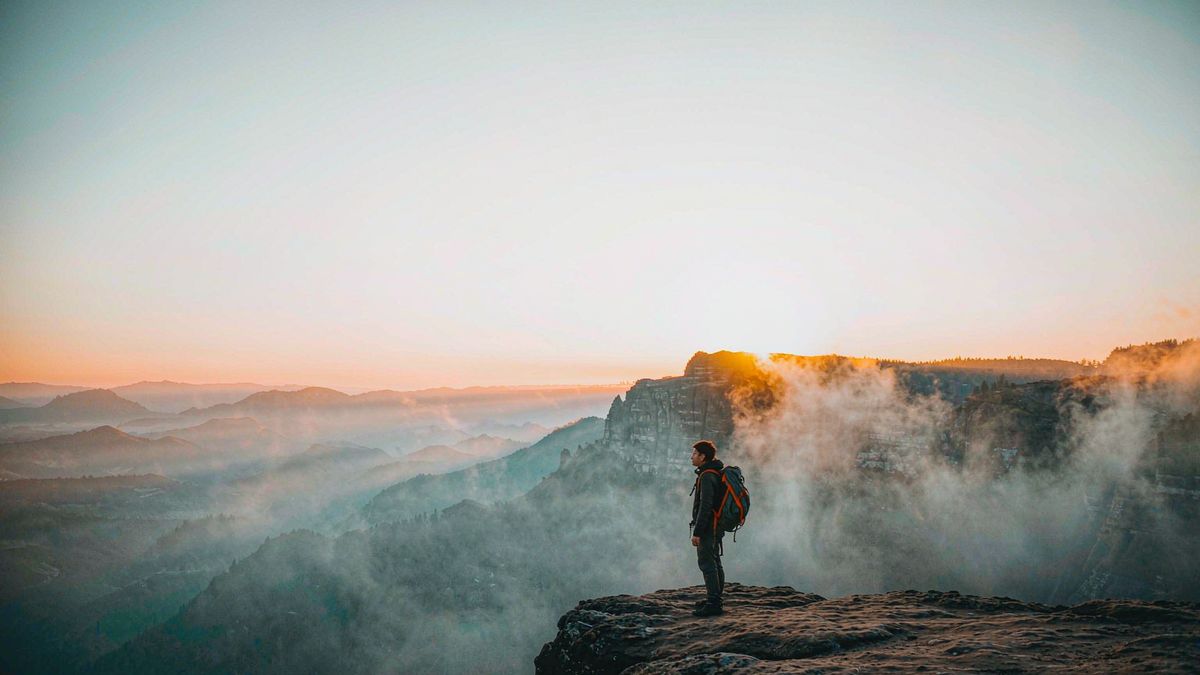
Tour operators, hotels and destination marketers sit on enormous photo libraries and post almost entirely in stills, because turning a library into video means licensing footage or commissioning a shoot for each property or itinerary.
OpenFilmo converts the library instead. Upload a room, a coastline or a street scene, give it one movement, add music and a caption, and you have a clip. For a destination you have not shot yet, describe the scene in text and generate a concept to test demand before committing to a trip.
What it does
Built for this specific job, not a generic generator.
Image to video from library photos
A room, a pool or a viewpoint becomes a moving clip with a push-in, a pan or drift.
Text to video for concepts
Describe an unphotographed destination or experience and generate a clip to gauge interest.
Music and sound design
Add a track and ambient sound in the same workspace, no separate audio tool.
Captions for offers
Burn in the price, dates or route so the clip works muted in a feed.
How it works
Four steps, no timeline to learn.
Choose your strongest still
Start from the photo that already performs. Motion amplifies composition; it does not fix it.
Use slow, plausible movement
Drift, push-in, gentle parallax. Fast moves through static scenes look artificial and read as fake.
Caption the offer
Route, price, dates. A destination clip without the offer is a mood board.
Export per placement
Vertical for Reels and TikTok, wide for the itinerary page, square for the feed.
What people make with it
The jobs this actually gets used for.
Property and room clips
Short loops for each room type, generated from existing photography.
Itinerary highlights
A clip per stop so a multi-day route reads as a journey rather than a list.
Seasonal offers
Promote a shoulder-season rate with motion built from last year's photos.
Demand testing
Generate a concept clip for an itinerary you have not run yet and measure interest before you commit.
Why convert the library instead of licensing footage
You already own the asset. You are paying only for the motion.
Stock footage is generic by construction, which is a problem for travel: the whole category sells on specificity. Licensing generic coastal footage undersells a specific property, and shooting it costs more than most itineraries justify.
Your own library is specific and already paid for. Generating motion on top of it preserves the specificity and costs a few credits, which is why converting the library usually beats either alternative.
It also makes seasonal refresh trivial. Last year's photography can carry this year's offer with different motion and captions, without waiting for a new shoot window.
Credits and plans
Generation is metered in credits, shared across every tool.
A five-second video costs 5 credits and one image costs 2. The Free plan gives you 30 credits every month with no credit card, no watermark and commercial use included. Paid plans start at $9 for 400 credits and add faster generation, parallel tasks and higher export resolution.
Related guides
Longer reads on the same workflow, from the OpenFilmo blog.
Image to Video AI: Animate Any Photo in Seconds
A complete guide to image to video AI: what makes a good source image, how to write motion prompts, top use cases, and how to fix …
AI Video Prompt Formulas That Hold Up in Production
Prompt structures that work for AI video: subject, motion, camera, time and style — with tested formulas, failure patterns and a m…
AI Video Upscaling to 4K: Refiners, Settings and Limits
How AI video upscaling and one-step refiners work, when to upscale versus regenerate at native resolution, and the settings that a…
AI tools
Single-purpose tools that run in the same workspace, on the same credit balance.
More OpenFilmo tools
Other generators and utilities in the same workspace.
Related workflows
Closely related tools and guides on the same problem.
Frequently asked questions
Can I animate existing travel photography?
Yes. Upload the still and give it one slow movement. Landscape and architecture shots respond best to drift and push-in.
Will it look like real footage?
With slow, plausible motion it reads as a moving shot rather than an effect. Fast camera moves through a static scene are what give generated clips away.
Can I use these clips in paid travel campaigns?
Yes. Every plan including Free includes commercial use and watermark-free downloads, so clips can run in paid campaigns.
What does one destination clip cost?
A five-second clip costs 5 credits. The Free plan gives 30 credits monthly, roughly six clips. Paid plans start at $9 for 400 credits.
Can I test an itinerary before I run it?
Yes. Generate a concept clip from a text description and measure interest before committing to the trip. It is a cheap way to de-risk a new route.