
AI Video for Events: Promos, Speaker Clips and Recaps
Events need video before, during and after — and by the time a recap is edited, the next event is already being promoted.
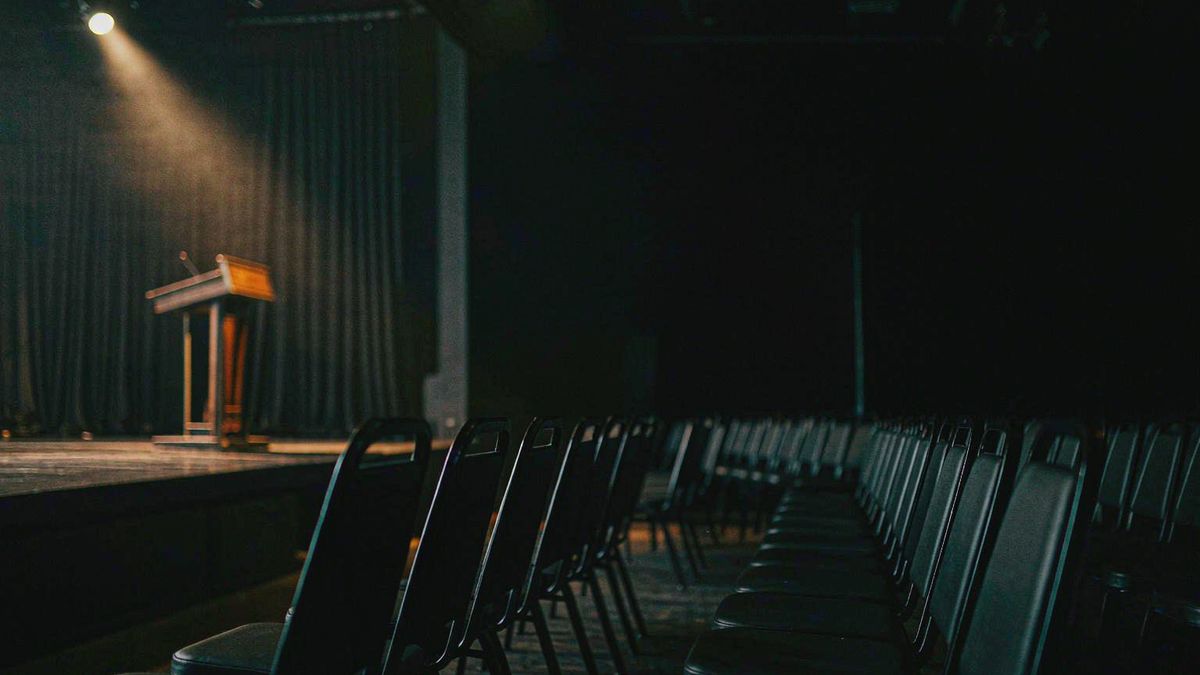
Event video has three distinct jobs: sell tickets before, announce details during the run-up, and prove it was worth attending afterwards. Each has a tight deadline, and the recap is usually the first thing dropped because the value arrives after the event is over.
OpenFilmo covers all three without an editor. Build a promo from the event description, generate a speaker announcement from a headshot and a bio, and turn recap photography into motion the day after. Captions and music finish each in the same workspace.
What it does
Built for this specific job, not a generic generator.
Text to video from the event copy
Paste the event description and generate a promotional clip for ads and social.
Image to video from speaker headshots
A headshot becomes a short announcement clip with a subtle push-in.
Recap motion from event photography
Turn the photo set into a moving recap the day after, instead of weeks later.
Captions for dates and logistics
Burn in date, venue and ticket link so the clip works muted.
How it works
Four steps, no timeline to learn.
Write the promise, not the schedule
Lead with what attendees get. Schedule copy generates generic visuals.
Build one clip per speaker
Headshot plus bio produces a reusable announcement asset for each name on the bill.
Caption the logistics
Date, venue, ticket link. A promo clip that does not say when and where wastes the view.
Publish the recap within a day
Recap value decays fast. Generating from the photo set same-day keeps it relevant.
What people make with it
The jobs this actually gets used for.
Ticket sale promos
Short clips for paid social built from the event description.
Speaker and session announcements
One clip per speaker, generated from a headshot and a paragraph.
Post-event recaps
Motion built from event photography, published while the audience still cares.
Sponsor deliverables
Short branded clips for sponsors, produced without an editing round.
Why the recap is the asset that gets dropped
Its value peaks before the edit would finish.
A recap is worth most in the forty-eight hours after an event, when attendees are still talking about it and non-attendees are deciding whether to go next time. A traditional edit lands well after that window, so the asset is routinely skipped.
Generation fits the deadline. Motion on the photo set can be produced the next morning, which turns the recap from a project nobody schedules into a routine publish.
The same applies to speaker announcements. One clip per name is unaffordable with an editor and trivial at a few credits each, which changes how much of the programme gets promoted.
Credits and plans
Generation is metered in credits, shared across every tool.
A five-second video costs 5 credits and one image costs 2. The Free plan gives you 30 credits every month with no credit card, no watermark and commercial use included. Paid plans start at $9 for 400 credits and add faster generation, parallel tasks and higher export resolution.
Related guides
Longer reads on the same workflow, from the OpenFilmo blog.
AI Video for Agencies: A Client Delivery Workflow
A client-ready AI video workflow for agencies: scoping honestly, rights clearance, approval gates, revision economics and how to p…
AI Video Prompt Formulas That Hold Up in Production
Prompt structures that work for AI video: subject, motion, camera, time and style — with tested formulas, failure patterns and a m…
How to Use InVideo AI: Script to Video
How to use InVideo AI: generating video from a prompt or script, editing the result, working with stock and generated footage, and…
AI tools
Single-purpose tools that run in the same workspace, on the same credit balance.
Related workflows
Closely related tools and guides on the same problem.
Frequently asked questions
Can I build an event promo from the event description?
Yes. Paste the description and generate. Lead with what attendees get rather than the schedule, which produces more specific visuals.
Can I make a clip per speaker?
Yes. A headshot plus a short bio produces a reusable announcement clip, cheap enough to do for every name on the bill.
Can I use these clips in paid ticket campaigns?
Yes. Every plan including Free includes commercial use and watermark-free downloads, so clips can run in paid campaigns.
What does one clip cost?
A five-second clip costs 5 credits. The Free plan gives 30 credits monthly, roughly six clips. Paid plans start at $9 for 400 credits.
How fast can I publish a recap?
Same day, in practice. Upload the event photo set, add motion and music, and export — no editing round required.