
AI Images for Event Promotion: One Brief, Every Channel Size
An event needs the same art in six sizes, and resizing a single design is where the inconsistency creeps in. Generate per size from one brief.
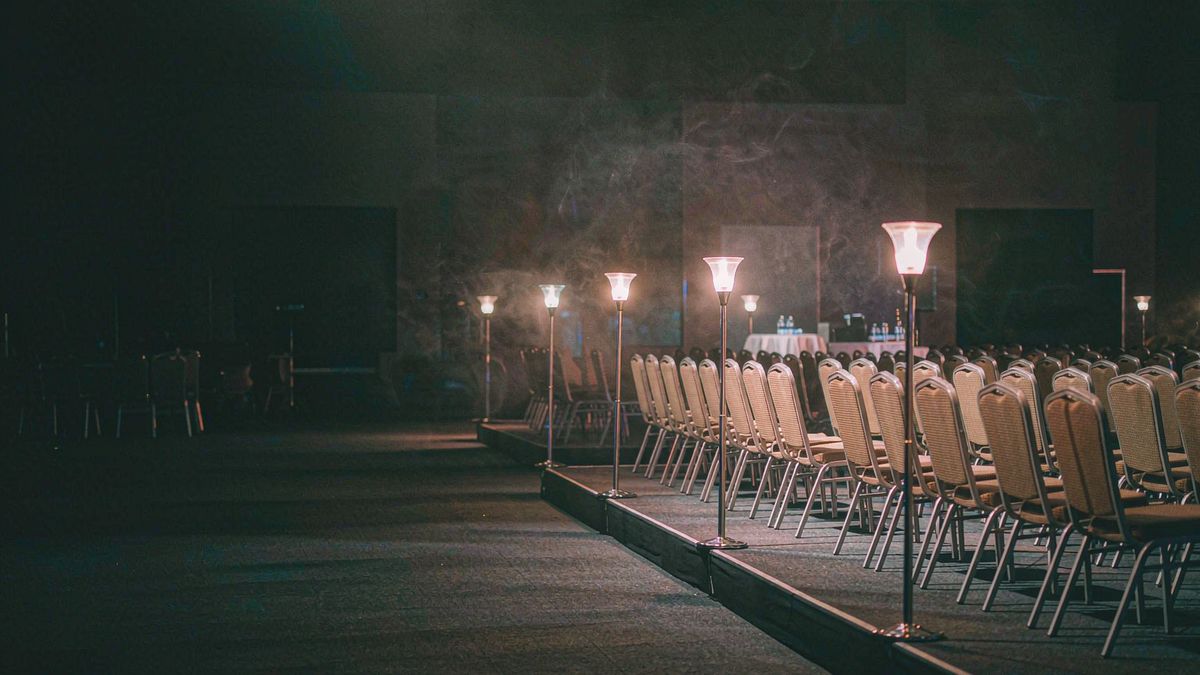
Event promotion is a sizing problem. One visual has to exist as an email hero, a social square, a vertical story, a printed poster and a slide background, and the usual approach — design one and export — produces versions that are cropped and compromised.
OpenFilmo generates per size from one brief. Set the event treatment once, then produce each placement at its native ratio rather than cropping a master. Speaker cards, agenda art and social assets all follow the same language.
What it does
Built for this specific job, not a generic generator.
Per-placement generation
Produce each size at its native ratio instead of cropping one master.
Speaker and agenda cards
Consistent cards for every speaker and session.
Print-resolution output
Upscale for posters and signage without quality loss.
Brand and sponsor lockups
Keep event branding consistent across every asset.
How it works
Four steps, no timeline to learn.
Lock the event treatment first
Palette, type and mood set once, before producing any asset.
List every placement you need
Email, social, story, print, stage. Generate per placement rather than adapting later.
Produce speaker cards in batch
One card per speaker, generated in a single session.
Upscale print assets
Posters and signage need higher resolution than screen assets.
What people make with it
The jobs this actually gets used for.
Event hero art
One treatment produced in every size an event needs.
Speaker and session cards
A consistent card per speaker and per session.
Print posters and signage
High-resolution versions for physical materials.
Social countdown posts
A series of dated posts in the run-up to the event.
Why generating per size beats resizing one master
A cropped hero is a compromised hero.
Resizing one master image into six placements always sacrifices composition. A wide hero cropped to a vertical story loses its subject; a square cropped to a banner loses its negative space.
Generating per size keeps each composition intentional. The subject is placed for the ratio it will actually be seen in, which is why the set looks designed rather than adapted.
This matters more for events than most campaigns, because the same art appears on a phone screen and on a two-metre banner within the same week.
Credits and plans
Generation is metered in credits, shared across every tool.
One image costs 2 credits and a 4K upscale costs 4. The Free plan gives you 30 credits every month with no credit card, no watermark and commercial use included. Paid plans start at $9 for 400 credits and add faster generation and parallel tasks.
Related guides
Longer reads on the same workflow, from the OpenFilmo blog.
AI Video for Agencies: A Client Delivery Workflow
A client-ready AI video workflow for agencies: scoping honestly, rights clearance, approval gates, revision economics and how to p…
AI Video Prompt Formulas That Hold Up in Production
Prompt structures that work for AI video: subject, motion, camera, time and style — with tested formulas, failure patterns and a m…
Text to Video AI: Turn Any Prompt Into Video
Learn how text to video AI works, the four-part prompt formula that produces usable clips, how to fix common failures, and where i…
AI tools
Single-purpose tools that run in the same workspace, on the same credit balance.
Related workflows
Closely related tools and guides on the same problem.
Frequently asked questions
Can I generate the same event art in several sizes?
Yes, and you should. Generating per placement keeps each composition intentional, whereas cropping one master usually sacrifices the subject or the negative space.
Can I produce a card for every speaker?
Yes. Generate speaker cards in one session using the same treatment, which is cheap enough to do for a full programme.
Can I use these images commercially?
Yes. Every plan including Free includes commercial use and watermark-free downloads, so event art can be used commercially, including for ticketed events.
What does one image cost?
One AI image costs 2 credits and a 4K upscale costs 4. The Free plan gives 30 credits monthly, roughly fifteen images.
Can I get print resolution?
Yes. Upscale assets intended for posters and signage, since screen resolution is not sufficient for large-format printing.