
AI Images for Book Covers: Concept Art and Comp Visuals
Cover direction is usually chosen too early because producing options costs money. Generate ten directions instead of committing to one.
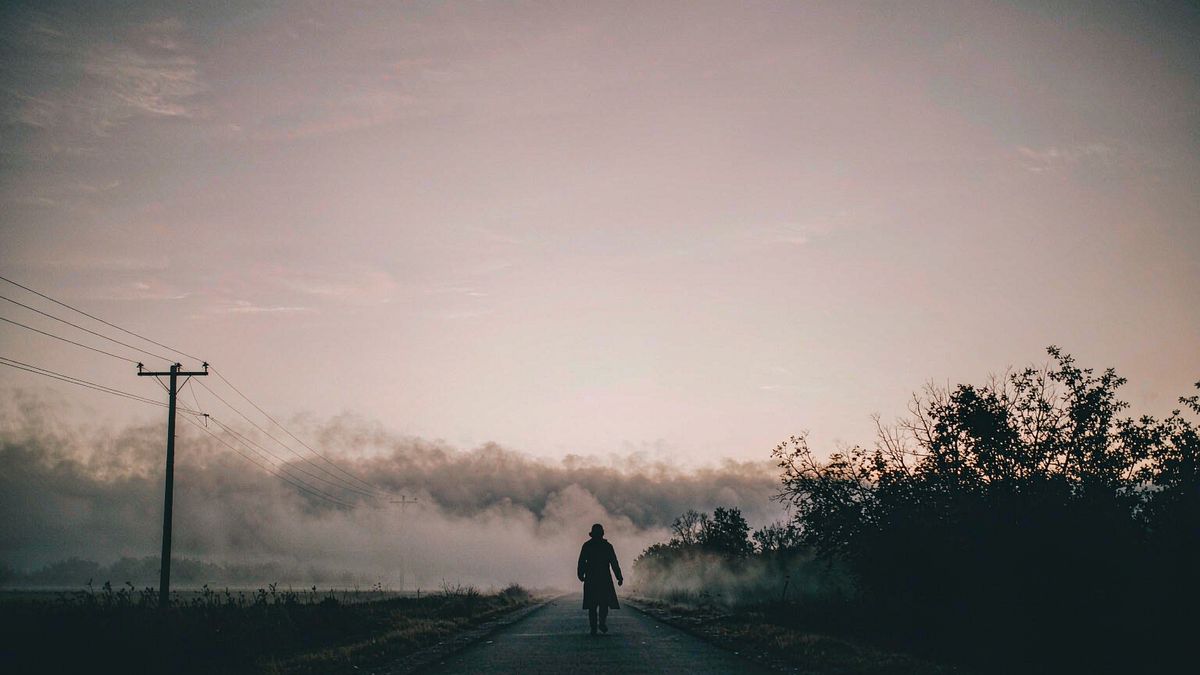
Cover design has an awkward economics problem: the decision matters enormously, and exploring options costs designer time, so most authors see two or three directions and commit. That is a small sample for a decision this consequential.
OpenFilmo expands the sample. Generate a wide set of concept directions, compare them, and take the strongest to a designer for final execution. Two credits per image makes exploring ten directions cheaper than commissioning two.
What it does
Built for this specific job, not a generic generator.
Concept direction exploration
Generate many directions before committing to one.
Scene and setting art
Illustrate a specific scene from the book as comp art.
Typography-safe compositions
Ask for compositions with clear space for a title.
Launch and social visuals
Promotional art matching the chosen cover direction.
How it works
Four steps, no timeline to learn.
Describe scenes, not themes
Concrete settings and moments generate usable art; abstract themes do not.
Generate broadly first
Produce many directions before judging. Breadth is the whole point.
Leave space for the title
Ask for compositions with clear area for typography.
Take the winner to a designer
Use generation for direction, and final execution for type and print.
What people make with it
The jobs this actually gets used for.
Cover concept exploration
Ten directions instead of two, before committing.
Scene comps
Art illustrating a specific moment for interior or promotional use.
Series consistency
A shared visual language across a series.
Launch and social art
Promotional visuals in the chosen direction.
Why more options beats better options
The decision is the risk. Sample size reduces it.
Bad covers usually come from deciding too early on too little information. Two directions is not enough to know what a book should look like, but it is what the economics of commissioning tend to produce.
Cheap generation changes the sample size. Ten directions costs less than two commissioned comps, and the author arrives at the design conversation knowing what they actually want.
The handoff matters: generation is excellent for direction and comps, while final typography, print preparation and platform compliance still belong with a designer.
Credits and plans
Generation is metered in credits, shared across every tool.
One image costs 2 credits and a 4K upscale costs 4. The Free plan gives you 30 credits every month with no credit card, no watermark and commercial use included. Paid plans start at $9 for 400 credits and add faster generation and parallel tasks.
Related guides
Longer reads on the same workflow, from the OpenFilmo blog.
Text to Video AI: Turn Any Prompt Into Video
Learn how text to video AI works, the four-part prompt formula that produces usable clips, how to fix common failures, and where i…
AI Video Prompt Formulas That Hold Up in Production
Prompt structures that work for AI video: subject, motion, camera, time and style — with tested formulas, failure patterns and a m…
How to Use Fliki: Text to Video with Voice
How to use Fliki: converting articles and scripts into narrated video, choosing voices, selecting visuals, and how to make the res…
AI tools
Single-purpose tools that run in the same workspace, on the same credit balance.
More OpenFilmo tools
Other generators and utilities in the same workspace.
Related workflows
Closely related tools and guides on the same problem.
Frequently asked questions
Can I generate a finished book cover?
Use generation for concept direction and comp art. Final typography, print preparation and platform compliance still belong with a designer.
How many concepts should I generate?
Broadly, before judging. Ten directions at two credits each costs less than two commissioned comps, and gives you a far better basis for the decision.
Can I use these images commercially?
Yes. Every plan including Free includes commercial use and watermark-free downloads, though check your distribution platform's current rules on AI-assisted cover art.
What does one image cost?
One AI image costs 2 credits. The Free plan gives 30 credits monthly, roughly fifteen images. Paid plans start at $9 for 400 credits.
Can I generate scene art from my book?
Yes. Describe concrete settings and moments rather than themes — specific scenes generate far more usable art than abstract concepts.