
AI Video for Podcasts: Promo Clips and Shareable Episode Cuts
Podcast discovery happens through short clips, not episode links. Make the clips from what you already recorded.
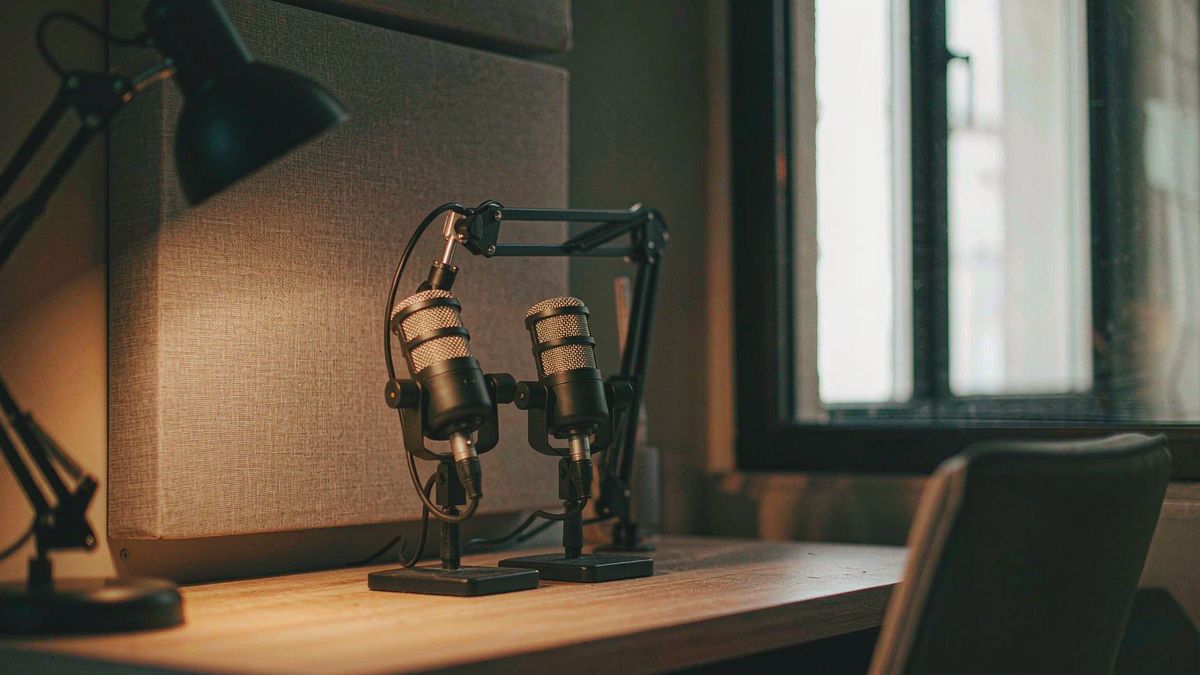
A podcast episode is a long asset that almost nobody discovers directly. Growth comes from short cuts — a clip of the best ninety seconds, an audiogram, a quote card that moves — posted where people actually scroll.
OpenFilmo builds those cuts. Generate visuals from the episode description or a quote, add captions so the clip works muted, add music, and export vertical for short-form and square for the feed. Captions matter disproportionately here, because podcast clips are consumed muted in a feed.
What it does
Built for this specific job, not a generic generator.
Text to video from quotes
Turn a standout quote or a topic description into an illustrative clip.
Captions built in
Burn in subtitles so the clip is legible with sound off in a feed.
Image to video from cover art
Animate episode artwork for announcement posts.
Vertical and square exports
9:16 for Reels, TikTok and Shorts, 1:1 for the feed.
How it works
Four steps, no timeline to learn.
Pick the moment first
Choose the quote or the exchange worth clipping. The visual serves it, not the reverse.
Generate supporting visuals
Describe the topic and generate motion that illustrates it rather than a literal talking head.
Caption everything
Podcast clips are watched muted. Captions are not optional.
Export per platform
Vertical for short-form, square for the feed, wide for YouTube.
What people make with it
The jobs this actually gets used for.
Episode promo clips
Short cuts built around the strongest exchange in an episode.
Audiogram-style posts
Moving artwork with captions for audio-led platforms.
Guest announcements
A clip per guest, generated from a headshot and the episode topic.
Quote cards with motion
Captioned quote clips that move instead of sitting static.
Why captions decide whether a podcast clip works
The feed is muted. A clip without captions is invisible.
Podcast clips fail most often for a simple reason: they are posted as audio with a static image, and the platform plays them muted. Without captions there is nothing to read and nothing to stop the scroll.
Generated motion plus burned-in captions fixes both. Movement earns a fraction more attention, and captions mean the clip communicates even with sound off, which is the default state.
The volume argument then applies. One episode can support five or six cuts, and at a few credits each, producing all of them is realistic rather than a choice of one.
Credits and plans
Generation is metered in credits, shared across every tool.
A five-second video costs 5 credits and one image costs 2. The Free plan gives you 30 credits every month with no credit card, no watermark and commercial use included. Paid plans start at $9 for 400 credits and add faster generation, parallel tasks and higher export resolution.
Related guides
Longer reads on the same workflow, from the OpenFilmo blog.
How to Use Opus Clip: Long Video to Shorts
How to use Opus Clip: turning long-form video into short clips, selecting and editing clips, caption styling, and how to judge wha…
How to Use Descript: Edit Video Like a Document
How to use Descript: transcription-first editing, removing filler, overdub and voice correction, screen recording, and where the a…
How to Use ElevenLabs for Video Voiceover
How to use ElevenLabs for video: choosing or cloning a voice, writing scripts that sound natural, timing to picture, dubbing, and …
AI tools
Single-purpose tools that run in the same workspace, on the same credit balance.
Related workflows
Closely related tools and guides on the same problem.
Frequently asked questions
Can I turn a podcast quote into a video?
Yes. Describe the topic or paste the quote and generate illustrative motion, then add captions so it reads with sound off.
Do captions really matter this much?
Yes. Most short-form viewing happens muted, so a podcast clip without burned-in captions communicates nothing to most viewers.
Can I use these clips in paid promotion?
Yes. Every plan including Free includes commercial use and watermark-free downloads, so clips can run in paid campaigns.
What does one clip cost?
A five-second clip costs 5 credits. The Free plan gives 30 credits monthly, roughly six clips. Paid plans start at $9 for 400 credits.
Can I animate my episode artwork?
Yes. Uploading the cover art and adding subtle motion is the quickest way to produce an announcement post.