
AI Video for Beauty: Product Clips, Tutorials and Before-and-After Motion
Beauty sells on texture, application and result — three things a still photograph cannot show. Add motion to the product shots you already have.
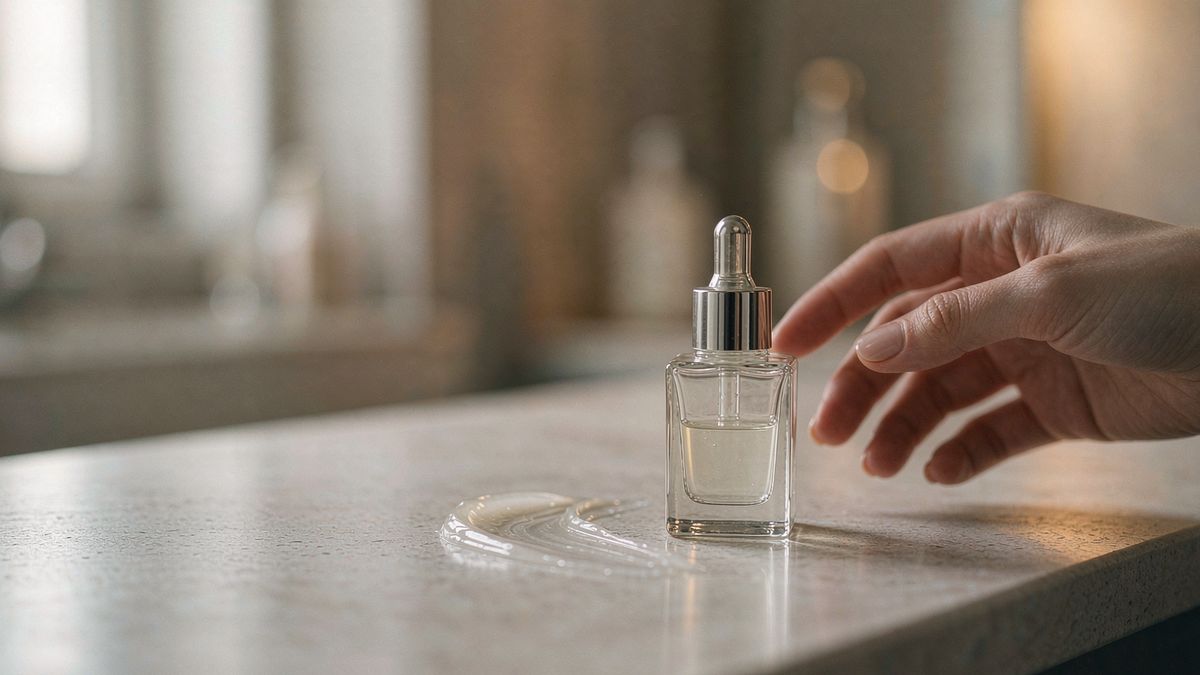
Beauty content is unusually dependent on motion: how a formula spreads, how a shade builds, how a finish catches light. Stills carry none of it, which is why the category shifted to video faster than most and why the production burden is now the constraint.
OpenFilmo covers the repeatable parts. Animate a product shot so it turns and catches light, build a short application clip from a description, caption the shade name and finish. For before-and-after comparisons, keep the framing identical between the two clips so the comparison is honest.
What it does
Built for this specific job, not a generic generator.
Image to video from product shots
A bottle, compact or palette becomes a clip that turns and catches light.
Text to video for application clips
Describe the application and generate a short illustrative clip.
Voiceover and captions
Narrate the routine and caption the shade, since most viewing is muted.
Consistent framing for comparisons
Reuse the same setup for both sides of a comparison so the result is not an artefact of framing.
How it works
Four steps, no timeline to learn.
Fix the lighting first
Finish and texture depend entirely on light. A well-lit still generates a convincing clip; a flat one does not.
Choose one honest motion
Rotation, push-in, or a pour. Avoid motion that implies a texture change the product does not deliver.
Caption shade and product name
Shade names are the detail customers search for. Caption them.
Keep comparisons consistent
Same framing, same light, same duration on both sides, or the comparison is meaningless.
What people make with it
The jobs this actually gets used for.
Product page loops
A turning product shot on every PDP instead of a single still.
Shade and swatch clips
Short clips per shade, captioned with the shade name.
Routine explainers
A narrated, captioned walkthrough of a multi-step routine.
Launch and restock announcements
Motion clips for a launch date or a restock, built from existing photography.
Why texture is the hard part
Lighting does the work. Motion only carries it.
Beauty video succeeds or fails on lighting, because finish and texture are what the customer is evaluating. Generated motion cannot invent specular highlights that are not in the source image, so the quality ceiling is set before generation starts.
That means the practical advice is unglamorous: invest in the still. A product shot with proper key light and a clean background generates clips that look produced, while a flat packshot generates clips that look cheap regardless of settings.
Once the source is right, the volume argument applies. Per-shade and per-SKU clips become affordable, and that coverage matters more than any single well-produced film.
Credits and plans
Generation is metered in credits, shared across every tool.
A five-second video costs 5 credits and one image costs 2. The Free plan gives you 30 credits every month with no credit card, no watermark and commercial use included. Paid plans start at $9 for 400 credits and add faster generation, parallel tasks and higher export resolution.
Related guides
Longer reads on the same workflow, from the OpenFilmo blog.
AI Product Video for Ecommerce: What Converts
How to make AI product video that converts: shot types ranked by impact, consistency requirements, and the workflow for generating…
AI UGC Video Generator: Creator Ads at Scale
How to use an AI UGC video generator for creator-style ads at scale: hook formulas, script structure, a testing framework and disc…
AI Video Upscaling to 4K: Refiners, Settings and Limits
How AI video upscaling and one-step refiners work, when to upscale versus regenerate at native resolution, and the settings that a…
AI tools
Single-purpose tools that run in the same workspace, on the same credit balance.
Related workflows
Closely related tools and guides on the same problem.
Frequently asked questions
Can I animate a beauty product photo?
Yes. Upload the still and give it rotation or a push-in so it catches light. Good lighting in the source is what makes the result convincing.
Should I use generated clips for before-and-after results?
Only for framing and presentation, never to depict an outcome the product does not produce. Generated imagery should not be used to imply a skincare or hair result.
Can I use these clips in paid campaigns?
Yes. Every plan including Free includes commercial use and watermark-free downloads, so clips can run in paid campaigns.
What does one clip cost?
A five-second clip costs 5 credits. The Free plan gives 30 credits monthly, roughly six clips. Paid plans start at $9 for 400 credits.
Can I narrate a routine inside OpenFilmo?
Yes. Voiceover and captions are part of the same workspace, so a narrated routine does not require exporting to another tool.