
AI Video for Fashion: Lookbook Clips and Campaign Motion
Fabric, drape and movement are what sell clothing, and all three are invisible in a still. Add motion to the shots you already have.
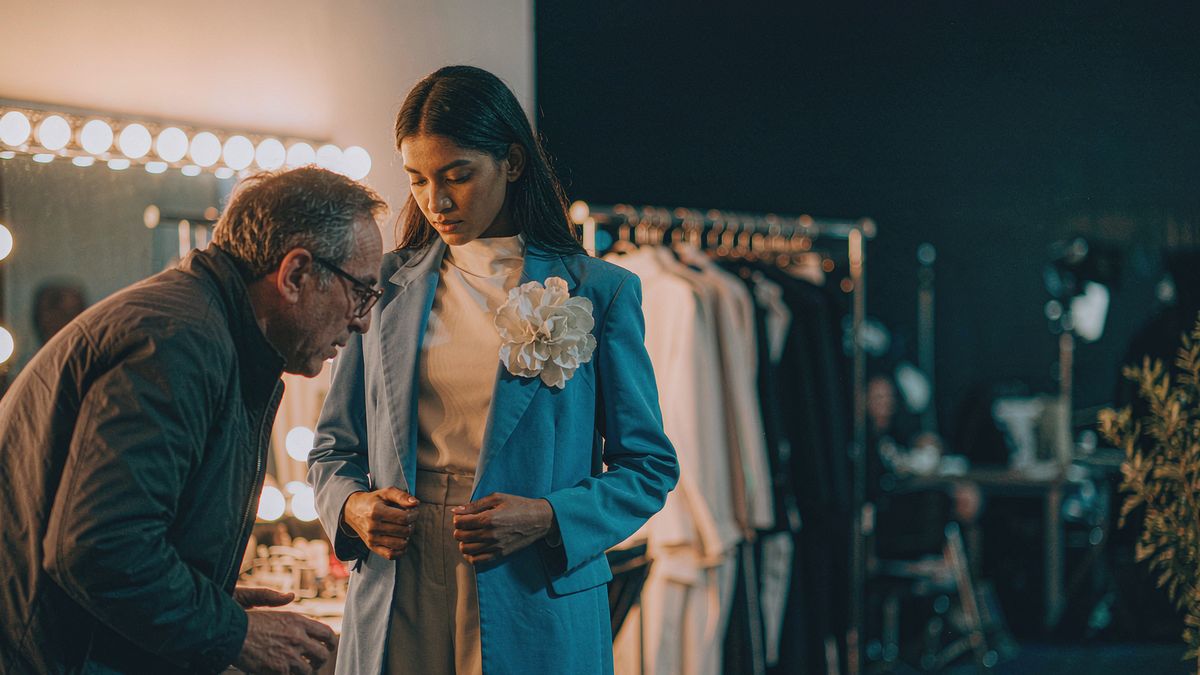
Fashion ecommerce has a specific problem: the garment only makes sense in motion, but lookbook video means a model, a crew and a location for every drop. Most brands therefore ship stills and accept the conversion cost.
OpenFilmo adds the motion layer without the shoot. Animate a lookbook still so the fabric moves, turn a flat lay into a slow reveal, or generate a concept clip for a colourway you have not sampled yet. Captions and music finish it in the same tab.
What it does
Built for this specific job, not a generic generator.
Image to video from lookbook stills
Give a model shot or a flat lay motion — fabric drift, a slow turn, a gentle push-in.
Text to video for colourways
Describe an unsampled colourway or setting and generate a clip to test it before production.
Vertical and square exports
9:16 for Reels and TikTok, 1:1 for the feed, 16:9 for the product page.
Captions and music
Add a track and a burned-in caption for drop dates and product names.
How it works
Four steps, no timeline to learn.
Start from the best-fitting shot
Fit and drape are already in the photo. Generation carries them; it does not correct them.
Keep motion slow and continuous
Fabric reads best with gentle continuous movement. Fast cuts flatten the material.
Caption the drop detail
Product name, colourway, drop date. Campaign motion without this is just atmosphere.
Export per channel
Vertical for social, wide for PDP, square for feed placements.
What people make with it
The jobs this actually gets used for.
Product page loops
A short loop per SKU so every product moves, not just the campaign hero.
Lookbook campaigns
Animate an existing lookbook into a campaign instead of re-shooting it.
Colourway testing
Generate a colourway you have not sampled and gauge response before cutting fabric.
Drop announcements
Short motion clips announcing a release date, built from existing imagery.
Why per-SKU motion beats one campaign film
The conversion lift is on the product page, not in the brand film.
A seasonal campaign film does brand work. The conversion lever is on the product page, where a customer deciding between two colourways needs to see how the garment moves — and that is exactly the page that never has video.
Generation makes per-SKU motion affordable. Instead of one film per season, every product can carry a loop, and the aggregate effect across a catalogue exceeds what a single hero asset delivers.
It also supports sampling decisions. Generating a colourway before it is produced is a cheap way to test demand, and it costs nothing to discard if the response is flat.
Credits and plans
Generation is metered in credits, shared across every tool.
A five-second video costs 5 credits and one image costs 2. The Free plan gives you 30 credits every month with no credit card, no watermark and commercial use included. Paid plans start at $9 for 400 credits and add faster generation, parallel tasks and higher export resolution.
Related guides
Longer reads on the same workflow, from the OpenFilmo blog.
AI Product Video for Ecommerce: What Converts
How to make AI product video that converts: shot types ranked by impact, consistency requirements, and the workflow for generating…
Image to Video AI: Animate Any Photo in Seconds
A complete guide to image to video AI: what makes a good source image, how to write motion prompts, top use cases, and how to fix …
Text to Video AI: Turn Any Prompt Into Video
Learn how text to video AI works, the four-part prompt formula that produces usable clips, how to fix common failures, and where i…
AI tools
Single-purpose tools that run in the same workspace, on the same credit balance.
Vidu models
The Vidu Q1 and Q2 models this site runs on, and how they compare to Kling, Veo and Runway.
Related workflows
Closely related tools and guides on the same problem.
Frequently asked questions
Can I animate an existing lookbook photo?
Yes. Upload the still and describe gentle continuous motion. Fabric and drape respond well to slow movement.
Can I generate a colourway I have not produced?
Yes, as a concept for testing demand. Treat it as a directional preview rather than an accurate product render before you sample.
Can I use these clips in paid fashion campaigns?
Yes. Every plan including Free includes commercial use and watermark-free downloads, so clips can run in paid campaigns.
What does one clip cost?
A five-second clip costs 5 credits. The Free plan gives 30 credits monthly, roughly six clips. Paid plans start at $9 for 400 credits.
Which export ratio should I use?
Export 9:16 for Reels and TikTok, 1:1 for feed placements and 16:9 for product pages. One generation can be exported in all three.