
Product video effect
Product Hero Video From a Single Pack Shot
A rotating hero shot is the one piece of footage most product pages are missing. Supply one pack photo, choose the frame you need, and the spin, the light and the setting are produced around it.
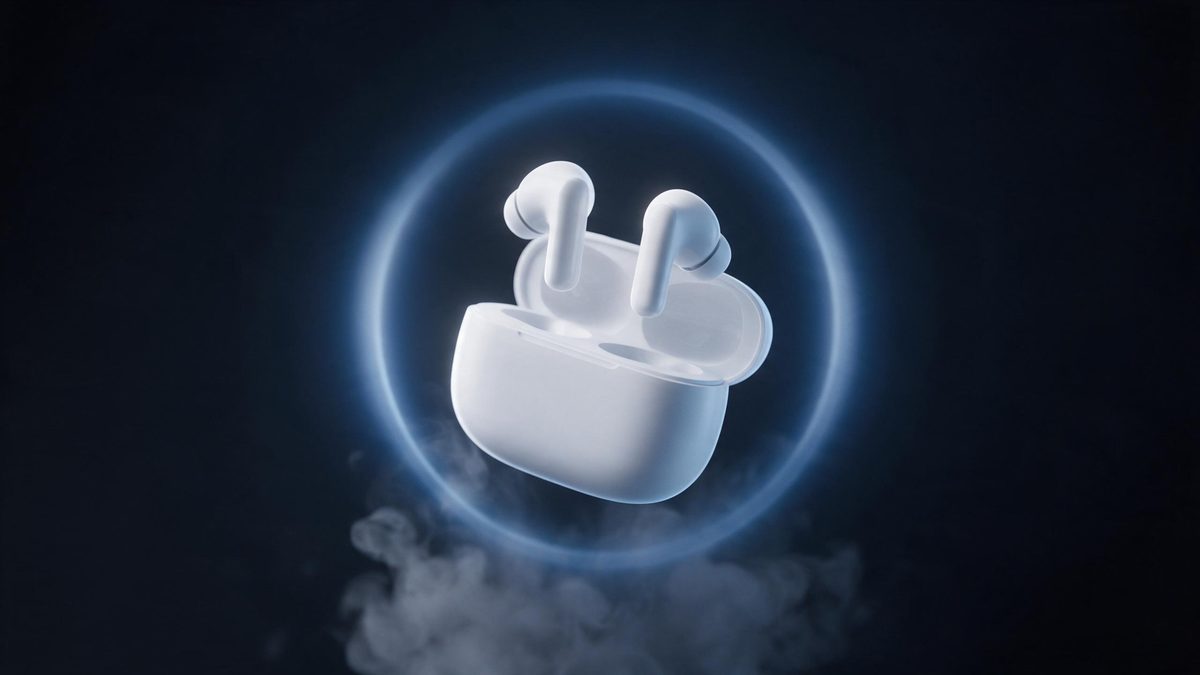
Most product listings open on a still photograph, taken on a table, lit by a window and cropped square because that was the template. It records the object accurately and it does nothing else. A five-second hero clip changes what a shopper sees in the first moment: the item turns, a light source rakes across it, and the shape reads from more than one side without anybody having to swipe. That is the gap this template is built to fill, and it fills it from a photograph you already have on file.
You hand over a single product image and pick the delivery shape: 9:16 for Stories and Reels, 16:9 for a listing video or an embedded player, 4:3 or 3:4 for a catalogue page, or 1:1 for a feed post. Output is a 5-second 720p clip for 45 credits. The decoration that surrounds the product is generated as well, which is what separates it from a plain turntable spin, and also what occasionally goes wrong.
Specs at a glance
Straight from the product panel, not from a marketing deck.
- Output
- 5-second video
- Credits
- 45 per run
- Resolution
- 720p
- Aspect ratio
- Your choice of 9:16, 16:9, 4:3, 3:4 or 1:1
- Input
- 1 photo — a single product
- Best results with
- A clear, front-facing product photo works best.
- Known limits
- Occasionally the product warps mid-spin, or the surrounding decorations come out oversized.
What it does
Built for this specific job, not a generic editor.
A full turn, not a pan
The product rotates in place under a set light while the camera holds its position. Viewers read the back and the sides of the item in one pass, which a single pack shot cannot manage however well it was photographed.
Five delivery shapes
Choose 9:16, 16:9, 4:3, 3:4 or 1:1 before rendering. The frame is composed for the shape you picked rather than cropped into it afterwards, so the item stays centred and the scenery is not trimmed at the edges.
One pack photo in
A single front-facing product image is the whole input. No turntable, no second reference angle and no studio booking. The photograph already sitting in your asset folder is enough to start from. Everything else, the light, the turn and the setting, arrives with the render.
Scene built around the object
Lighting, reflections and surrounding decoration are produced with the spin rather than added in an editor. The result reads as a shot somebody staged, which is the difference between a hero clip and an animated still.
How it works
Four steps, no timeline to learn.
Pick the pack shot
Choose one clear, front-facing product photo with the item fully in frame and the background uncluttered. Straight-on and evenly lit gives the turn the most to work from. A plain background keeps the generated decoration from crowding the object as it rotates.
Open the effect
Go to the Product Hero Video template in the OpenFilmo effect library and upload that single image. There is no second upload and no scene description to write before you continue.
Choose the output shape
Select 9:16 for Stories, Reels and Shorts, 16:9 for a listing video or a page embed, 4:3 or 3:4 for a catalogue, or 1:1 for a feed post. Decide before you render, not after.
Download and place it
Run the render for 45 credits, watch the 5-second 720p clip, and put it where it belongs. If the spin warps or the decoration comes out oversized, run it once more.
Where people use it
The jobs this effect actually gets used for.
Listing openers
A listing page whose first asset is a still photograph gives a shopper nothing to look at. Lead with the five-second turn instead and let the stills handle the detail further down the page.
Paid social creative
A rotating hero clip works as an ad creative where the product is the whole message: a supplement bottle, a candle, a small appliance, anything with a shape worth seeing from behind.
Launch announcements
A new SKU announced by email or in a post needs motion to read as news. One turn under a spotlight does that without a shoot, a location or a crew.
Marketplace video slots
Where a marketplace accepts a short product video, a 1:1 or 16:9 render fits the slot directly. Export the shape the slot asks for rather than resizing a finished file afterwards.
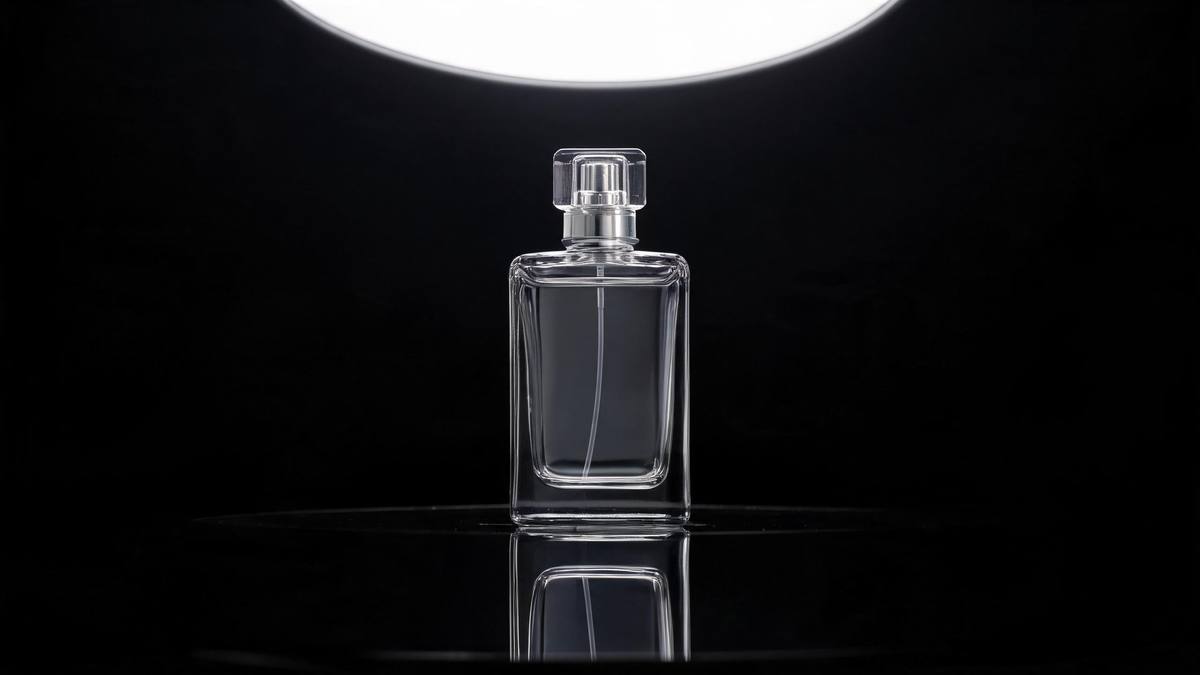
Why a five-second turn is worth more than another still
What the clip does that a photograph cannot, and what it costs.
A pack shot is a record; a turning clip is a demonstration. The shopper sees the back of the object, the depth of it, and how the finish behaves under a moving light, none of which is available from one well-lit frame taken head-on. That matters most for items whose shape carries the purchase: a bottle with a shoulder, a bag with a handle, a speaker with a grille on the reverse. Five seconds is long enough to read a complete turn and short enough that a loop restarts before attention drops.
The economics are the reason sellers bother. Shooting a proper turntable spin needs a motorised rig, a controlled light and somebody who knows how to keep reflections off a glossy surface, which is a studio day spent on one asset. This template takes a photograph that already exists and produces the turn from it, at 45 credits and 720p, in whichever of the five shapes the destination asks for. You trade absolute control for speed, and for the chance to test an idea before committing budget to it.
Be realistic about the failure modes, because they are specific. The product can warp partway through the spin, and the surrounding decoration sometimes renders larger than intended, which will push the item off-centre in the frame. Neither makes the clip unusable, but both mean you should render, watch the result, and run it again rather than publishing the first output sight unseen. A clean front-facing photo on a plain background reduces how often it happens.
Credits and plans
Every effect draws on one shared credit balance.
Product Hero Video costs 45 credits per render, which is more than the whole Free allowance of 30 credits a month, so a single run is not possible on Free. Starter is $9 a month for 400 credits, around eight runs of this effect, and Pro at $19 for 1,000 or Studio at $59 for 4,000 cover a heavier testing schedule. Every effect on OpenFilmo draws from the same balance, and the cost is shown before you confirm.
Related guides
Longer reads on the same workflow, from the OpenFilmo blog.
AI Product Video for Ecommerce: What Converts
How to make AI product video that converts: shot types ranked by impact, consistency requirements, and the workflow for generating…
AI UGC Video Generator: Creator Ads at Scale
How to use an AI UGC video generator for creator-style ads at scale: hook formulas, script structure, a testing framework and disc…
AI Video Cost Per Minute: The Real Numbers in 2026
How to calculate true AI video cost per finished minute: generation price, regeneration waste, edit time and iteration, with worke…
Related effects
Same family of effects, on the same kind of input.
Frequently asked questions
What photo should I upload?
One clear, front-facing image of a single product, shot straight on with the item fully inside the frame. A plain background helps, and even lighting matters more than resolution. The template reads one product per render, so choose the SKU you want in the hero slot rather than a group shot.
Which aspect ratio should I choose?
Use 9:16 for Stories, Reels and Shorts, where vertical fills a phone screen. 16:9 suits a listing video, a page embed or YouTube. 4:3 and 3:4 work for catalogue layouts, and 1:1 is the safe choice for a feed post sitting beside your other images.
How long is the finished clip?
Five seconds at 720p, produced from one product photo. That is long enough for a complete turn with the generated setting visible around the object, and short enough to loop on a platform that restarts the clip automatically. The file downloads ready to place, with no editing step in between.
Can I run this on the Free plan?
No. One render costs 45 credits and the Free plan includes 30 credits per month, so a single run exceeds the whole monthly allowance. Starter at $9 a month for 400 credits is where this effect becomes usable, giving roughly eight renders.
What tends to go wrong?
Occasionally the product warps partway through the spin, and the surrounding decorations can render larger than the object. Both are visible in the finished file, so watch the result before placing it. A clean front-facing photo with an uncluttered background reduces how often it happens.