
Product video effect
Product on a Plate: A Served Reveal
A reveal has a shape that a flat pack shot does not: something is covered, then it is not. Upload one product photo and the table, the plate and the lift are generated around it.
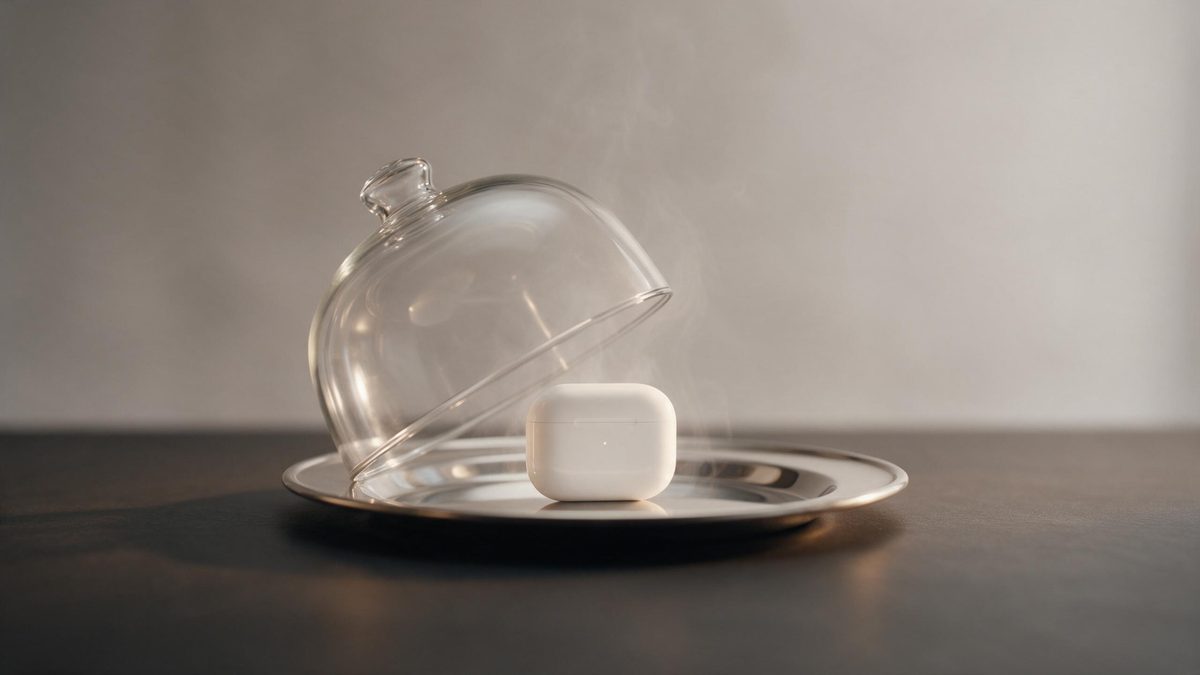
Food and drink brands have one advantage over every other category: the product arrives with a ritual attached. Something is brought to the table, something is uncovered, and for a moment the only thing in the frame is the dish. That moment is the whole reason restaurant footage works, and it is available to a packaged product too, provided somebody can produce it without a kitchen, a crew and a service window.
This template builds the reveal from one front-facing product photo. You get a 5-second 720p clip for 45 credits, in 9:16, 16:9, 4:3, 3:4 or 1:1. The plating and the setting are generated alongside the object, which is what makes it look like a served dish rather than a product dropped onto crockery, and also why the styling occasionally comes out wrong or the item tips over instead of standing.
Specs at a glance
Straight from the product panel, not from a marketing deck.
- Output
- 5-second video
- Credits
- 45 per run
- Resolution
- 720p
- Aspect ratio
- Your choice of 9:16, 16:9, 4:3, 3:4 or 1:1
- Input
- 1 photo — a single product
- Best results with
- A clear, front-facing product photo works best.
- Known limits
- Occasionally the product styling comes out wrong, or it tips onto the plate instead of standing.
What it does
Built for this specific job, not a generic editor.
A reveal with a shape
The shot starts covered and ends presented, which gives the five seconds a beginning and an end. A pack shot has neither, and that is why it holds attention for less time. That structure is available to any product, not only to restaurants.
Table setting generated
Plate, surface and surroundings are produced in the render. Nothing has to be styled, borrowed or bought, and the setting is lit to match the object you uploaded. Consistency across a range comes free, since every SKU gets the same table.
One photo, five shapes
A single clear, front-facing product image is the input. Export 9:16, 16:9, 4:3, 3:4 or 1:1, so the same render fits a Story, a listing video or a feed post. Decide before the render runs, because the composition follows the shape you chose.
Five seconds, loop ready
The reveal completes inside five seconds and resets cleanly on platforms that autoplay. The clip plays again without the viewer making any decision to watch it twice. That repetition is what accumulates watch time on a looping placement.
How it works
Four steps, no timeline to learn.
Photograph the product front-on
Use one clear, front-facing image with the item fully in frame and the background plain. A single product per render reads most reliably, so leave other items out of the shot.
Open Product on a Plate
Go to the template in the OpenFilmo effect library and upload the image. The plate, the cover and the table are generated, so there is nothing to stage beforehand. One photograph is all the effect needs, so nothing has to be staged first.
Choose the frame
Pick 9:16 for Reels, Stories and Shorts, 16:9 for a listing video, an email header or a page embed, or 4:3, 3:4 or 1:1 for a feed or catalogue tile.
Check how it lands
Run the render for 45 credits and watch whether the product stands on the plate. If the styling is wrong or it tips over, run the effect again before you publish.
Where people use it
The jobs this effect actually gets used for.
Food and drink launches
A new product needs to look like food rather than inventory. A served reveal does that in five seconds and asks for one photograph in return. It also gives a launch a frame the stills cannot supply.
Menu and delivery pages
A 16:9 render sits well at the top of an online menu or a delivery listing, where a moving dish reads differently from a grid of identical thumbnails. Movement at the top of the page separates it from a grid of thumbnails.
Vertical recipe content
A 9:16 clip of the product being served works as one step inside a longer recipe or routine post, giving the branded item a natural place in the sequence. The product stays the subject without turning into an interruption.
Seasonal and gifting posts
Gift sets and seasonal items benefit from a presentation shot. Use the reveal as the opener on a holiday campaign without arranging a shoot in December. One render covers the whole run, whatever the season turns out to be like.
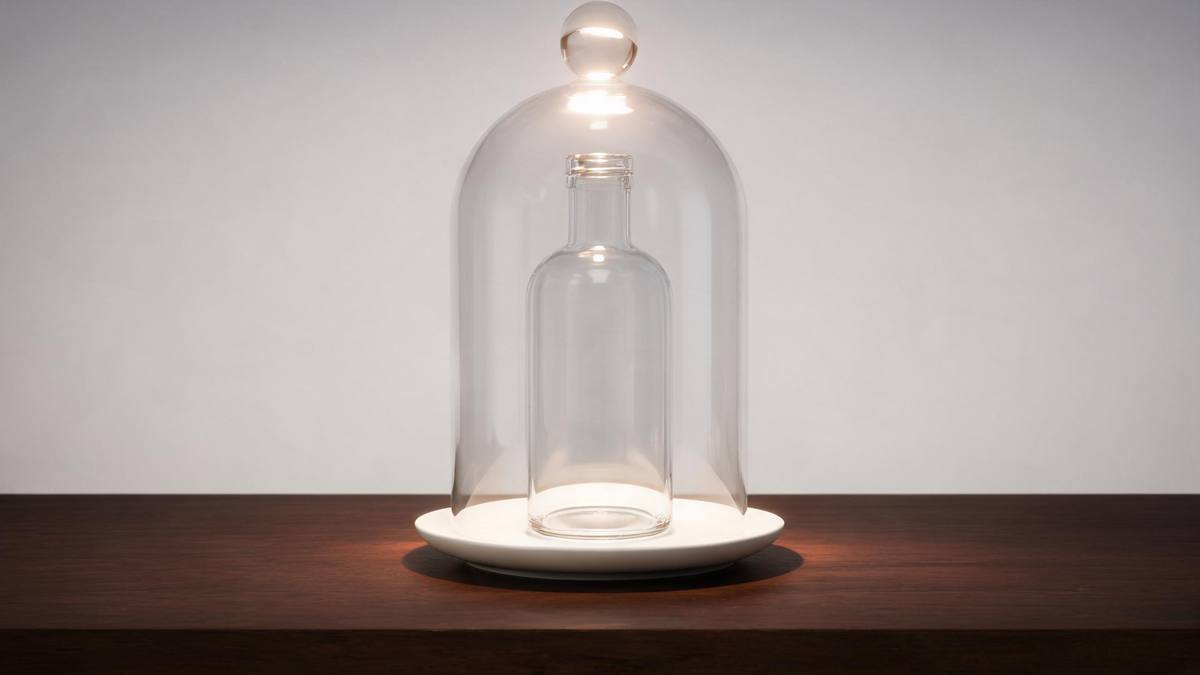
Why the served reveal outperforms the pack shot
Ritual, and the two ways it can go wrong.
A reveal is one of the few structures short-form video has that stills cannot borrow. There is anticipation built into the format itself: the viewer knows something is about to appear and waits the half second for it, which is half a second more attention than a static product earns. For food, drink, supplements and anything else that is consumed, that framing also places the product in the moment it is actually wanted, rather than in the moment it is being stored.
Producing that shot normally means a kitchen, a stylist, and a crew who can shoot a lift cleanly at a frame rate that holds up on a phone screen. It is a half day for one asset. Generating it from a front-facing product photograph makes the same idea available to a brand with no production budget, at 45 credits and 720p, in whichever of the five shapes the channel takes, and lets the concept be abandoned cheaply if it does not perform.
The failure modes are worth knowing before you rely on it. Occasionally the styling of the product comes out wrong, so the object is presented in a way you would not approve, and sometimes it tips onto the plate instead of standing upright. Neither is subtle in the finished clip. Watch the result, run it again, and start from a clean front-facing photograph of a single item on a plain background to reduce how often it happens.
Credits and plans
Every effect draws on one shared credit balance.
Product on a Plate costs 45 credits per render, above the 30 credits a Free account receives each month, so one run is not possible on Free. Starter is $9 a month for 400 credits, around eight runs of this effect, and Pro at $19 for 1,000 or Studio at $59 for 4,000 cover a fuller campaign. Effects share one balance, and the cost appears before you confirm.
Related guides
Longer reads on the same workflow, from the OpenFilmo blog.
AI Product Video for Ecommerce: What Converts
How to make AI product video that converts: shot types ranked by impact, consistency requirements, and the workflow for generating…
AI UGC Video Generator: Creator Ads at Scale
How to use an AI UGC video generator for creator-style ads at scale: hook formulas, script structure, a testing framework and disc…
AI Video Cost Per Minute: The Real Numbers in 2026
How to calculate true AI video cost per finished minute: generation price, regeneration waste, edit time and iteration, with worke…
Related effects
Same family of effects, on the same kind of input.
Frequently asked questions
What input does this need?
One clear, front-facing photograph of a single product, with the item fully inside the frame. A plain background helps. The template presents one object, so a group shot will not give you the result you are expecting. Keep the props out of the shot, because a single object reads most reliably.
Which output shapes are offered?
Any of 9:16, 16:9, 4:3, 3:4 or 1:1. Use 9:16 for Stories, Reels and Shorts, 16:9 for a listing video, a menu page or an email header, and 1:1 or 4:3 for a feed post or a catalogue tile. Make that choice before the render, since the frame is composed for it.
What do I get at the end?
A 5-second 720p clip in which the product is presented on a plate, with the table and setting generated in the same render. What lands is a finished file, needing no time in an editor. Nothing needs assembling afterwards, so the clip is ready when it lands.
Does the Free plan cover a run?
No. The effect costs 45 credits and Free includes 30 credits per month, so a single render exceeds the monthly allowance. Starter, at $9 monthly for 400 credits, is where it opens up, giving about eight renders. The same credit pool funds every other template in the library.
What goes wrong sometimes?
Occasionally the styling of the product comes out wrong, and sometimes it tips onto the plate instead of standing. Both are visible in the finished clip, so watch it through and run the effect again rather than publishing the first result.