
Product video effect
Food Explosion: A Pack Shot That Bursts Open
Energy is the one thing a food pack shot cannot show. This template takes a single product photograph and breaks it open into a burst of ingredients.
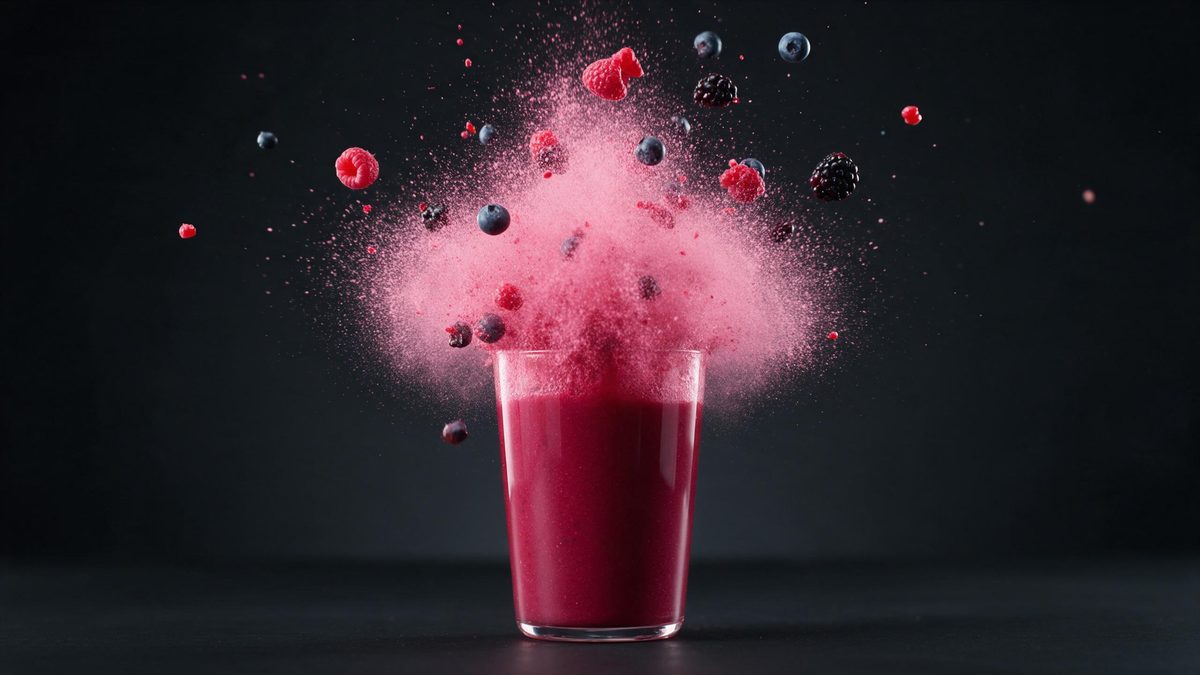
Food advertising has always relied on the moment of release: the crack, the burst, the splash, the crumb that goes everywhere. It is the shot that says the product has something inside it worth getting out. A pack shot cannot say that at any resolution, which is why food brands spend so much on high-speed cameras and why the footage is so rarely available to anyone without that budget.
This template produces the burst from a single product photograph. The input is best as a food or drink product, and the output is a 5-second 720p clip for 45 credits in 9:16, 16:9, 4:3, 3:4 or 1:1. The explosion itself is generated rather than simulated from anything you supply, so the one thing to watch is that occasionally it does not happen at all.
Specs at a glance
Straight from the product panel, not from a marketing deck.
- Output
- 5-second video
- Credits
- 45 per run
- Resolution
- 720p
- Aspect ratio
- Your choice of 9:16, 16:9, 4:3, 3:4 or 1:1
- Input
- 1 photo — a single product
- Best results with
- Food and drink products
- Known limits
- Occasionally the explosion never happens.
What it does
Built for this specific job, not a generic editor.
The burst is the point
The product opens and its contents fly out, which is the structure food advertising has used for decades and the one a still photograph structurally cannot deliver. The structure is the same one food advertising has relied on for decades.
Tuned for food and drink
The template expects food and drink products in the source image. Snacks, sauces, confectionery and beverages are what it is built around, so keep to that category. Snacks, sauces, confectionery and drinks are what it was built around.
Five shapes, one render
At the export step you take your pick of 9:16, 16:9, 4:3, 3:4 or 1:1. Tall for Reels, Stories and Shorts, broad for a listing, an email header or an embed. Since the shot is composed to the ratio, that ratio comes first.
Short enough to replay
The burst completes within five seconds and resets on platforms that autoplay, so the moment plays again without the viewer choosing to watch it twice. Autoplay does the rest, stacking view time with every pass.
How it works
Four steps, no timeline to learn.
Choose a food or drink shot
Pick one clear, front-facing photograph of a single food or drink product. Keep the item fully in frame on a plain background, and avoid group shots of several packs. Keep the item isolated, since the template bursts one product at a time.
Open Food Explosion
Open the effect inside OpenFilmo and hand over the photograph. The burst and the setting are produced in the render, so no second asset is needed. A single photograph is the entire brief, with nothing else to prepare.
Set the frame
Select 9:16 for vertical placements, 16:9 for a listing video or a page embed, or 4:3, 3:4 or 1:1 for a feed post or a catalogue tile. Confirm the frame first: the composition is generated to fit it.
Confirm the burst
Run the render for 45 credits and watch the clip through. Occasionally the explosion never happens, so check before you place it and run the effect again if it stalls.
Where people use it
The jobs this effect actually gets used for.
Snack and confectionery posts
Products sold on appetite need energy in the frame. A burst gives a five-second clip the one quality a pack shot of a bag or a bar cannot produce. Appetite is triggered by breaking, and this is the shot that breaks.
Vertical ad openers
A 9:16 render opens a Reel with something already happening, which is the only reliable way to hold the first second on a vertical platform. Movement in the opening second is what a vertical ad has to deliver.
Menu and delivery listings
A 16:9 clip at the top of a delivery page or a menu makes a dish read as food rather than as a thumbnail in a grid of thumbnails. Movement at the top is what lifts it out of the grid.
Seasonal promotion frames
Use one burst clip as the recurring opener across a short promotional run, so the campaign has a signature shot without a shoot for each day. One signature frame is enough to carry a short run of posts.
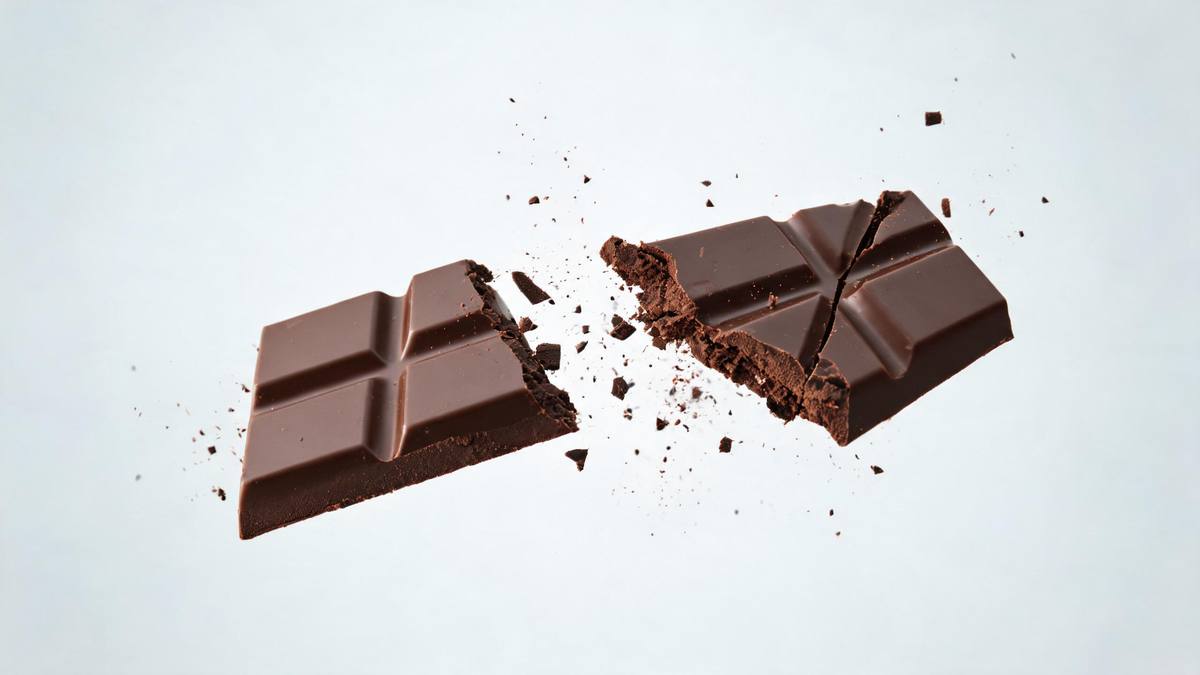
Why appetite needs the moment of release
What the burst does, and the one failure to check for.
Appetite is triggered by motion and by breaking. A whole, intact product is a photograph; a product coming apart is an event, and events hold attention in a way that objects do not. That is why the same shot turns up in every category from crisps to coffee: something is opened, something escapes, and the viewer registers abundance rather than specification. It is the closest thing food marketing has to a universal structure.
The reason it is rare for small brands is purely cost. Controlled bursts need a high-speed camera, a rig, a lot of cleaning up and an operator who has done it before, and the usable footage is measured in seconds. Generating one from a single pack shot removes all of that. At 45 credits for a 5-second 720p clip, in whichever of the five shapes a placement wants, the idea becomes cheap enough to try and cheap enough to discard.
There is one failure mode and it is blunt: occasionally the explosion never happens. You get a five-second clip of a product that does not open. It is not subtle, it is not a matter of taste, and there is no way to fix it in the file. Watch the render before you place it anywhere, and run the effect again. A clear front-facing photograph of a single food or drink product on a plain background is the input most likely to produce the burst.
Credits and plans
Every effect draws on one shared credit balance.
Food Explosion costs 45 credits per render, which is above the 30 credits a Free account receives in a month, so a single run is not possible on Free. Starter is $9 a month for 400 credits, around eight runs of this effect, and Pro at $19 for 1,000 or Studio at $59 for 4,000 suit a busier promotional calendar. One balance covers every effect and the cost shows before you confirm.
Related guides
Longer reads on the same workflow, from the OpenFilmo blog.
AI Product Video for Ecommerce: What Converts
How to make AI product video that converts: shot types ranked by impact, consistency requirements, and the workflow for generating…
AI UGC Video Generator: Creator Ads at Scale
How to use an AI UGC video generator for creator-style ads at scale: hook formulas, script structure, a testing framework and disc…
Runway Ads: Autonomous Ad Generation, and What to Verify
Runway Ads claims 1,000% more ad volume at 2x ROAS. What autonomous ad generation does, which claims to trust, and how to test it …
Related effects
Same family of effects, on the same kind of input.
Frequently asked questions
What products suit this effect?
Food and drink products. Snacks, confectionery, sauces and beverages are what the template is built around. One clear, front-facing photograph of a single item on a plain background gives the cleanest result. Shoot one product, front-on, with the whole item inside the frame.
What does the render actually produce?
A 5-second 720p clip in which the product bursts open, generated from your single photograph. The burst and the setting are produced together in the render, so there is nothing to composite afterwards. It comes out complete, with nothing to assemble in an editor.
Which shapes can I export?
Pick from 9:16, 16:9, 4:3, 3:4 and 1:1. Choose 9:16 for Reels, Stories and Shorts, 16:9 for a listing video, an email header or a page embed, and 1:1 or 4:3 for a feed or catalogue tile. Fix the ratio first, since the composition is generated around it.
Will Free stretch to a single render?
No. One render costs 45 credits while Free includes 30 credits per month, so a single run exceeds the allowance. Starter at $9 a month for 400 credits is where it becomes usable, at roughly eight renders. Your remaining credits are shared across the full library.
What goes wrong sometimes?
Occasionally the explosion never happens and you get five seconds of an intact product. It is obvious once you watch the clip, so check the render before placing it and run the effect again from a clean food or drink photograph.